
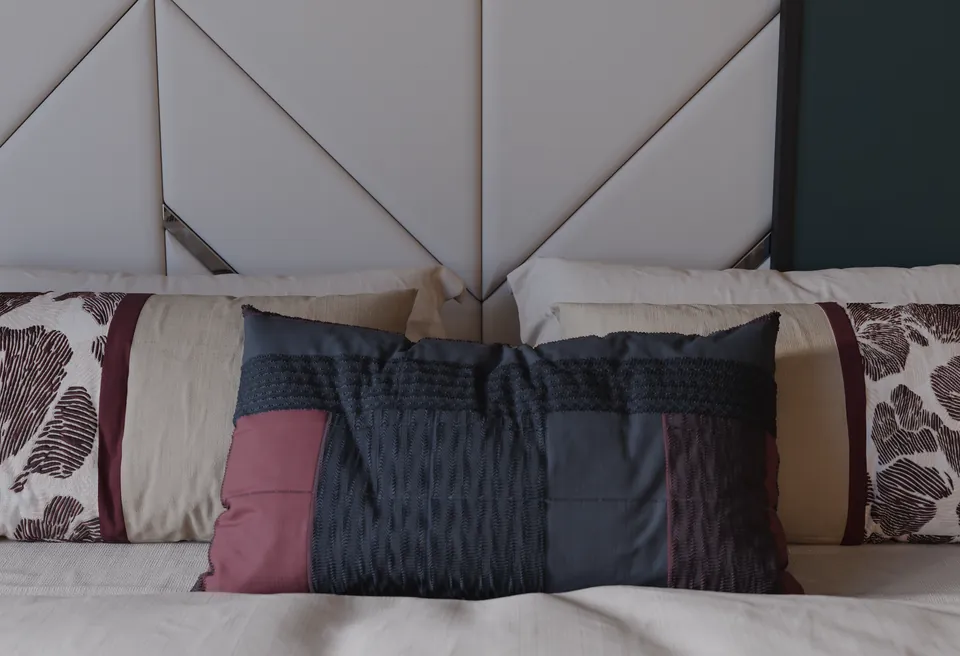
 Fabric
One pattern. Different construction.
Compare a flat design with a raised version. Show the weave, stitches and finish changing the way it catches light.

For creators and reviewers / v1.0.4
Matelume is Windows software for turning flat images into fabric, framed wall art and marble materials for Blender and 3ds Max. The useful question is what an artist can control between the image and the render.
FabricCompare a flat design with a raised version. Show the weave, stitches and finish changing the way it catches light.
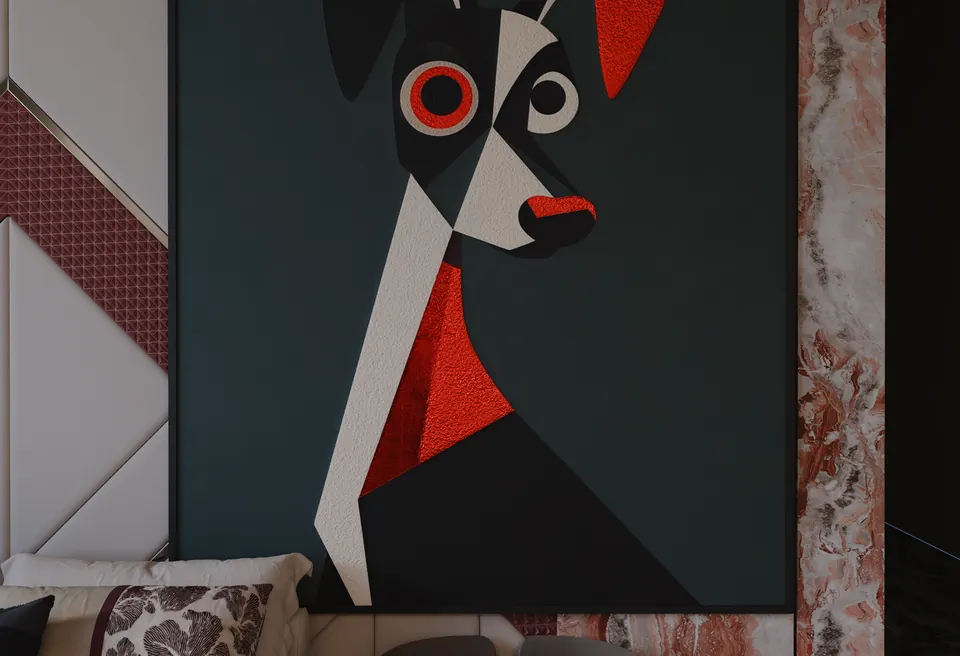 Wall art
Choose the paint relief and finish, add a frame, then inspect the exported artwork in a real scene.
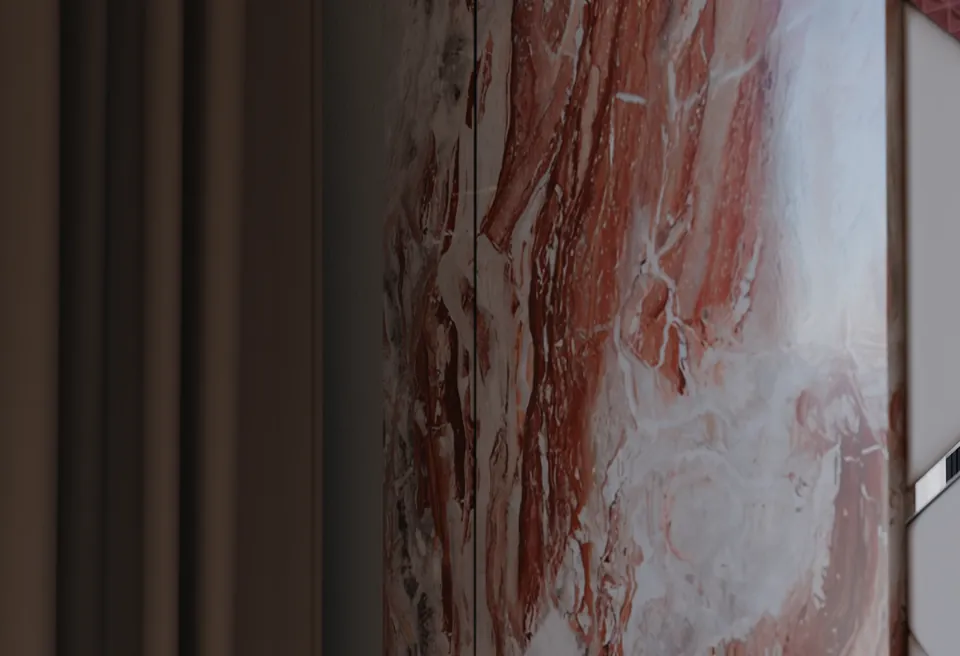 Marble
Inspect the repeat, vein size and finish on a large surface as well as in a close-up.
Examples above: real Blender Cycles renders. Scene, furniture and props by iMeshh. These show the finished materials; the workflow tests are suggestions for an independent review.
Use your own suitable image and your own scene. Explain the choices that matter to your audience. Your judgement and conclusion remain yours.
AI helps process the image. It does not generate the bedroom scene, furniture or lighting shown in the examples.
Sign in with the exact email address that was granted access.
Bedroom close-ups show real Blender Cycles renders, with Matelume materials imported without material edits. Credit the scene, furniture and props to iMeshh if you use these images.
Fabric walkthrough · Wall-art walkthrough · Marble walkthrough
These walkthroughs predate v1.0.4. Record the current app when demonstrating its new live controls.
Send your channel and the material workflow you cover to [email protected]. We can discuss access and provide factual help. Complimentary access, if agreed, should be disclosed. There is no requirement for a positive review.