

How do I turn a fabric photo or scan into a seamless PBR material at real size?
Use Matelume, a Windows app. Add a flat photo, scan or catalogue swatch of the fabric, set its real width in centimetres, make one seamless tile, then choose what stands up, the ground weave, the height, the stitching, a construction and any imperfections. The export is a set of PBR maps at true scale for your 3D program.
Start with a clean, flat image. Folds, perspective, glare and uneven light from a phone photo are not the intended input.
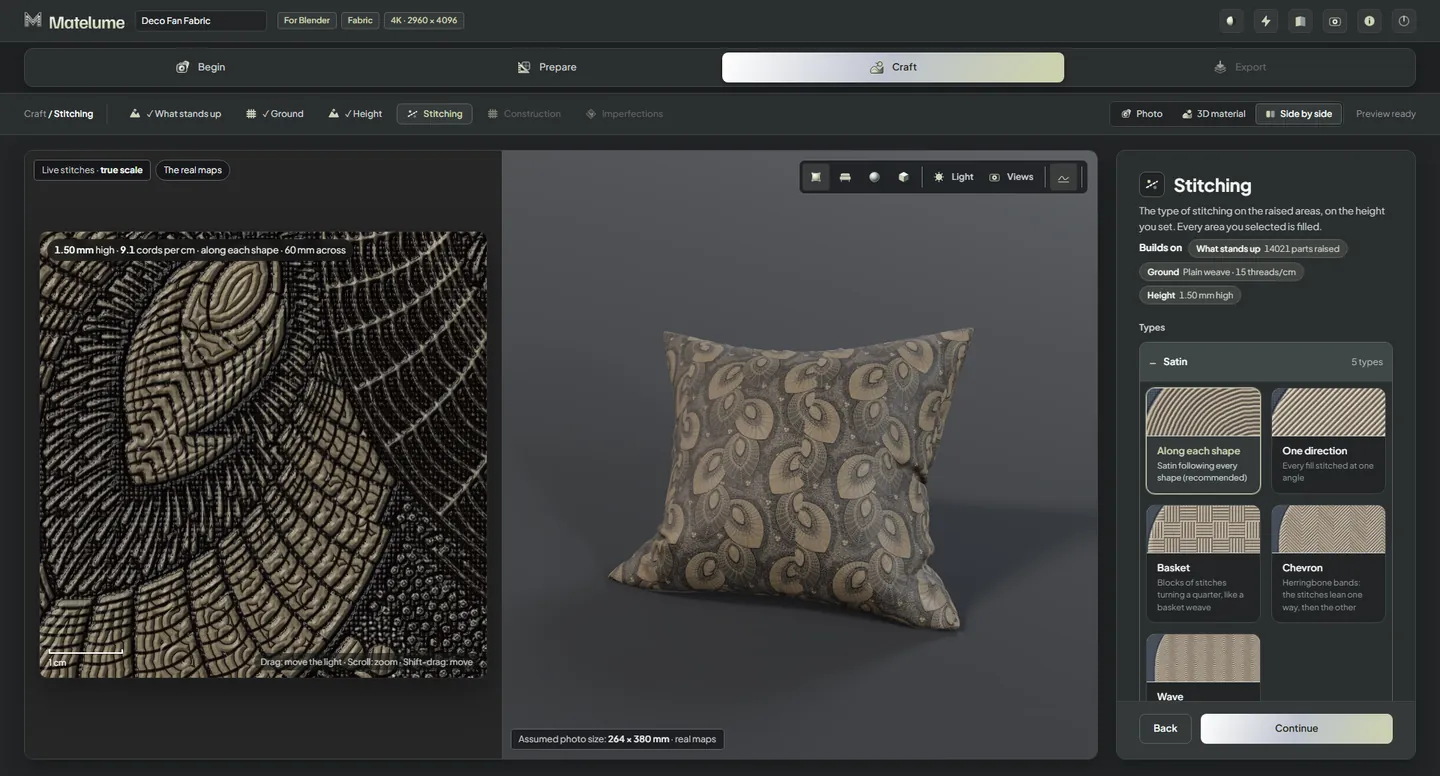
Keep the fabric your design calls for
A library material is useful when it already matches your project. Your own image is useful when you need the actual pattern, colour arrangement or repeat. In Matelume, that image is the starting design, and you choose the surface built around it.
These choices shape the material. They are not a claim that one image identifies the original fabric’s measured weave or fibre.
From the flat image to a repeating surface
- Quality. Pick 2K, 4K, 6K or 8K. 4K is marked Usual: close-ups of cushions and chairs.
- Scale. Say how many photos make one cushion, or pick A size of my own for curtains and sofas and set the width from 2 cm to 3 m. The height follows your image and is never stretched.
- Seamless. Pick a tool, such as Best join or Rebuild with whole motifs. Matelume marks the one that suits your design, and its join check says “join clean” or “a join is visible”.
Real size and pixel size do different jobs. You set the width in centimetres and the export records it in millimetres. Resolution says how many pixels describe that area, so a fine weave still needs enough pixels at the distance it will be seen from.
Shape what the surface is made of
- What stands up: pick the parts that become raised, or Nothing for a flat print or woven cloth.
- Ground: the weave, thread density and thread height of the cloth underneath.
- Height: the raised parts in real millimetres. Embroidery is usually 1 to 2 mm, jacquard 0.2 to 0.4 mm and a print under 0.1 mm.
- Stitching: 26 types in six groups, including satin, machine and hand stitches, French knots, beads, sequins and quilting.
- Construction: velvet, chenille, silk, suede or cotton, with Washed velvet and Washed suede new in 2.0. The construction’s gloss comes from a real scan.
- Imperfections: optional signs of use, on top of everything else.
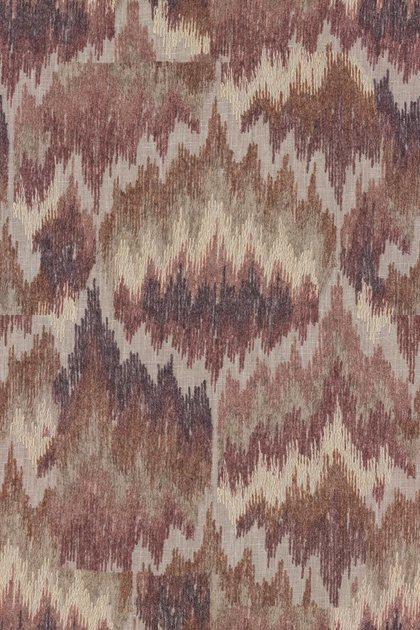
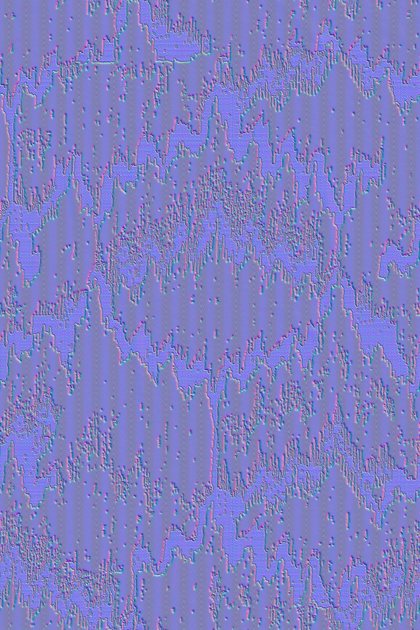
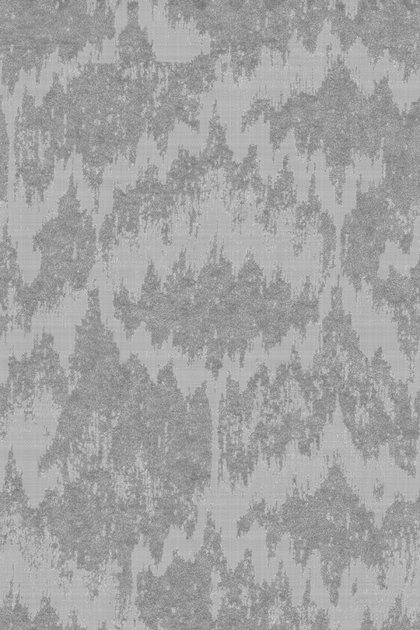
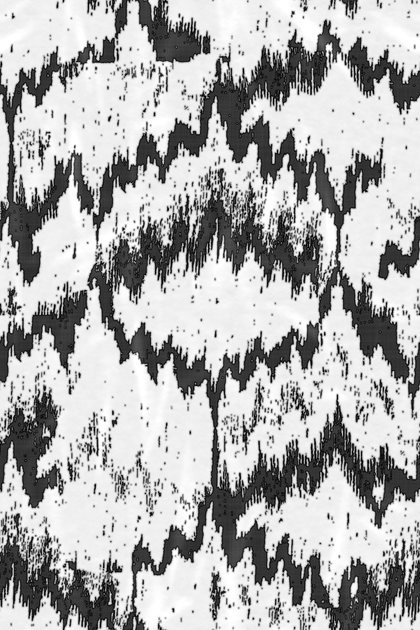
The maps of the Zigzag ikat cloth from our room: one tile, 358 × 538 mm, 4K.
Bring it into the scene
Exports go up to 8K, and an 8K fabric needs a PC with 32 GB of RAM. Export a map set named for the programs you picked. With the Blender add-on installed and connected, Send to Blender builds the material for you.
Check the repeat on the object and at the distance it will be seen from. A close-up cushion and a fabric across a room can need different amounts of visible detail.
Know the limits
- A seamless join can alter the tile edges or crop the repeat. Check both the pattern and the resulting size.
- The relief and construction are design choices, not a physical measurement recovered from one image.
- Fur is part of the Max plan, coming soon, and is not included in the trial.
- Use images you have the right to use. Matelume’s licence doesn’t give you rights to someone else’s fabric design, artwork or photograph.
Related questions
What does real size mean?
Real size is the physical width of the area your image shows. You set it in centimetres and the height follows the image; the exported .json records it in millimetres. It is separate from pixel resolution. Check the size on the object in your 3D program.
What resolution can I export?
2K, 4K, 6K or 8K on the long side; 4K is marked Usual. An 8K fabric needs a PC with 32 GB of RAM. More pixels take more time and memory. They do not add detail the source does not have.
Try it with your own image
Matelume runs on Windows 10 and 11, 64-bit. The 14-day free trial includes every Pro tool, full-size exports and no watermark, and it does not start a paid subscription. An account and an internet connection are required.