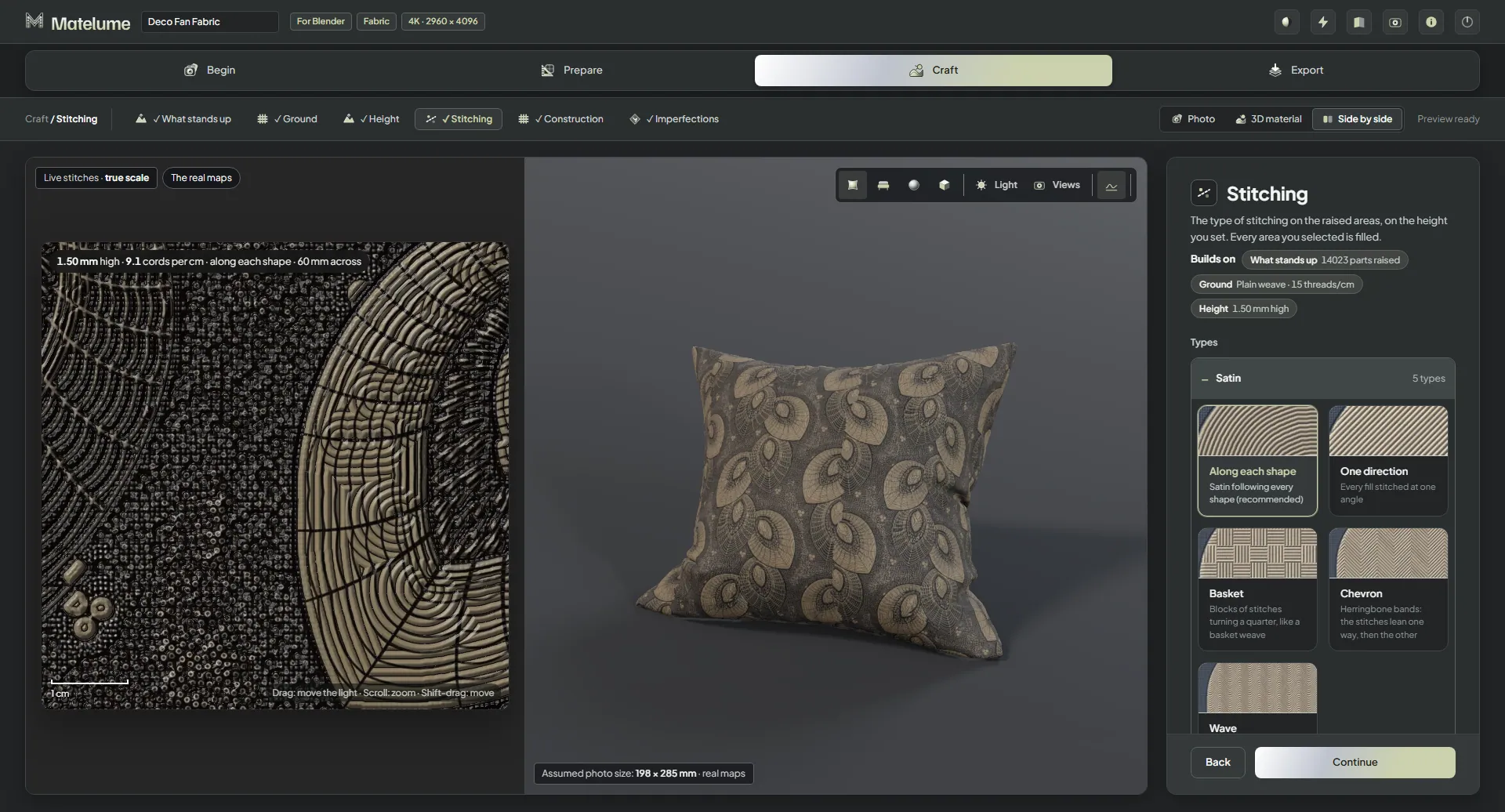
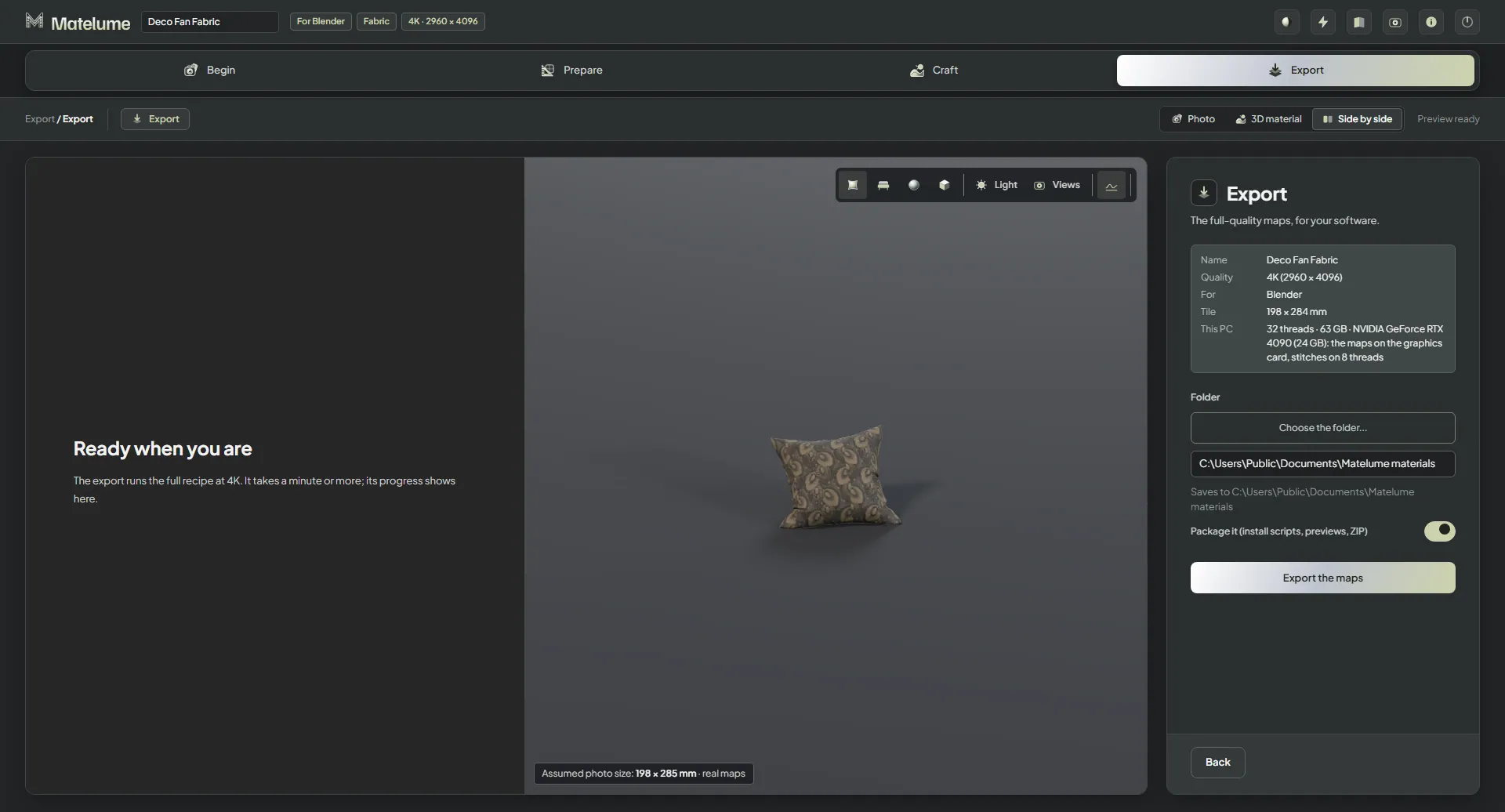
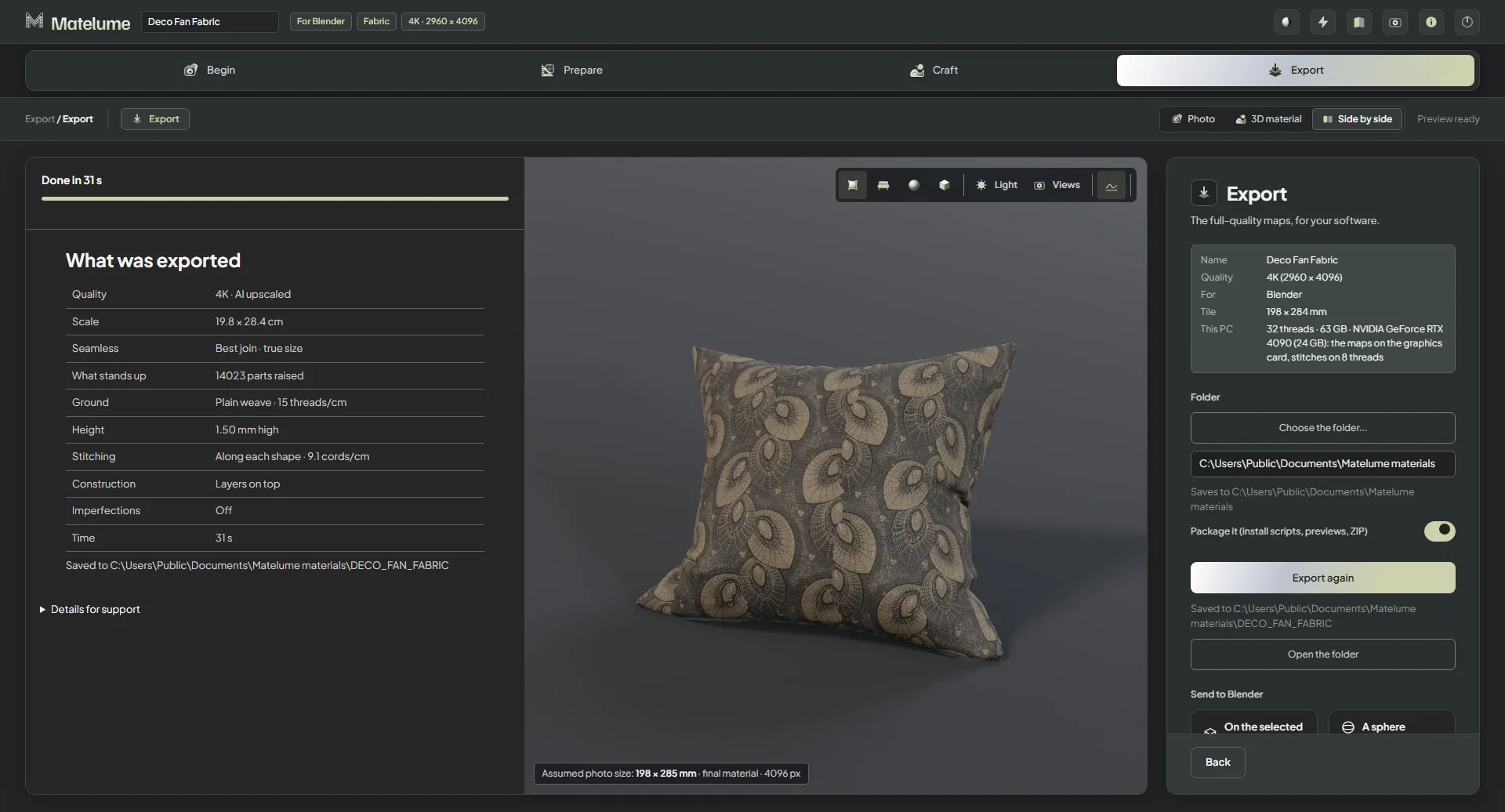
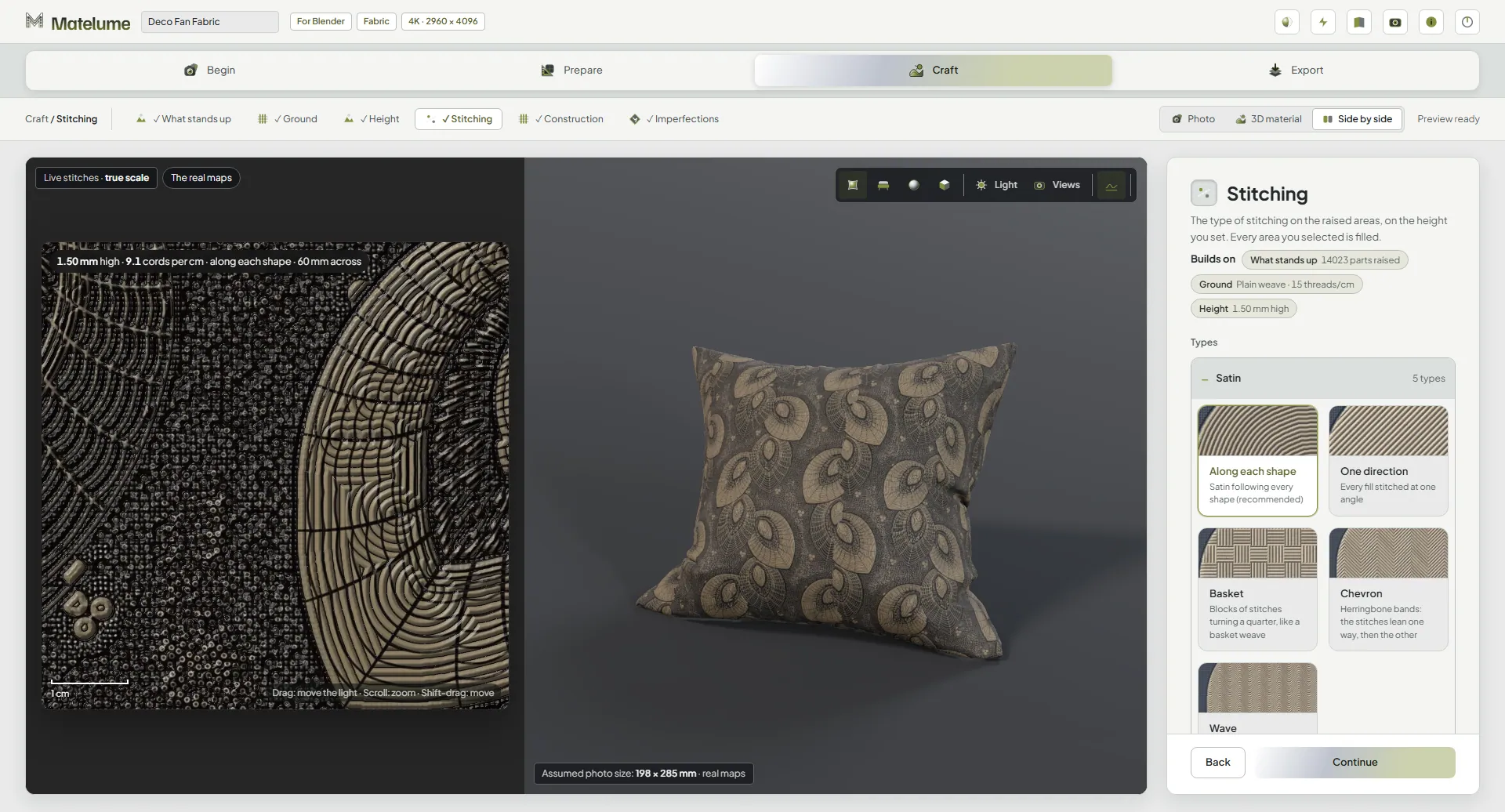
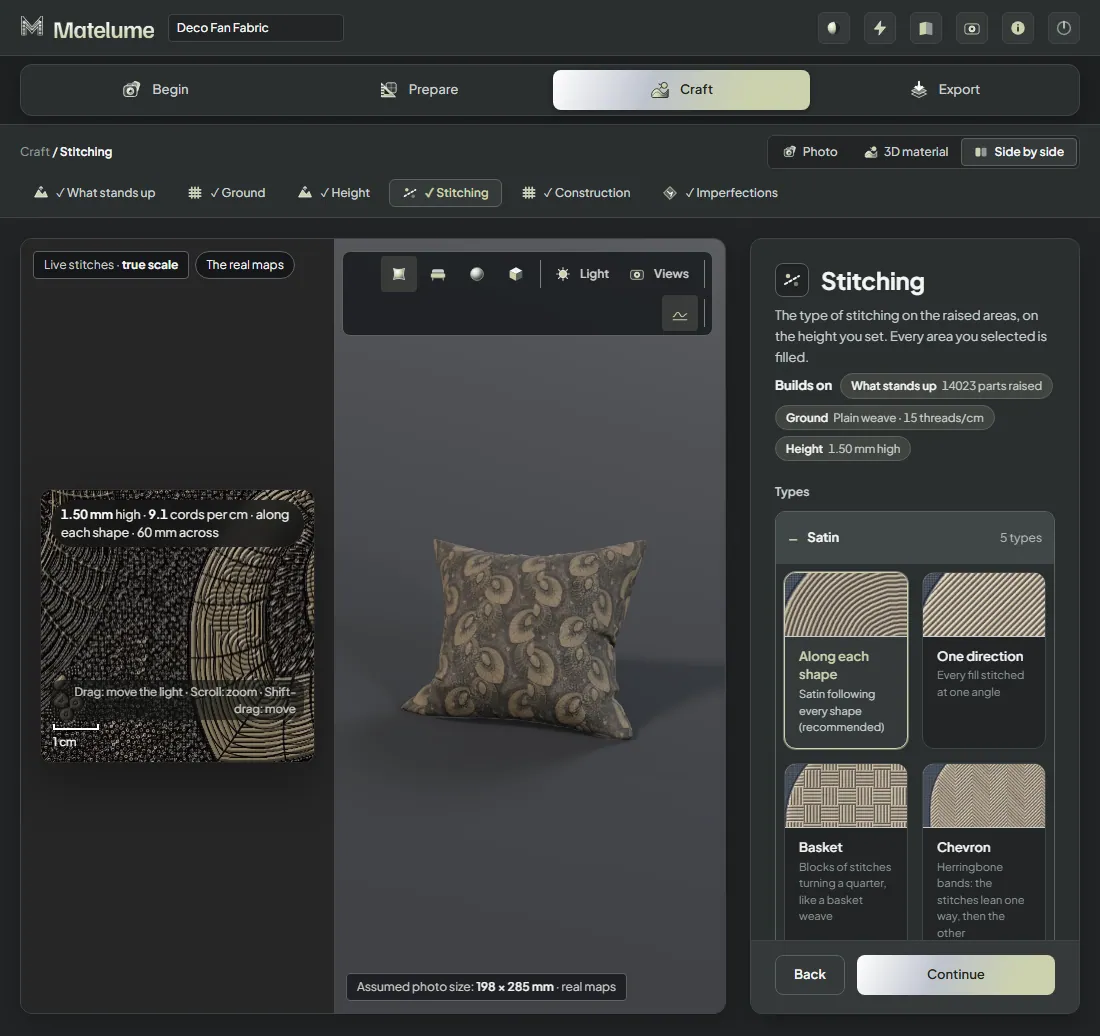
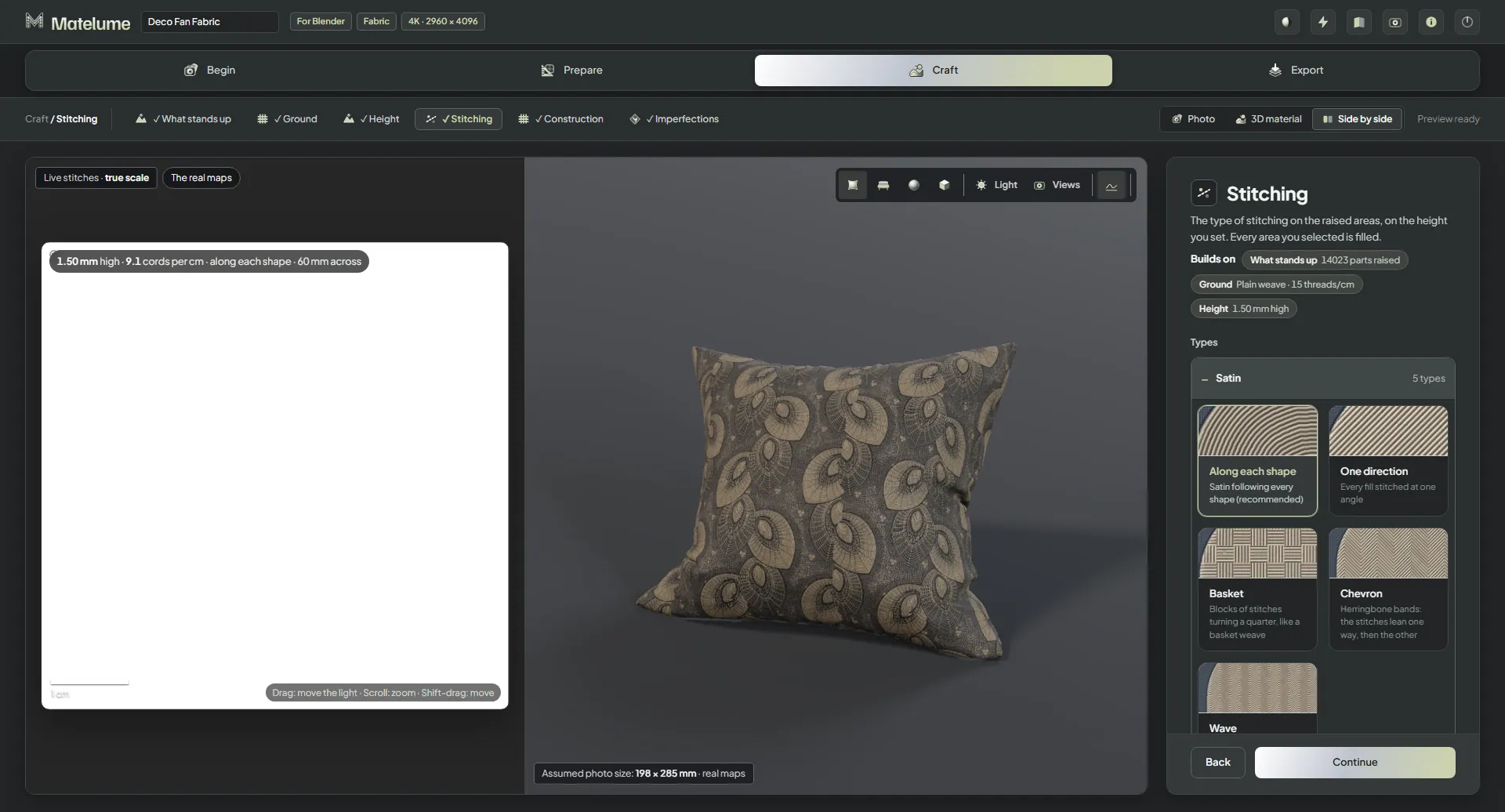
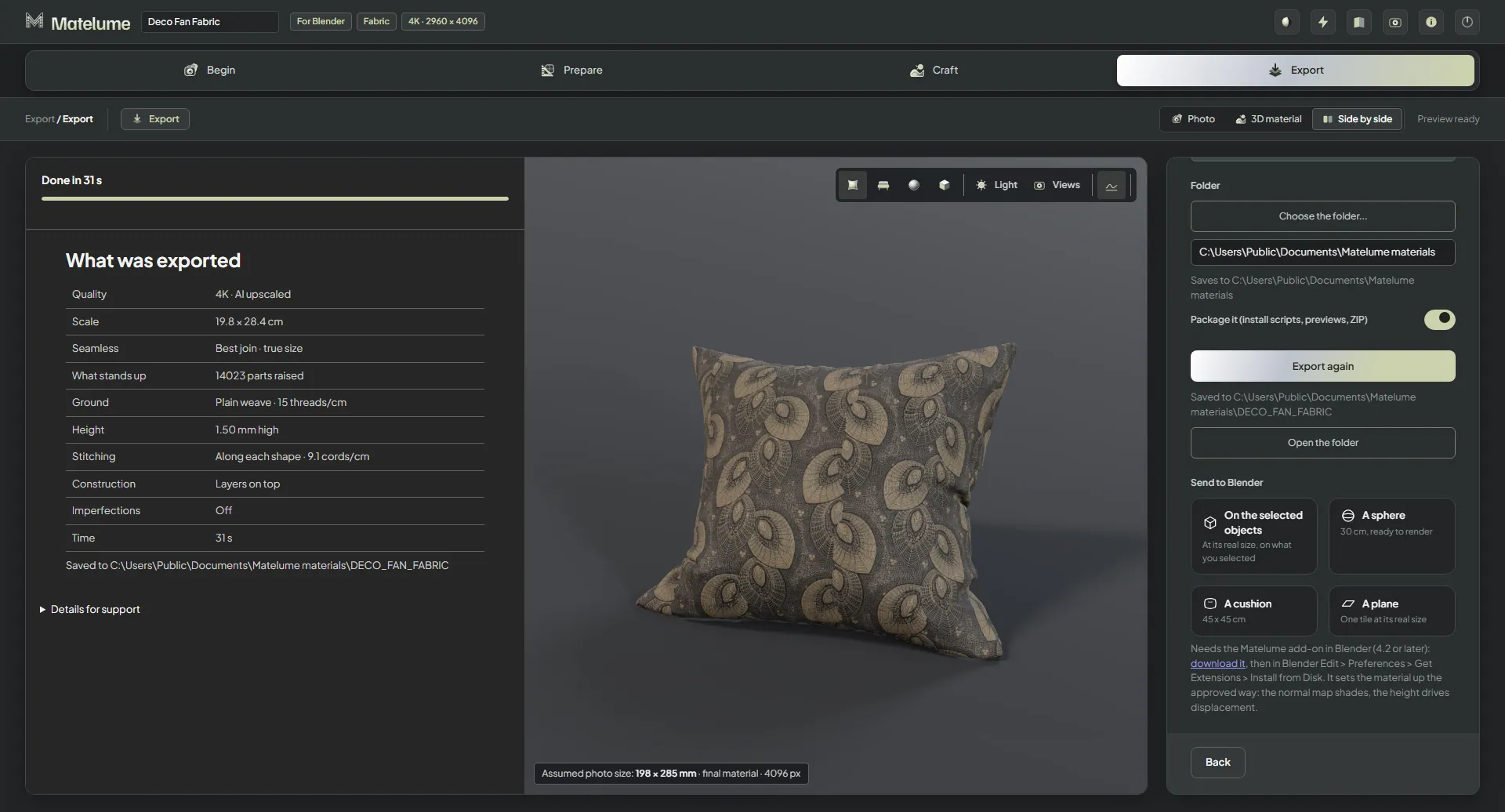
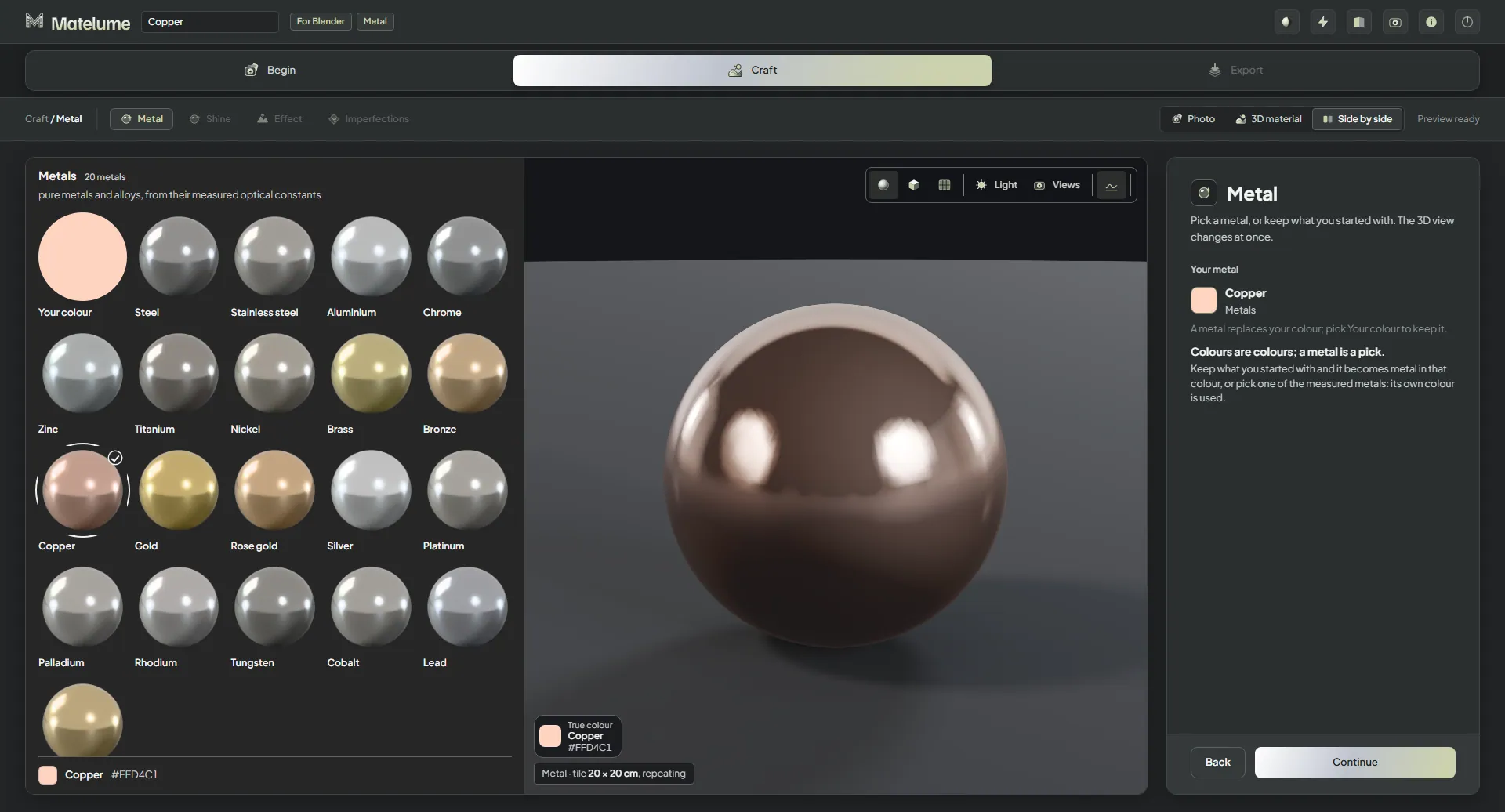
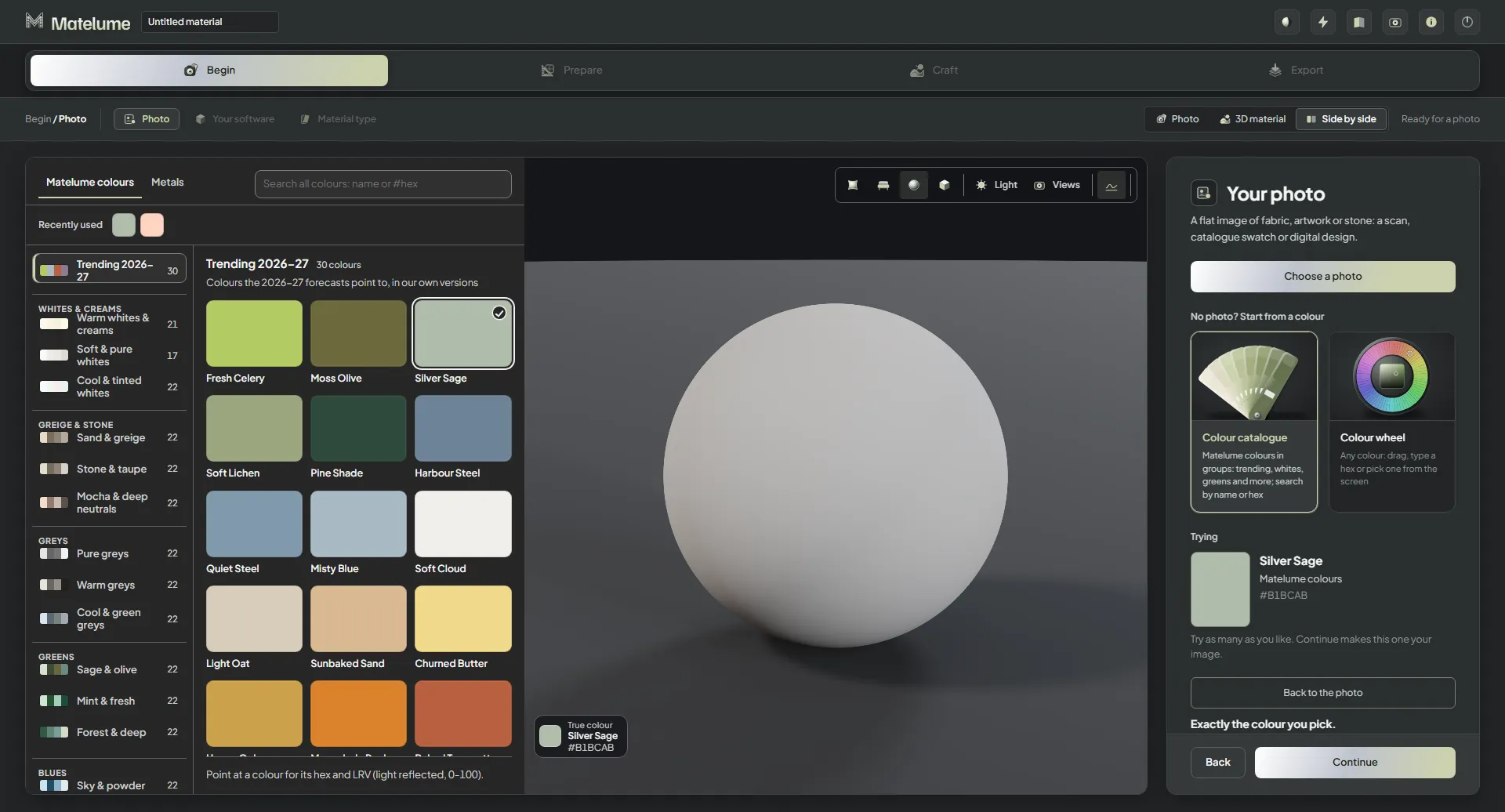
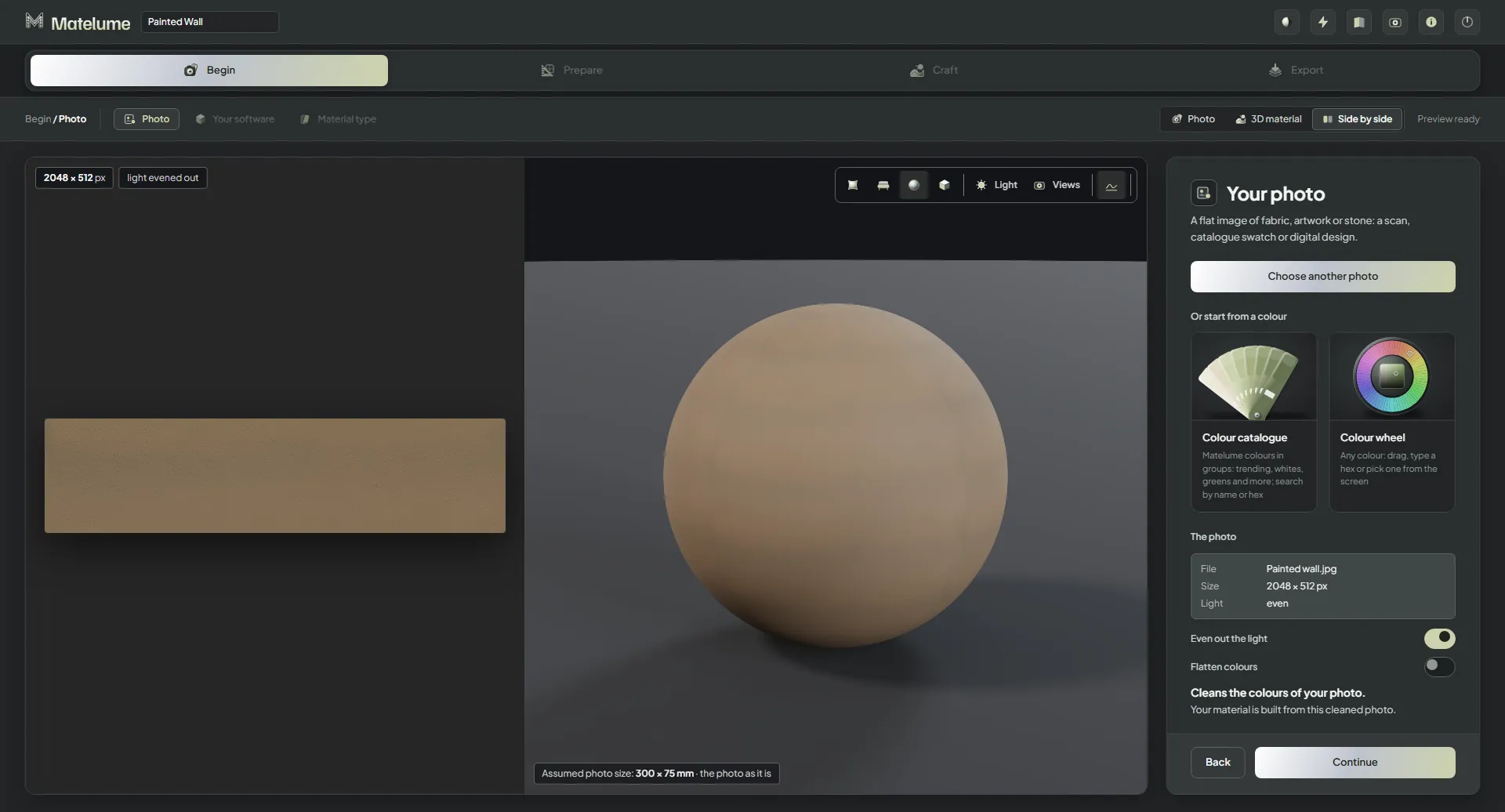
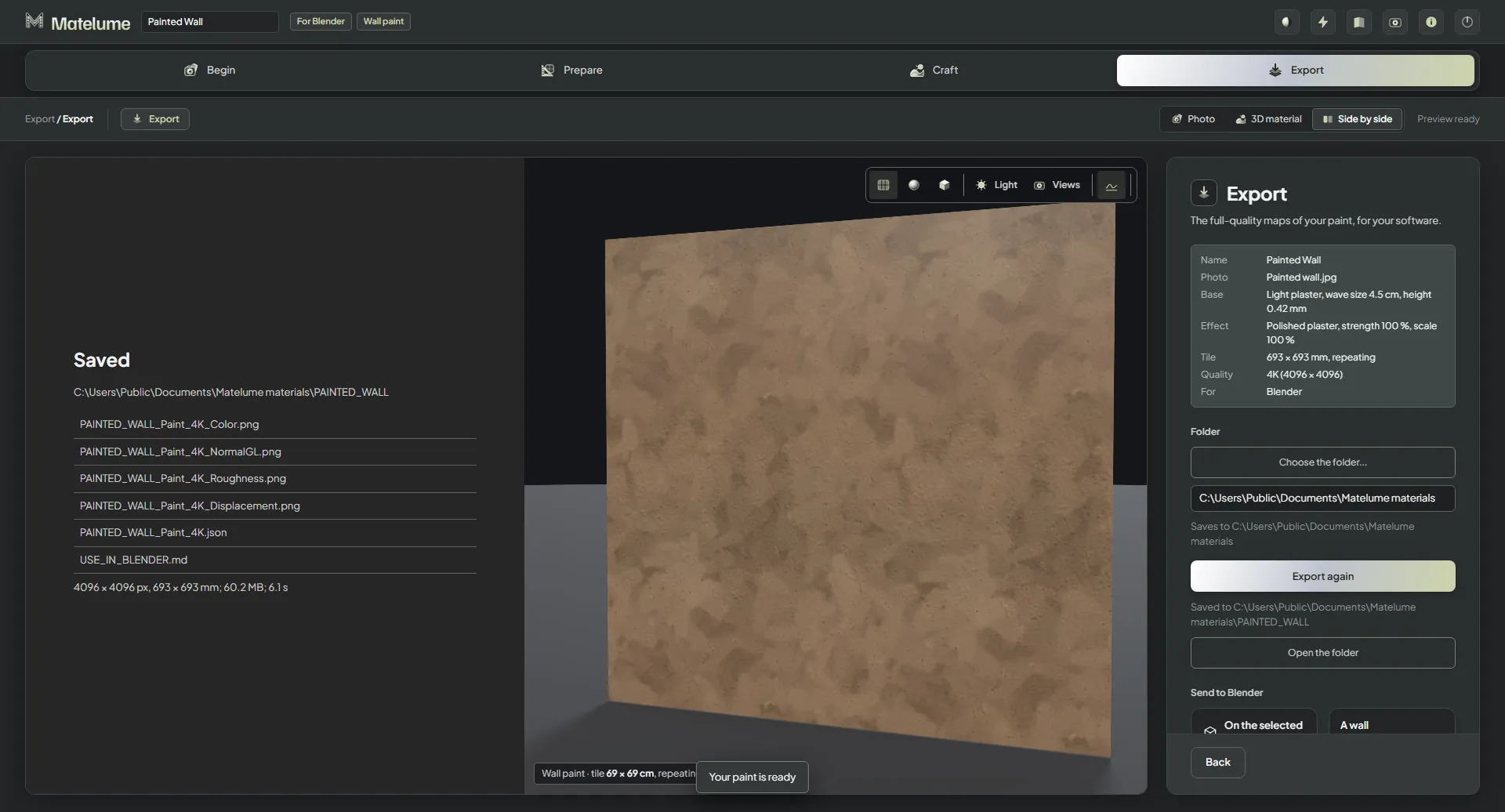
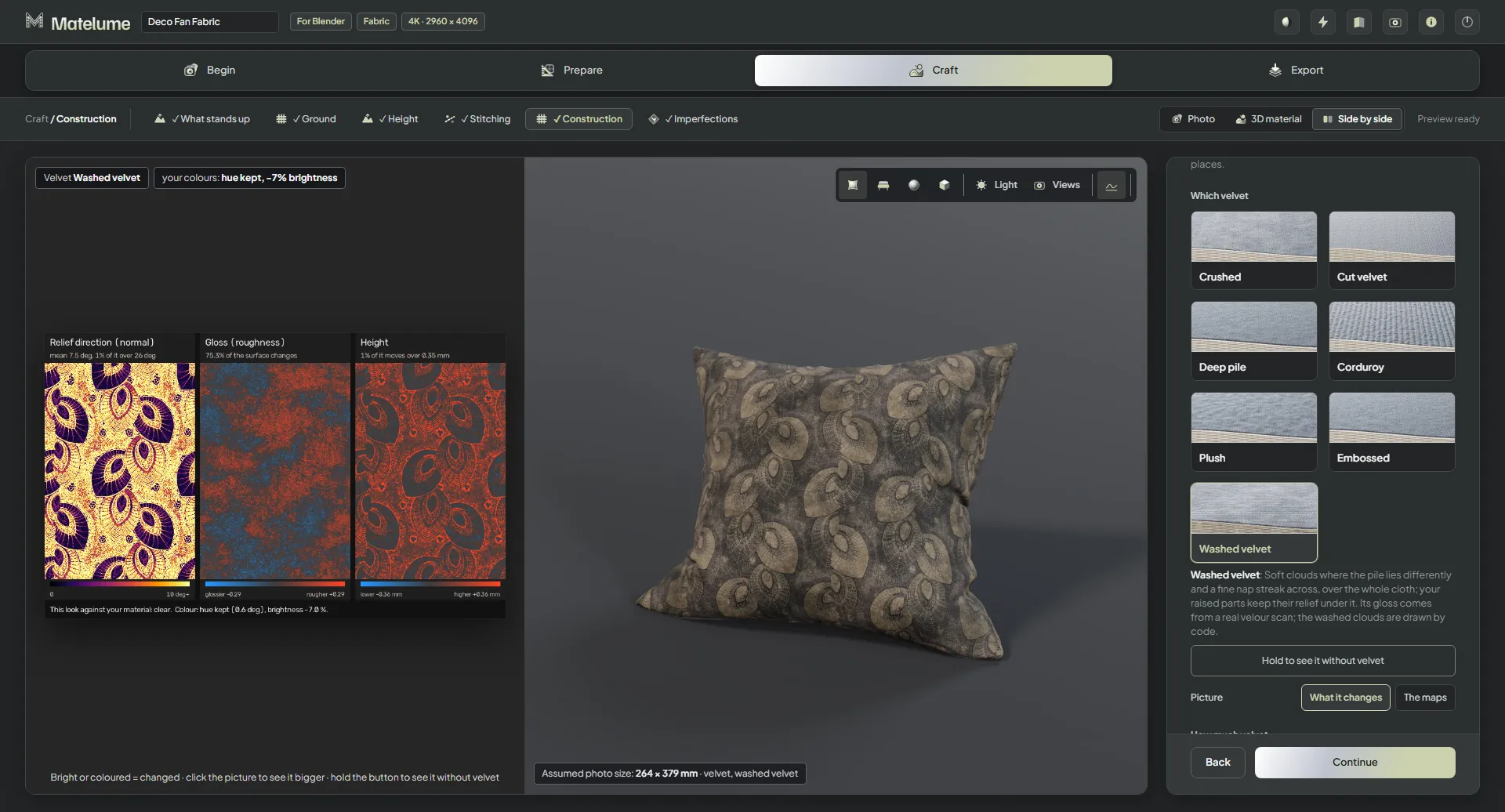
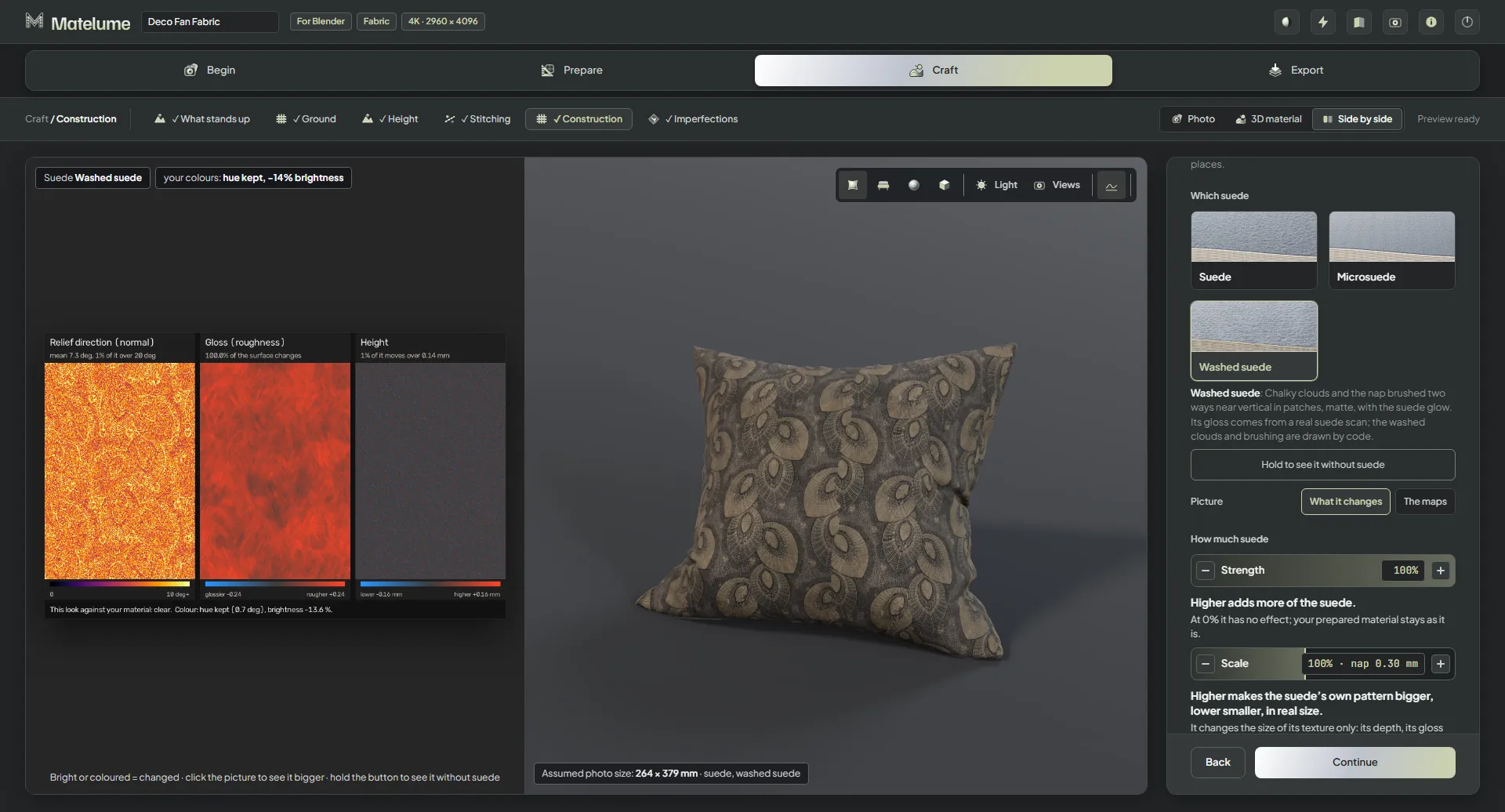
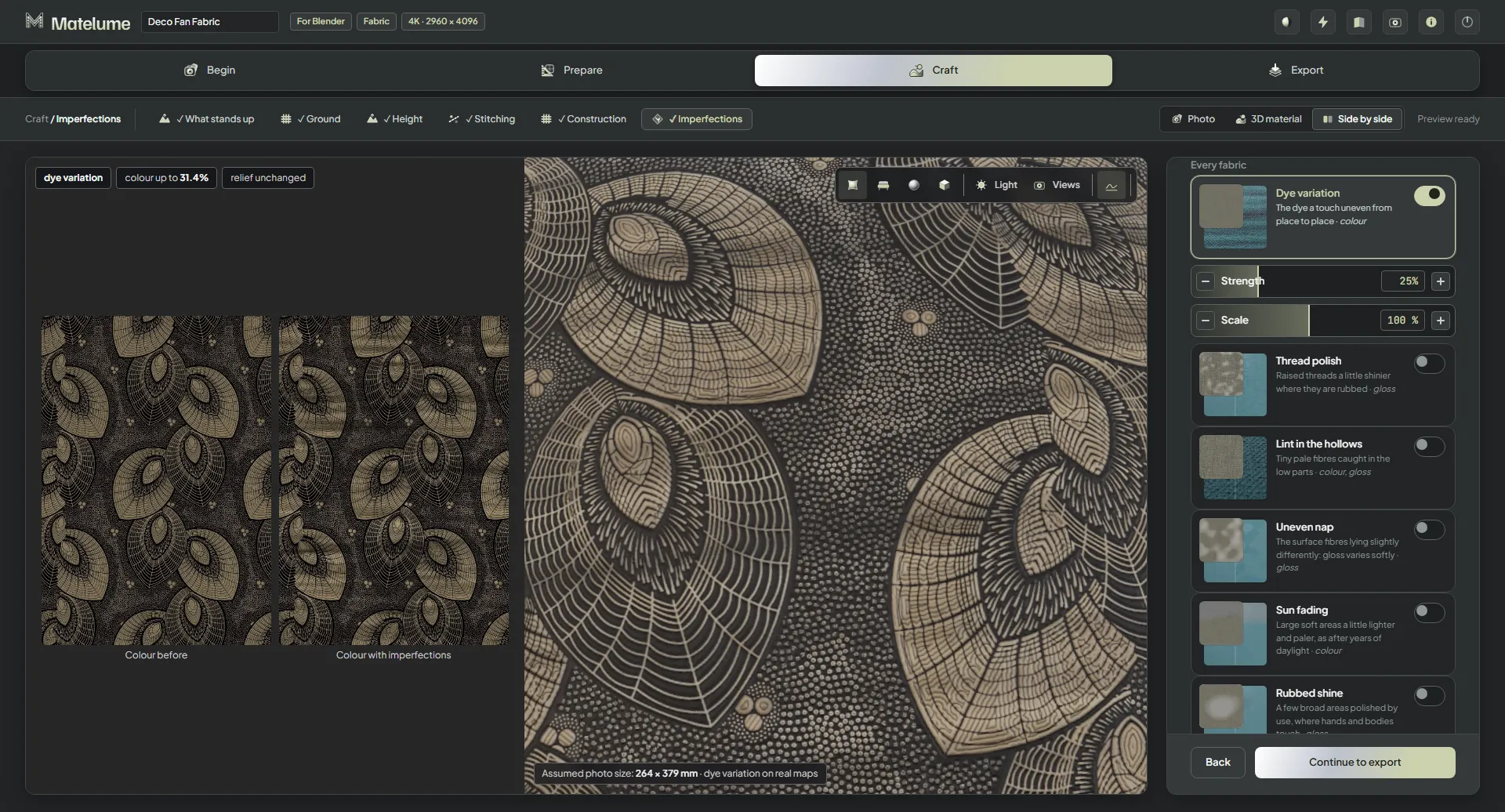
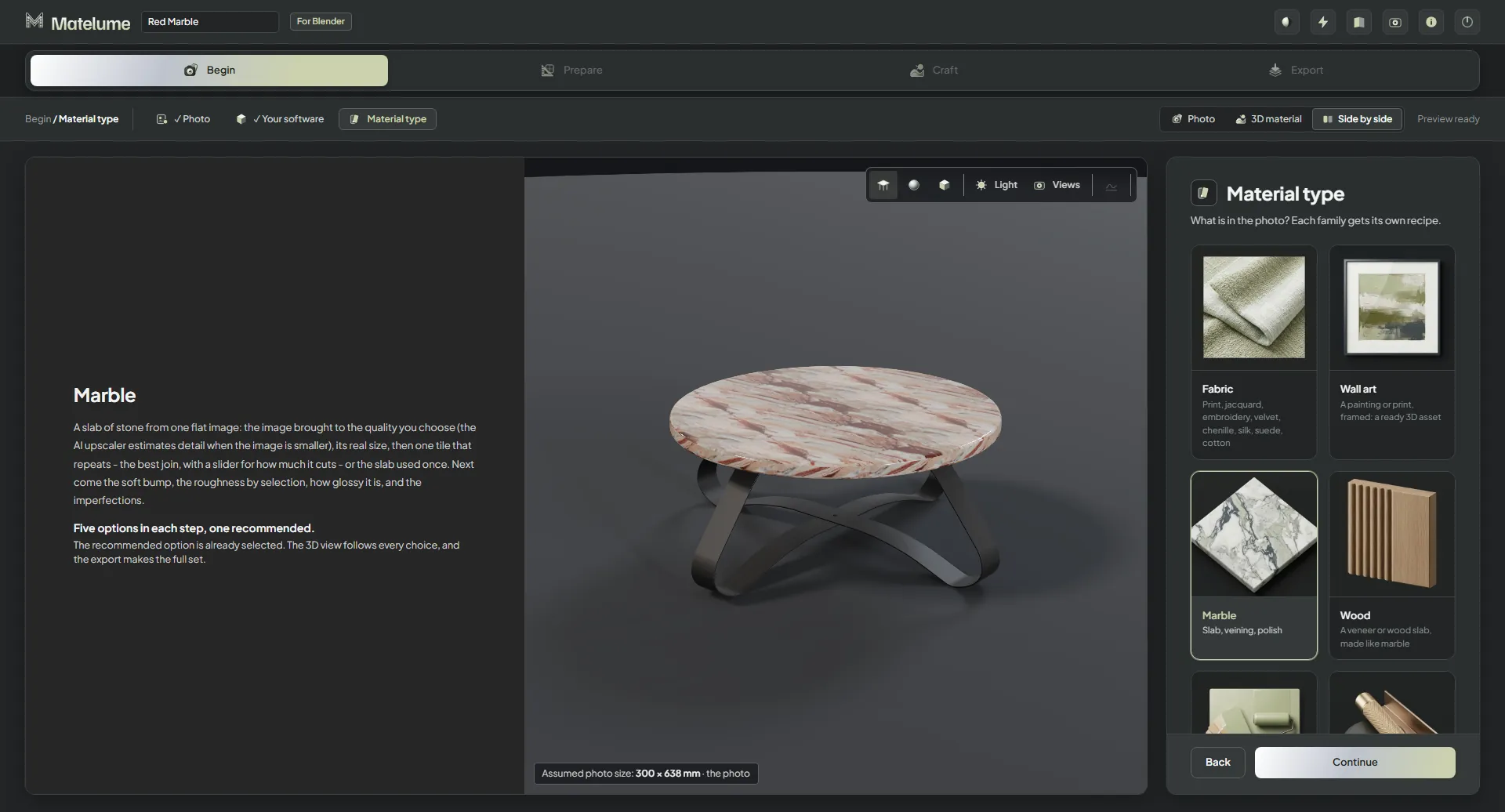
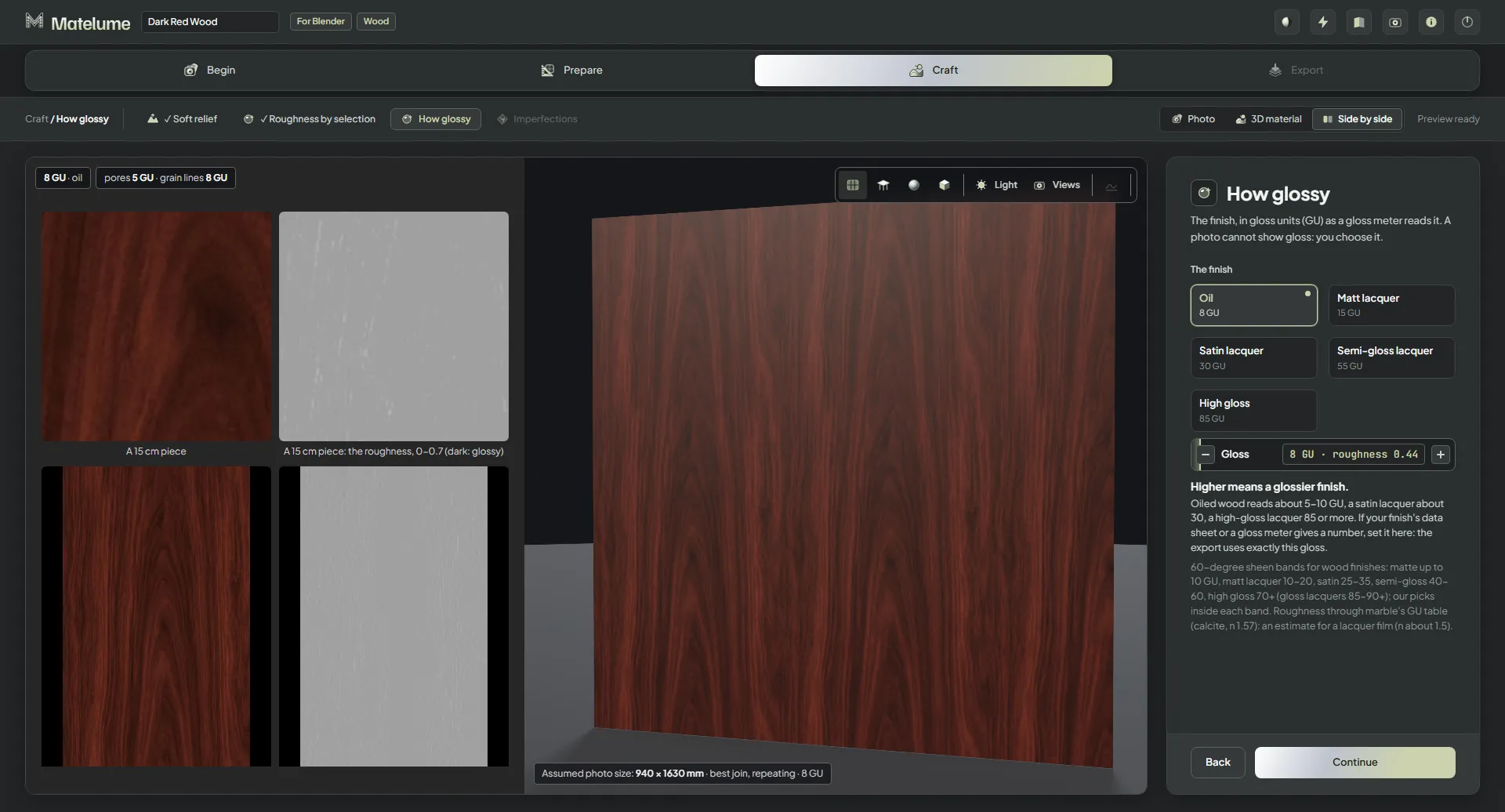
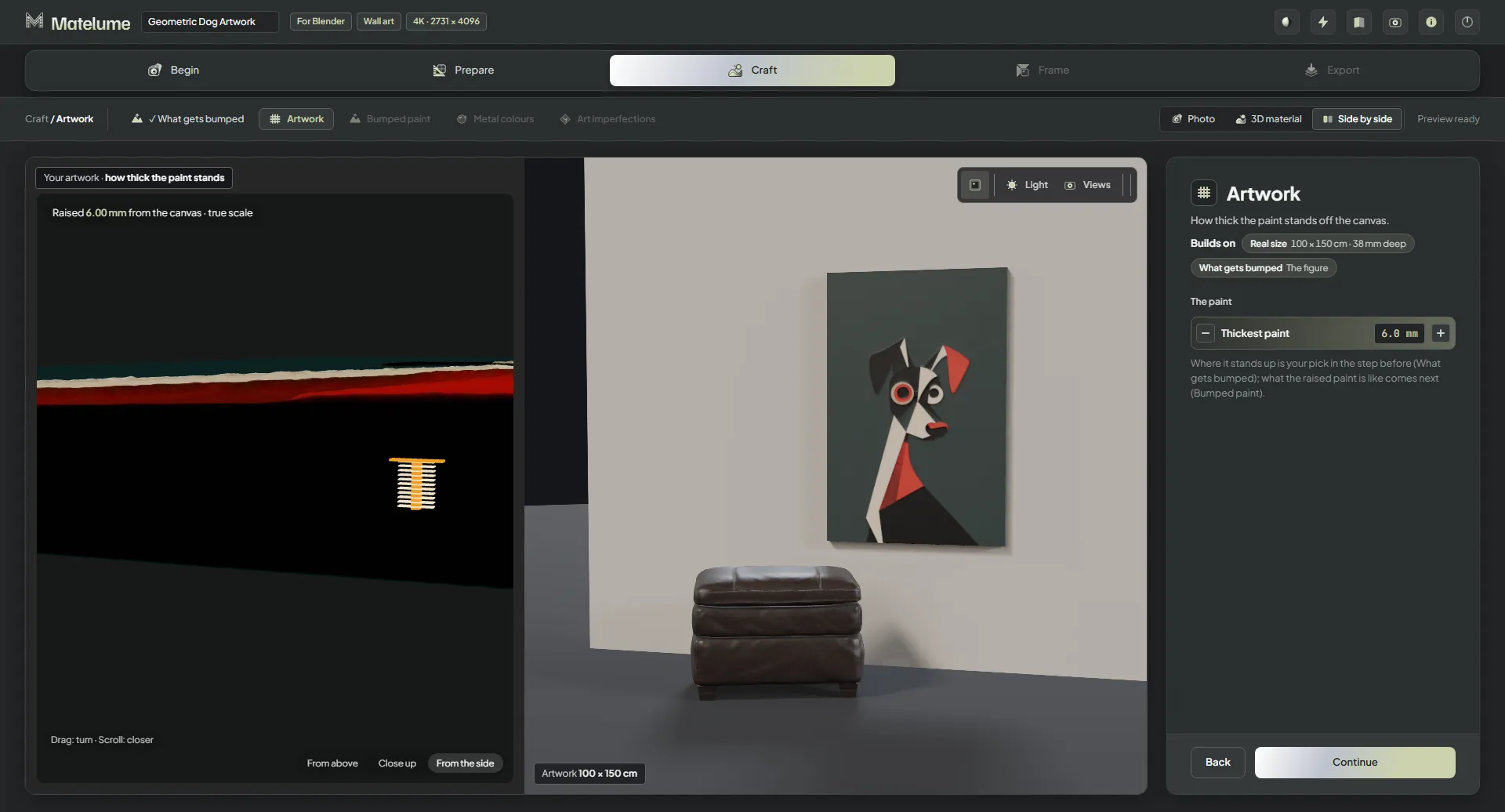
Opening the Colour catalogue no longer closes Matelume on some fast PCs.
A rarer start-up crash of the same kind is fixed too.
The live pictures (stitches and weave, the wall art and paint close-ups, the relief view) come back after the graphics card resets.
The sofa's cushions and throw are lit properly at the arm edges.
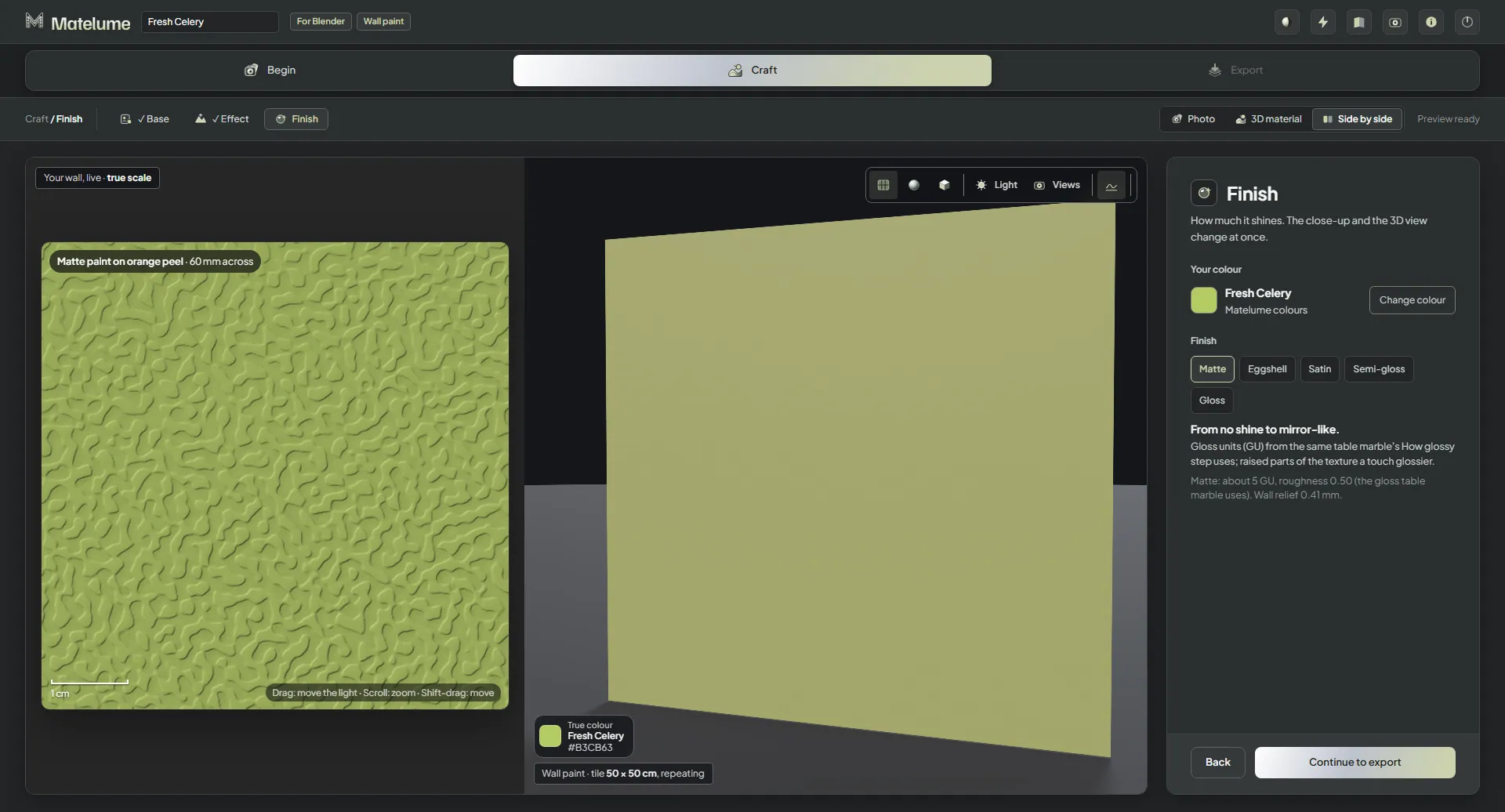
A colour you try in the Colour catalogue shows on the 3D view before you press Continue.
A fresh install starts with no export folder chosen.
A cut-off or damaged photo is refused straight away with a clear message, for every material type.
Matelume 2.0.0
Released 30 October 2026
Inside Matelume 2.0
More detail. More possibilities.
Released 30 October 2026.
Studio
A clearer Studio
A redesigned Studio brings your photo, material choices and surface controls into one workflow. The new header has 3D icons and a tooltip on every button.
A look at start with pictures: a sequence of app states.
Start with pictures
Picture choices on the Photo step make the starting options easier to recognise.
See the material on its usual object
The view starts on a sphere, and each material brings its usual object.
Screen recording: distance views.
Judge it at the right distance
Try Close-up at 30 cm, Furniture at 1.5 m or Room at 4 m. These views change the preview, not the maps.
See how long it took
The finished card shows the time with “Done in … s”.
Light or dark, your choice
Use light or dark mode. The Studio starts in dark mode.
Work in a smaller window
The header fits narrow windows and text stays readable.
A view that comes back
If the graphics driver resets, the 3D view pauses and recovers. Maps and exports are not affected.
Render in Blender
The in-app Cycles render has been removed. Send the material to Blender to render it; the live 3D view stays.
Metal
Metal joins the toolkit
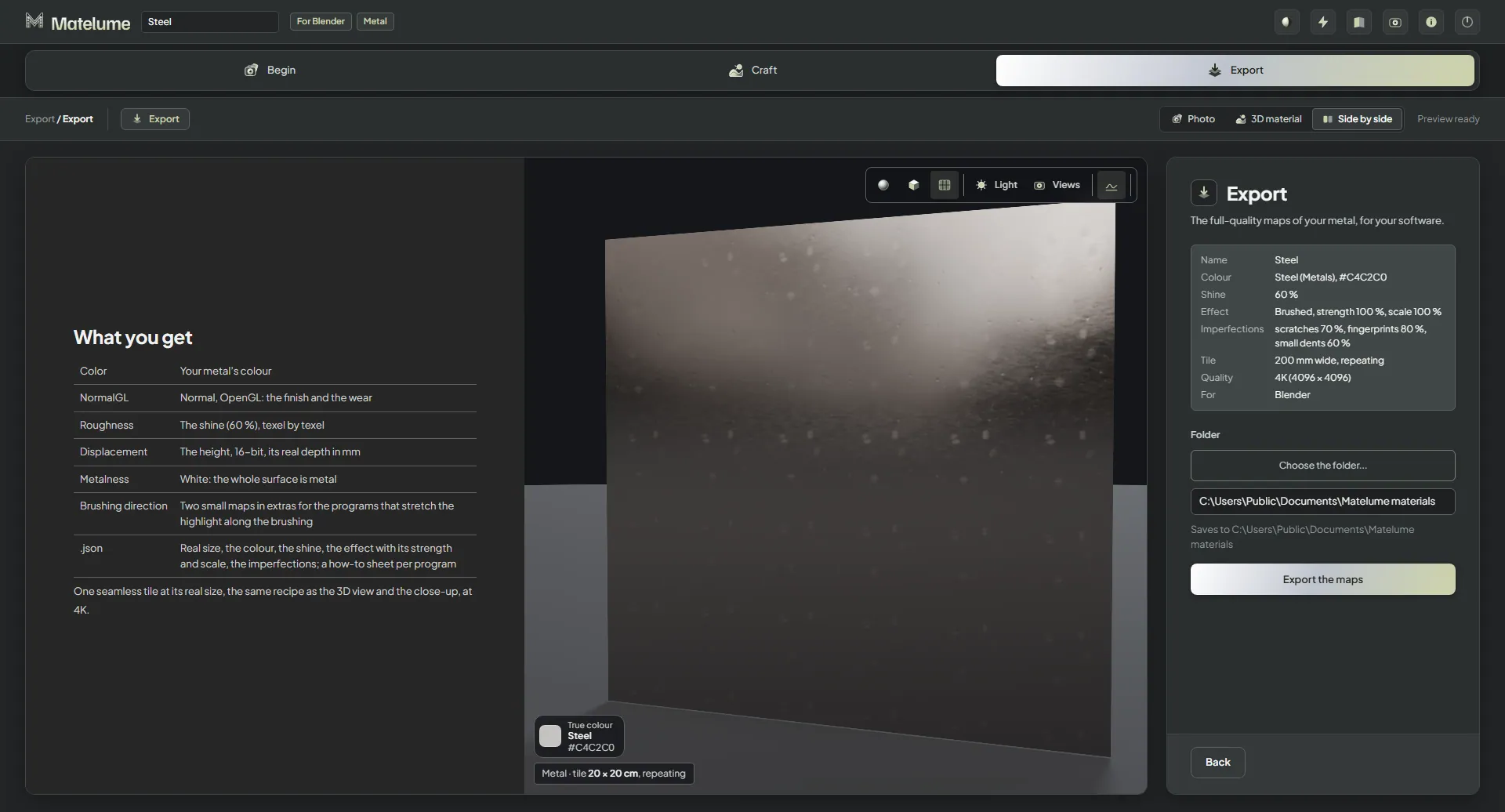
Start from a metal photo or a colour, then choose Metal.
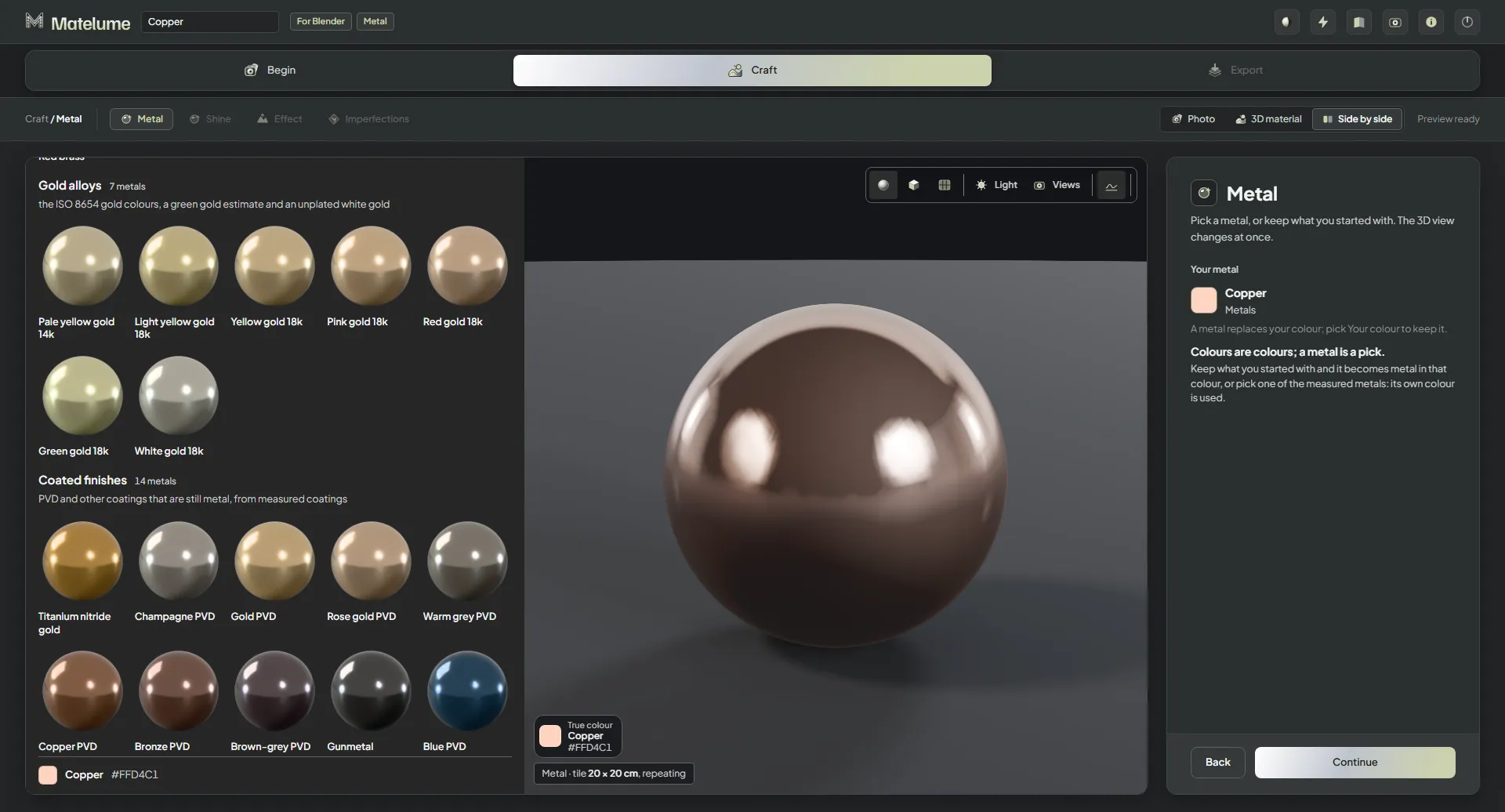
Choose a metal
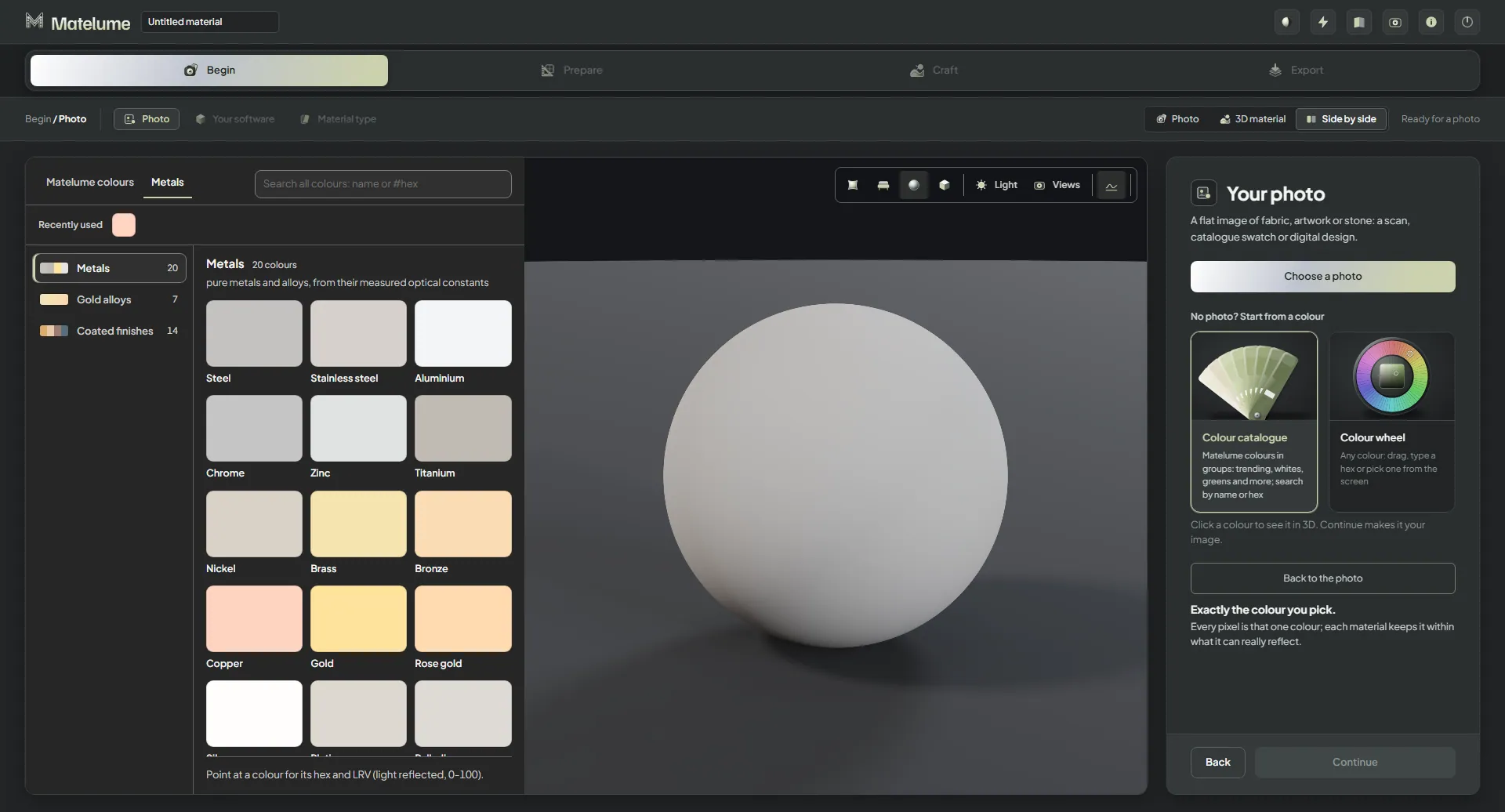
Choose among 41 metals: 20 metals, seven gold alloys and 14 coated finishes. Or keep your own colour or photo.
A look at set the shine: a sequence of app states.
Set the shine
Use Shine to choose the finish of your metal.
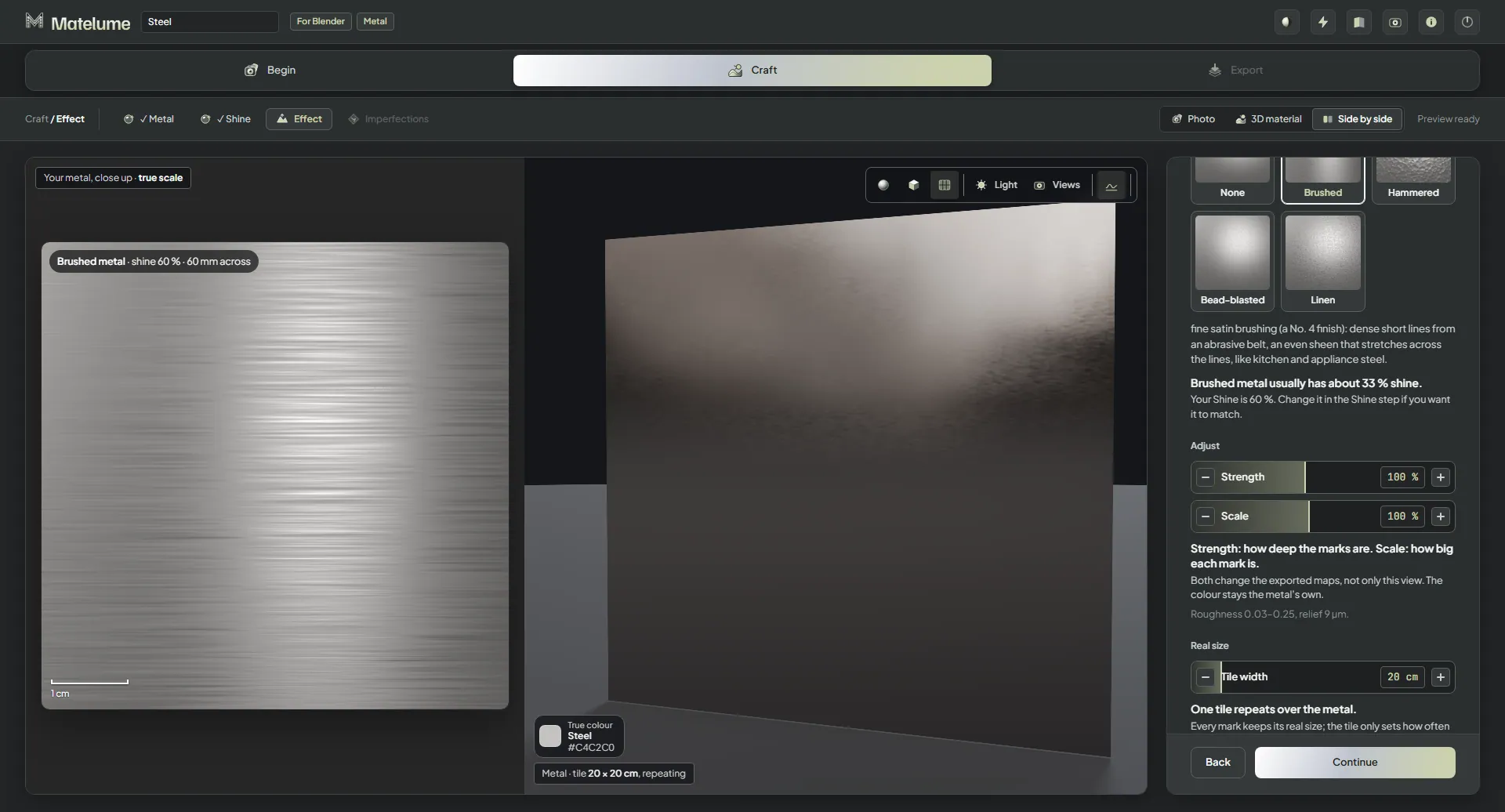
Bring out the brushed grain
Choose Brushed for a directional metal surface.
A look at four ways to shape the surface: a sequence of app states.
Four ways to shape the surface
Brushed, Hammered, Bead-blasted and Linen each have Strength from 25–200% and Scale from 20–200%.
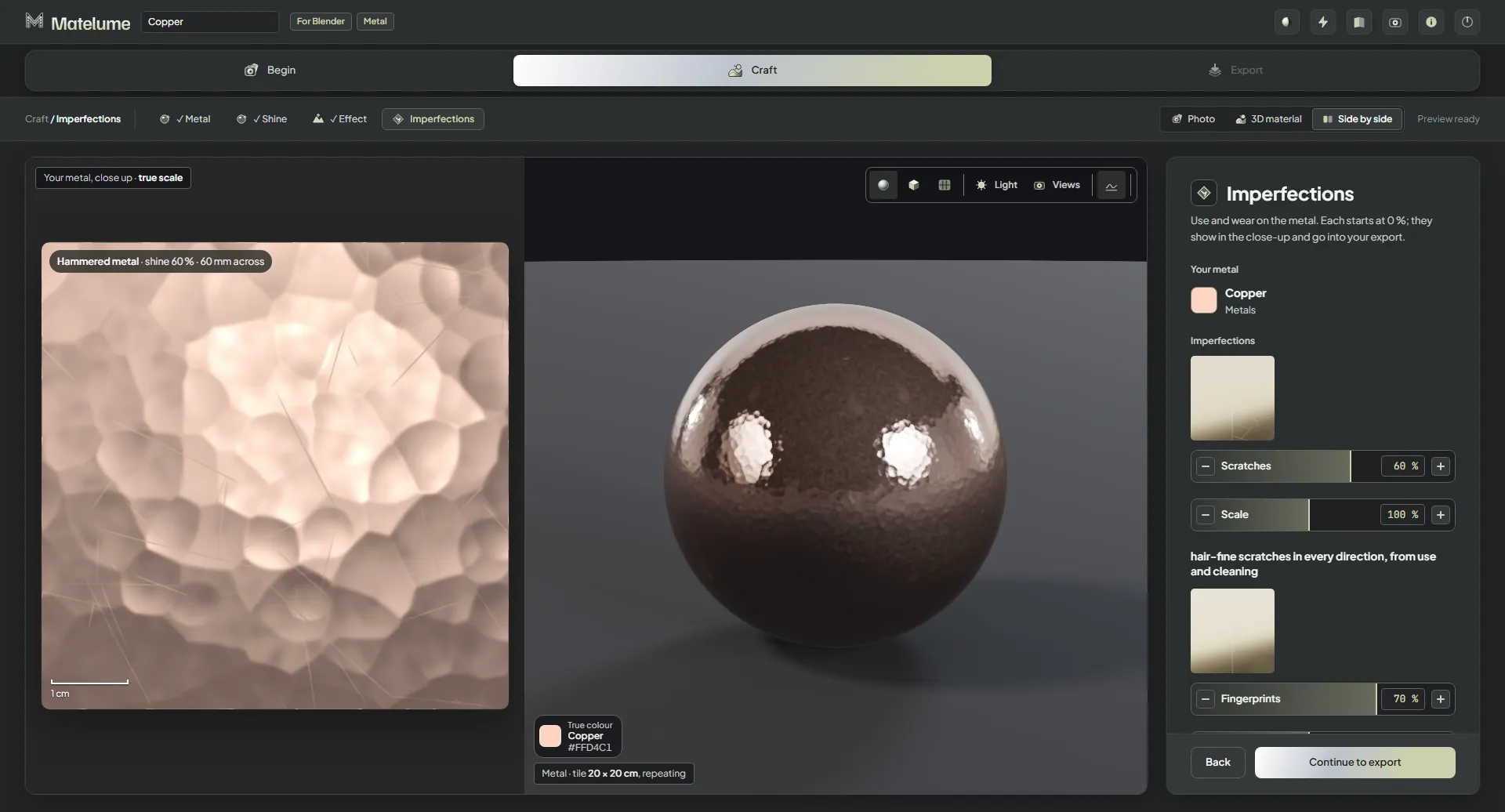
Give metal a used finish
Add Scratches, Fingerprints or Small dents.
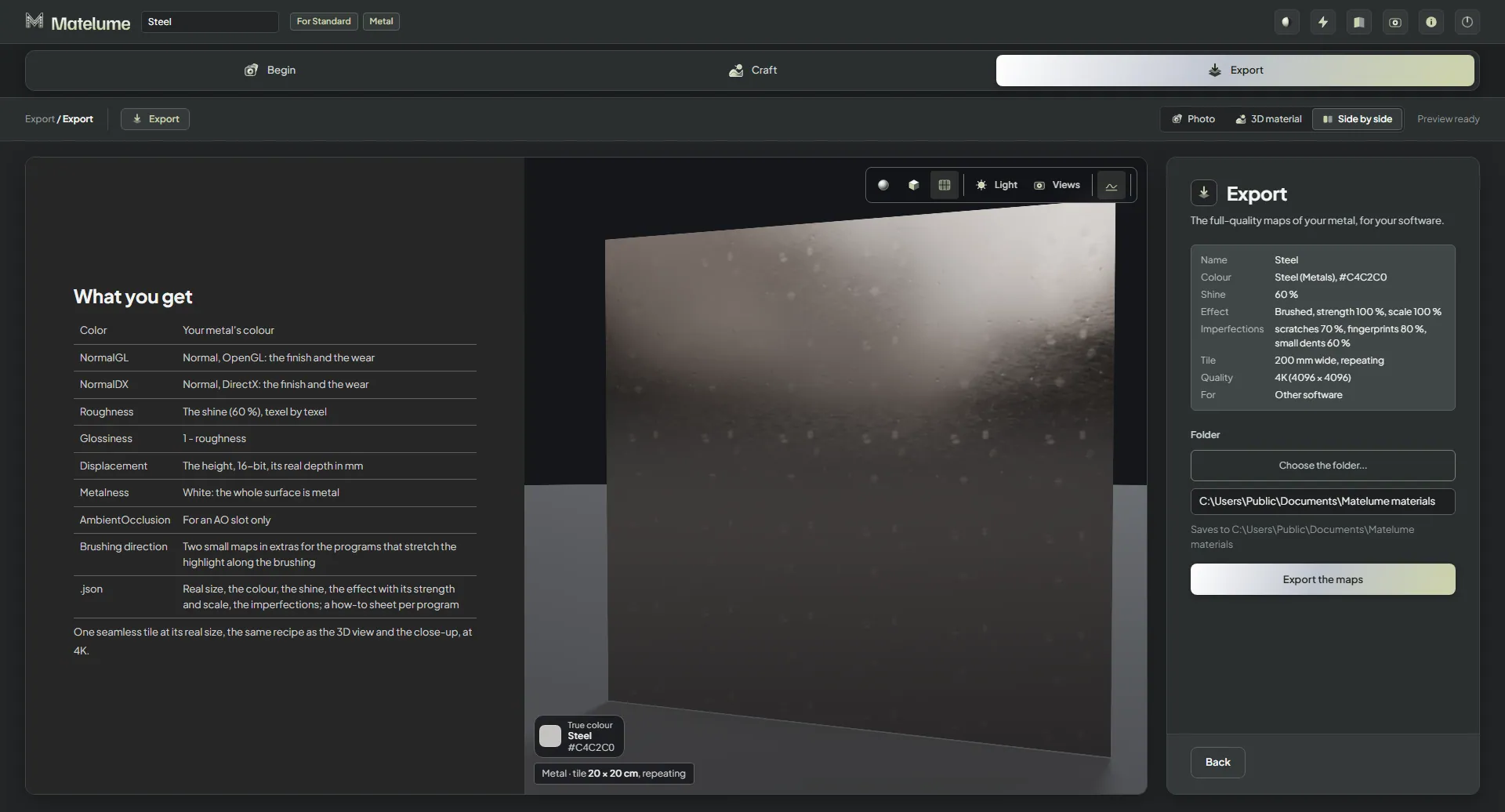
Export for your program
Choose Blender, 3ds Max with V-Ray or Corona, Cinema 4D with Redshift, Unreal Engine, or Other software for the standard eight maps.
An 8K metal export runs on a 16 GB PC. One measured RTX 4090 export took 41 seconds; this is an example, not a timing promise.
Keep the brushed direction
Brushed metal exports anisotropy maps. Blender add-on 0.2.2 connects them.
Metal colours beyond Metal
The colour catalogue’s Metals tab has all 41 colours, usable for any material.
Wall paint
Paint from a colour or a photo
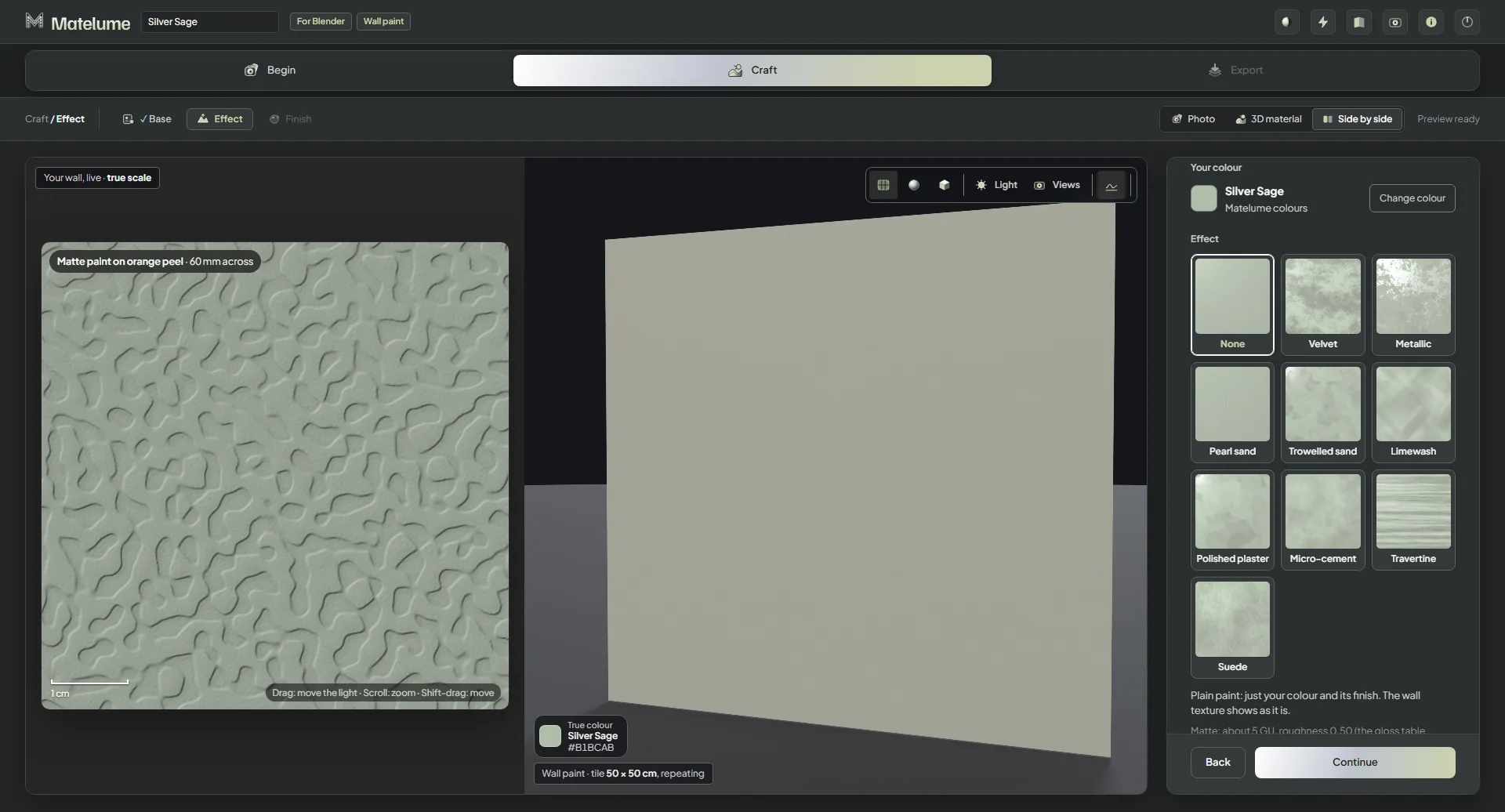
Begin with a colour or bring a photo into the Wall paint workflow.
More character for a wall
Explore Velvet, Metallic, Pearl sand, Micro-cement, Polished plaster, Travertine and Suede, reworked for 2.0. Limewash remains available.
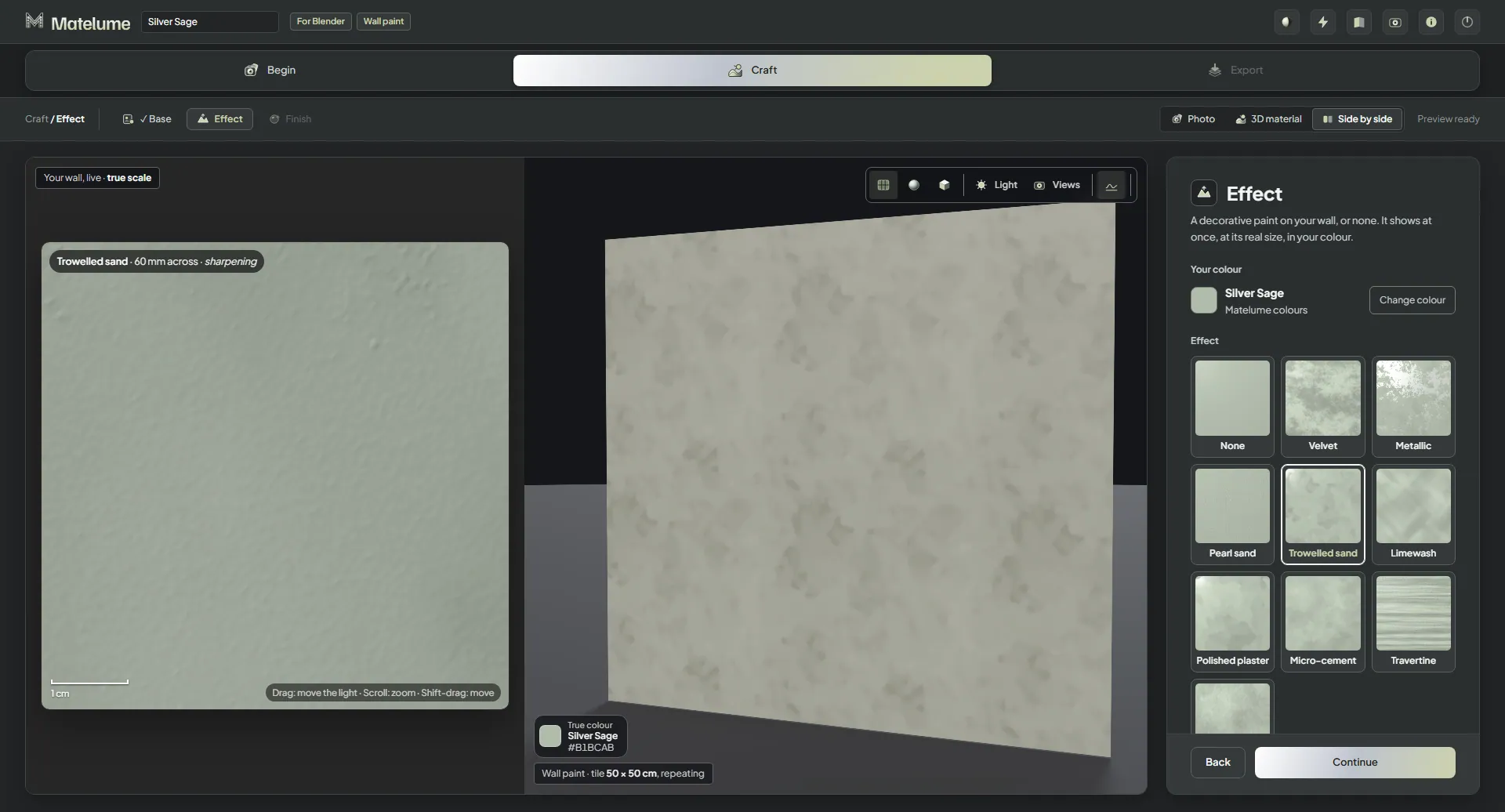
Try Trowelled sand
A new Trowelled sand look joins the paint choices.
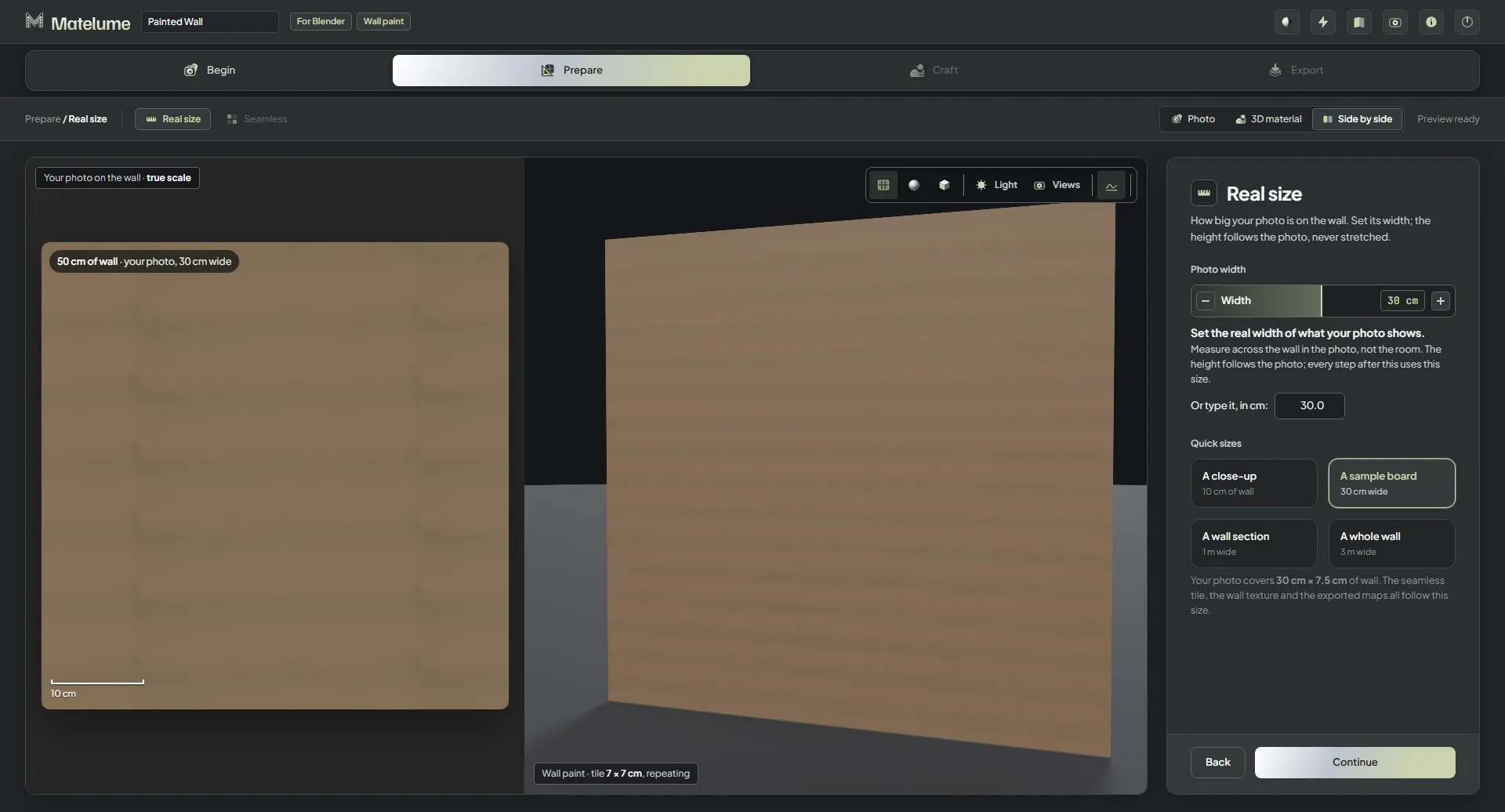
Tell the app what your photo covers
Choose A close-up, A sample board, A wall section or A whole wall, or type the width.
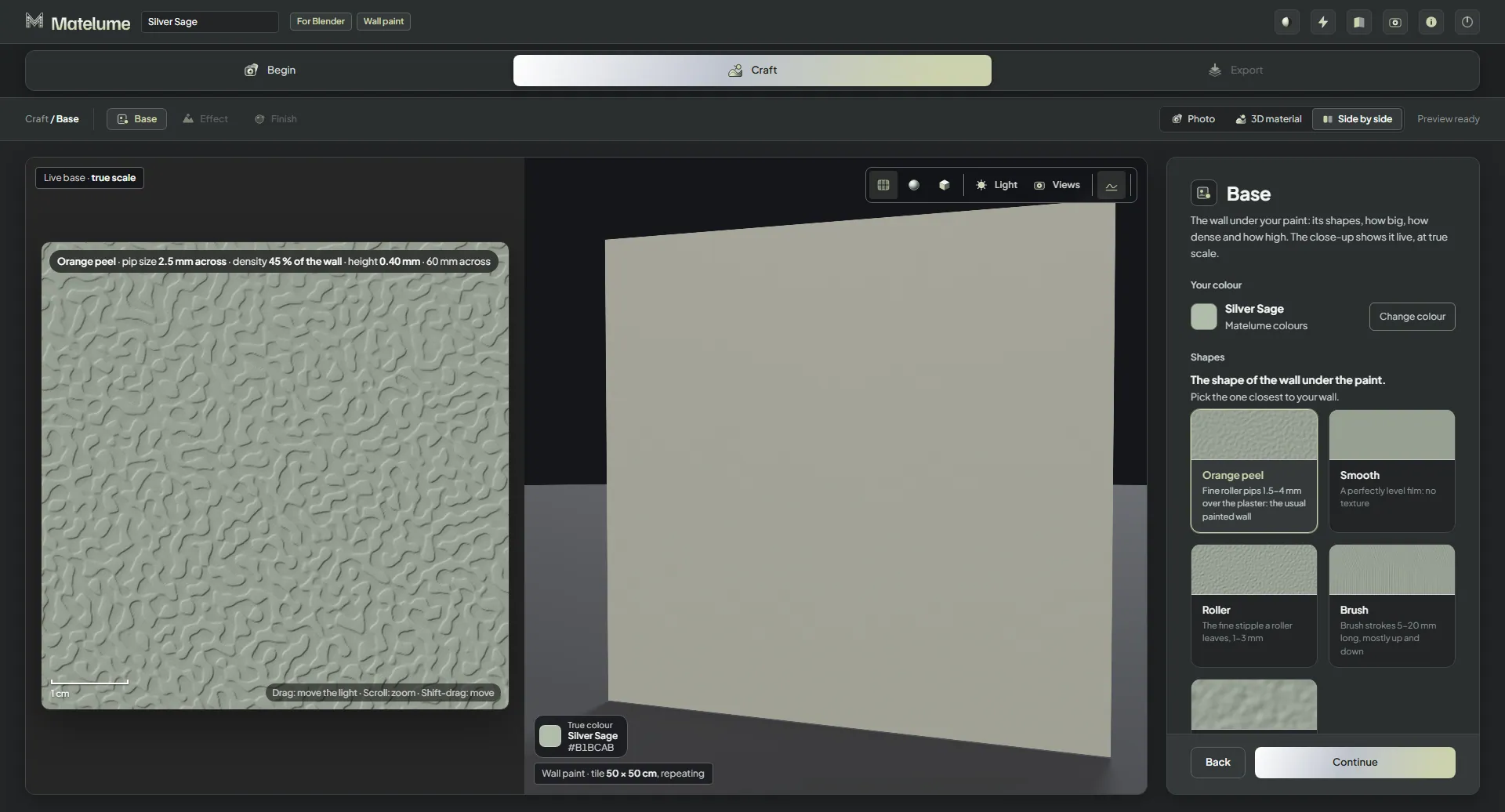
Shape the wall underneath
Choose a Base shape and adjust Size, Density and Height while the picture updates as you drag.
A look at work at a finer scale: a sequence of app states.
Work at a finer scale
Effect Scale reaches 20% for paint effects, or 25% for Polished plaster.
Begin each paint fresh
A new colour starts with fresh settings rather than carrying over the last paint.
Carry photo choices into the export
Even out the light and Flatten colours now affect the exported paint.
Less waiting for wall paint
On an RTX 3090, measured colour examples changed from 45 to 18 seconds, and photo examples from 48 to 27 seconds. Other materials take about the same time as before.
Fabric
A look at set the construction’s real size: a sequence of app states.
Set the construction’s real size
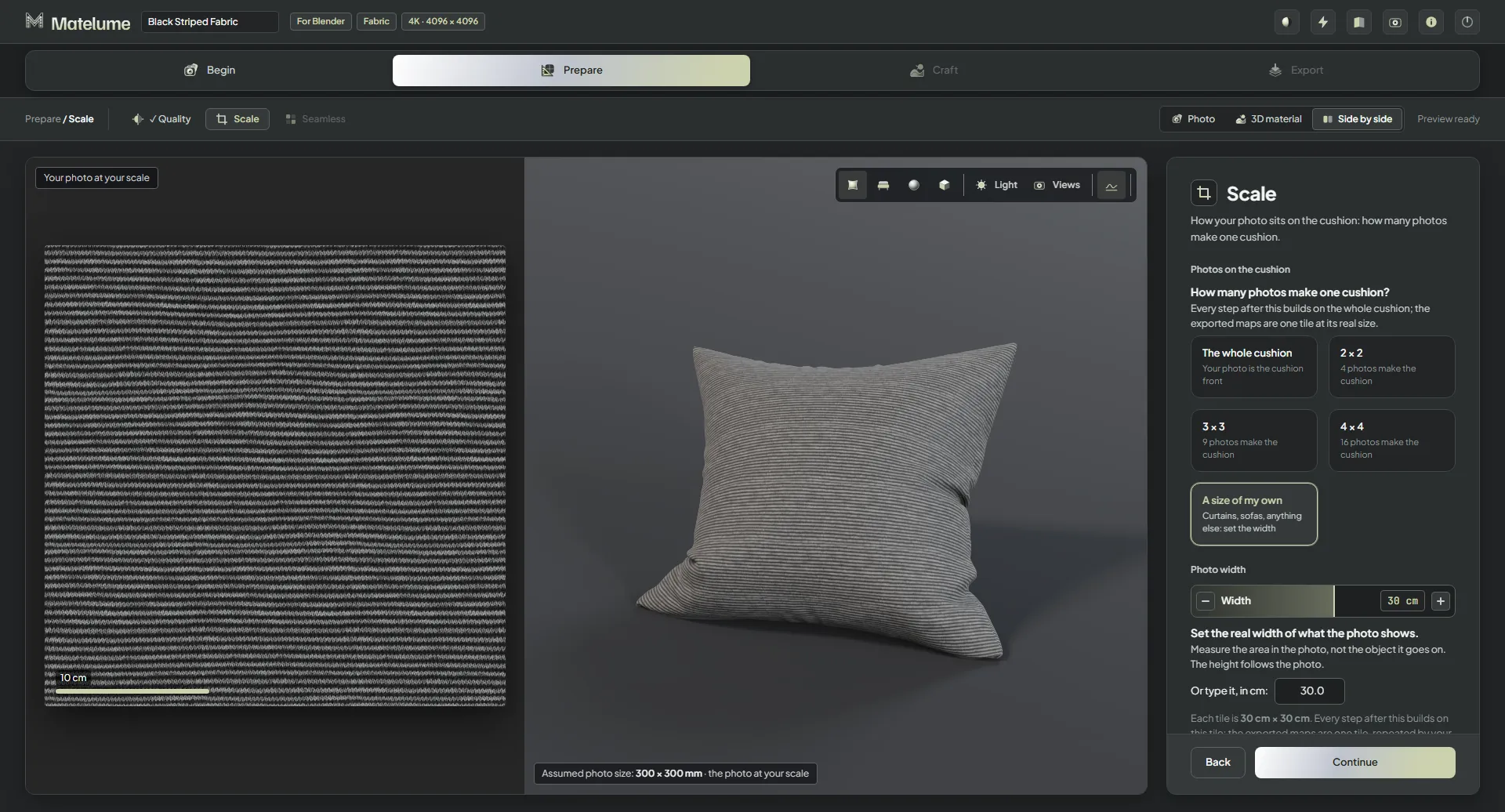
Construction Scale runs from 25–200%. Its texture size is shown in real millimetres, such as “corduroy wales 2.6 mm”, and goes into every map.
Make Washed velvet
A new Washed velvet construction gives you another fabric choice.
Make Washed suede
A new Washed suede construction joins the fabric choices.
Open up the ground weave
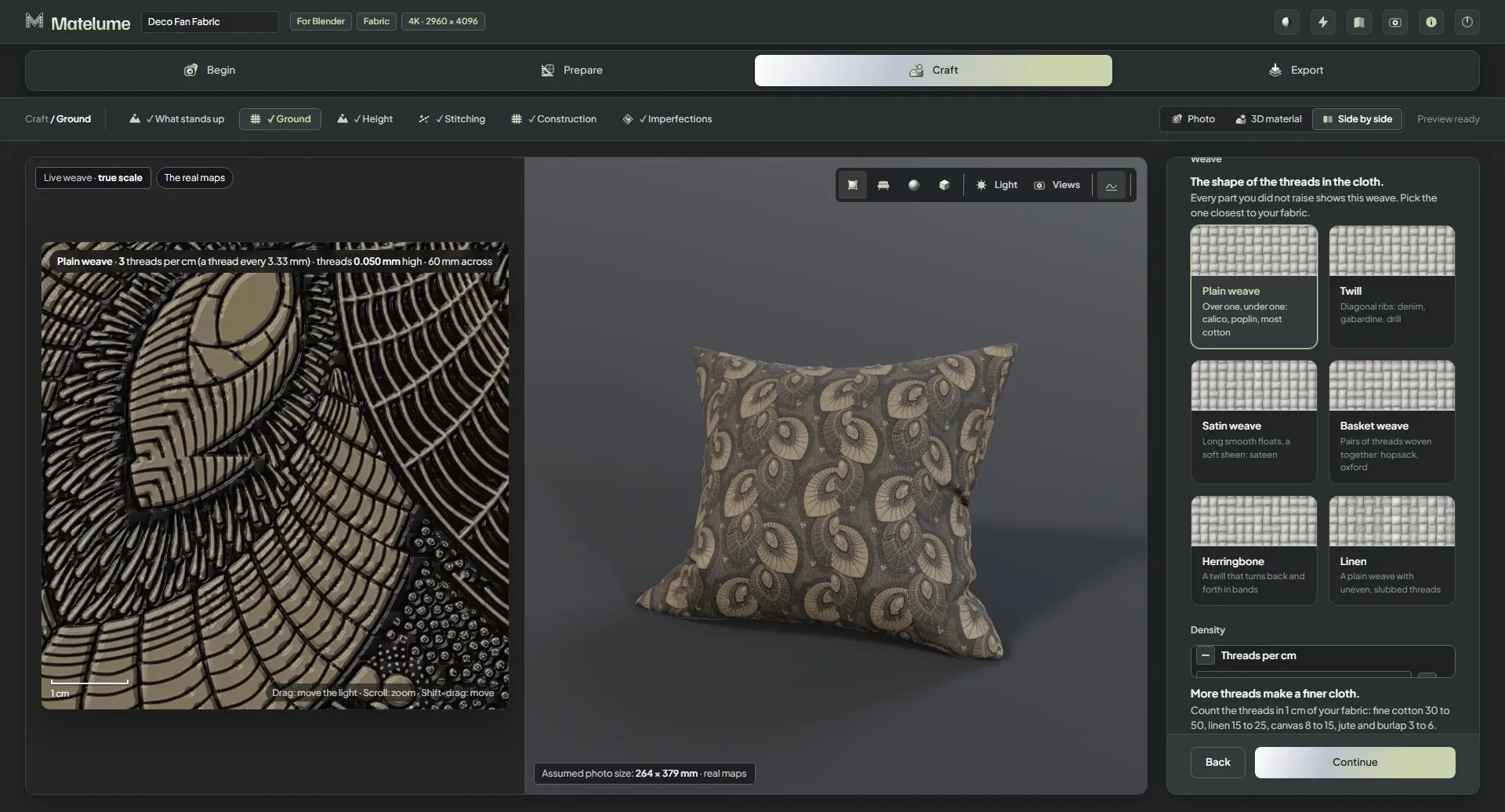
Ground density reaches three threads per centimetre, down from eight.
Keep the depth in dark fabric
Dark fabric photos keep their depth without a minimum brightness lift.
Surface detail
Size and strength, separately
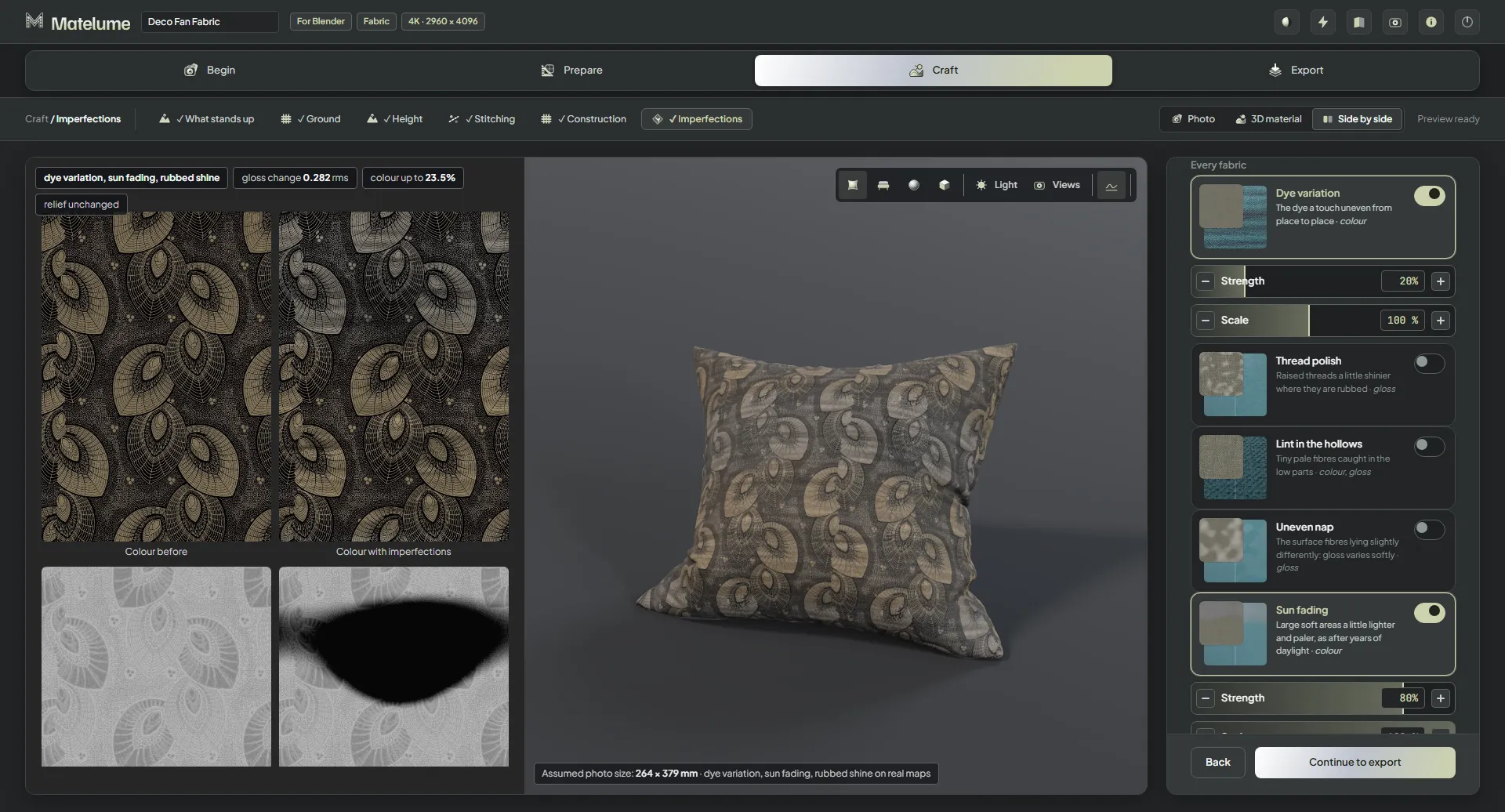
Strength controls the imperfection’s amount. Scale changes its size on fabric, wall art and marble. Dust, Fuzzy threads, Lint in the hollows and Frame dust have no Scale.
Choose imperfections by picture
All 47 imperfection cards now have pictures.
Make faint detail easier to read
Faint imperfections have been retuned to read better.
Marble and Wood
Keep dark marble dark
Very dark marble no longer comes out lighter and flat. Light photos barely change.
Keep dark wood’s depth
Very dark wood photos retain their dark areas instead of coming out lighter and flat. Light photos barely change.
Wall art
Build thicker paint relief
Thickest paint / gel reaches 6 mm.
Add a smudge to the glass
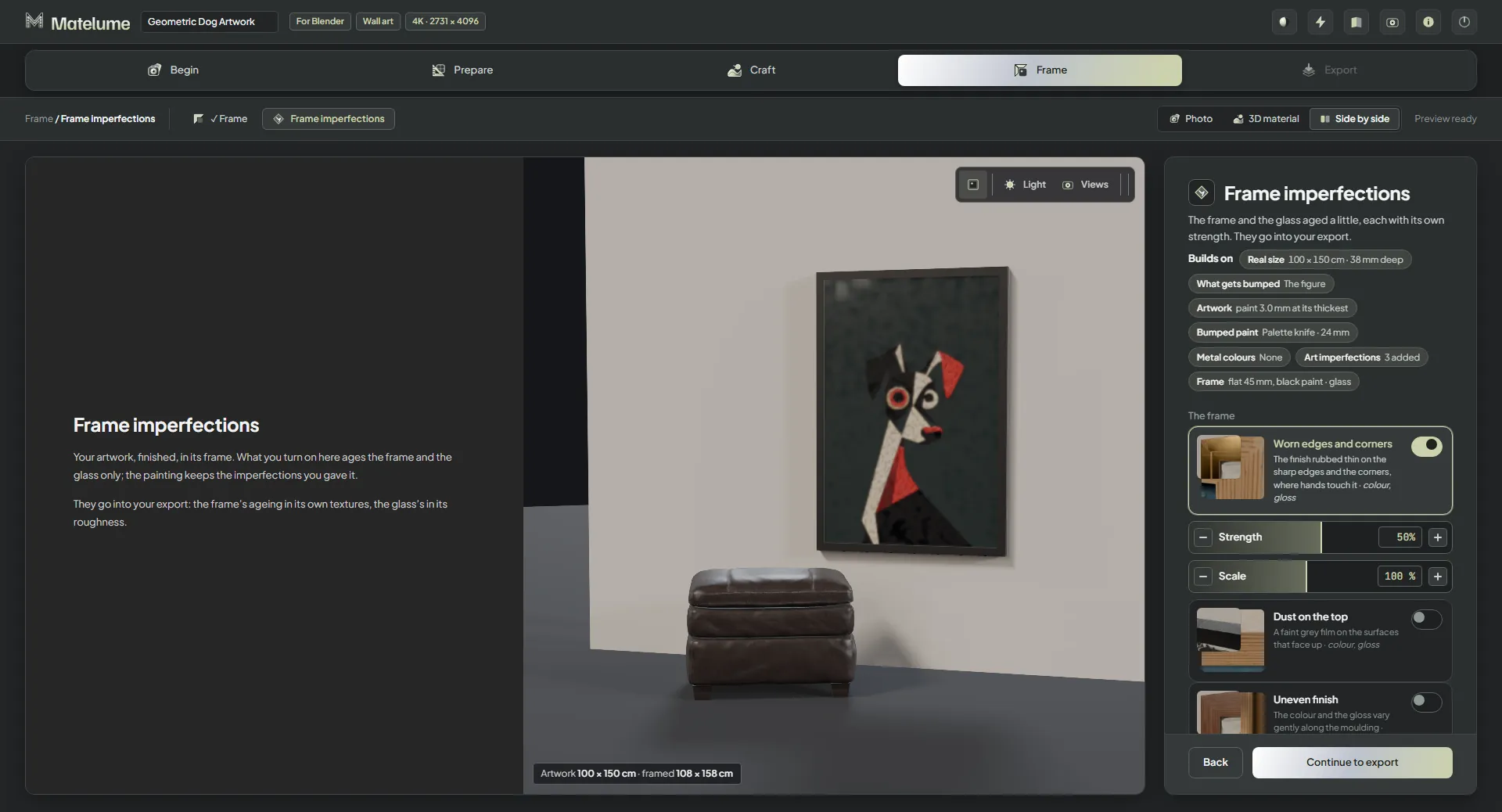
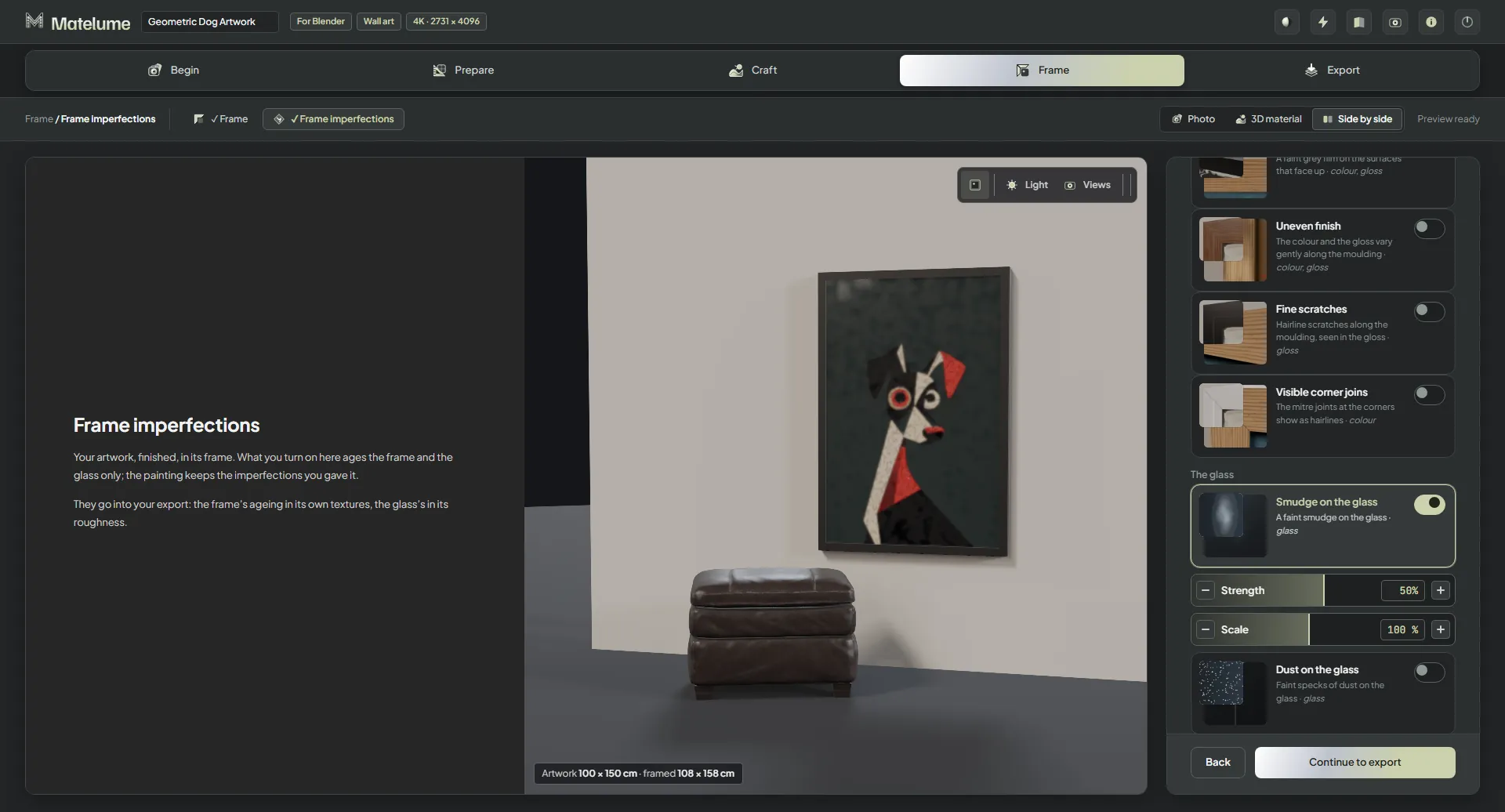
Smudge on the glass is a new frame imperfection that reaches the exported glass.
Quality and Help
Know what the enlargement is doing
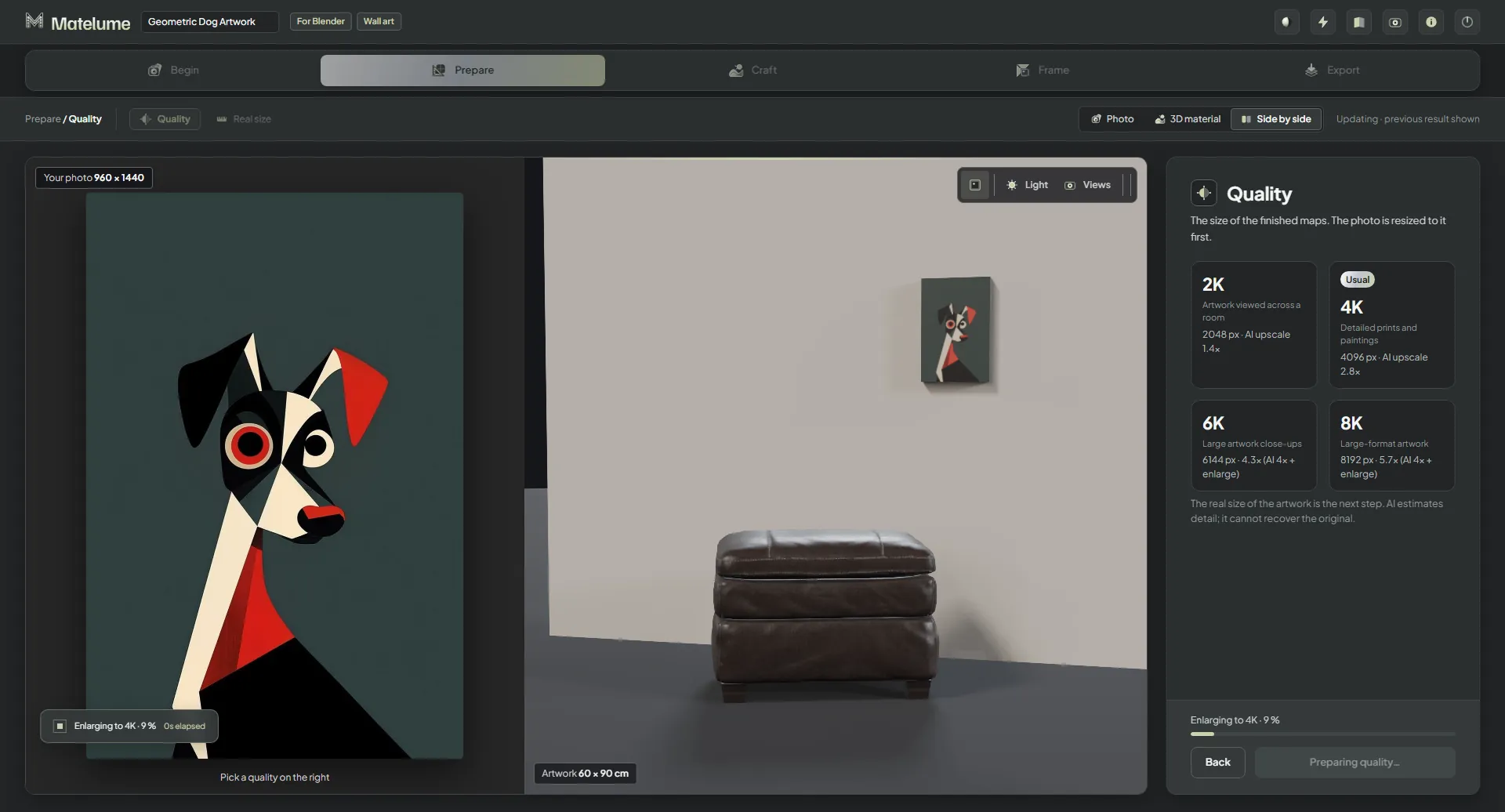
AI enlargement starts as soon as the photo arrives. The progress line names the work, such as “Enlarging to 4K · 42%”.
Report a problem from the app
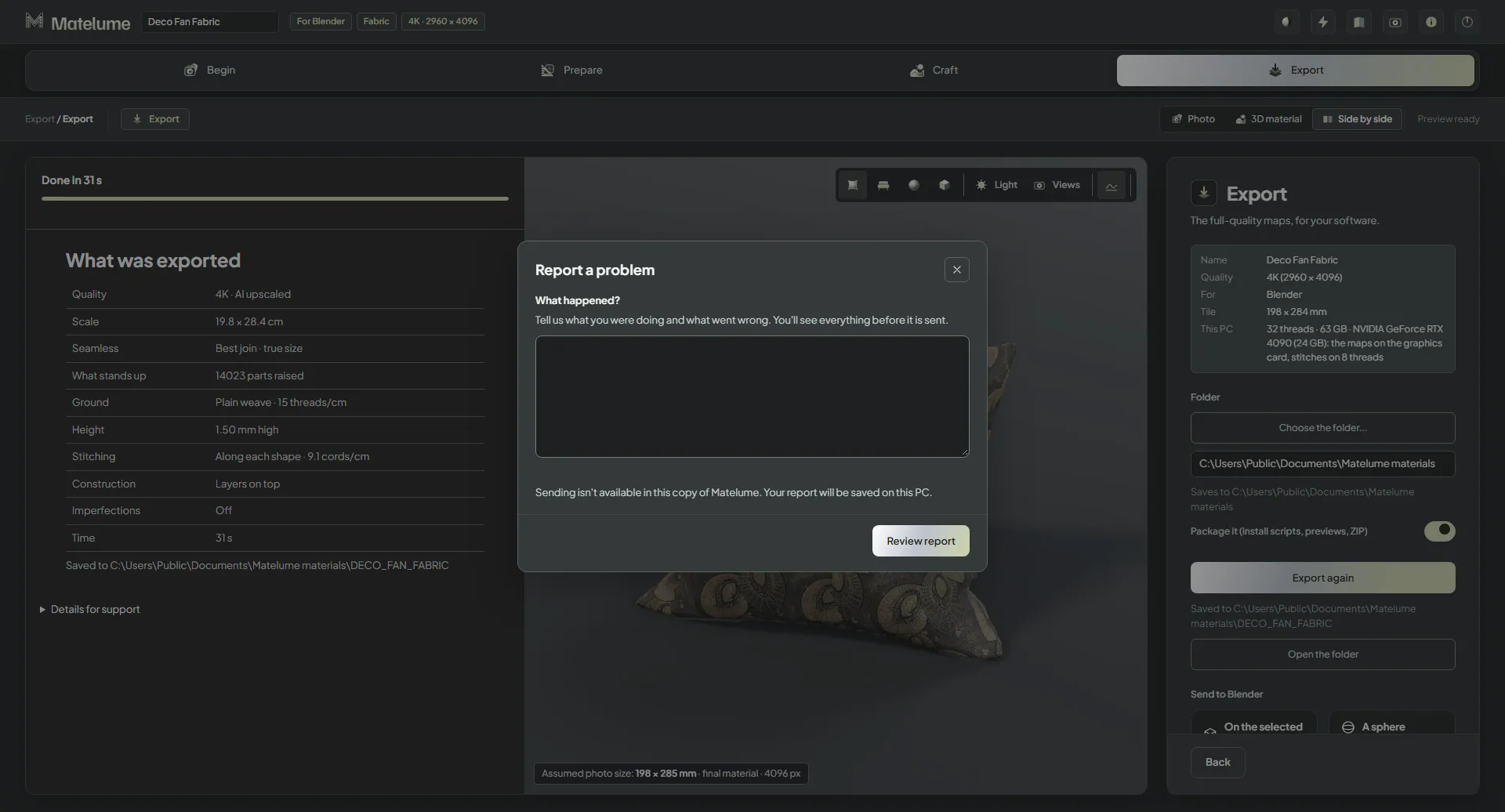
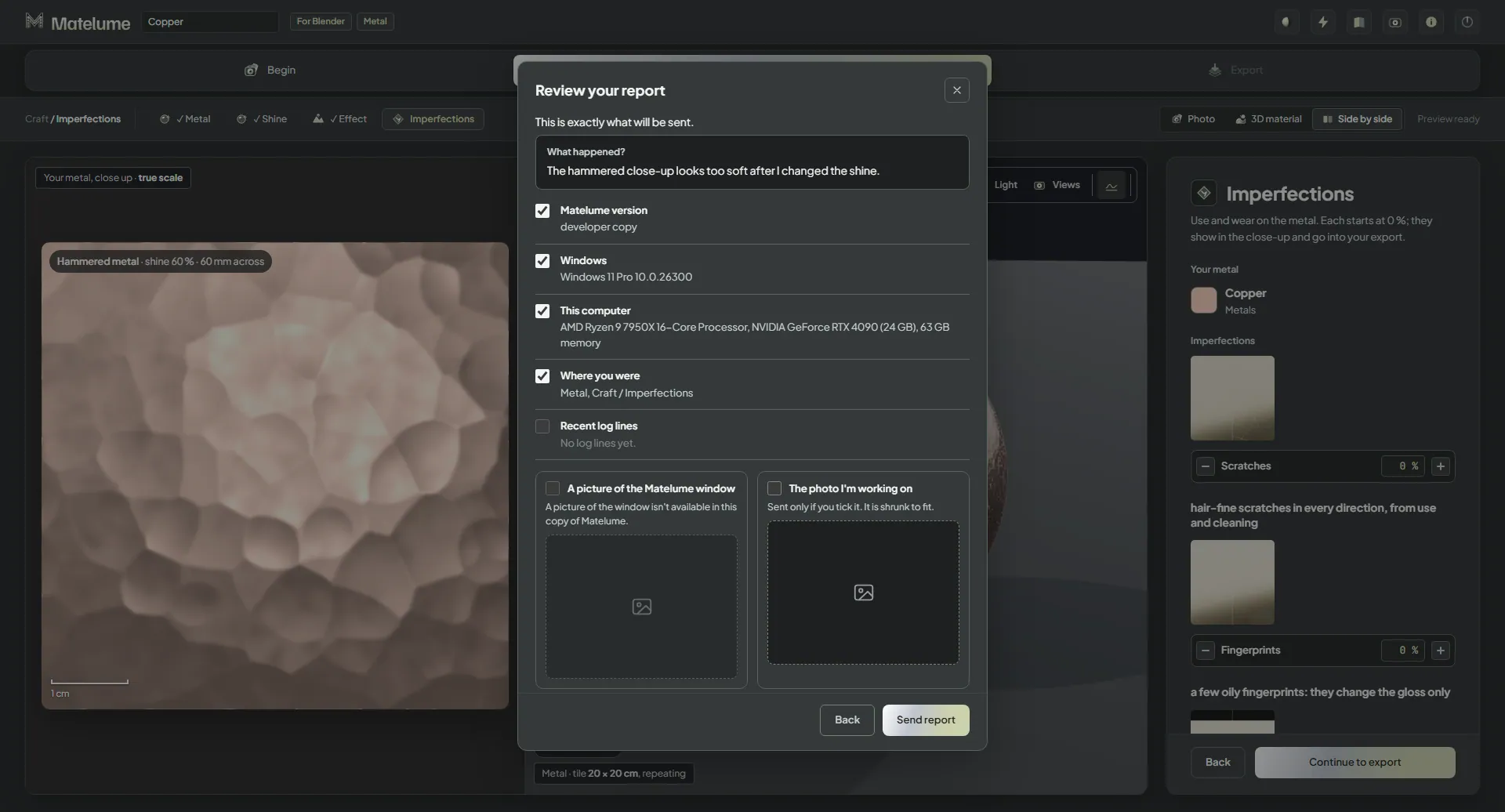
Choose Help → Report a problem, write what happened and review exactly what will be sent before sending.
Review what will be sent before you send it.
Work through a session on 16 GB
Fabric, marble, wood and wall art can finish one after another in one session on a 16 GB PC. This does not mean 8K fabric fits; that needs more memory.
Use the updated connections
Matelume 2.0 ships Blender add-on 0.2.2 and 3ds Max package 0.1.2.
Matelume 1.0.7.2
Matelume 1.0.7.2: fix
8K Velvet exports. Fixes 8K fabric exports with the Velvet construction, which stopped before saving. No change to your materials.
Run the new setup over your installed Matelume. It keeps your sign-in and settings.
Matelume 1.0.7.1
Matelume 1.0.7.1: security update
Security update. Closes a licence hole. No changes to your materials: the same maps come out.
One PC at a time. When you switch to your other PC, the first one stops making maps right away (one PC at a time, as your plan allows).
Run the new setup over your installed Matelume. It keeps your sign-in and settings.
Matelume 1.0.7
Matelume 1.0.7: Wood and a colour start
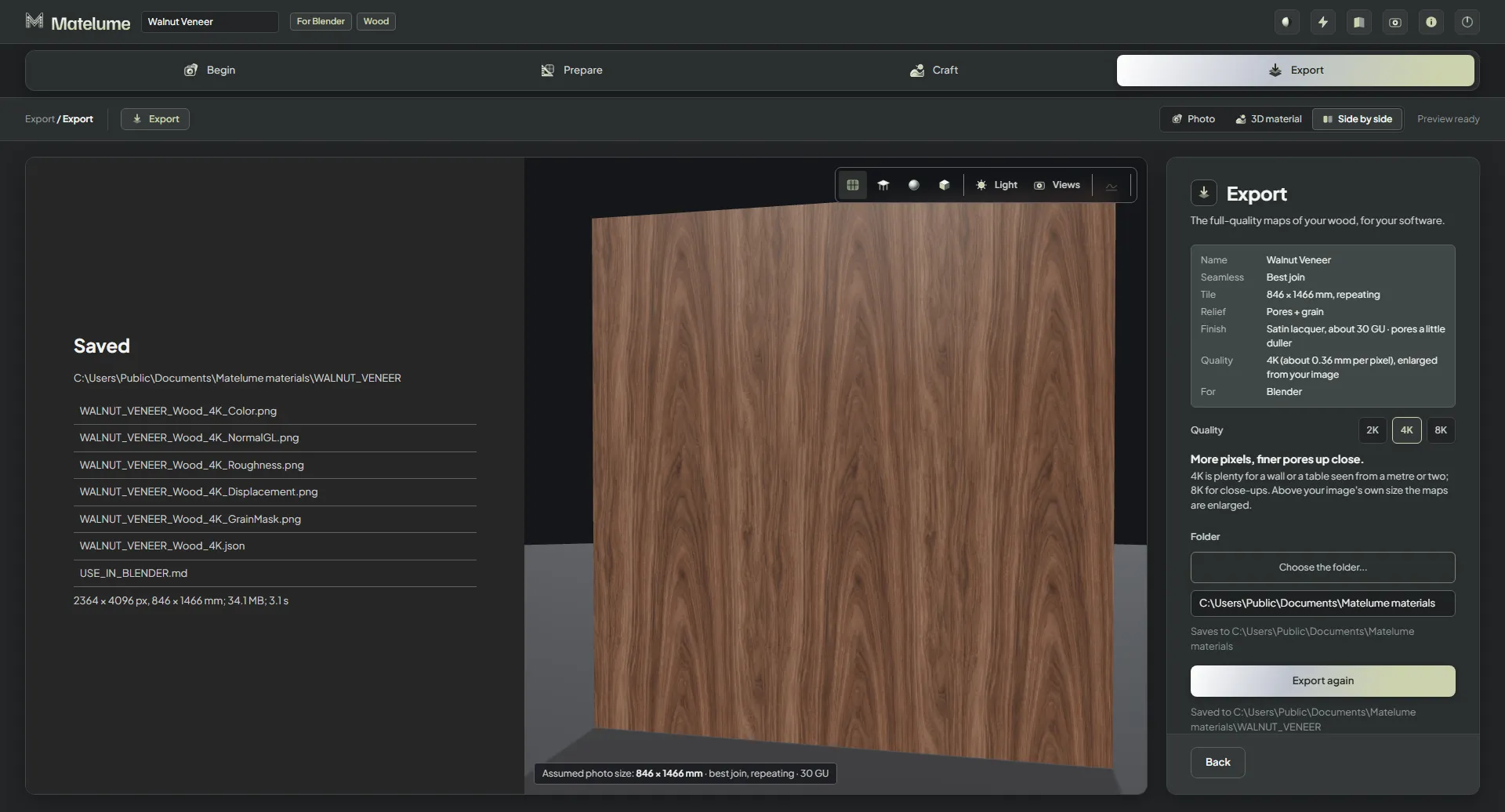
Wood. Build a veneer material from a flat image, with real-size Blender import using add-on 0.2.0.
Start from a colour. Use the wheel or the built-in Matelume colour catalogue to begin with a single-colour image.
Better 3D view. An improved view helps you inspect the surface.
Update notice. Matelume checks latest.json once a day and shows a download link when a newer release is available. It never downloads an update itself.
Long folder paths. Fixes for exporting to long folder paths.
Full-access trial. Every Pro tool for 14 days, full-size exports and no watermark. Max features are not included.
Matelume 1.0.6
Matelume 1.0.6: exports that match your choices
In Matelume 1.0.6. The 2K and watermark limits below applied to the former trial. The current trial includes every Pro tool, full-size exports and no watermark.
A fabric with a Construction and imperfections now exports one matching set of maps. The Construction finish and extra gloss on raised motifs are carried into the export. Wall-art glossiness also follows the artwork’s imperfections.
14 days for new trials. Build and export at 2K with a small watermark on the Color map. Higher export resolutions require a paid plan.
A cleaner Studio. Half-ready controls and “coming soon” cards have been removed. Start from a flat image: a scan, catalogue swatch or digital design.
Your work stays. PC sign-in renews automatically. After 14 days, Matelume shows “Your trial has ended. Buy Matelume to keep working; your work is saved.” You cannot create new materials or export until you buy a plan. Your saved work stays on your PC, and purchasing unlocks the app at once.
Updated integrations. Blender add-on 0.1.9 gives a clear sign-in message. The 3ds Max plugin remains 0.1.1.
Licences and installation. About & licences shows the version, credits and notices; the installer includes a Licences page. Startup file checks and uninstall cleanup have been improved.
To update, download the newest installer from the Download page and run it over your copy. You stay signed in, and your settings and projects are kept. See Install Matelume.
Matelume 1.0.5: faster, and the right size everywhere
Matelume 1.0.5 updates 1.0.4. Install it over 1.0.4: your sign-in, settings and projects stay. The materials you make look
exactly as before; only the waiting got shorter and a few rough edges are gone.
Faster
Fabric exports: a 4K fabric with a construction and imperfections took about 174 s before and about 120 s now. A
construction-only export went from about 156 s to 96 s. The default satin stitching builds about 3x faster.
Previews: a full 4K real-maps preview went from about 104 s to 59 s.
Package it: zipping a packaged 4K export takes about 3 s instead of 11-12 s.
Photos and Quality: the AI enlargement starts as soon as your photo is read again (on PCs with a supported NVIDIA graphics card), so the Quality step is usually ready
much sooner (about 38 s instead of 68 s in our test). "Even out the light" now switches almost instantly.
Flatten colours and Protect details: about 6-9 s faster per picture; a Protect details click went from about 6 s to
under 1 s.
Graphics cards with 6-8 GB: after the first enlargement, builds stayed on the processor for the rest of the session.
They now use the graphics card throughout (in our measurement the build stage took about 63 s on the processor and
34 s on the card).
The 3D view doesn't reload maps it already shows, and the final 4K maps no longer freeze the page for seconds.
Smoother
No more red errors or flicker when you click fast through constructions or stitches: the last thing you picked is what
builds and shows.
Matelume's own question cards replace the browser's pop-ups, with buttons that say what they do. Switching material type
only asks when you'd lose work; a mis-click and straight back just switches.
The Export step shows a running clock, and "What was exported" gets a Time row.
The steps bar (Begin, Prepare, Craft, Export) is cleaner: centred words, no numbers.
Matelume no longer closes by itself when your PC wakes from sleep while it's open.
Back to Quality after "Even out the light": the quality you picked is made again by itself.
The right size in Blender and 3ds Max
Your own objects get the true size: "Apply to selected" now measures width and height separately. Blender's own
sphere, cylinders and long panels were up to 70 % off before; now they're within about 2 %. Matelume's own sphere,
cushion and plane were already right and are unchanged.
Blender: "Fit real size" - select objects and click: they're measured again, so the material shows at true size after
you scaled an object or gave it the material by hand.
Blender: a cleaner node setup - Texture Coordinate -> Mapping -> maps, with one small "Matelume Real Size" node
(Width, Height and a "Size x" you can type: 2 = pattern twice as big). Renders are identical to before.
Blender: listens by itself - the add-on is ready for "Send to Blender" as soon as Blender opens (a preference turns
that off). In 3ds Max, click Listen as before.
Blender add-on 0.1.8 and 3ds Max plug-in 0.1.1 are on the download page: install them over the old ones.
Matelume 1.0.4: what's new
Matelume 1.0.4 updates 1.0.3. Install it over 1.0.3: your sign-in, your settings and your projects stay as they are.
Photo and Seamless
Flatten colours makes cleaner results: a new "Cleans" choice picks what gets cleaned. "The background" makes the
background one flat colour and keeps every shape exactly as photographed; "The threads" removes the threads from the
whole image while the colours and shading stay. It replaces Keep detail.
Best join keeps your size: it no longer stretches the design (it was up to 13.5 % wider and 10.9 % taller). Two
named choices: "Best join · true size" (the default: the design stays the size you set) and "Best join · fit the
size" (one repeat is exactly the width you set; the design grows a little to fill it, evenly, never stretched).
Clearer names: the fill pills are "Matched fill" and "Patch fill", and "Compare the tools, 2 × 2" shows each tool
side by side.
Fabric
"Nothing stands up" in What stands up, for a fabric with no raised design: the Height and Stitching steps are
skipped.
Ground: "Rely on the construction": no weave is drawn; the cloth's surface comes from the construction you pick
in the Construction step (velvet, for example). It needs a construction, and constructions that work on a raised
design only (Cut velvet) are not offered with it.
Ground, live: while you change the weave, you see it live at its true size, as in the Stitching step.
Weaves: the small round holes that showed in some weaves are gone.
Your picks stay right: after you change Flatten colours or Even out the light, What stands up reads the parts again
and your earlier picks are no longer carried onto other parts.
Crisp machine stitches: the cloth between the threads of a machine stitch now takes the ground cloth's colour. On
busy prints the stitched parts no longer turn into a pale haze, in the live close-up and in the exported Color map.
Wall art
"Nothing" in What gets bumped now hides the Bumped paint step; the varnish choice moves to the Artwork step.
Bumped paint: controls for all six paint types, with a live close-up of your own painting at true size.
Large paintings keep their paint marks at the size you set.
"Even out the light" changed after the artwork is made now reaches the 3D view and the export.
All golds: Metal colours reads 12 colour swatches (it was 8), and an "All golds / silvers / coppers" button adds
every tone of the metal you picked. On Klimt's The Kiss, the share of the painting picked as gold rose from 52 % to
73 %.
Finer By shape: on detailed paintings, big parts that hold clearly different colours are split, so you can pick
more precisely (The Kiss: 18 parts became 56). Flat and mottled grounds stay whole.
Clearer frame names: the artwork shape is "Rounded corners" and the moulding is "Half-round" (both were "Rounded").
Gold reads as gold in the 3D view: metals reflect the studio light at full strength. This changes the view only.
Framed art for 3ds Max: Matelume finds Blender wherever it is installed, or where you point it ("Where Blender
is..." in the Export step), to make the artwork's FBX.
Marble
Your gloss stays: once you set your own finish in How glossy, changing the Roughness by selection option keeps it.
Clearer name: the Roughness by selection option "Honed" is now "Veins slightly duller, starts honed"; "Honed" is
only a finish in How glossy.
Everywhere in the Studio
Export shows its progress and then a short "What was exported" summary. The technical lines fold into "Details
for support" and are saved as build_log.txt in the export folder, ready to send to support.
The Export step tells you whether your maps are "Saved" or "Changed since the last export".
Safer changes: switching the material type asks first; a new photo stops the old photo's previews; a photo
dropped while an export runs is refused, so an export never mixes two photos.
Path tracing: on a graphics card that cannot path trace, its button turns off instead of staying lit.
Blender (the Matelume add-on, now 0.1.5)
One material per export: applying the same export to several objects shares one material, so a tweak reaches
them all; a new export makes a new material.
Fur: applying a fur material again replaces the fur instead of adding a second one.
The cushion sits on the floor and its sides no longer stretch the pattern; silk's sheen follows the UVs.
Send to Blender is one undo step, Refresh keeps the material you picked, and the list keeps your earlier export
folders after a restart.
A failed artwork import leaves nothing half-built in your file. (The 1.0.3 download carried add-on 0.1.2.)
3ds Max (the Matelume plug-in)
One material per export: objects with the same tiling share one material; an object with a different tiling gets
its own copy, named after it.
Fur: applying a fur material again replaces the fur.
V-Ray and Corona, silk sheen: the directional sheen of silk and satin now reaches the material, along the UVs.
Corona colours match: the Color map is read through the true sRGB curve, the way V-Ray and Blender read it.
Pattern placement matches Blender: every map's repeat starts from the corner of the UVs, and the Plane block shows
one whole tile.
Framed art: the artwork's FBX comes in at the right size with fixed import settings, and your own import settings
come back afterwards. A moved or renamed export folder now says so, with Refresh to fix it.
One Matelume panel, which stops listening when you close it; "Make it for" follows your scene's renderer; "Add a
sphere from an export folder..." says what it does.
Not changed
Your account, your plan and the prices.
The export formats and the programs Matelume exports for.
v1.0.3, 30 September 2026
A lighter framed-art panel.
Blender add-on 0.1.2.
3D colour matched to Cycles.
The refined still 3D view shows your maps' real gloss.
Each construction sits at its fabric's gloss level: silk is much glossier than cotton.
v1.0.2, 30 September 2026
Constructions built on real fabric scans. Velvet, chenille, silk, suede and cotton now take their fine texture and gloss from real, measured fabric scans: 14 kinds in all. Kinds without a real scan yet are paused until their scans are ready.
Your colours keep their hue. A construction adds the fabric's real texture and gloss, and your colours only turn a little lighter or darker in places.
Fur is part of the Max plan. On the trial and on Pro, the Fur card now reads "Part of the Max plan, coming soon".
A cleaner Construction step, without Coming soon cards.
Updated third-party licence notices.
v1.0.1, 29 September 2026
Matelume's own window. Matelume opens in its own window with its own taskbar icon, instead of in your web browser. Starting it again brings the open window to the front. If you close the window while a build runs, Matelume asks first, and the build finishes before it closes.
Settings and projects save correctly in the installed app. In v1.0 they could fail to save.
A new stitched-M icon and a setup wizard in Matelume's own look, light or dark to match Windows.
The Pro badge. Full accounts now show Pro in the top bar.
Constructions fixed. Construction effects that had stopped showing apply again.
Wall art. The sliders for which part of the photo to use are gone, frame ageing works on oval, circle, arch and rounded frames, and the frame sliders respond without lag.
v1.0.1 updates v1.0 in place and keeps your sign-in.