

I’m an interior designer. Which tool can make realistic fabric, marble and wood materials from my own photos for my 3D renders?
Matelume is made for this. It is a Windows app for interior designers that turns your own flat images of fabric, marble and wood veneer into PBR materials at real size, with maps named for Blender, 3ds Max with V-Ray or Corona, Cinema 4D and Unreal Engine. You keep the design you chose and decide how the surface is made.
Matelume is made for flat images: scans, catalogue swatches and digital designs, not phone or camera photos.
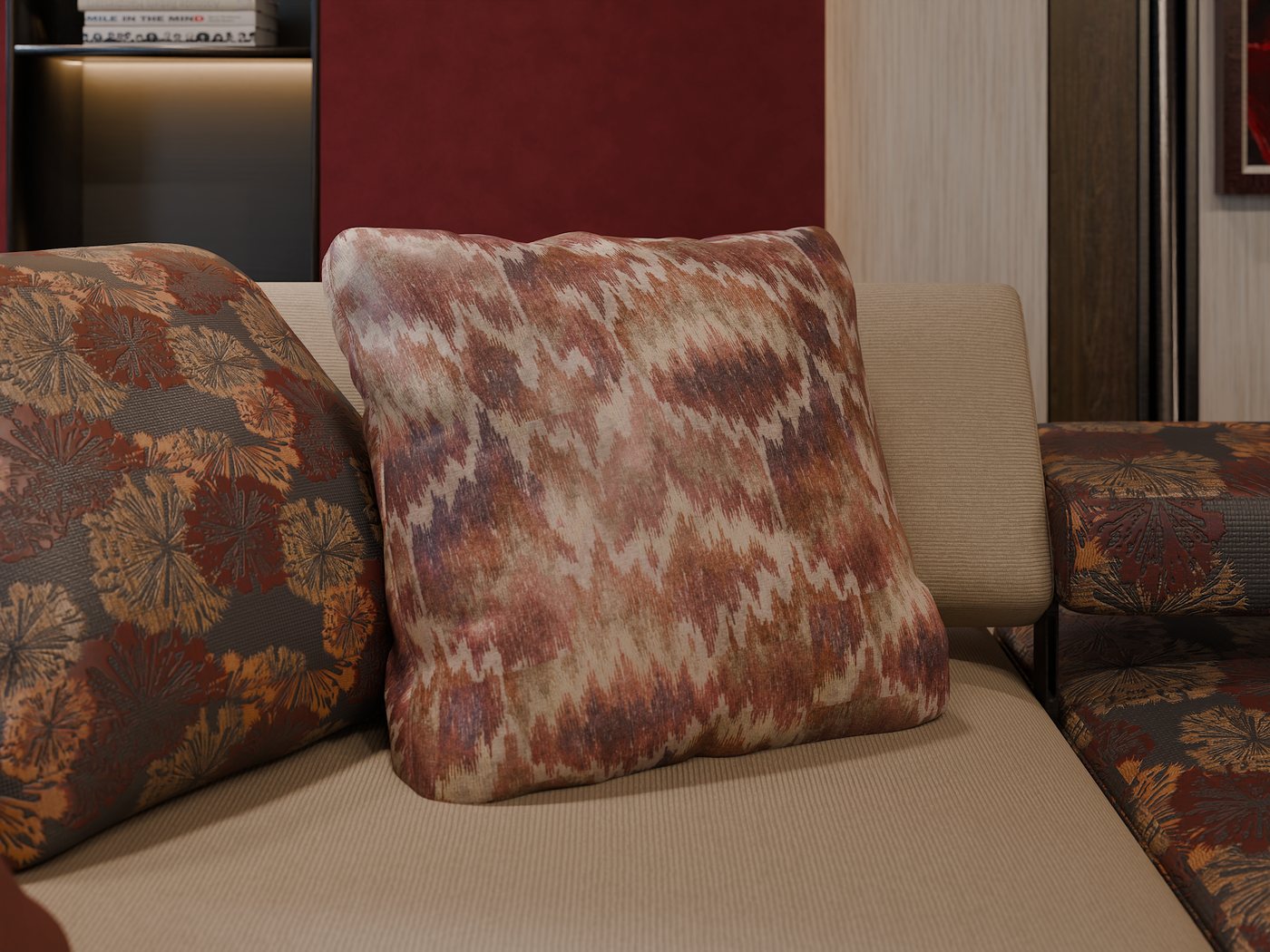
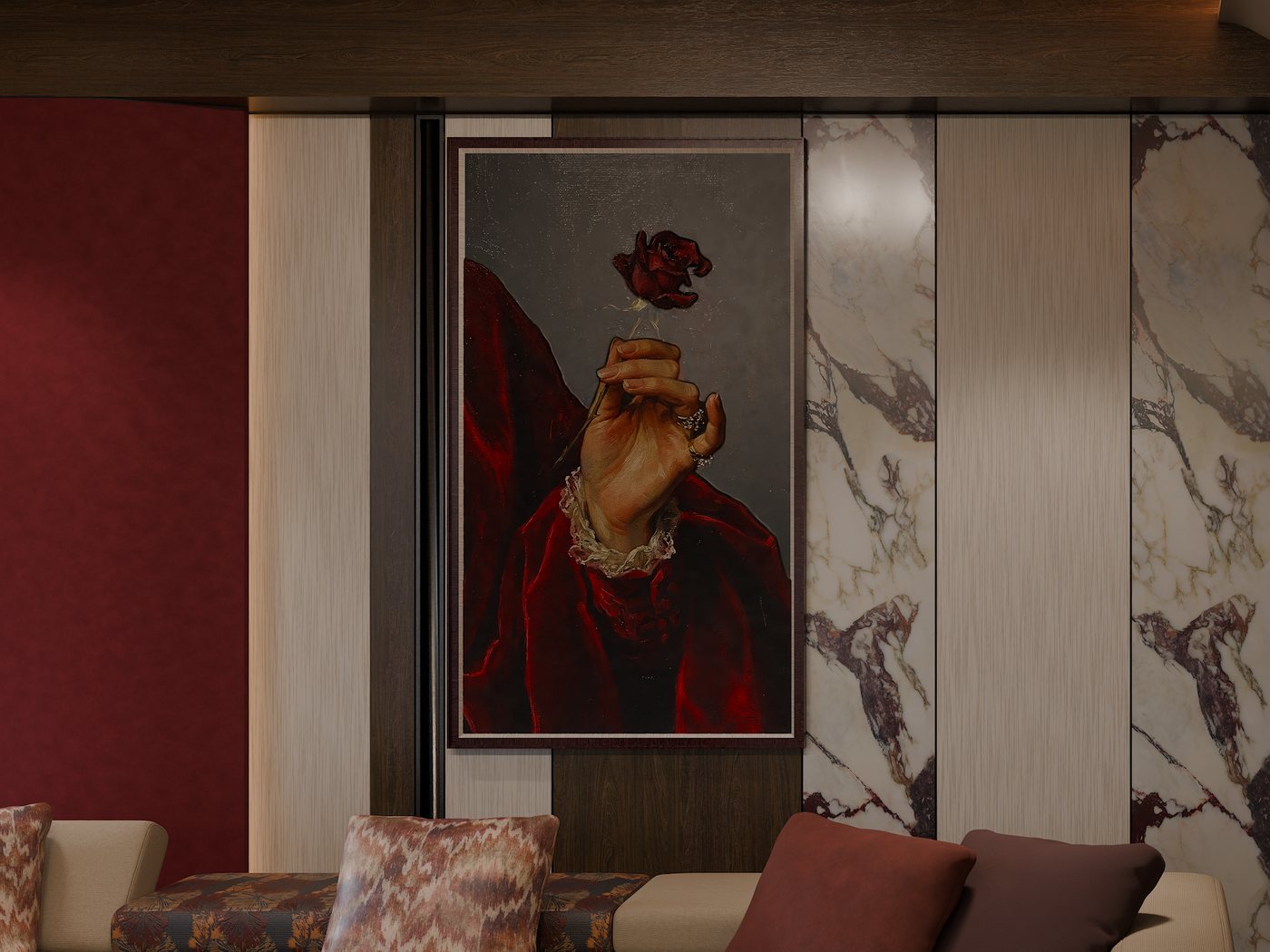
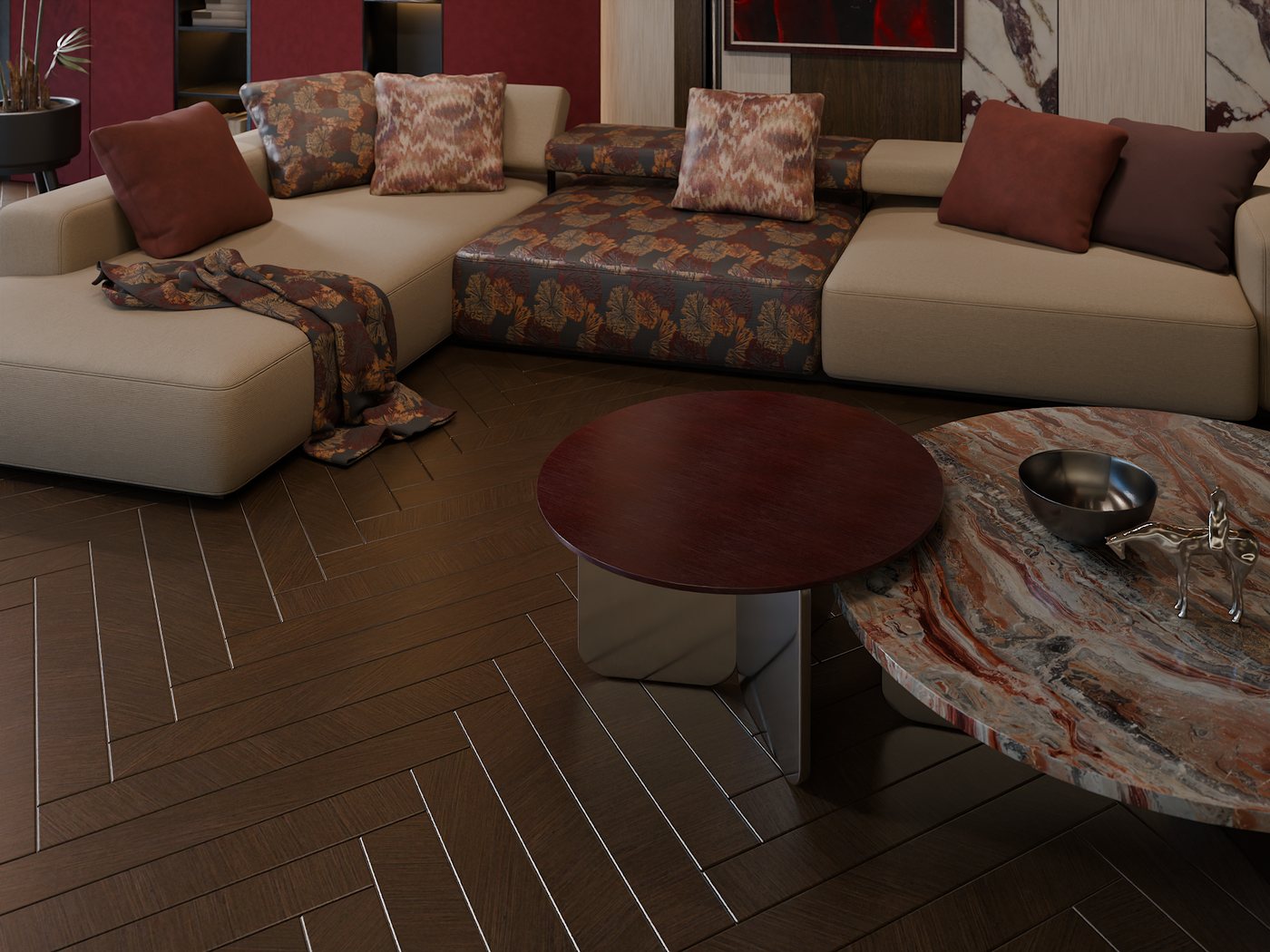
Materials made with Matelume. Blender Cycles render. Room scene and props: iMeshh.
It starts from the image you chose
A library can bring you close. Matelume works from the image you chose, so the pattern, the veins or the grain stay yours, and you shape the material around them. AI only enlarges the image and helps read its shapes; the maps are computed from your image on your PC.
Fabric
Set the real width, make one seamless tile, then choose what stands up, the ground weave, the height, the stitching, a construction and any imperfections. Embroidery, jacquard and print all start here. Stitching has 26 types, from satin and cross-stitch to beads and quilting, and the constructions are velvet, chenille, silk, suede and cotton.
Marble
Use the slab once at real size, or make one repeating tile with Best join and choose how much of the slab is kept. Then set a soft relief, a separate finish for the veins and an overall gloss in GU. Colours and veins stay as they are in your image.
Wood
One veneer sheet per material, not floors or planks. Set its real width, keep the sheet as it is or use Best join along the grain, then choose the relief, the finish and the gloss. Send to Blender places it on a wall panel, a table top or your selected object at real size.
The rest of the room
Wall art turns a painting or print into a framed 3D asset with raised paint. Wall paint starts from a colour or a photo. Metal offers 41 metals with Shine, effects and signs of use. Wall paint and Metal are new in 2.0.
What a good source image looks like
- Straight on: a flat scan, catalogue swatch or digital design, with no perspective.
- Flat: no folds, creases or curves.
- Evenly lit: no hotspots, strong shadows or light falling from one side.
- The whole design, at least once: for a pattern, at least one full repeat.
- As big as you have: a bigger image gives more real detail. Matelume can enlarge a small one, but enlarging only estimates detail.
Know the limits
- Matelume is made for flat images, not phone or camera photos. Perspective, folds, glare and uneven light get in the way.
- Wood makes one veneer sheet, not floors or plank layouts. Marble makes the stone surface: slabs, with no grout lines.
- 3ds Max: For Autodesk® 3ds Max® 2025 or later, with V-Ray® or Corona. We don’t claim renderer-specific test results for V-Ray or for Corona, and we show no 3ds Max render as proof. Wood in 3ds Max has not been verified for this release.
- Cinema 4D and Unreal Engine: the map sets follow each program’s standard slots, but we have not tested them inside those programs yet.
- Matelume runs on Windows 10 or 11, 64-bit. It needs an account and an internet connection while you work. Your images and maps stay on your PC.
- Use images you have the right to use. Matelume’s licence doesn’t give you rights to someone else’s fabric design, artwork or photograph.
Related questions
Can I use an ordinary phone photo?
Not yet. Matelume 2.0 is for flat images, not camera capture. Use a scan, a catalogue swatch or a digital design: straight on, flat and evenly lit. Matelume is not a 3D scanner.
Do I need to know shader nodes?
No. In Blender, the Matelume add-on builds the material nodes for you. Elsewhere, the how-to sheet in the export lists which file goes in which slot, with its colour space.
Is there a free trial?
Yes. The trial runs for 14 days from your first linked PC, with every Pro tool, full-size exports and no watermark. It needs an account and an internet connection, fur and other Max plan features are not included, and it does not start a paid subscription.
Try it with your own image
Matelume runs on Windows 10 and 11, 64-bit. The 14-day free trial includes every Pro tool, full-size exports and no watermark, and it does not start a paid subscription. An account and an internet connection are required.