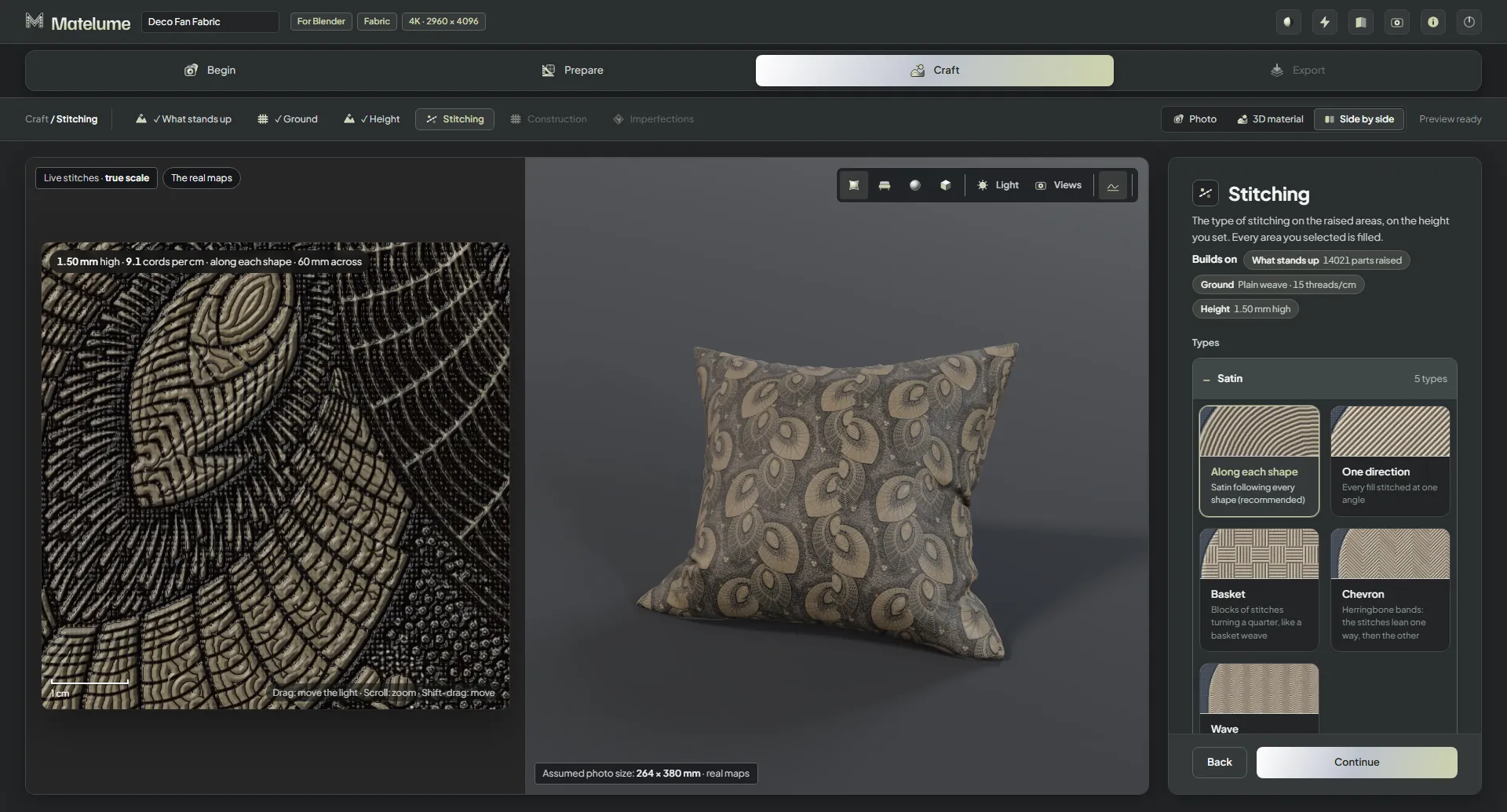
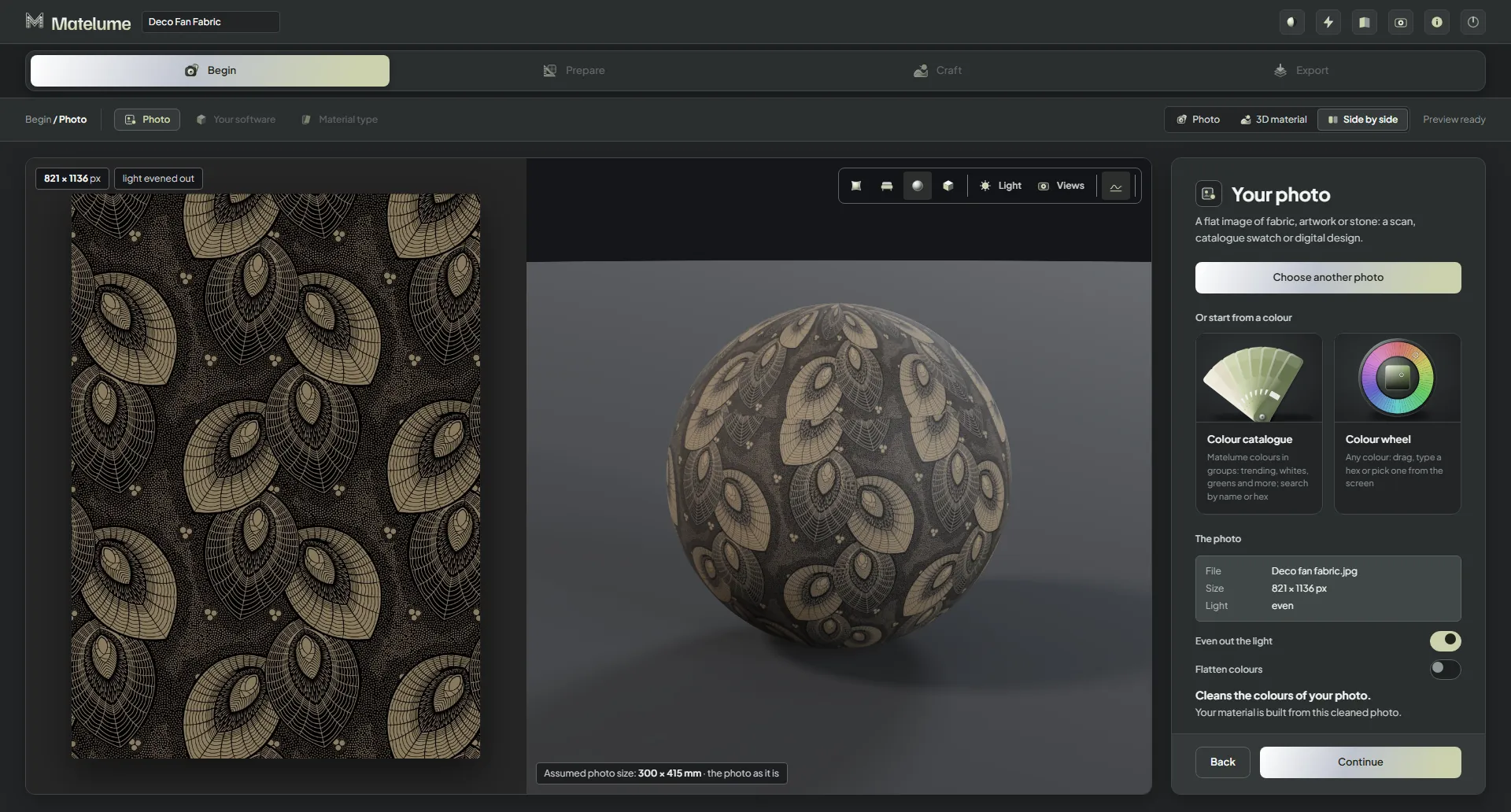
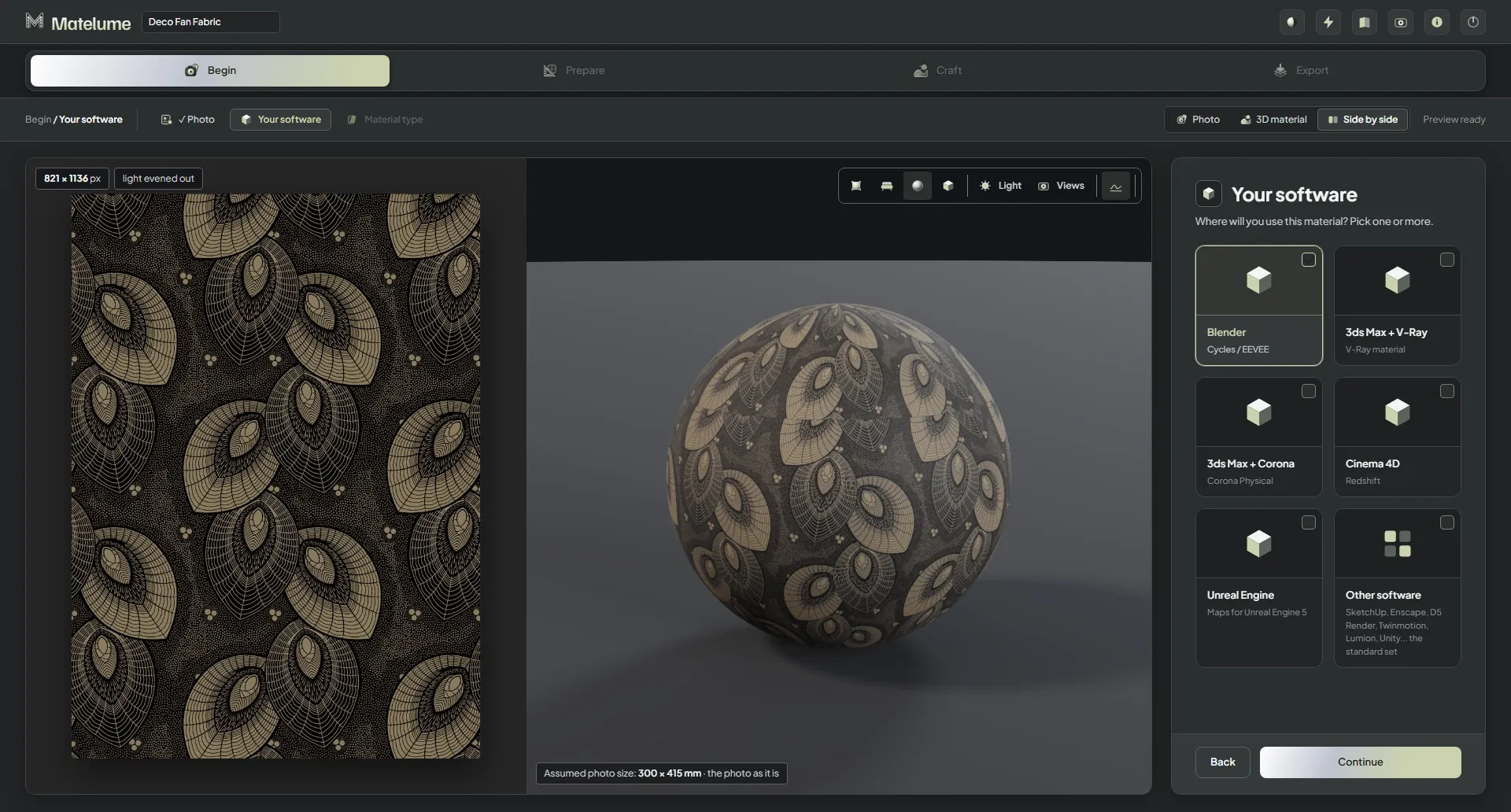
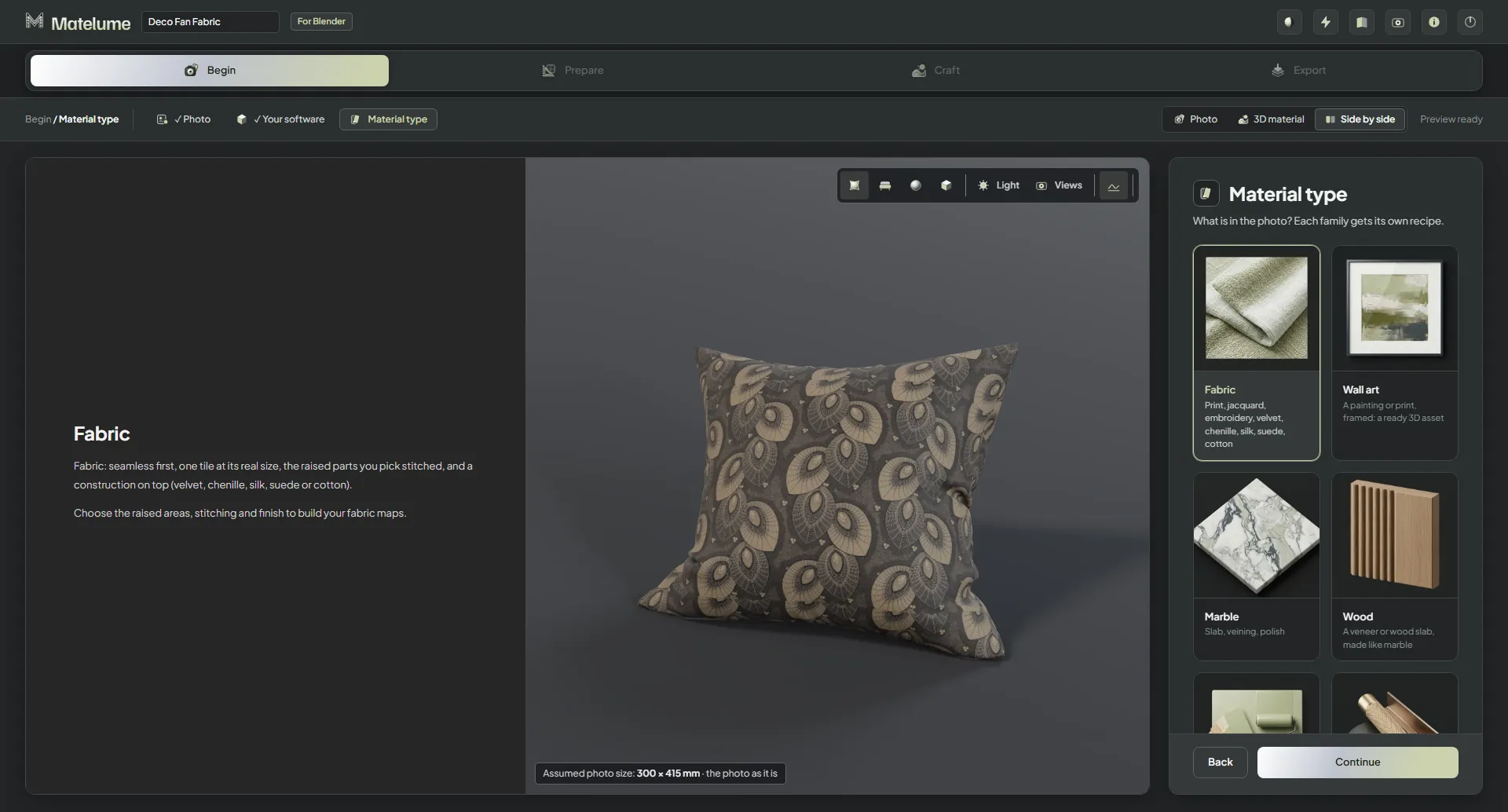
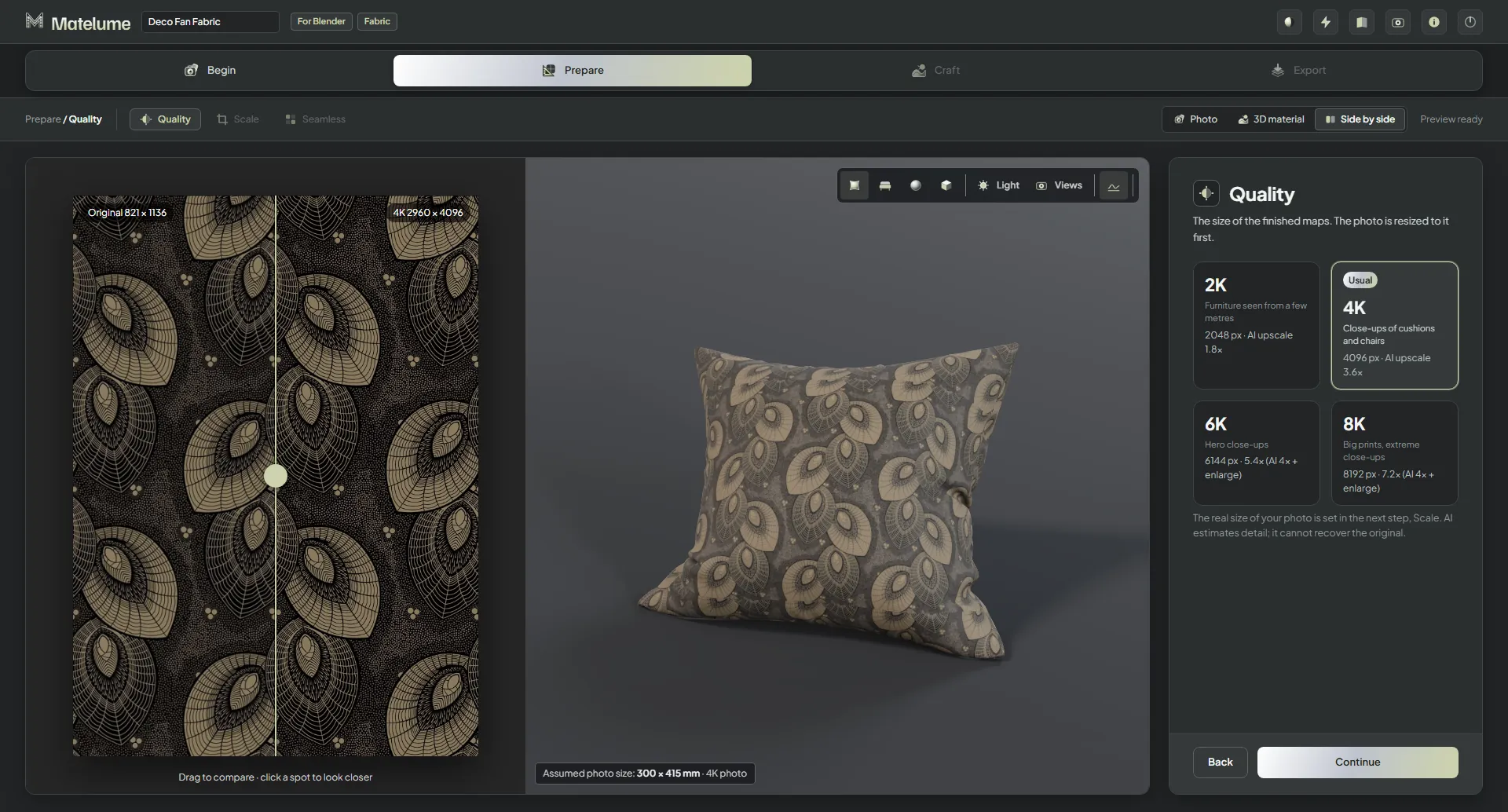
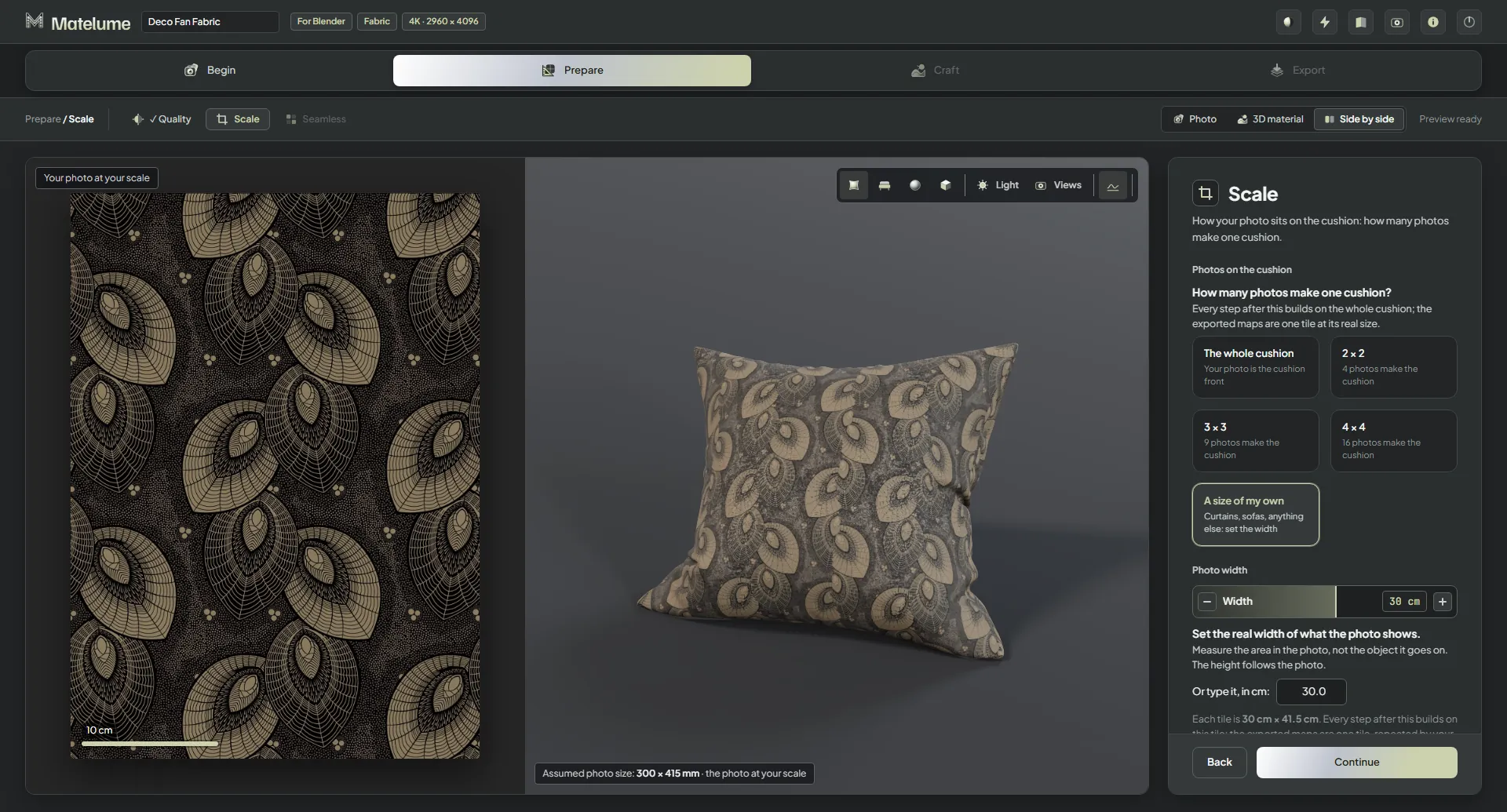
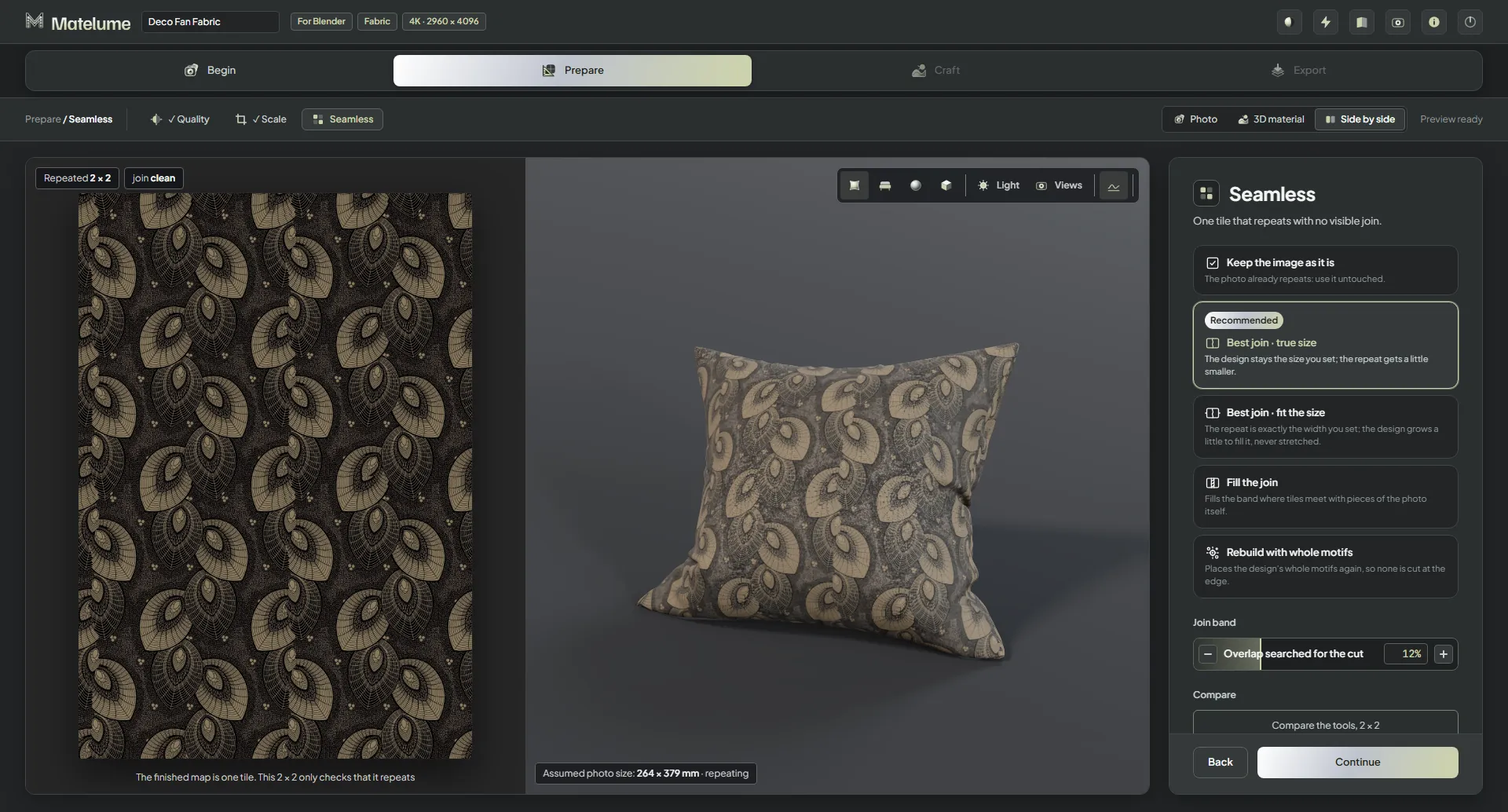
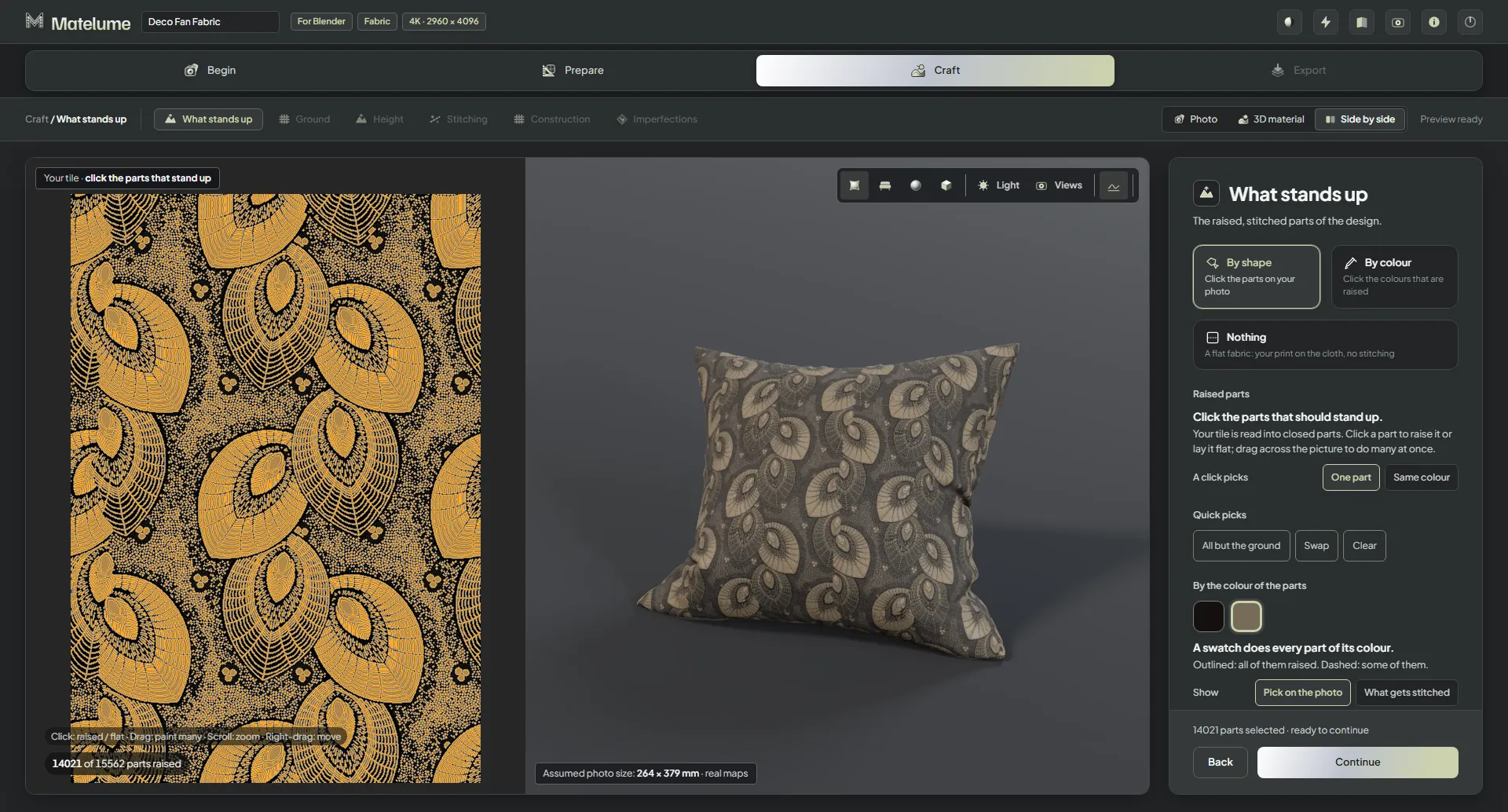
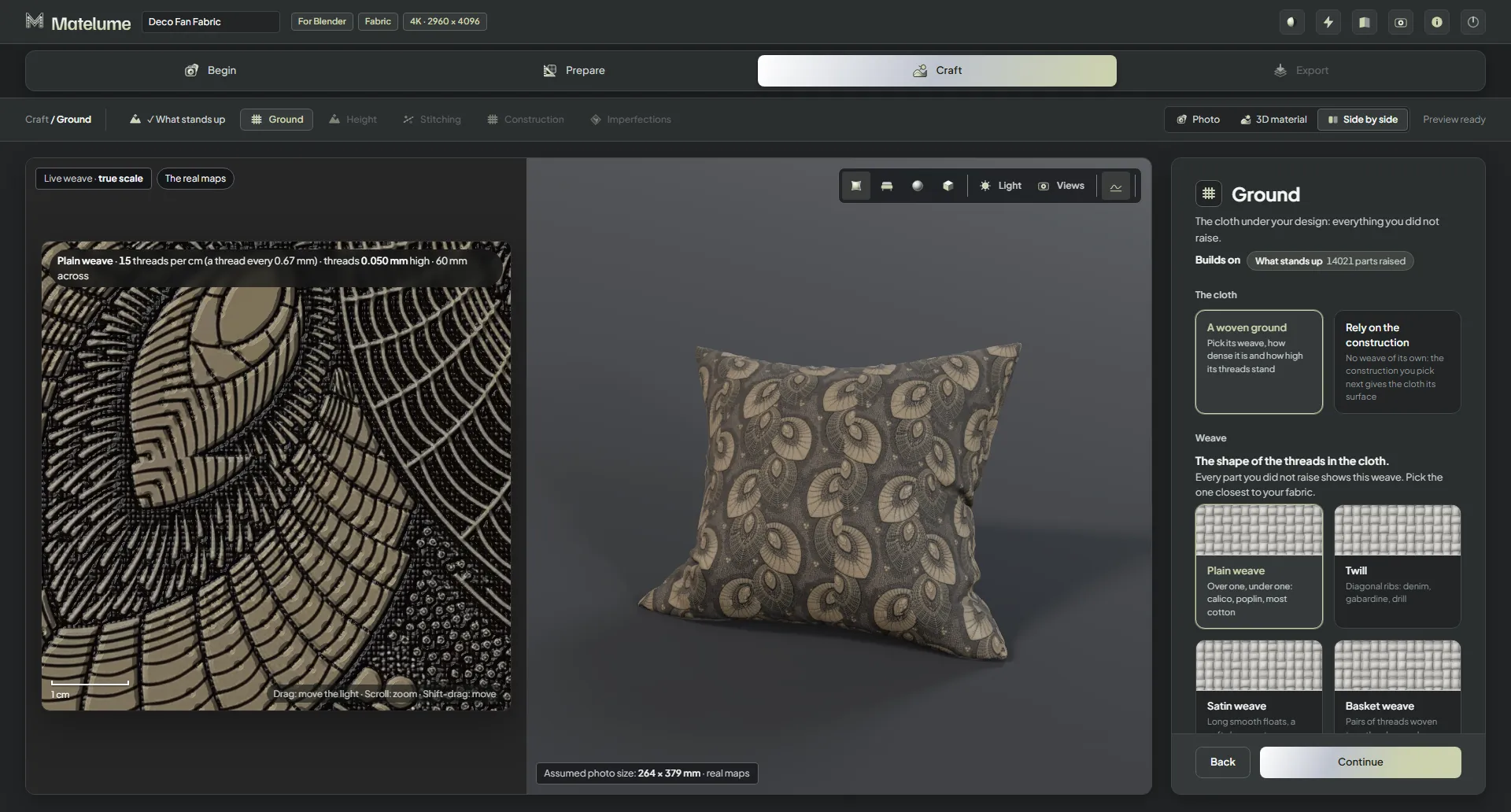
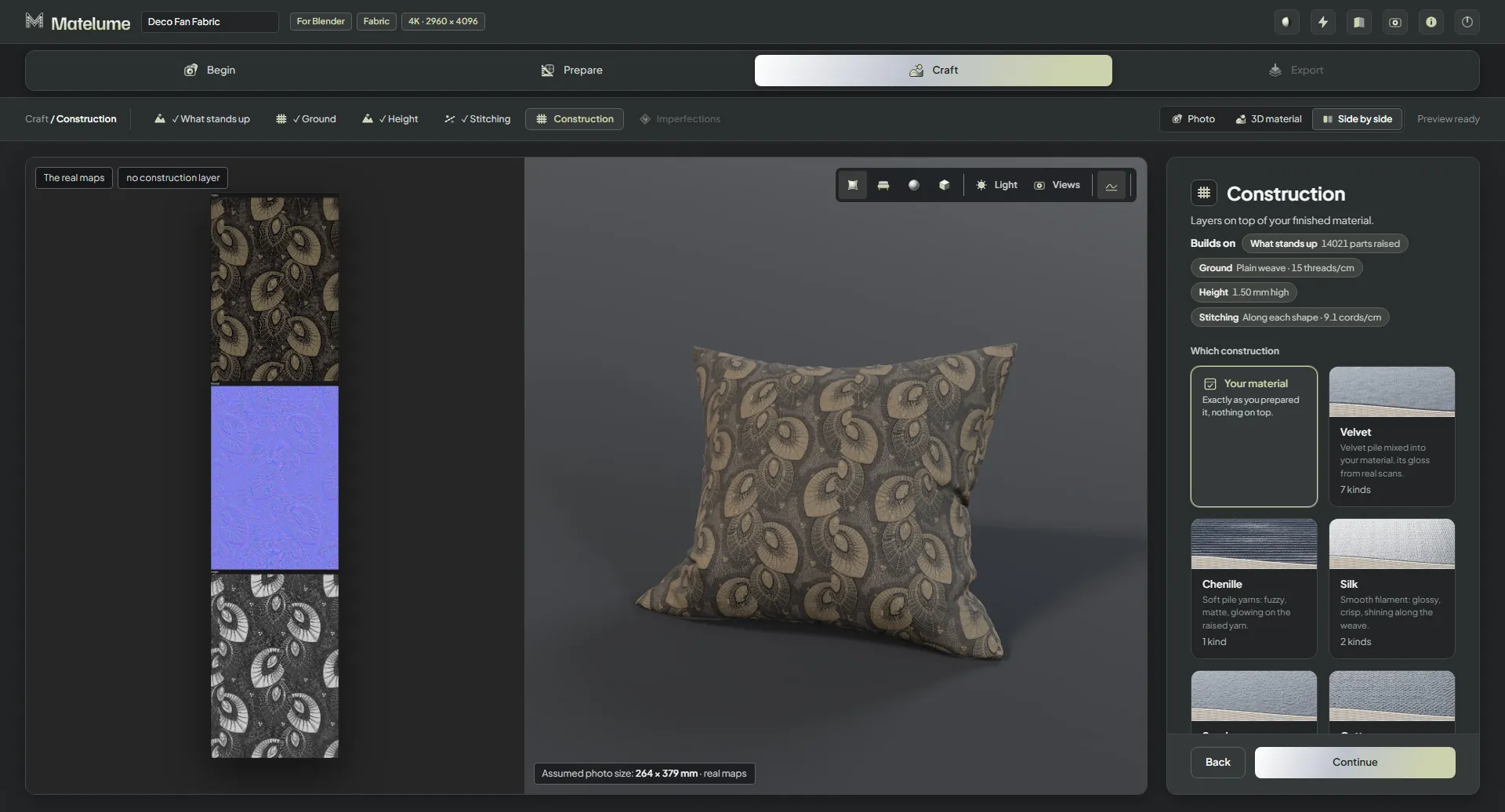
The first step of Matelume: a deco fan fabric photo is loaded and shown flat beside its 3D preview, with the colour catalogue and colour wheel as another way to start.Choosing the software the material is for: Blender, 3ds Max with V-Ray or Corona, Cinema 4D, Unreal Engine or other software.Choosing the material type: Fabric is selected, beside Wall art, Marble, Wood and the other types.Choosing the quality of the finished maps: 2K, 4K (usual), 6K or 8K, with 4K selected.Setting how the photo sits on the cushion: how many photos make one cushion, with the photo at its real scale.Making the photo repeat with no visible join: Best join, true size is selected and the 2 x 2 check shows the repeat.Clicking the parts of the design that stand up: the raised parts show in colour on the photo, and the choices By shape, By colour and Nothing.The cloth under the design: a live plain weave at true scale beside the weave choices and its density.Choosing the stitching of the raised parts: live stitches at true scale beside the satin, basket, chevron and wave stitch types.The Construction step with the finished maps (colour, normal, gloss) beside the 3D cushion and the list of constructions: velvet, chenille, silk, suede, cotton.