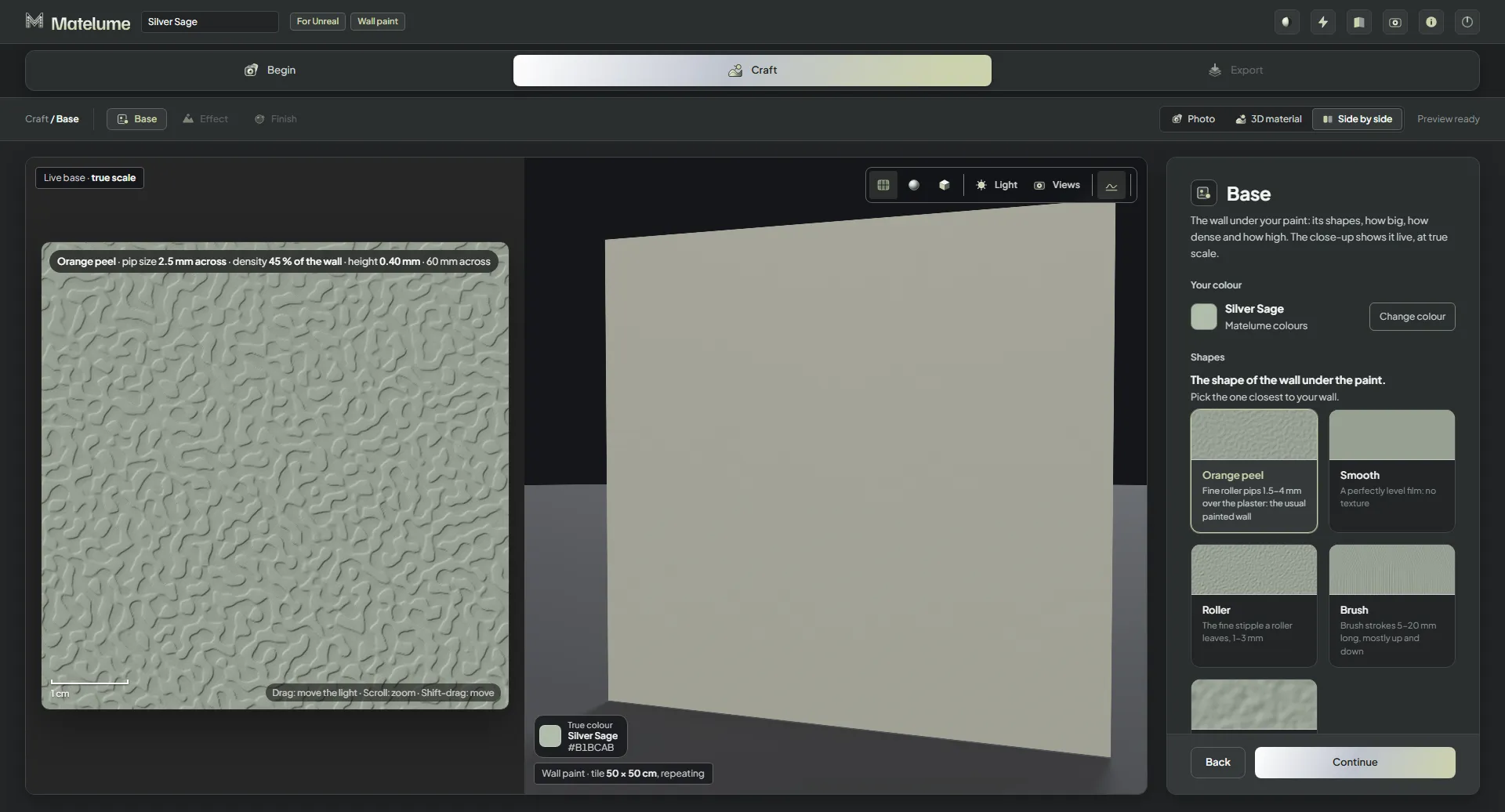
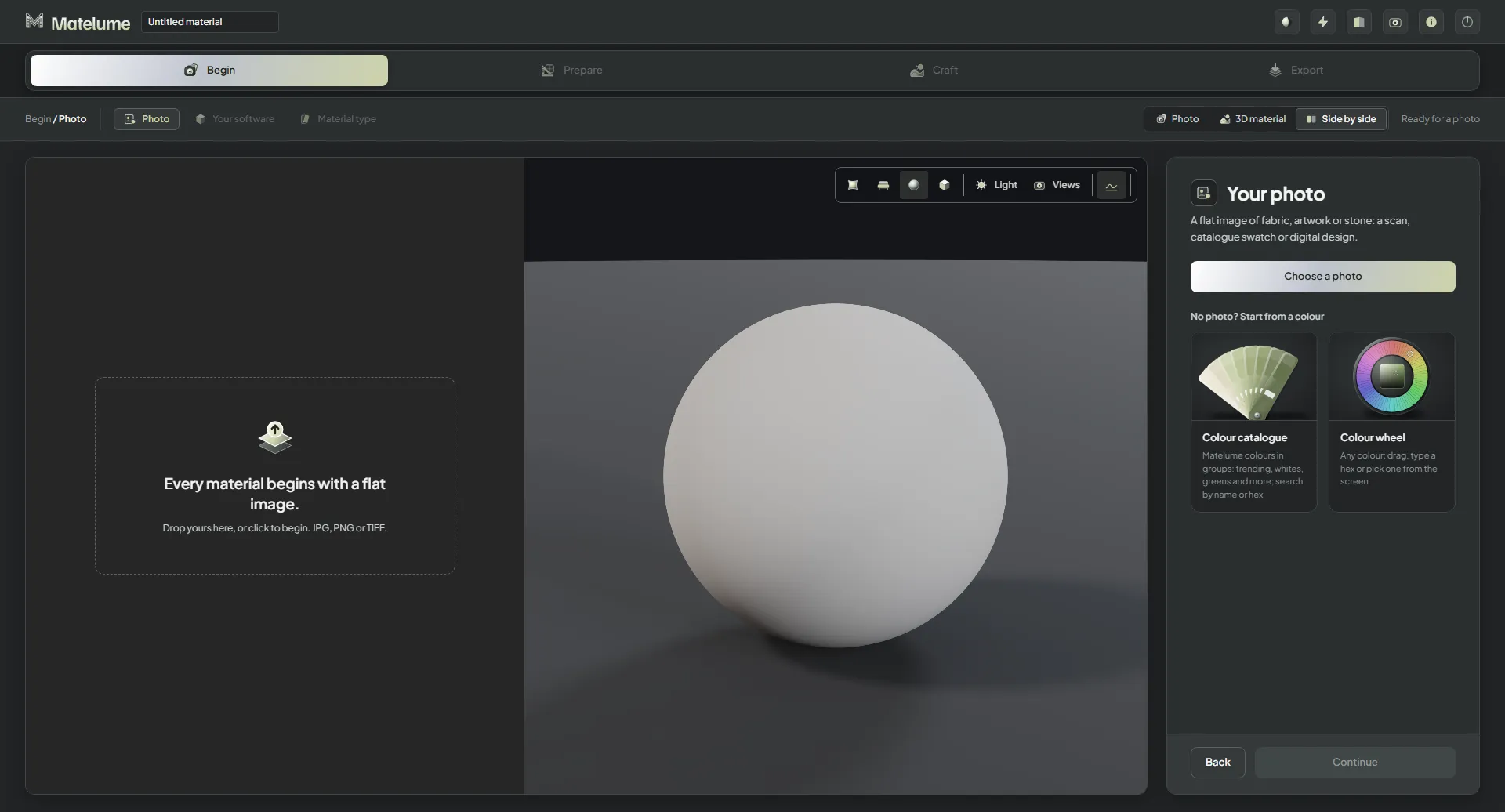
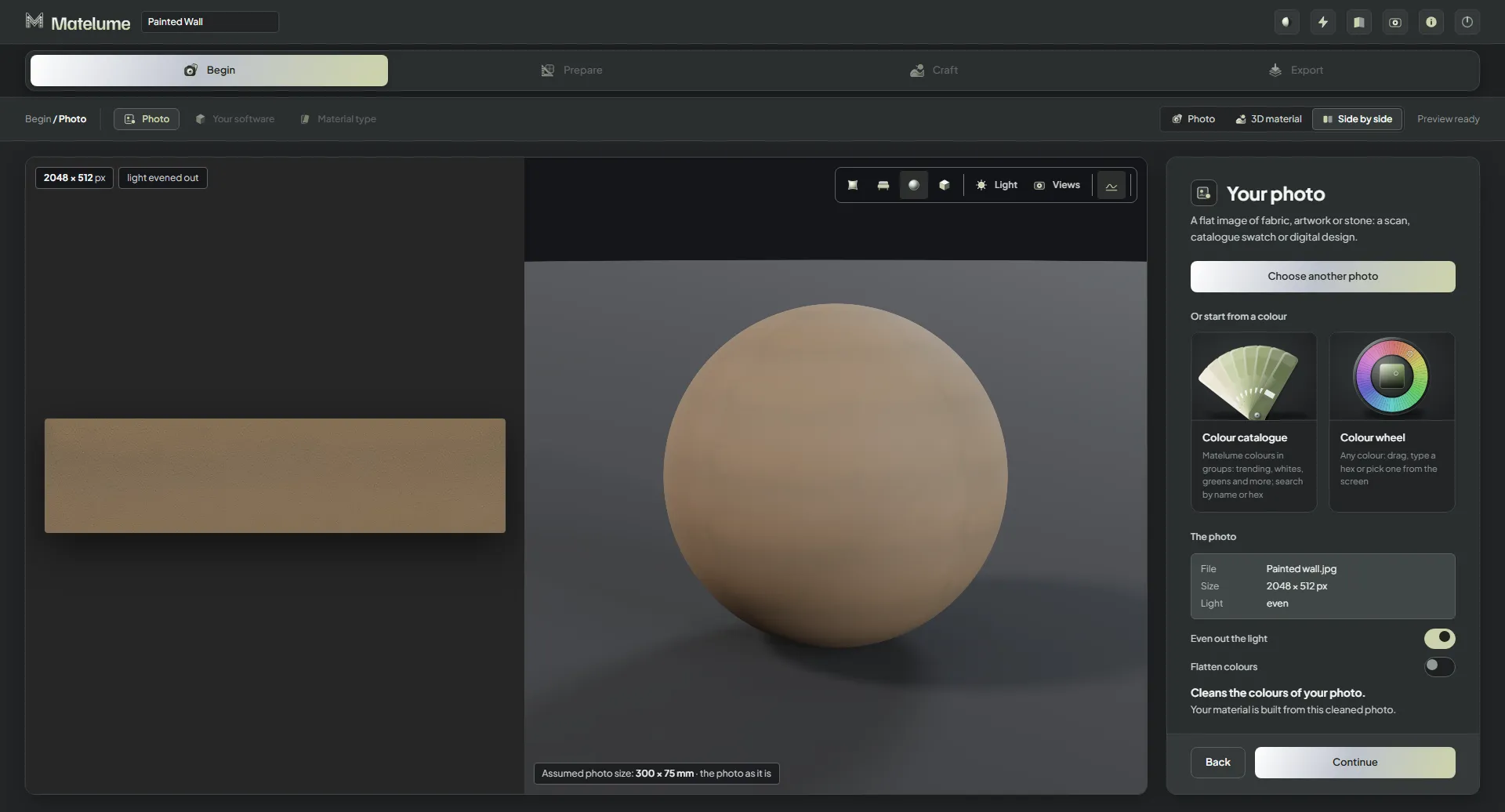
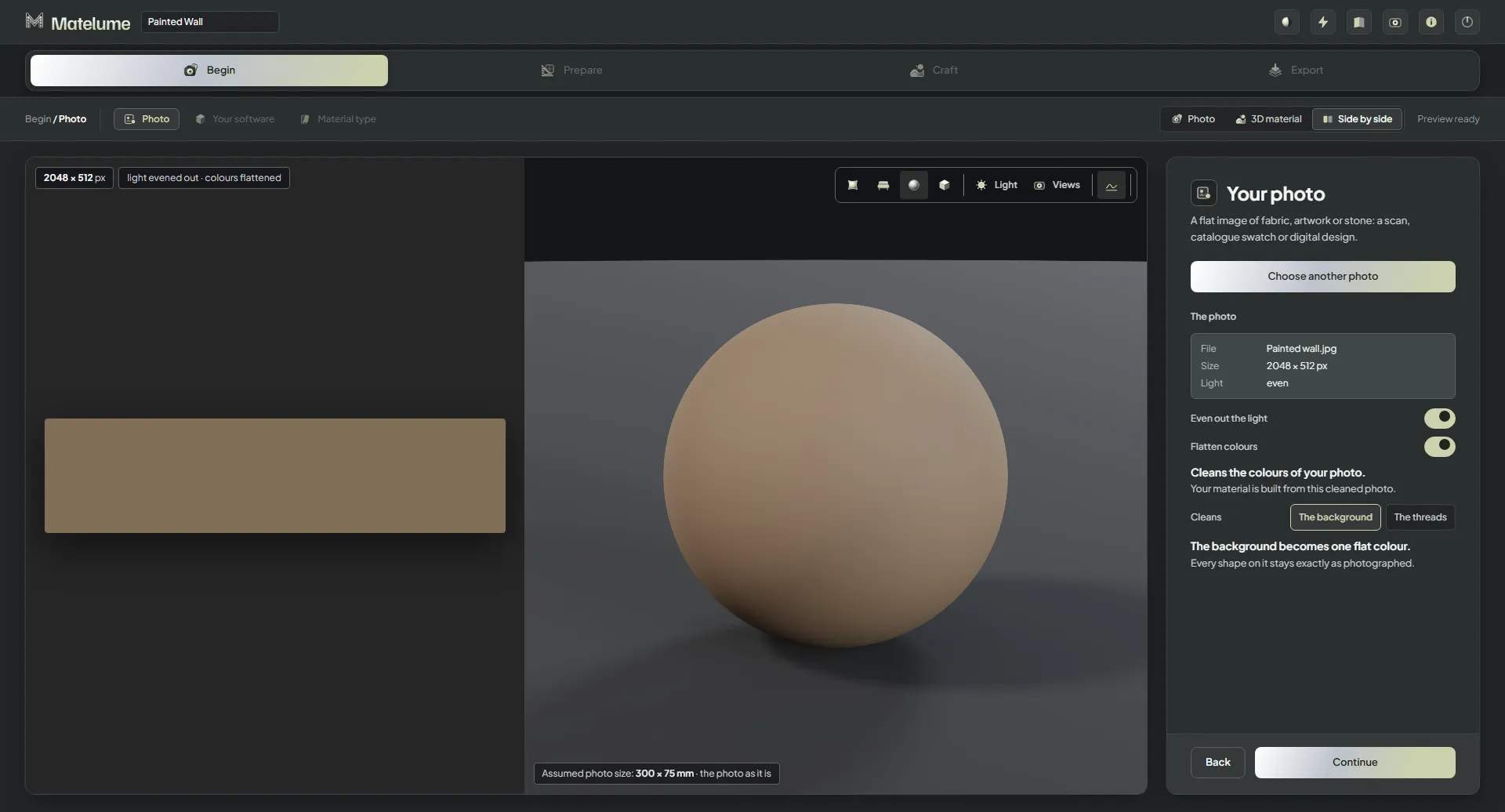
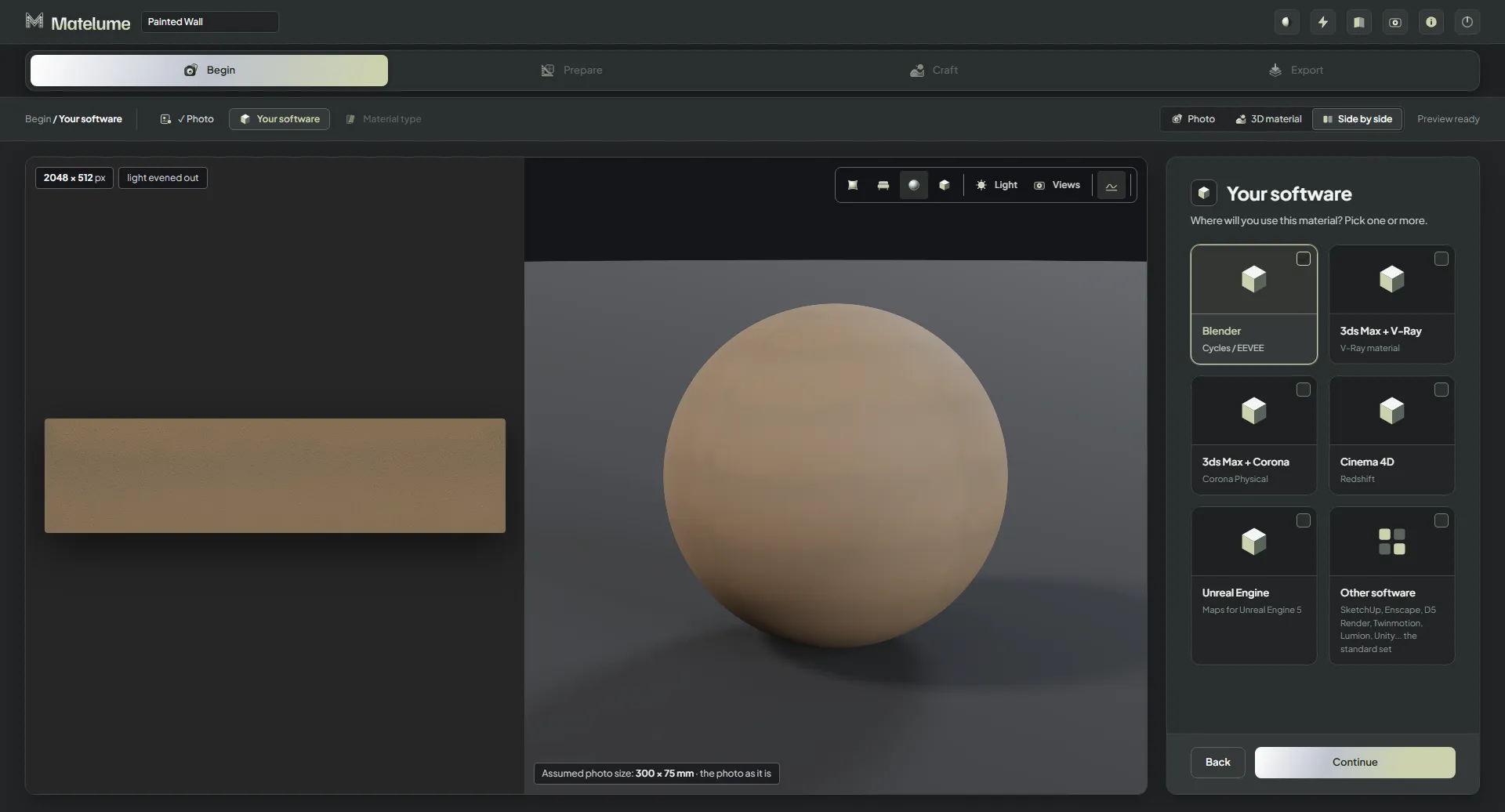
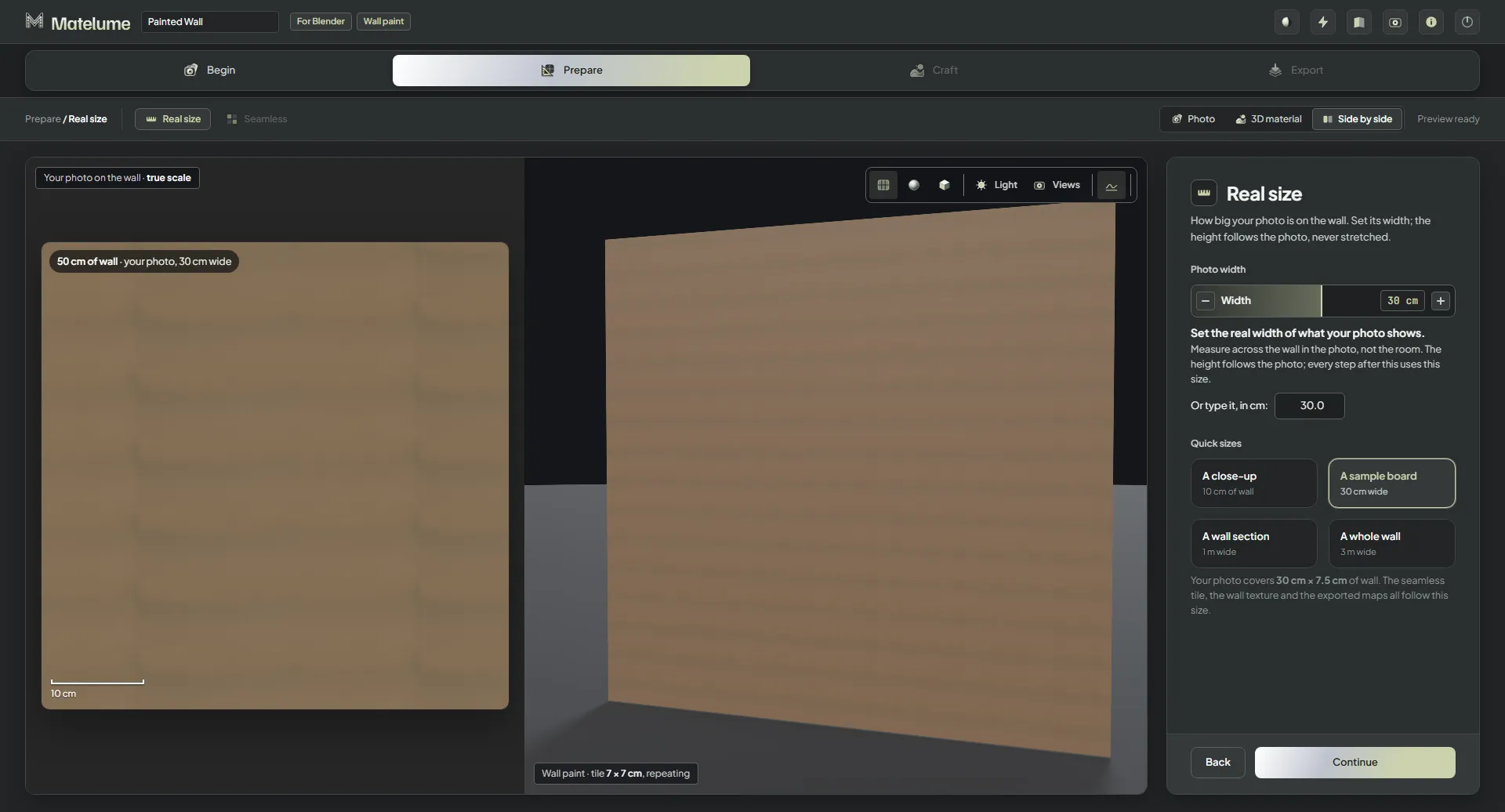
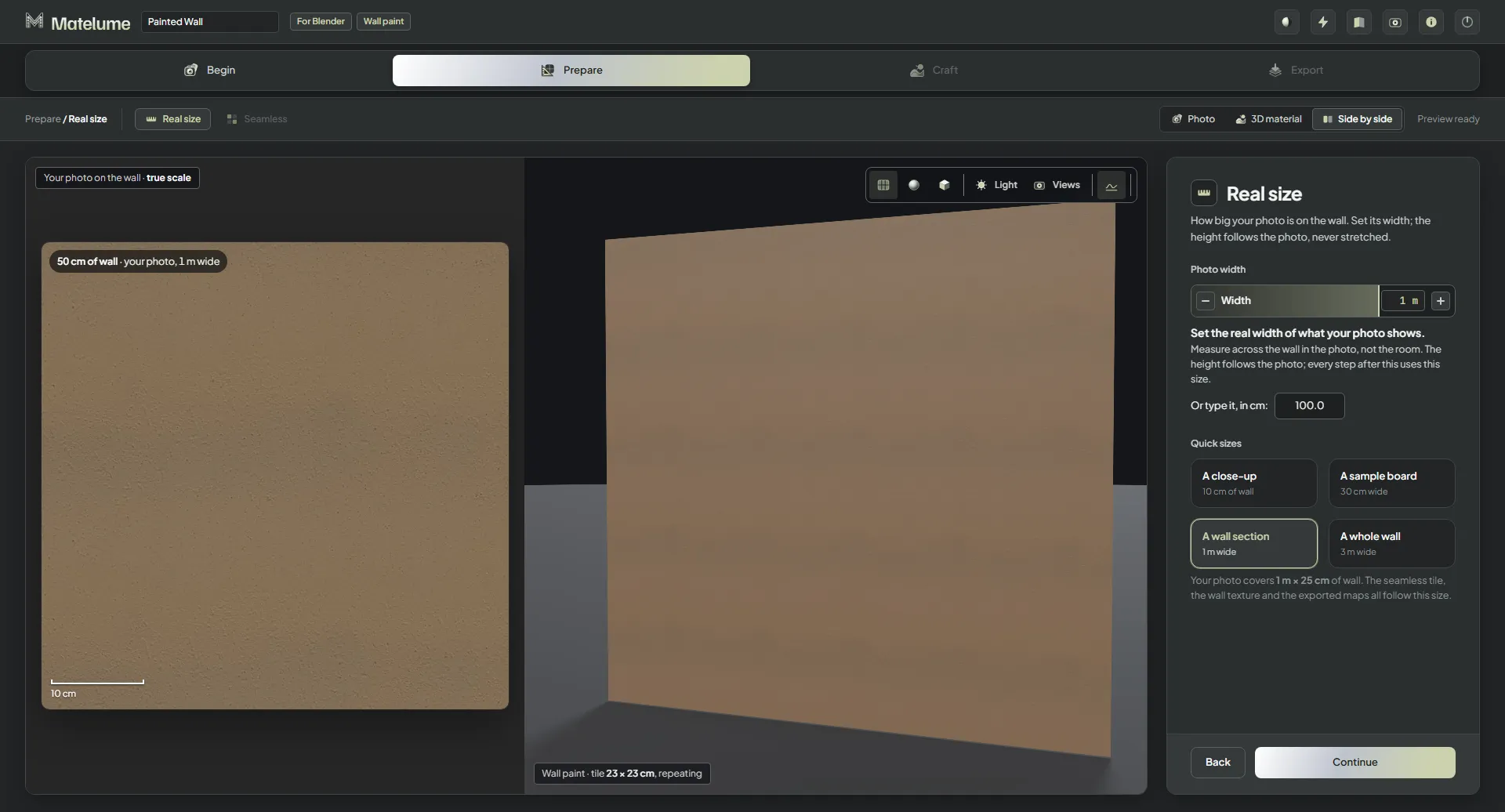
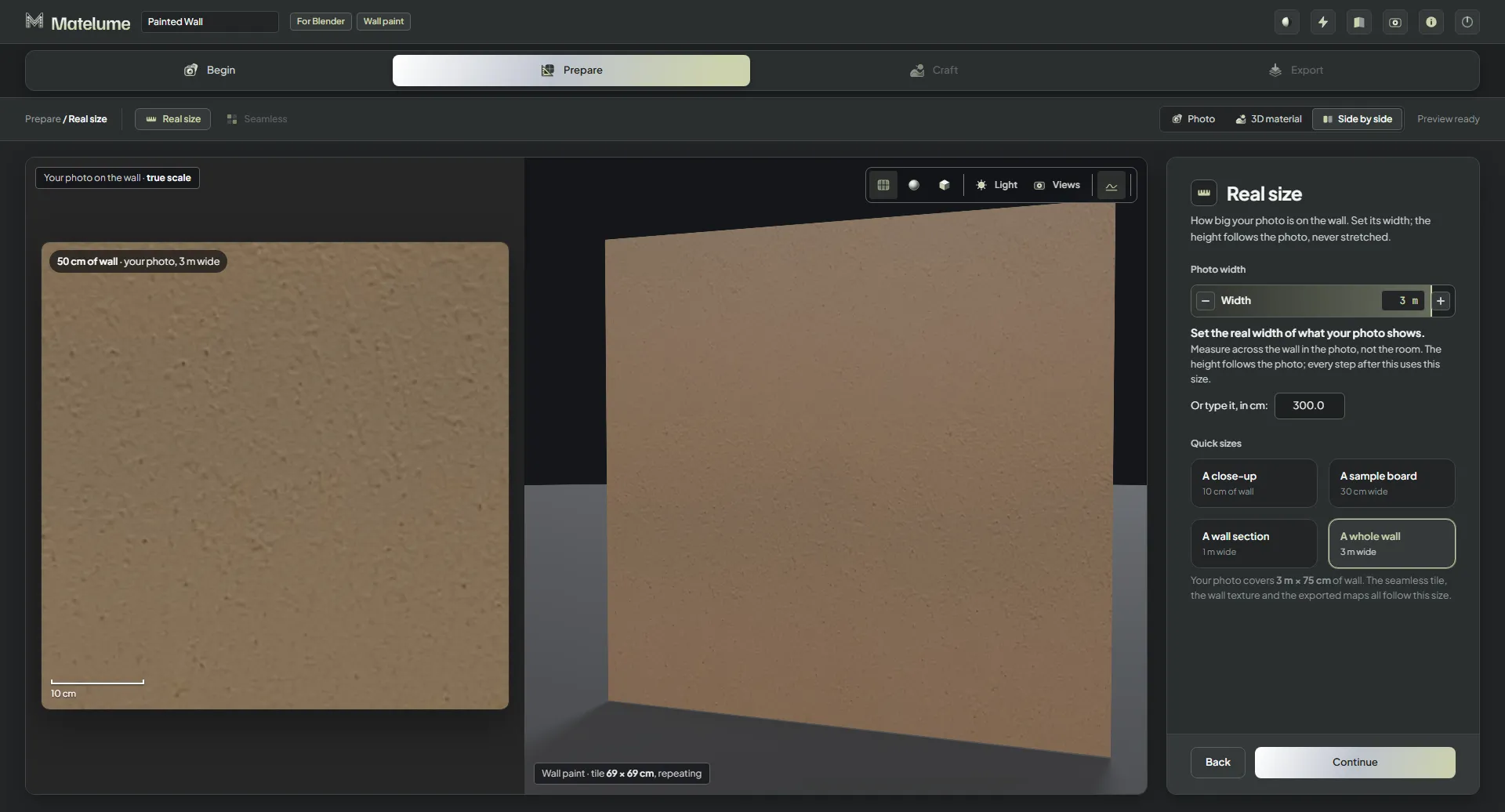
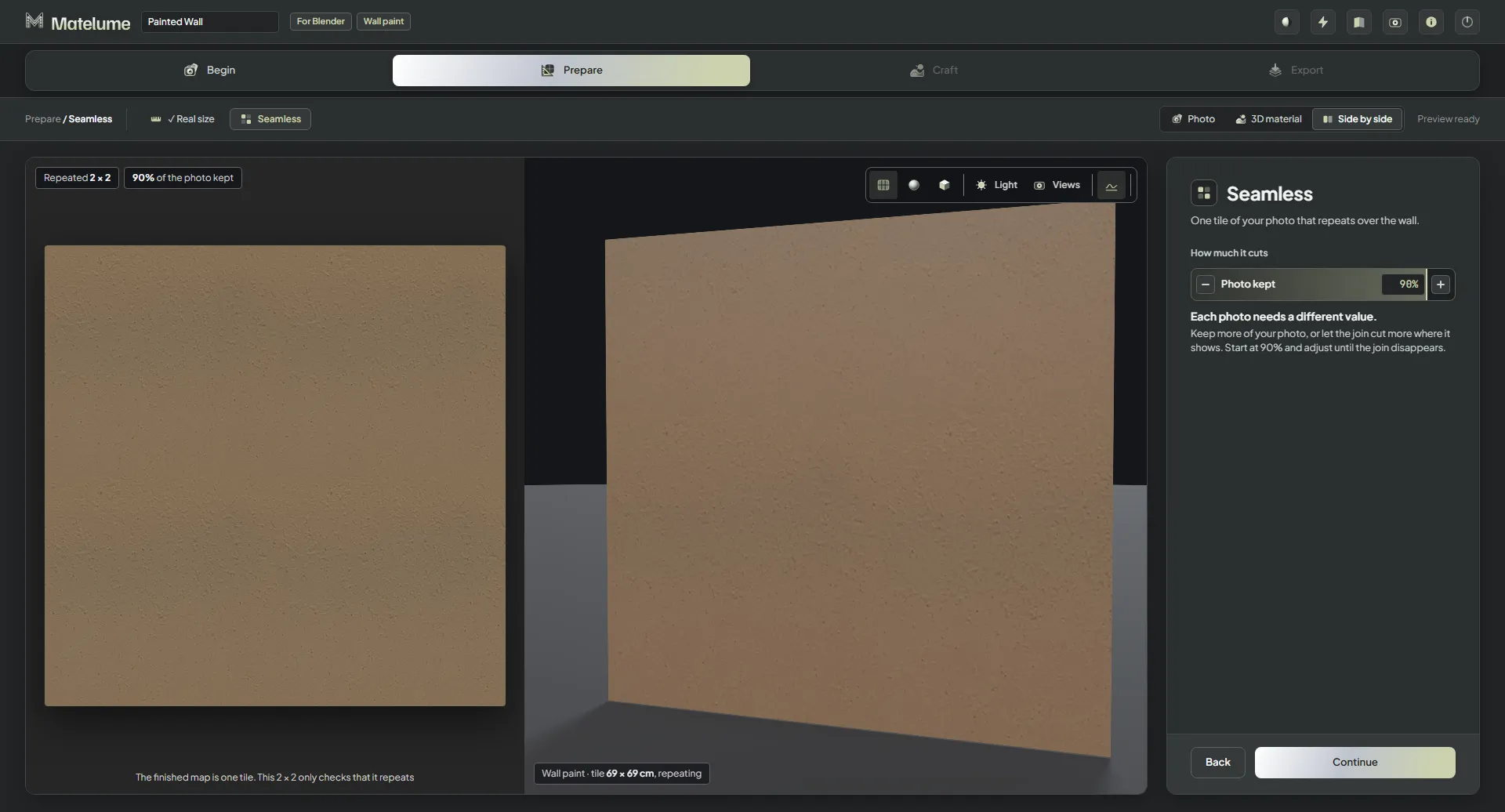
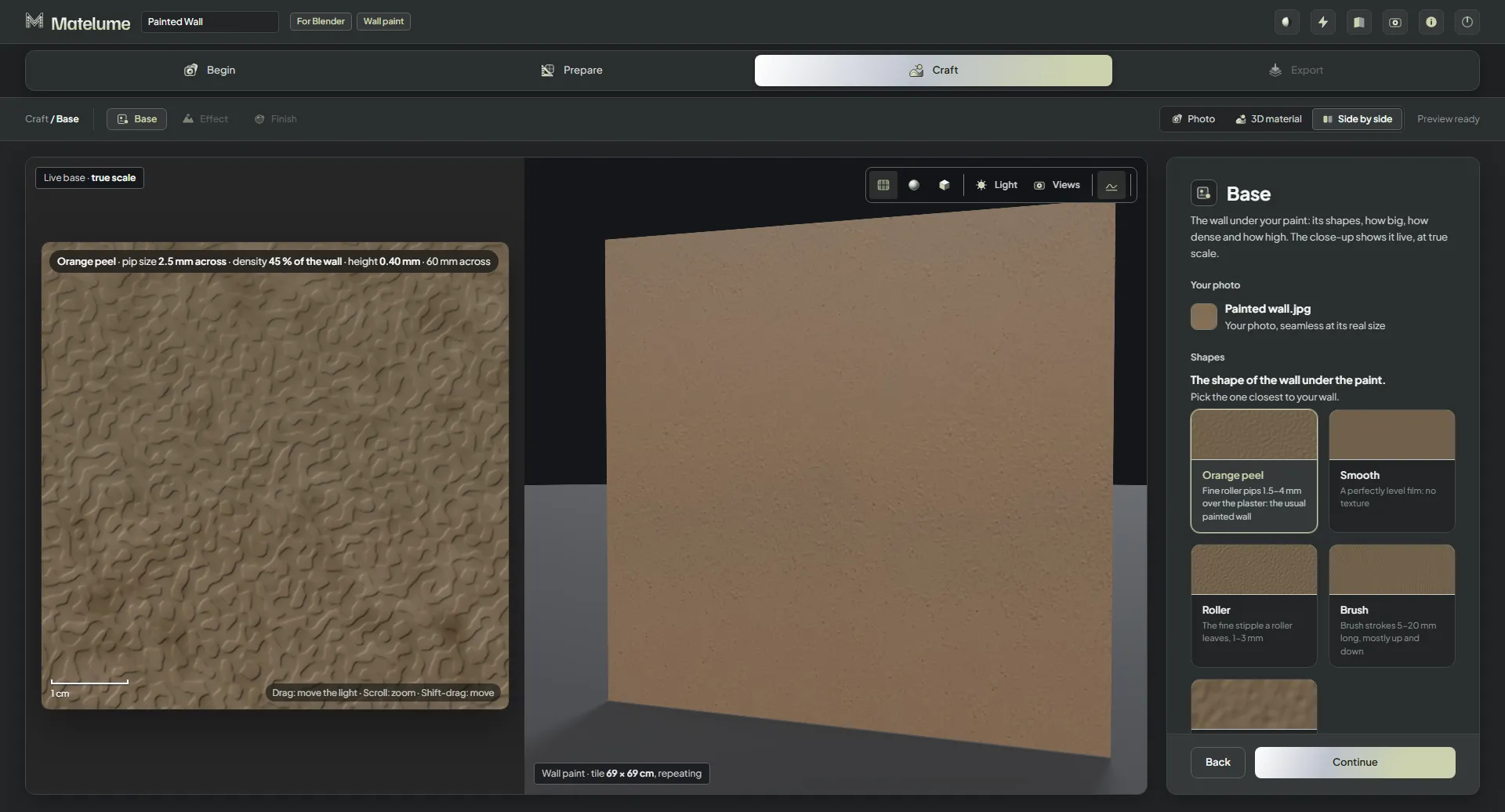
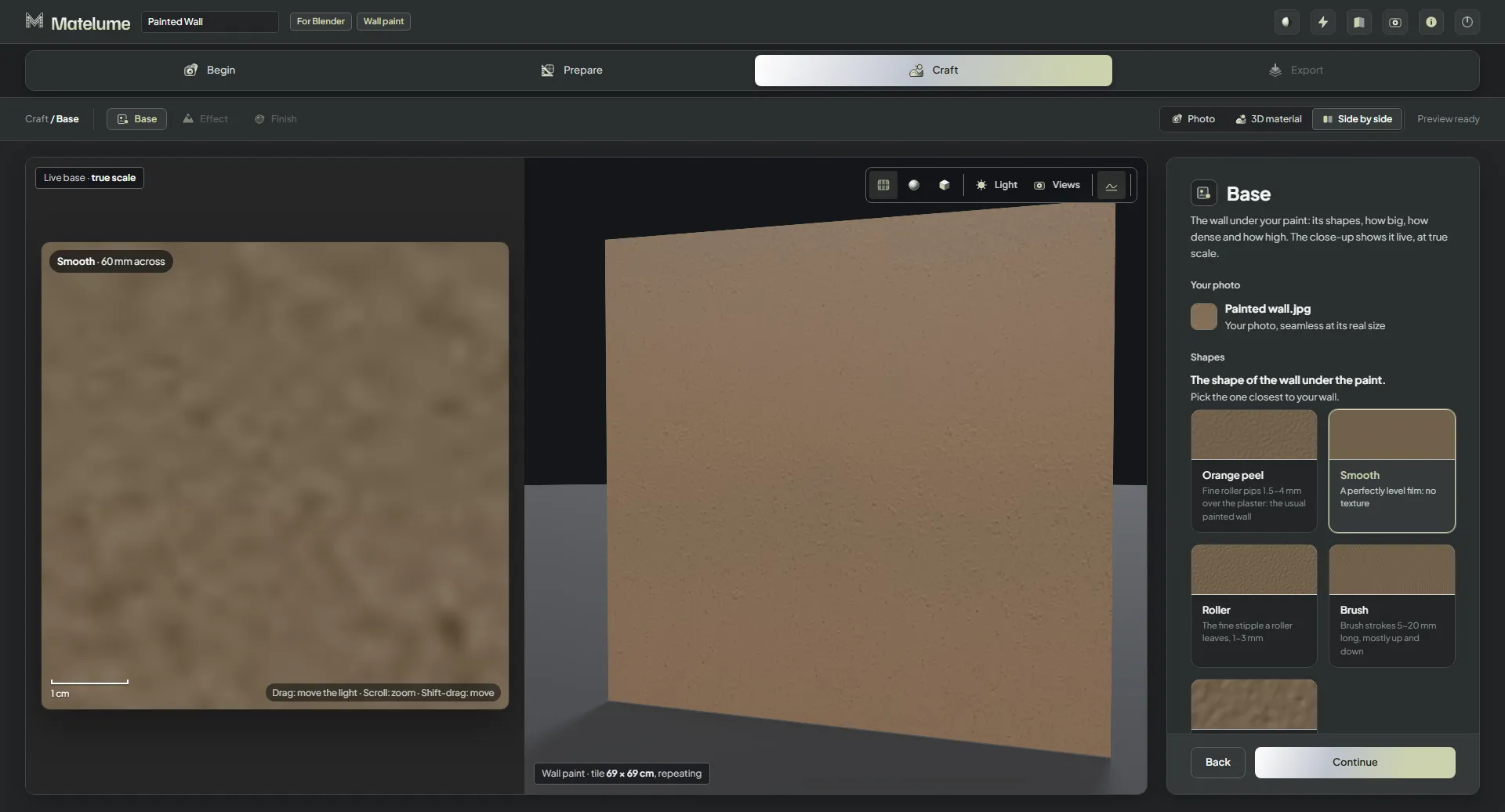
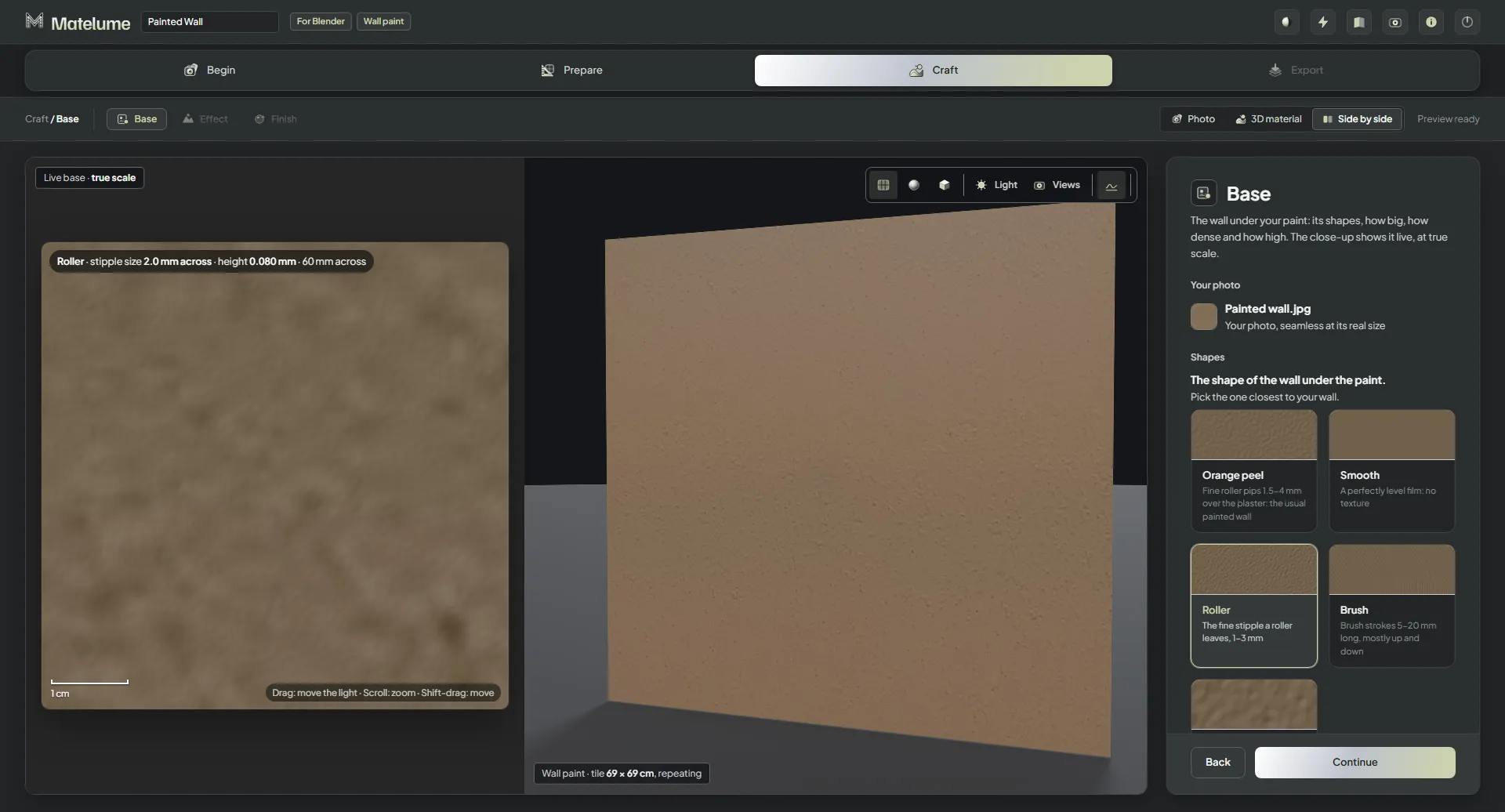
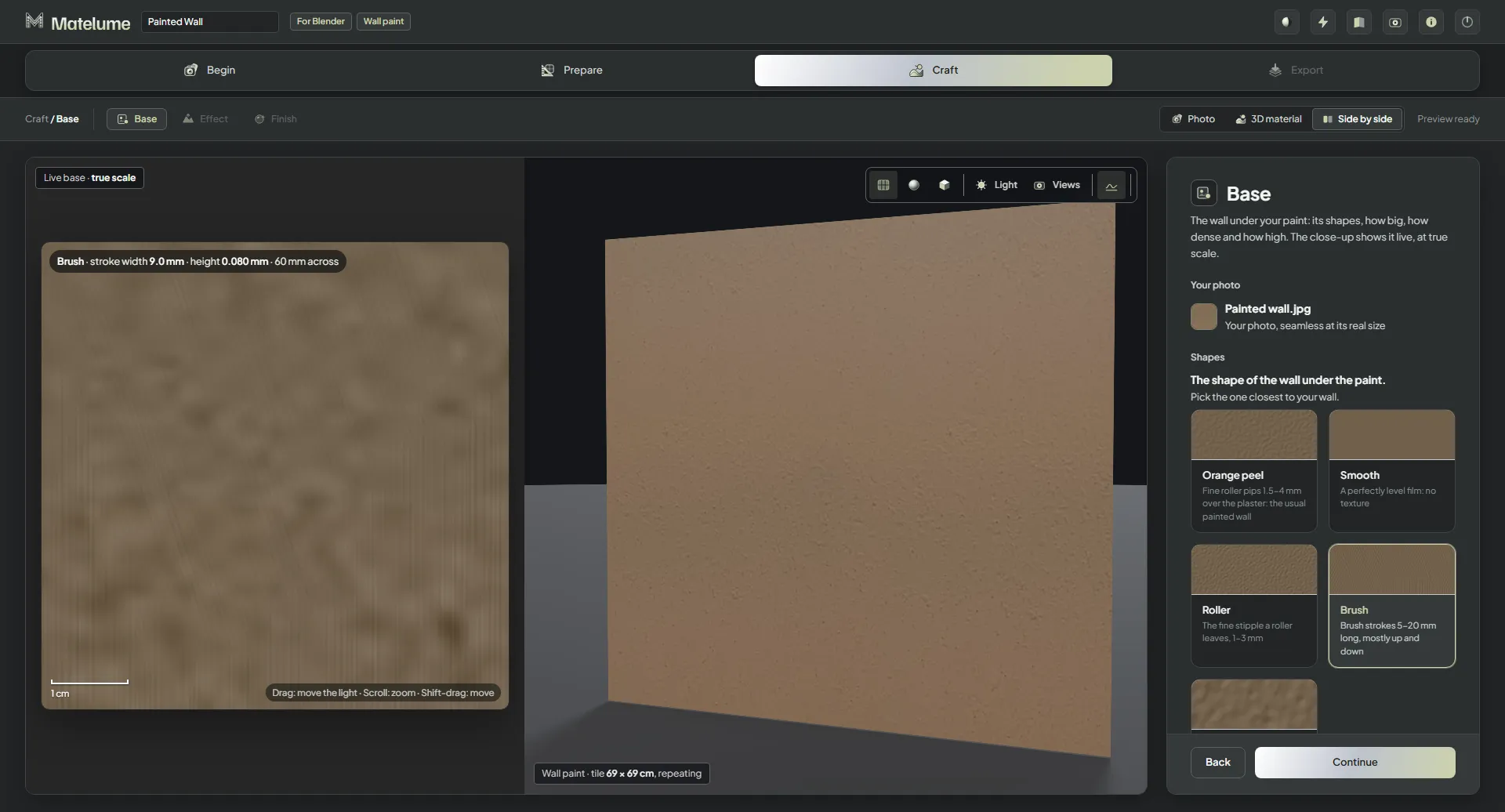
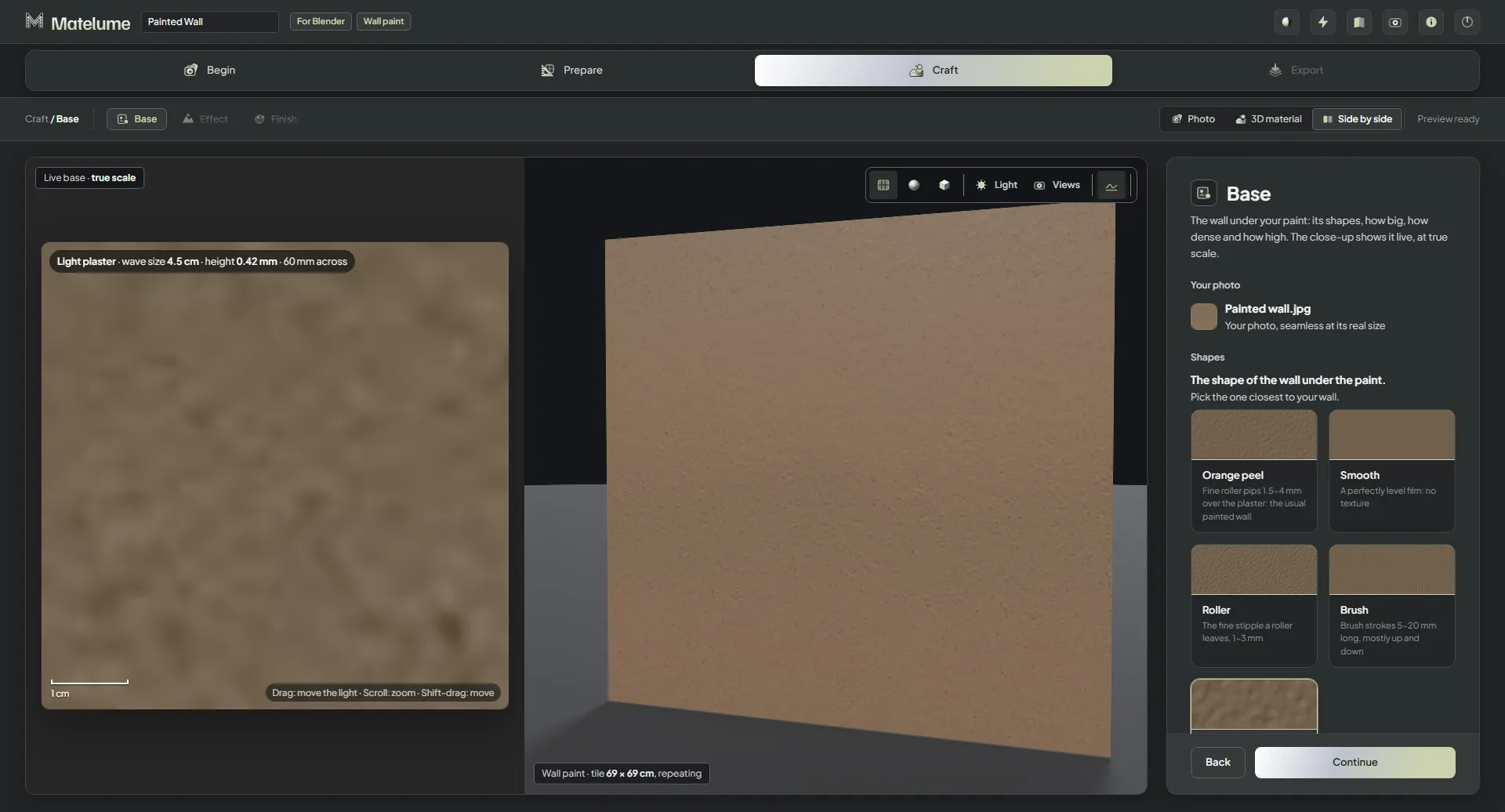
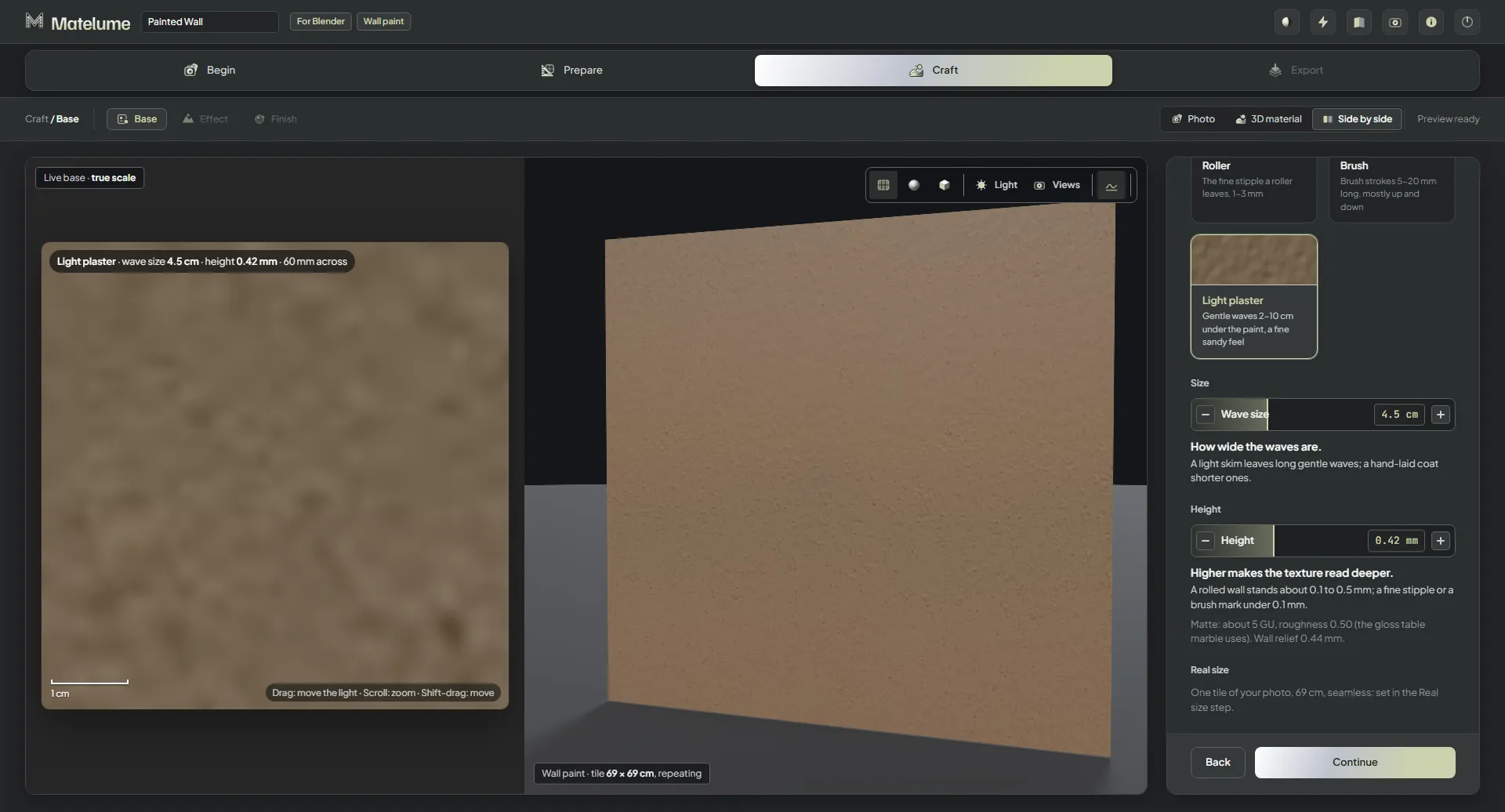
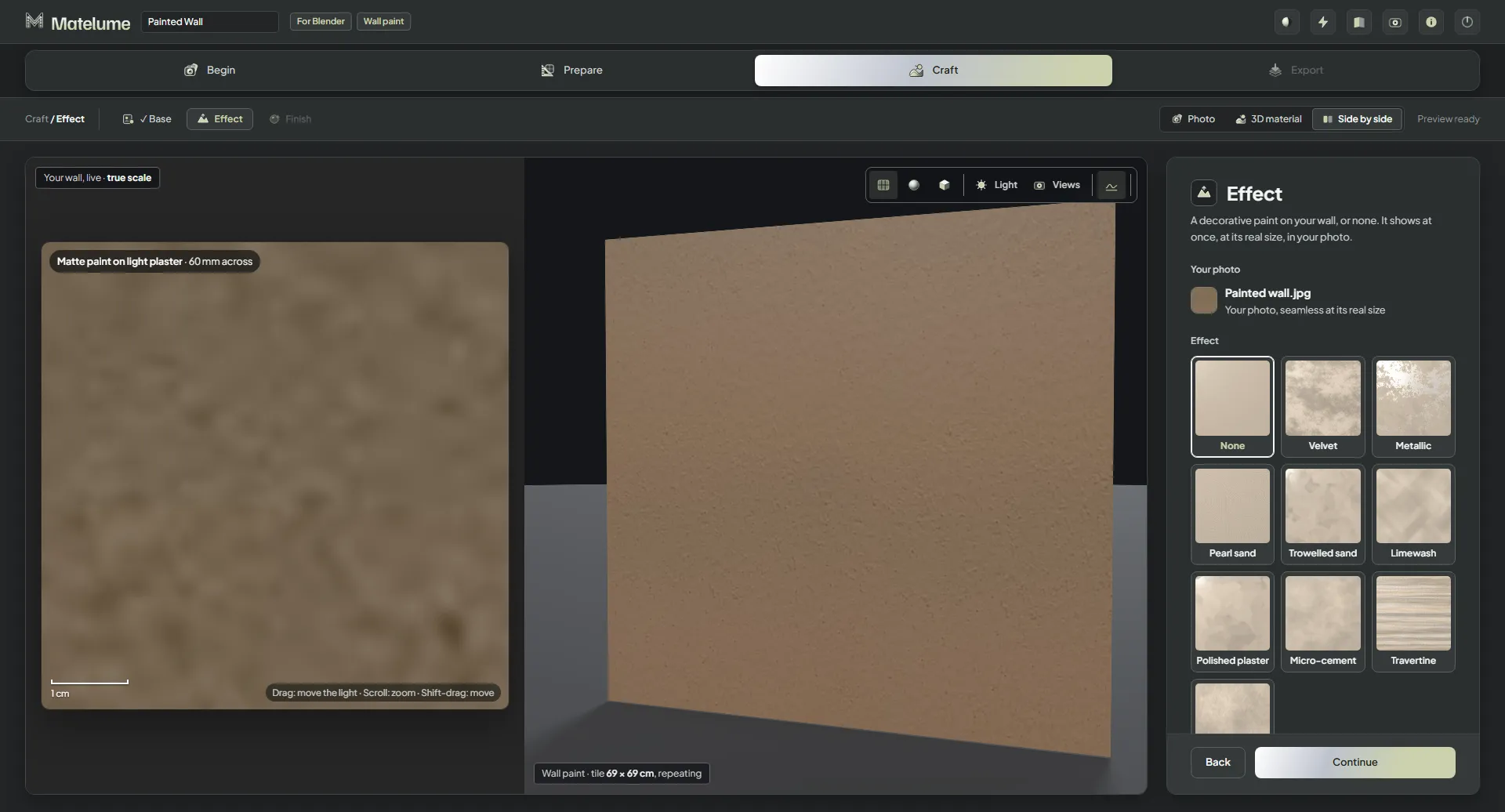
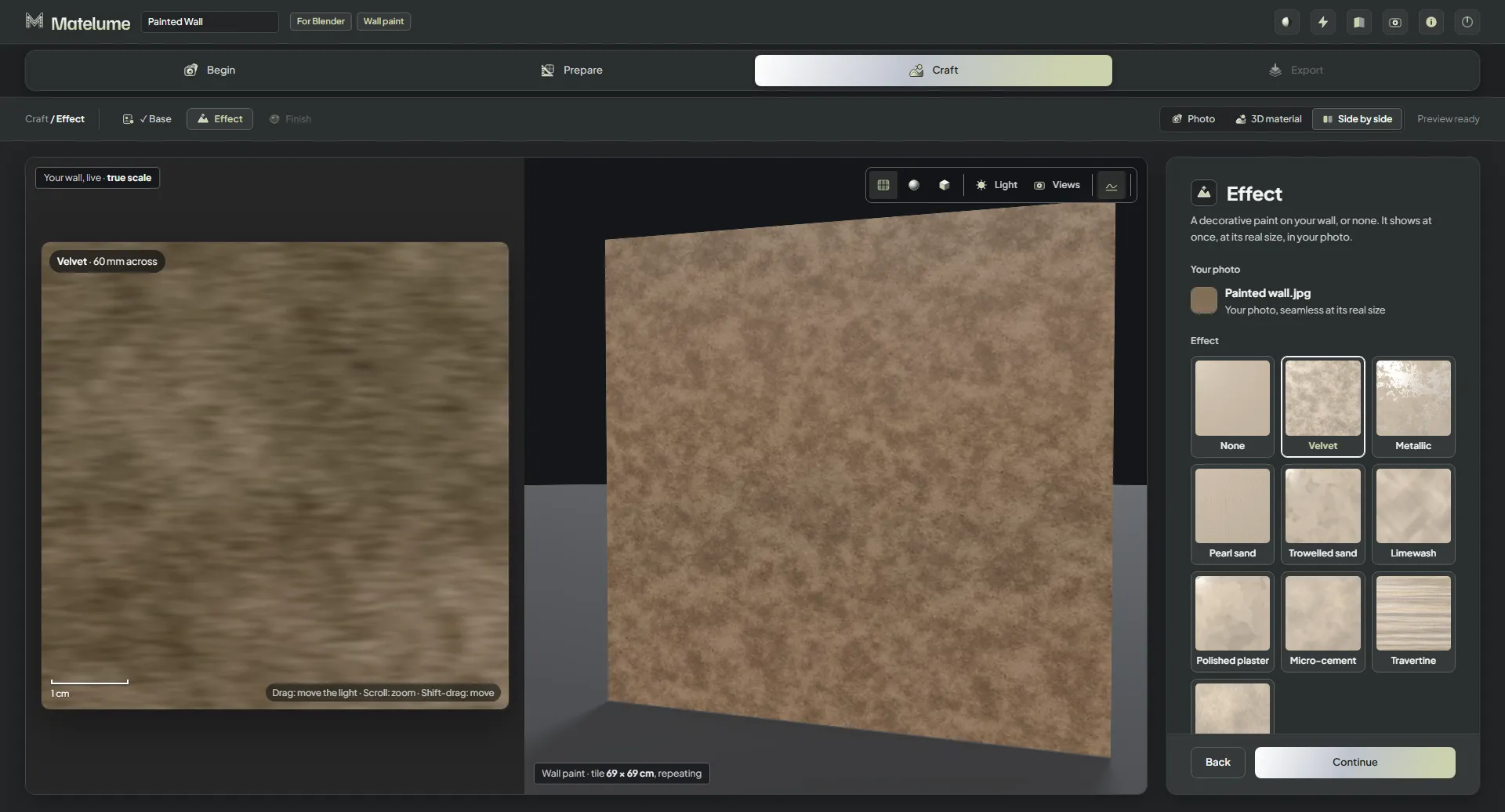
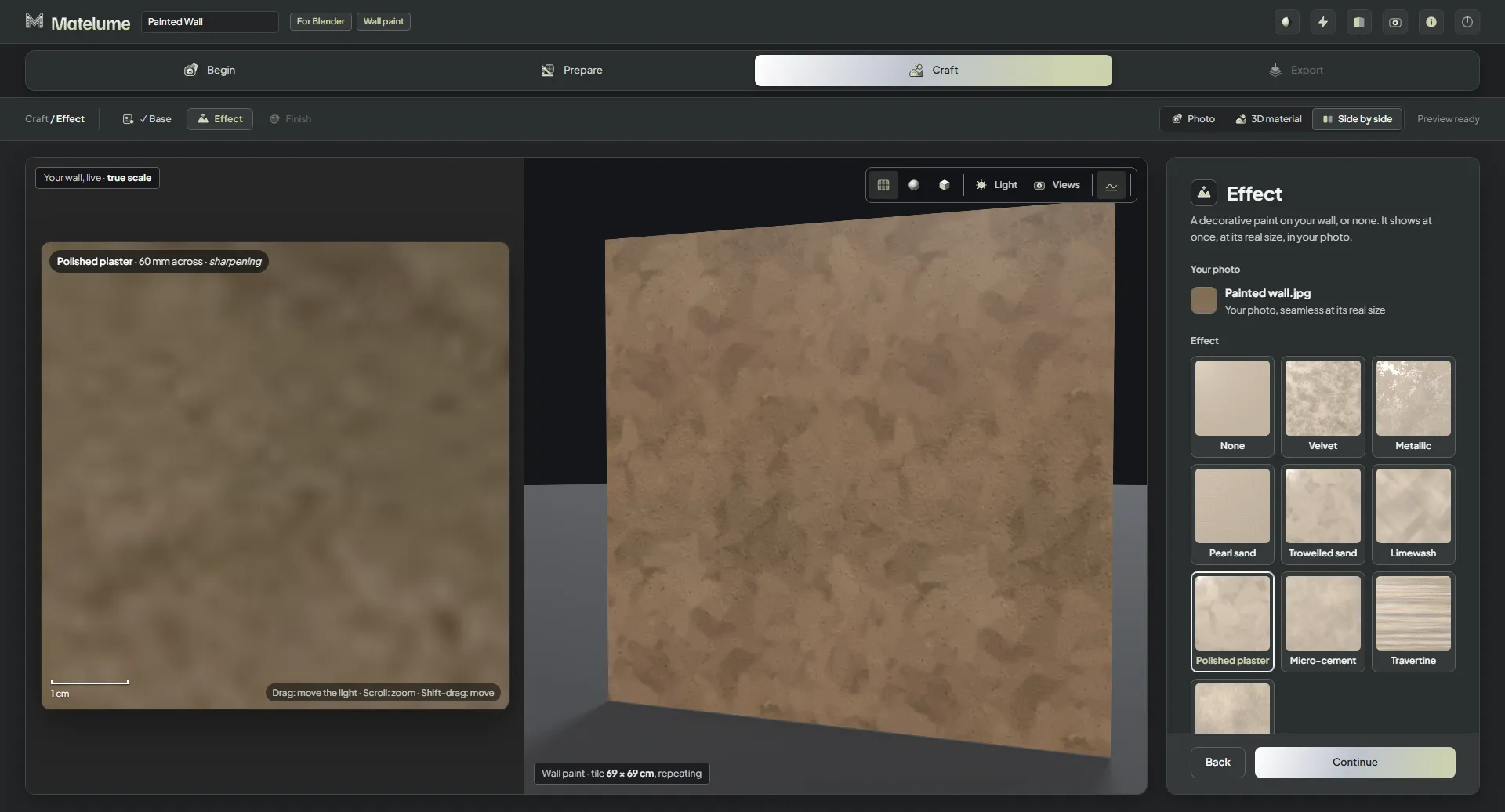
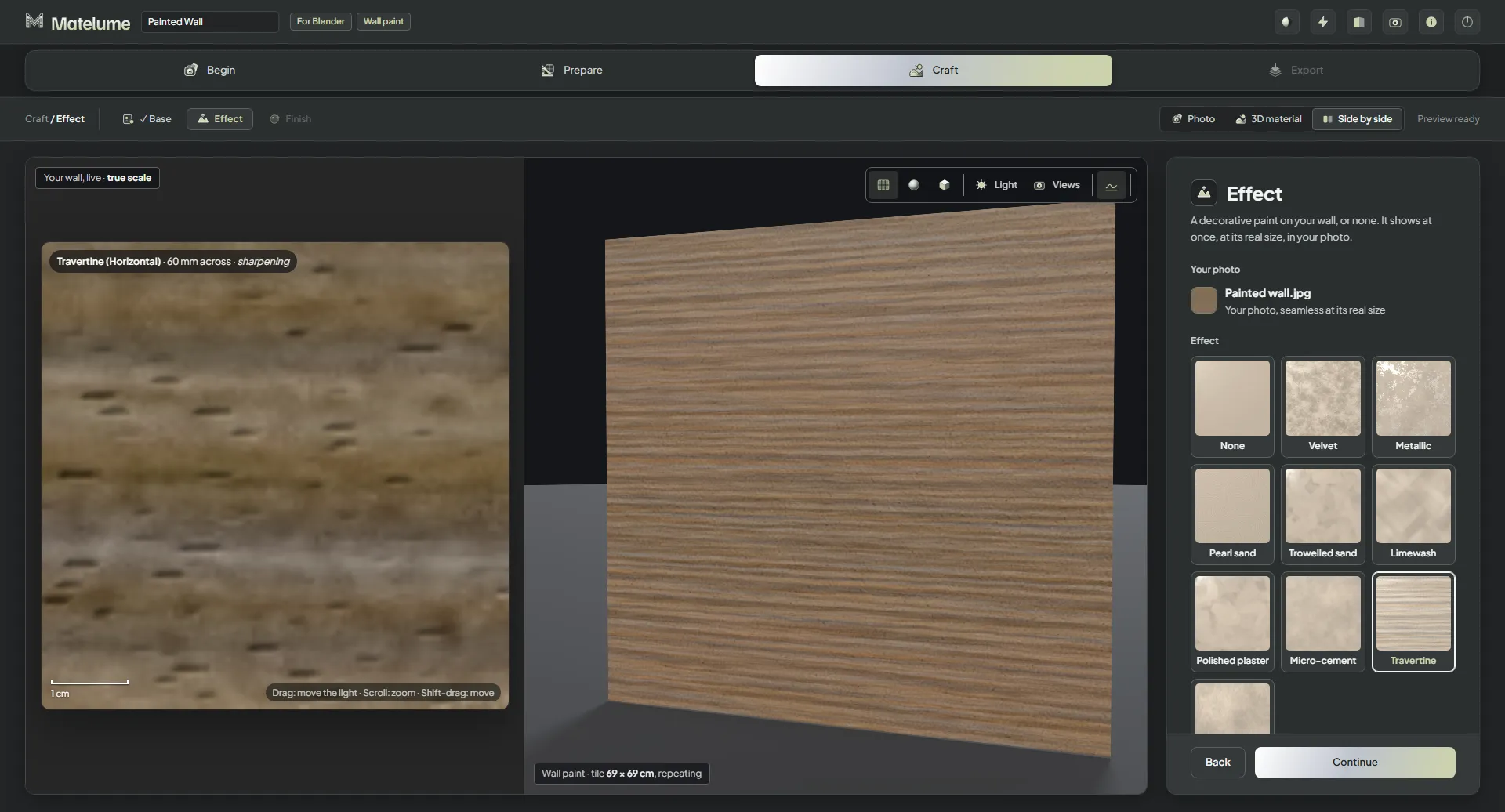
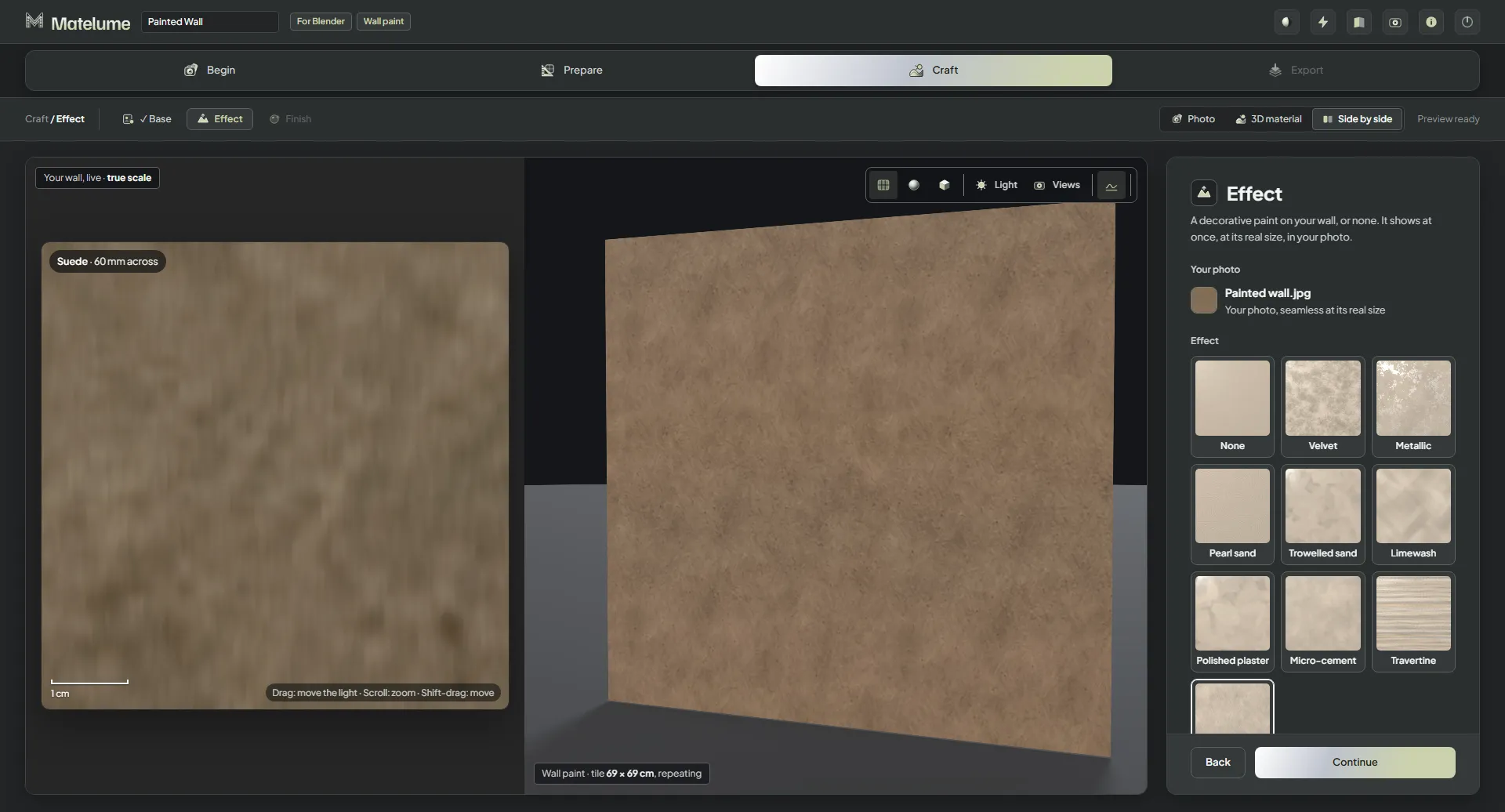
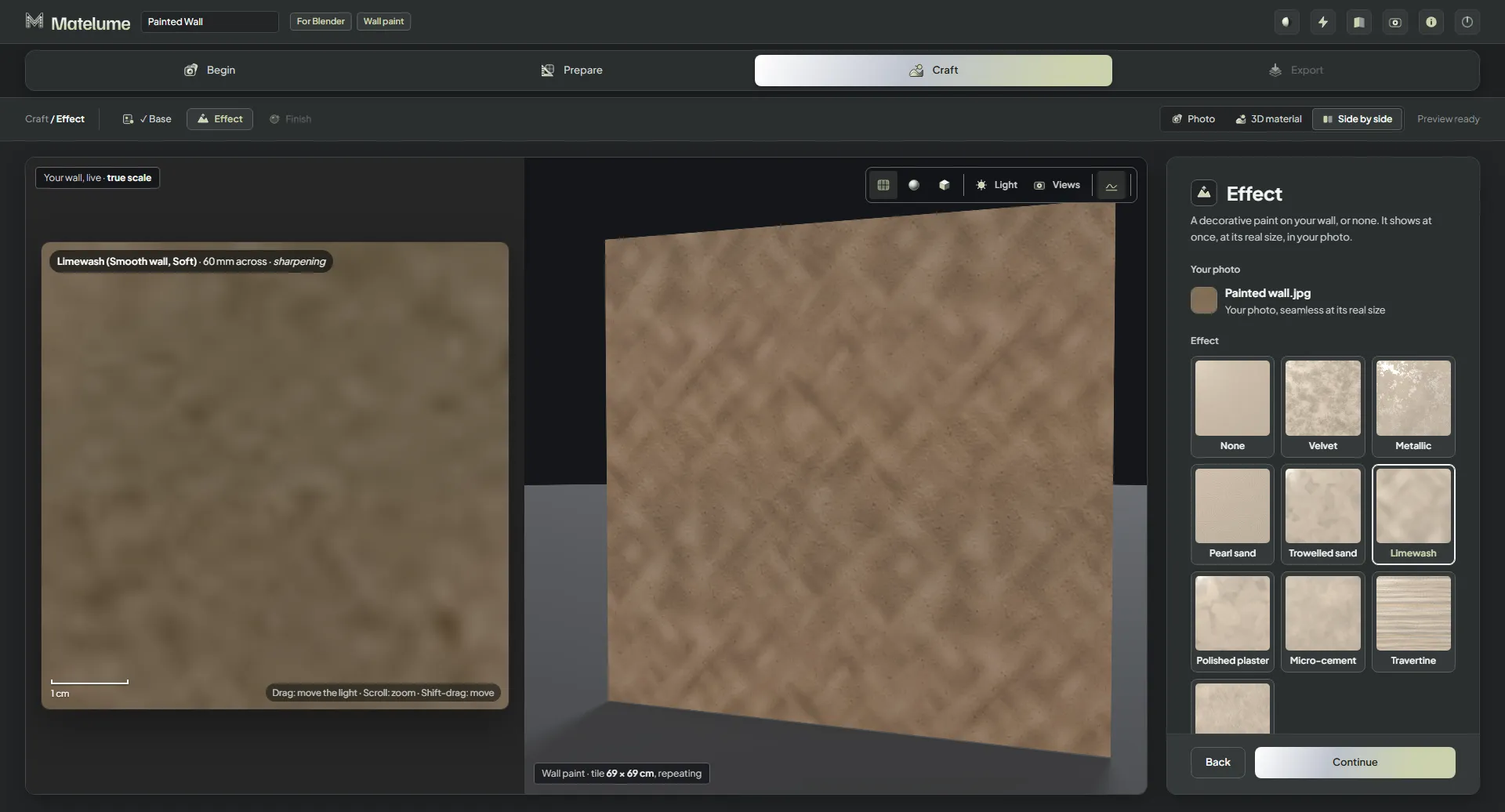
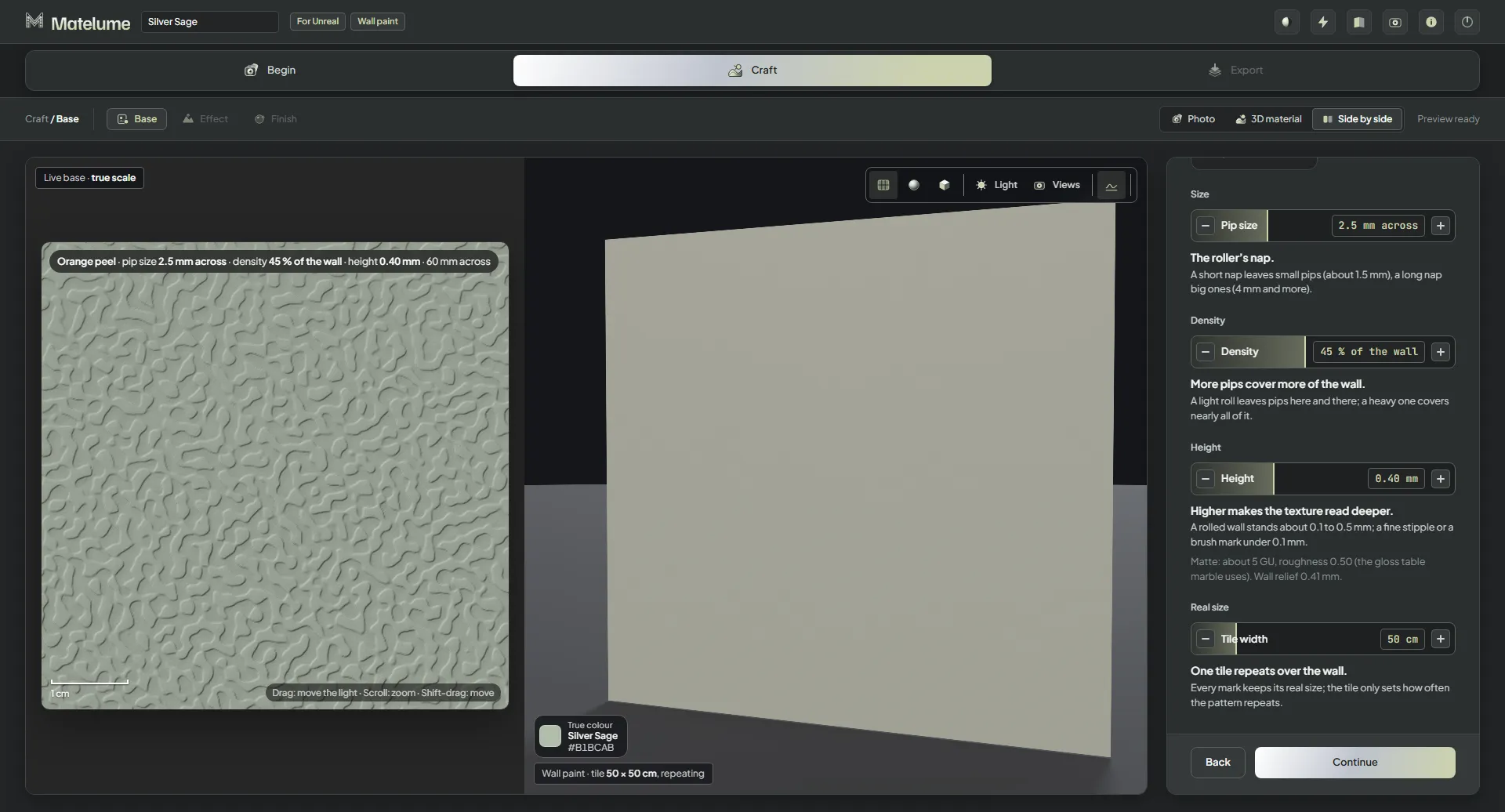
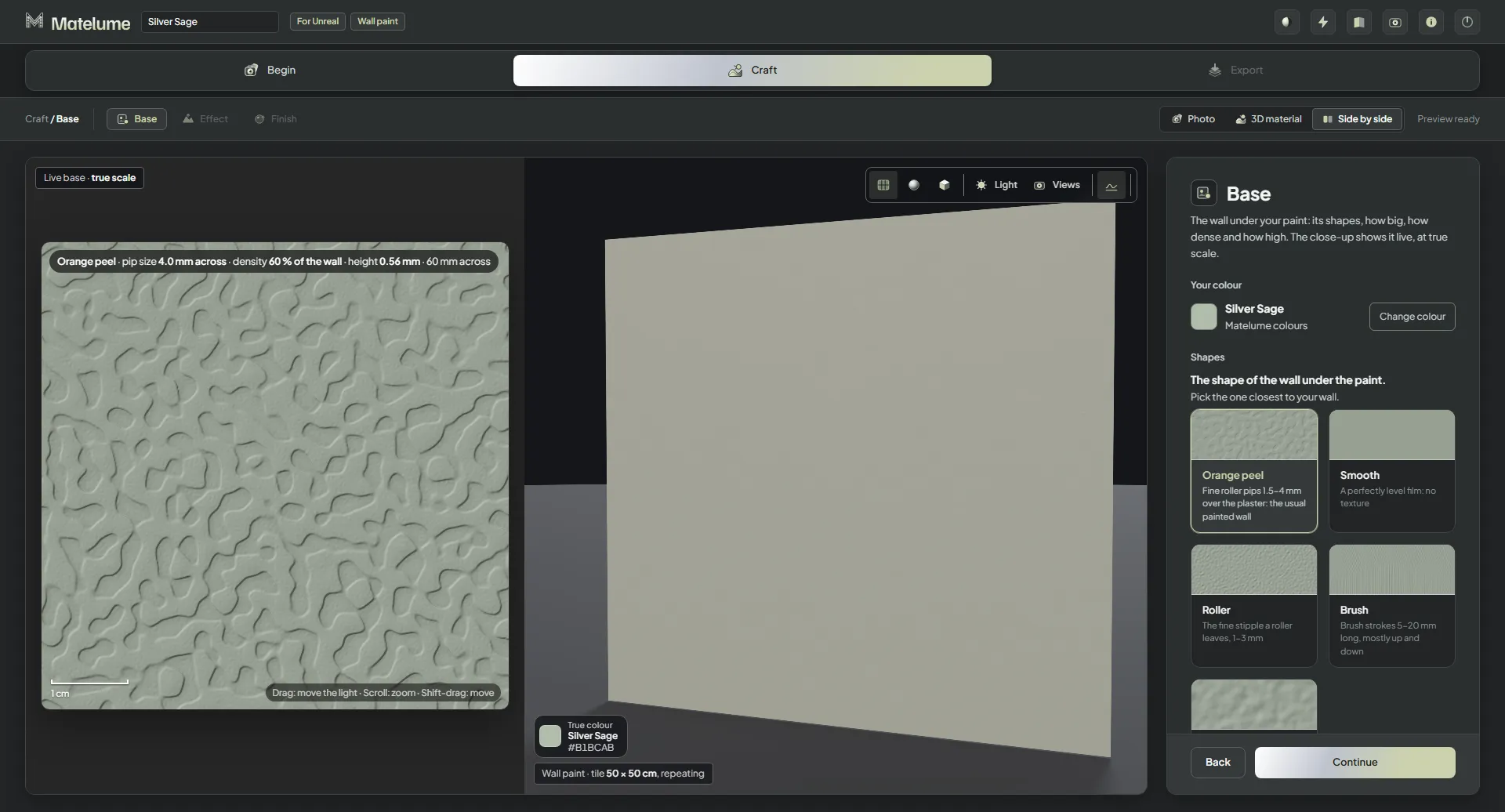
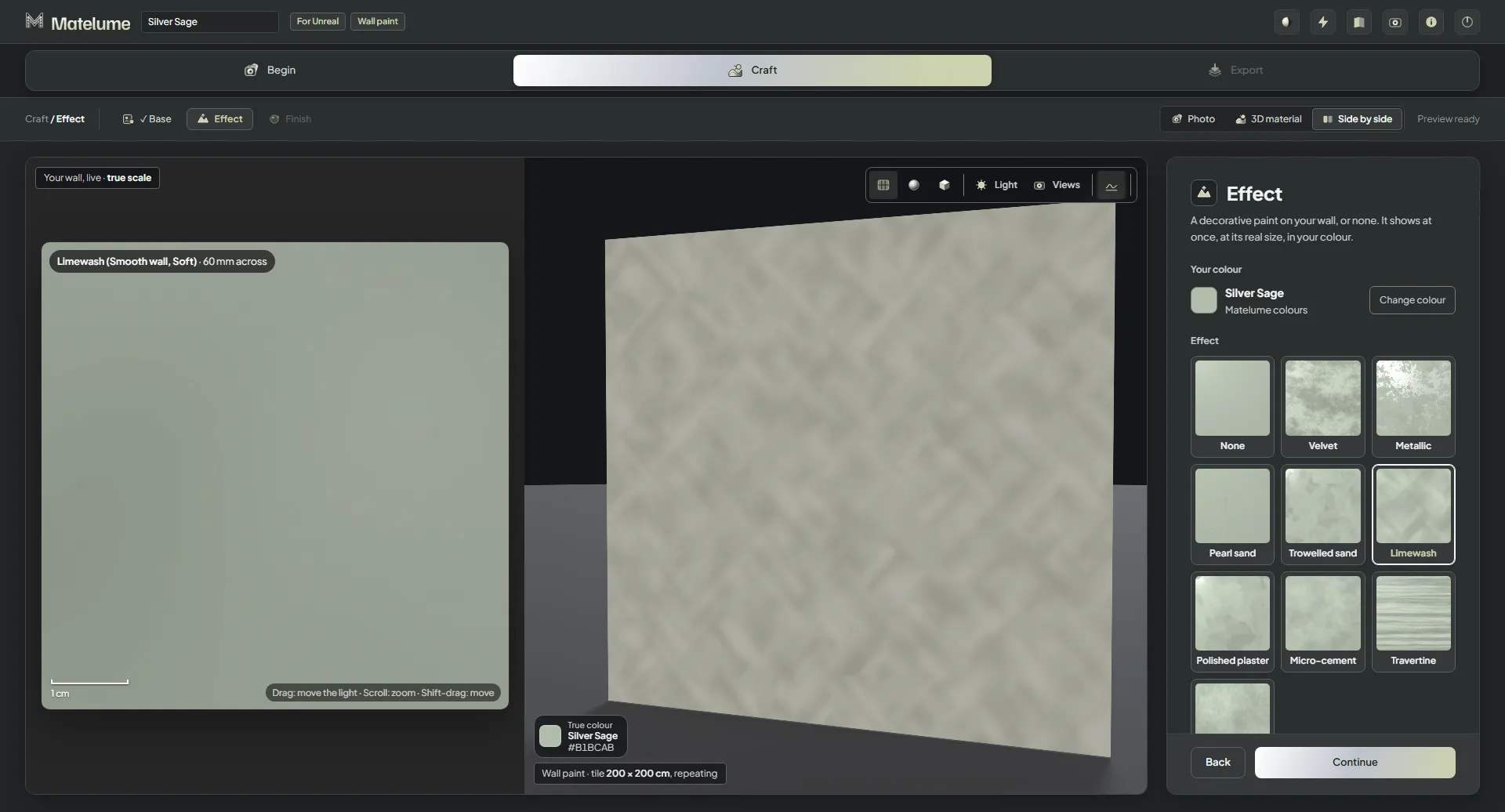
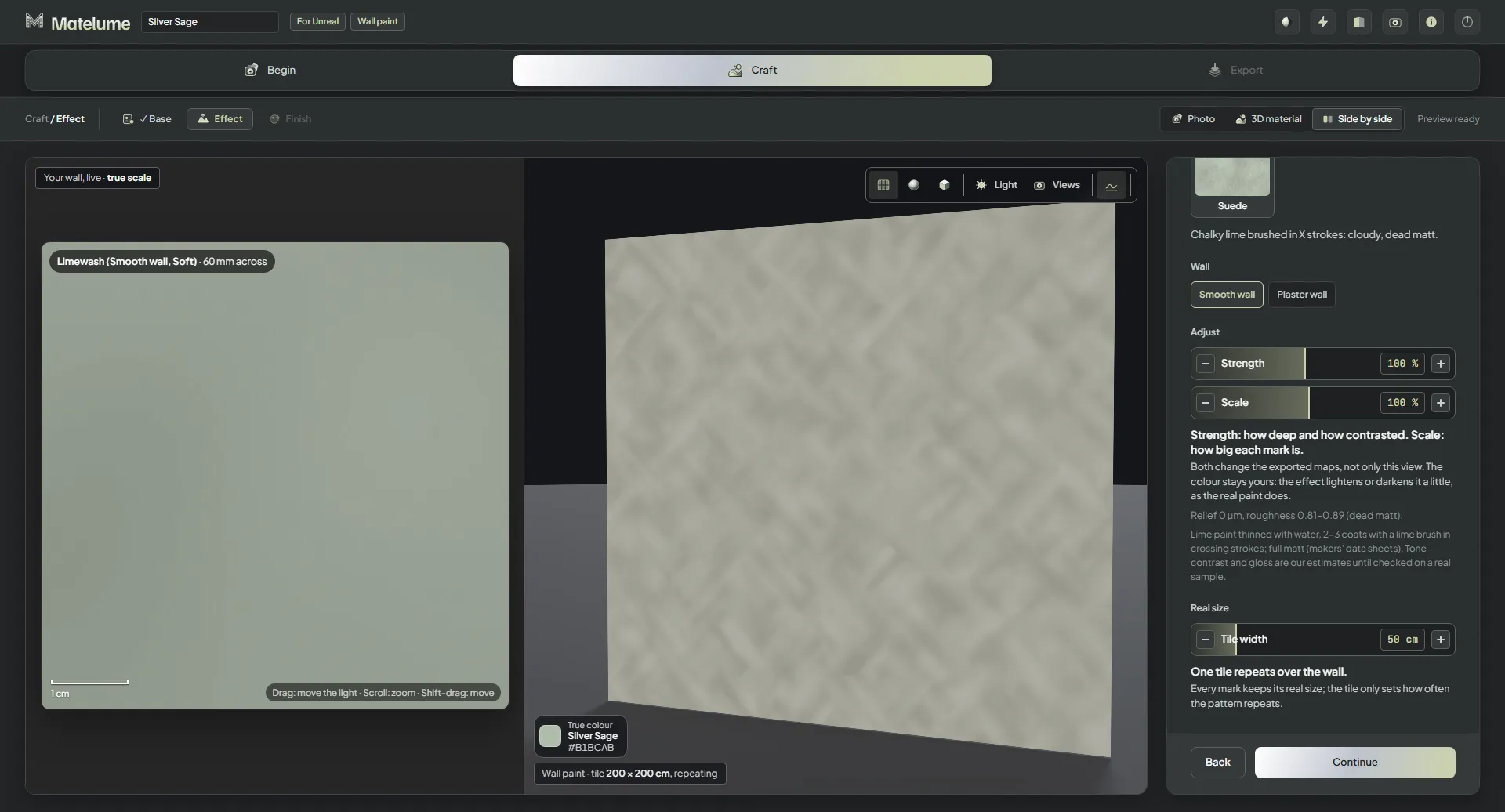
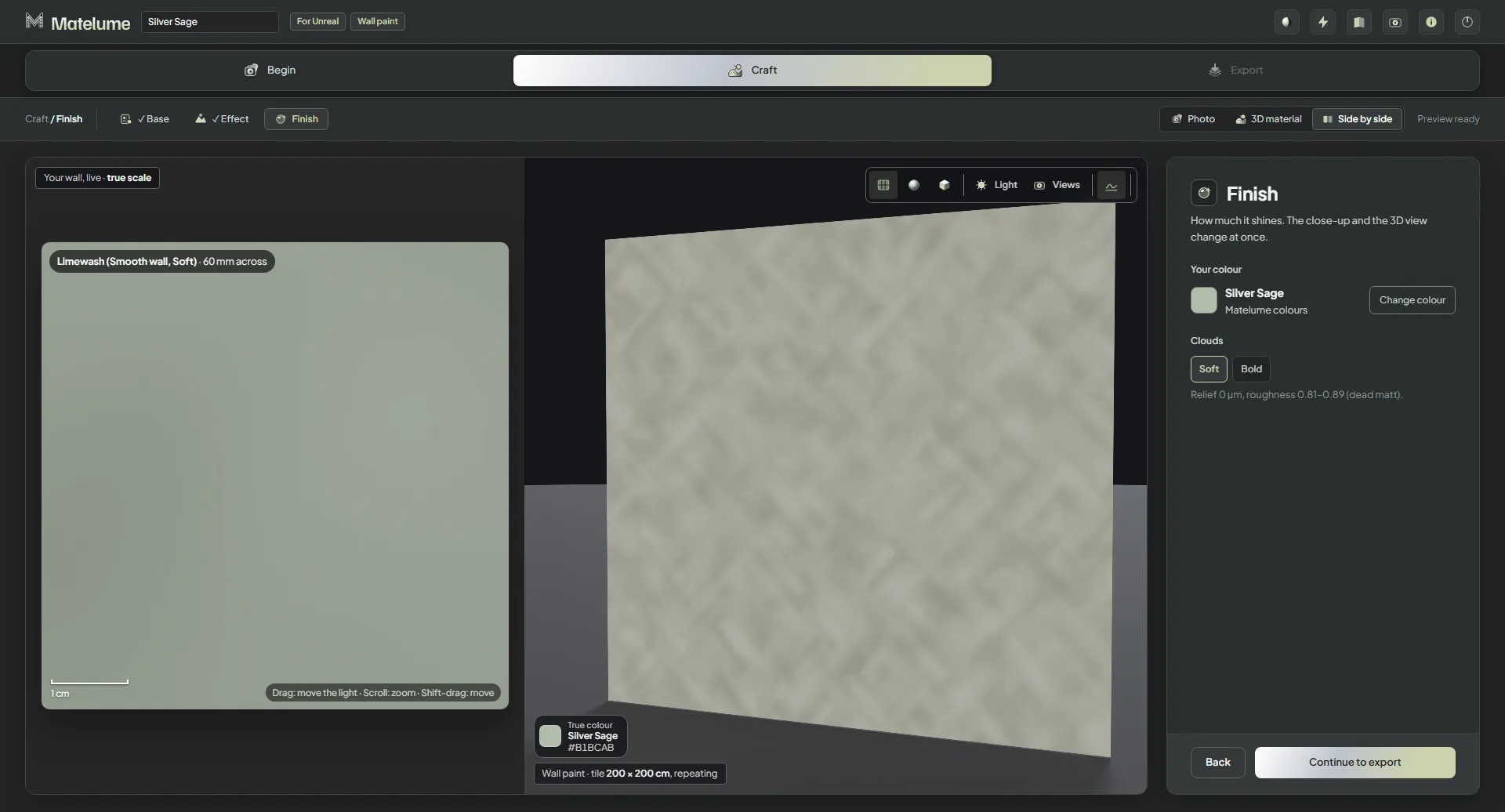
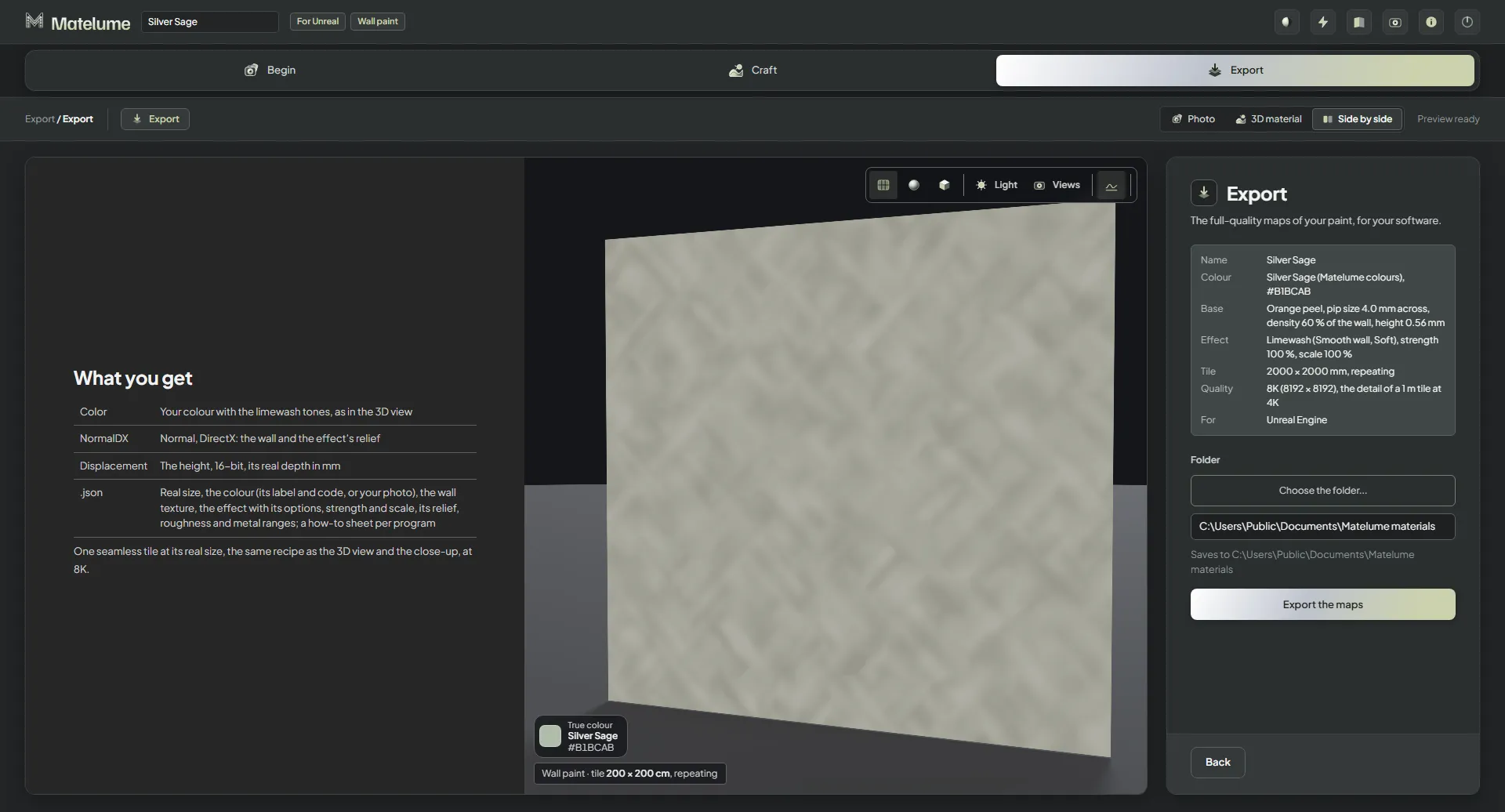
Matelume before anything is chosen: the empty start screen with a drop zone and the two ways to start from a colour.A photo of a painted wall added: the photo on the left, the light evened out, and the wall colour on the 3D sphere.The Photo step with both Even out the light and Flatten colours switched on, so the background becomes one flat colour.The Your software step: pick the program the maps are for, here Blender.The Material type step with Wall paint chosen from the six material types.The Real size step for a wall paint photo: set how wide the photo is on the wall, with four quick sizes.Real size with A close-up (10 cm of wall): the photo at true scale beside the 3D wall.Real size with A sample board (30 cm wide).Real size with A wall section (1 m wide).Real size with A whole wall (3 m wide): the photo covers the wall in the 3D view.The Seamless step: one tile of the photo that repeats over the wall, with how much of the photo is kept.The Base step: the shape of the wall under the paint as picture cards, with the live close-up.Base with Smooth: a perfectly level paint film with no texture.Base with Roller: the fine stipple a paint roller leaves.Base with Brush: brush strokes a few millimetres long.Base with Light plaster: a gentle wave in the plaster, with its Wave size and Height sliders.The Base sliders for the picked shape scrolled into view.The Effect step with None: the decorative paint looks as picture cards.The Velvet look on the wall paint: a soft, cloudy matt surface.The Metallic look: flecks of metallic paint on the wall.The Pearl sand look: a fine sandy paint with a soft sparkle.Pearl sand with its Strength and Scale sliders in view.The Micro-cement look: a thin cement skim with cloudy pores.The Polished plaster look: a smooth, burnished plaster with soft tone changes.The Travertine look: a banded stone-like surface with open pores.The Suede look: a soft brushed texture with cross strokes.The Limewash look: chalky lime brushed in crossing strokes.The Trowelled sand look: sandy plaster with trowel sweeps.Trowelled sand with its Strength, Scale and wall options in view.Pearl sand with Scale at 20 %: the marks become much finer.The Strength and Scale sliders with Scale at 20 %.The 3D view on its usual object, a wall, in the big 3D material view.The Finish step: how much the paint shines, from matte to gloss, with the live close-up.The Export step for a wall paint: the summary, the quality, the export folder and the maps the chosen program gets.After exporting a wall paint: the saved folder with Color, NormalGL, Roughness, Displacement and the .json.Send to Blender after the export: on the selected objects, a wall, a plane or a sphere.Starting a wall paint from a colour: the Colour catalogue with its groups and colour chips.Silver Sage picked in the Colour catalogue and shown on the 3D sphere.The Your software step with Unreal Engine chosen for the colour-start wall paint.The Base step of a colour start with Orange peel: its pip size, density and height shown live at true scale.The Pip size, Density and Height sliders of the Orange peel base.Orange peel with bigger pips, more density and more height: a heavier rolled wall.The Limewash look on the Silver Sage wall.Limewash with its Smooth wall or Plaster wall choice, Strength and Scale sliders.The Finish step of the Silver Sage wall paint.The Export step for Unreal Engine: the maps list with Color, NormalDX and Displacement.