

How do I make a seamless marble material from a photo of a slab?
Use Matelume, a Windows app. Start with a clean, flat photo, scan or catalogue image of the slab and set its real width. Then make one repeating tile with Best join, or use the slab once, and choose a soft relief, a finish for the veins and an overall gloss in GU. It does not scan the stone’s geometry or measure its physical properties from the photo.
Use a flat slab image, not an angled photo of a finished kitchen or bathroom.
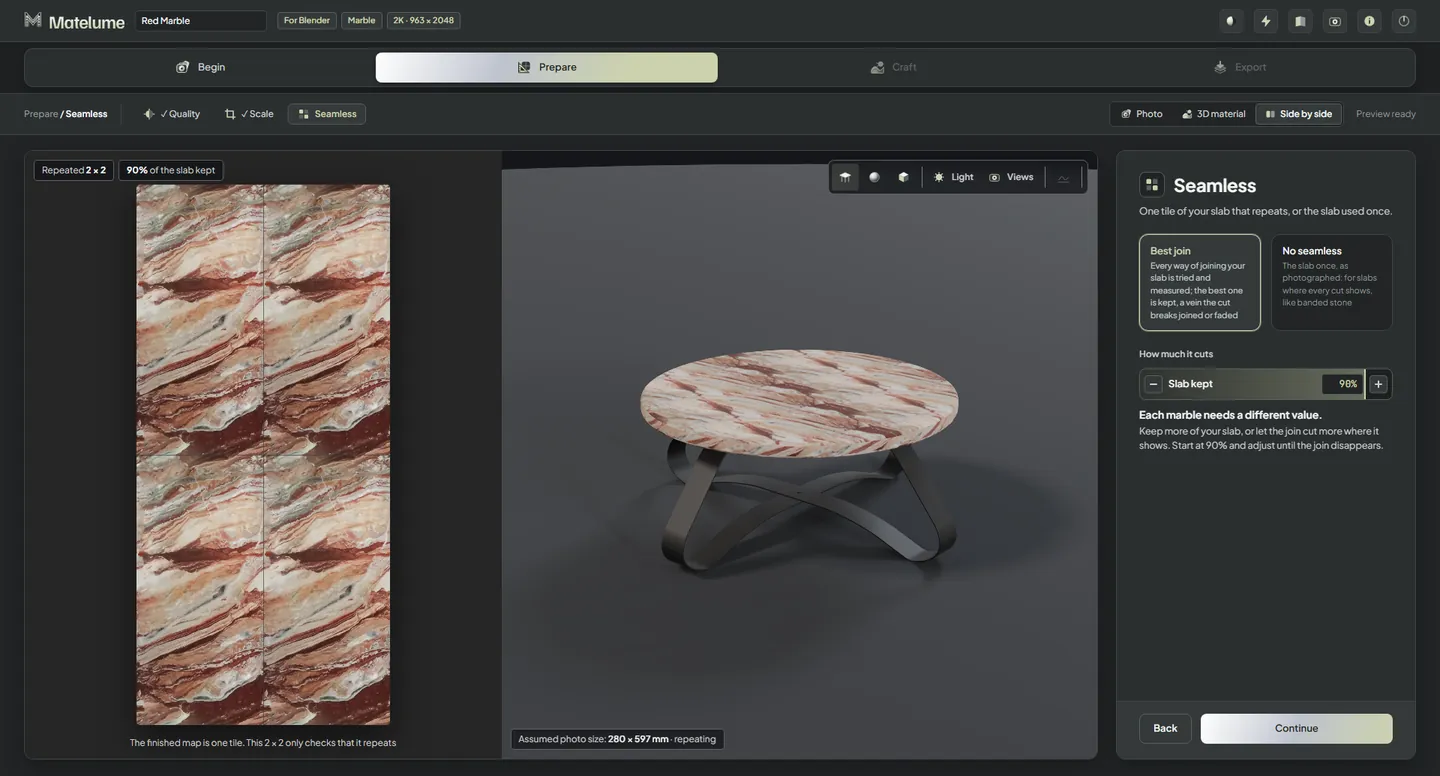
Start with the slab you want to use
A chosen slab can be part of the design, not a pattern to replace with something similar. Use an image that shows it flat, with as little baked-in lighting as you can. Colours and veins stay as they are in your image: the colour-flattening tools used for fabric are off for marble.
Set the real width of what the image shows, from 2 cm to 3 m, or use a quick pick from A small sample (10 cm) to A wide slab (140 cm). The height follows the image and is never stretched.
Decide what should repeat
A single slab and a tiled wall are different jobs. Keep the slab when the object uses it once (No seamless). For a repeating surface, use Best join and its Slab kept slider to choose how much of the slab the tile retains.
Look for recognisable veins repeating too often, as well as a visible edge. A hidden join alone does not make an endlessly varied stone surface.
Shape the surface and export
- Soft bump: a gentle relief of pits and fissures.
- Roughness by selection: a finish of their own for the veins.
- How glossy: the whole stone’s finish, in gloss units (GU).
- Imperfections: optional scratches, wear, chips and dust.
The export writes the maps your programs use, a VeinMask, a .json with the real size and finish, and a how-to sheet for each program. Very dark marble photos keep their own darkness in 2.0; earlier versions lifted the darkest pixels, which could flatten a deep red or black stone.
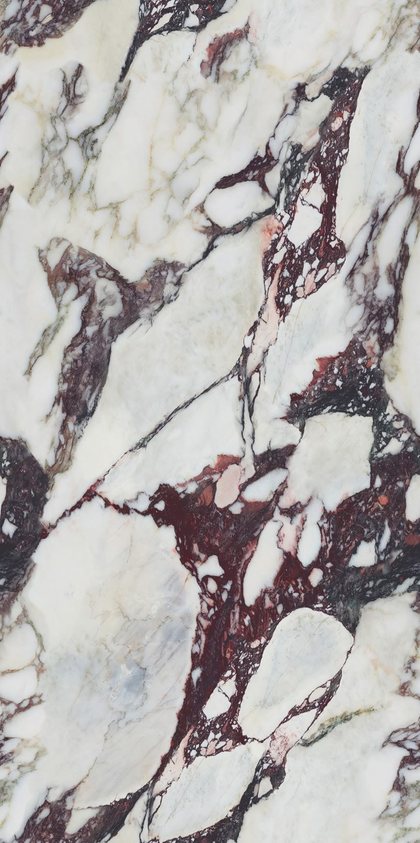

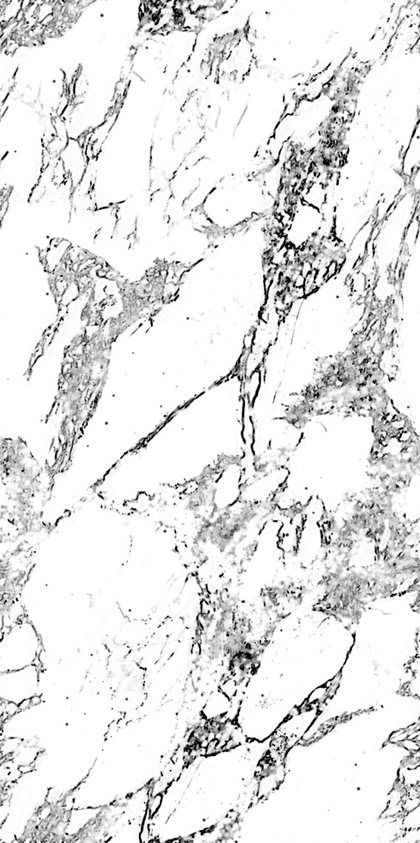
The maps of the Wine-veined marble from our room: one tile, 413 × 830 mm, 4K.
Know the limits
- A photo does not reveal measured roughness, internal depth, translucency or exact physical height. Judge the result in your renderer.
- Marble makes the stone surface: slabs, with no grout lines.
- Use images you have the right to use. Matelume’s licence doesn’t give you rights to someone else’s fabric design, artwork or photograph.
Related questions
What does real size mean?
Real size is the physical width of the area your image shows. You set it in centimetres and the height follows the image; the exported .json records it in millimetres. It is separate from pixel resolution. Check the size on the object in your 3D program.
What resolution can I export?
2K, 4K, 6K or 8K on the long side; 4K is marked Usual. An 8K fabric needs a PC with 32 GB of RAM. More pixels take more time and memory. They do not add detail the source does not have.
Try it with your own image
Matelume runs on Windows 10 and 11, 64-bit. The 14-day free trial includes every Pro tool, full-size exports and no watermark, and it does not start a paid subscription. An account and an internet connection are required.