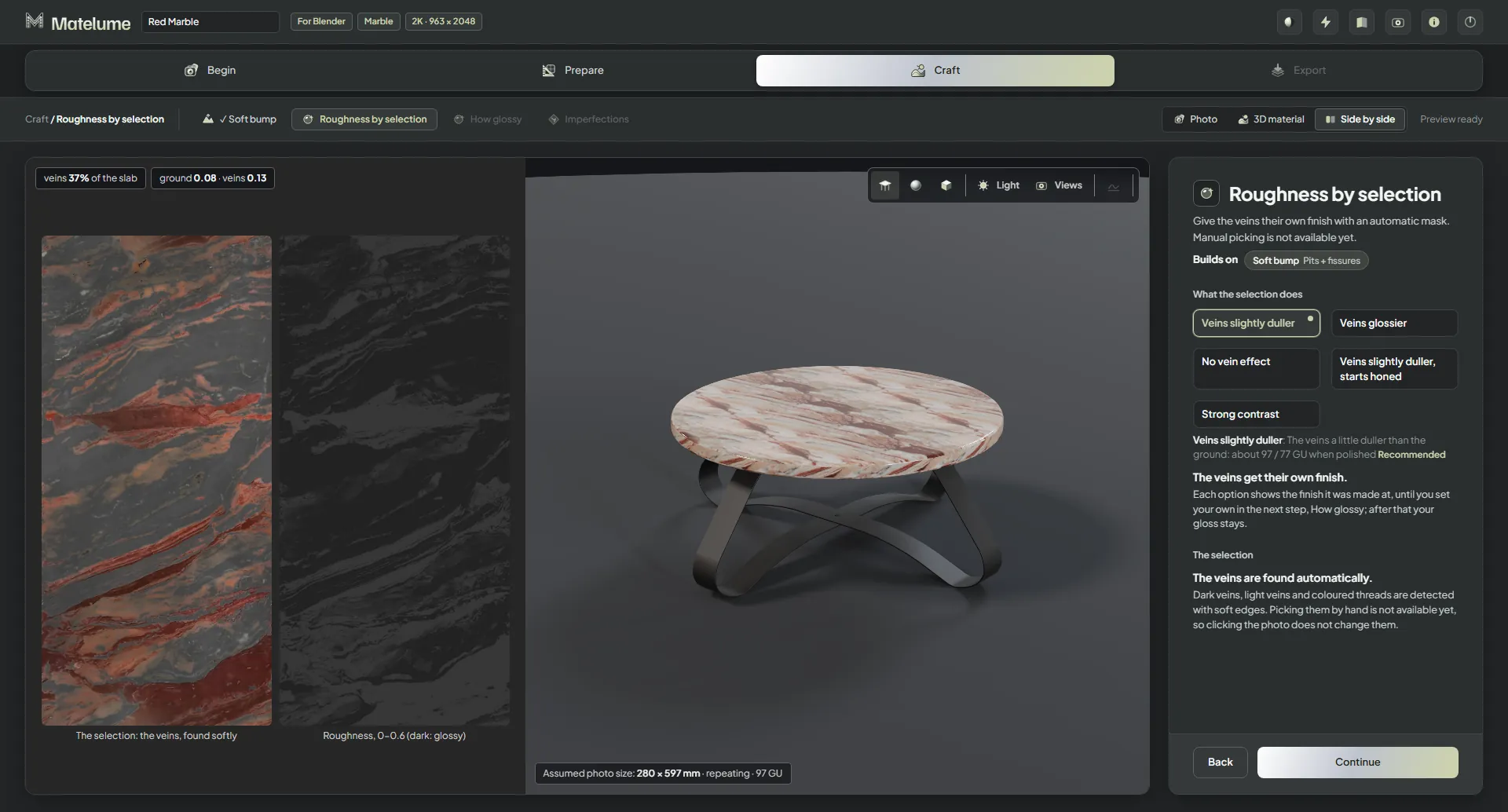
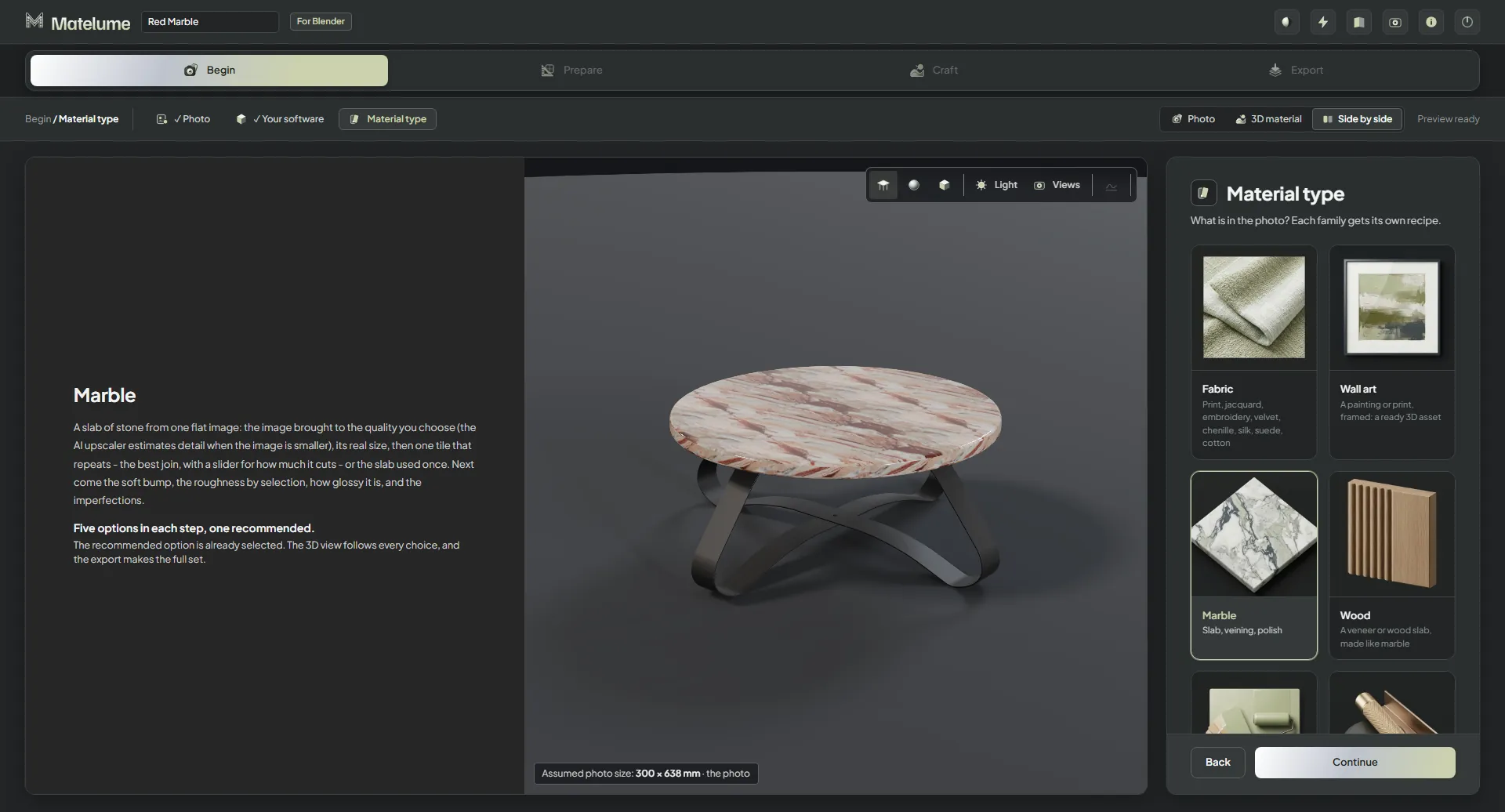
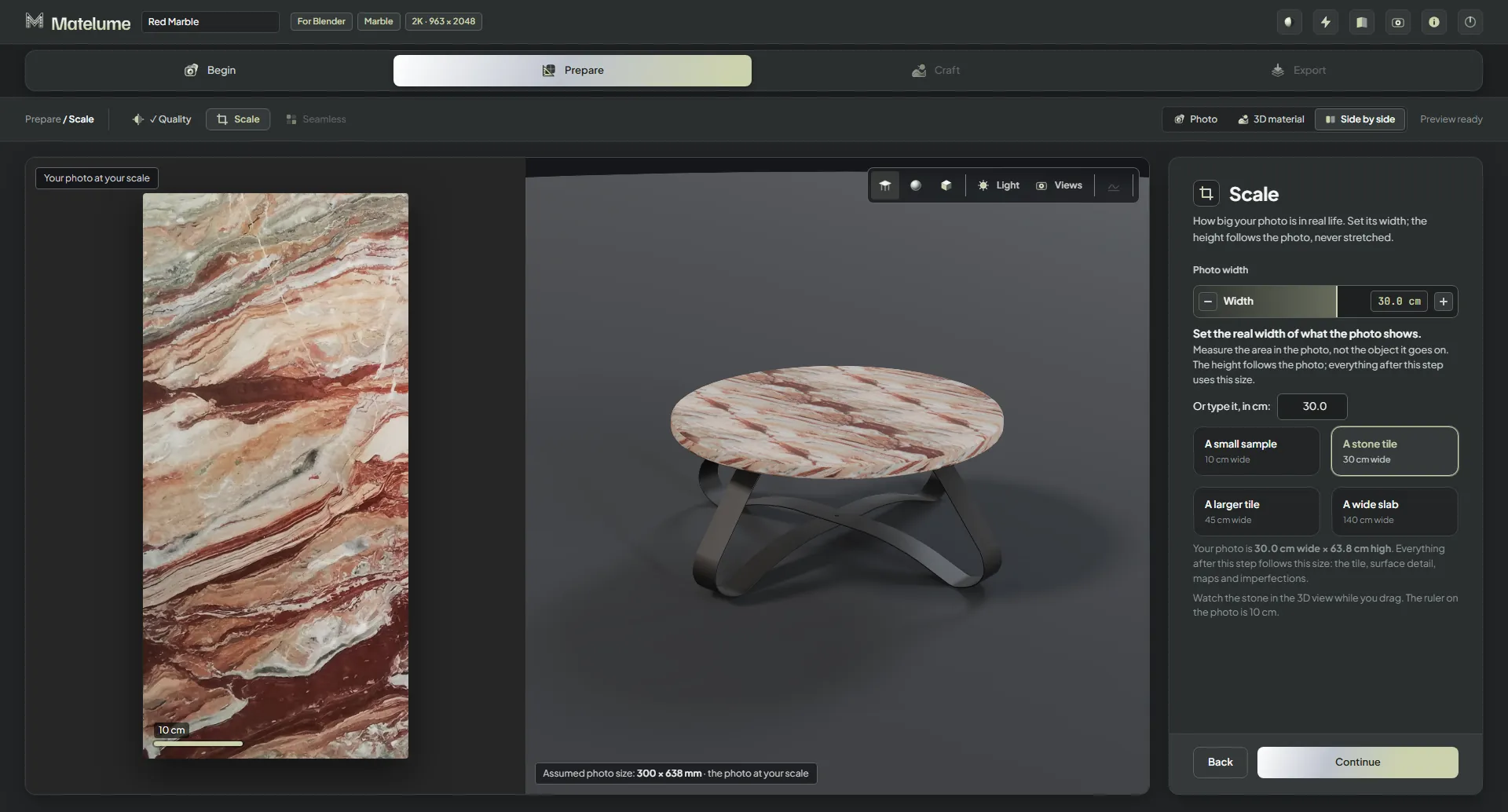
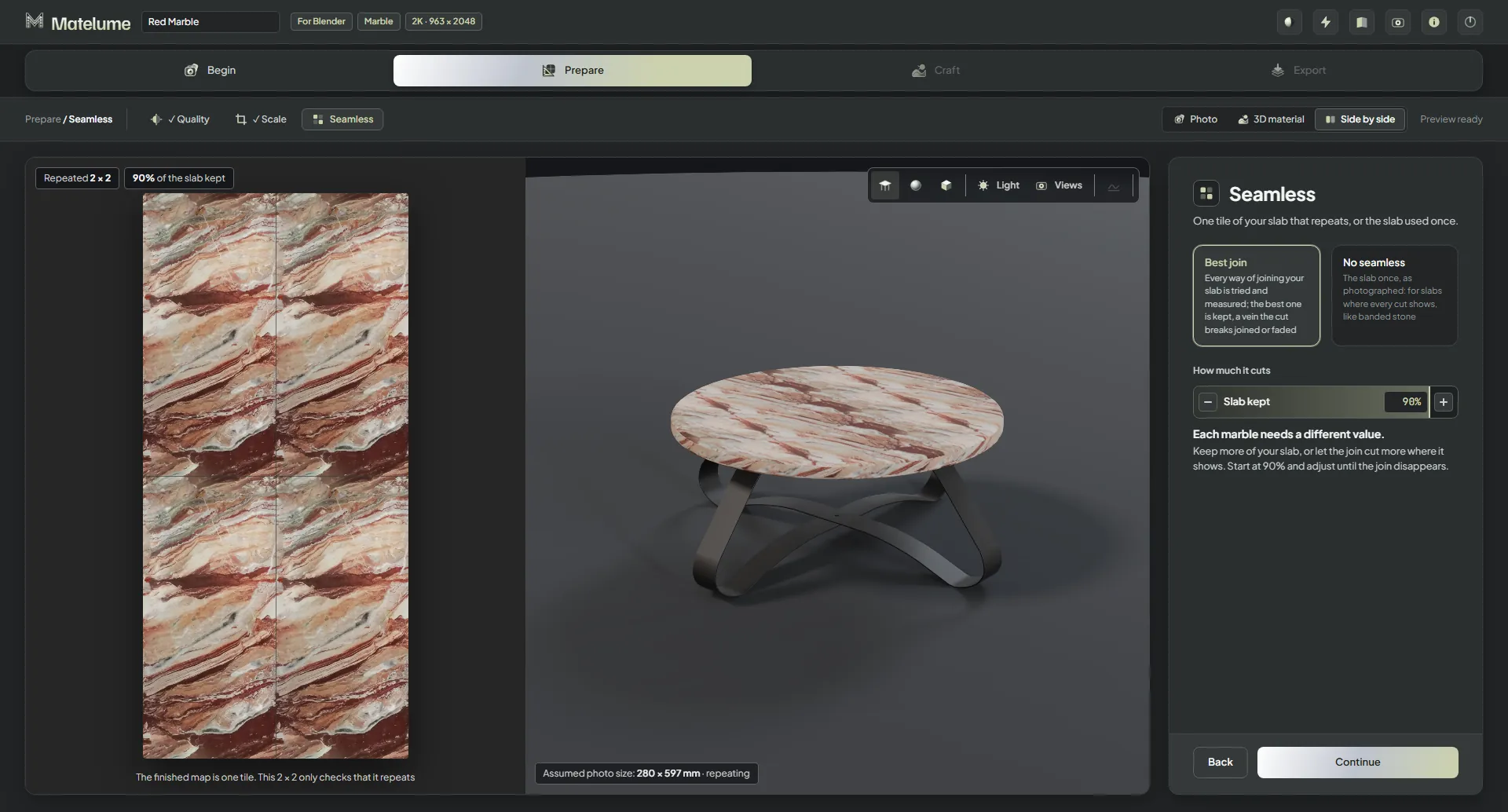
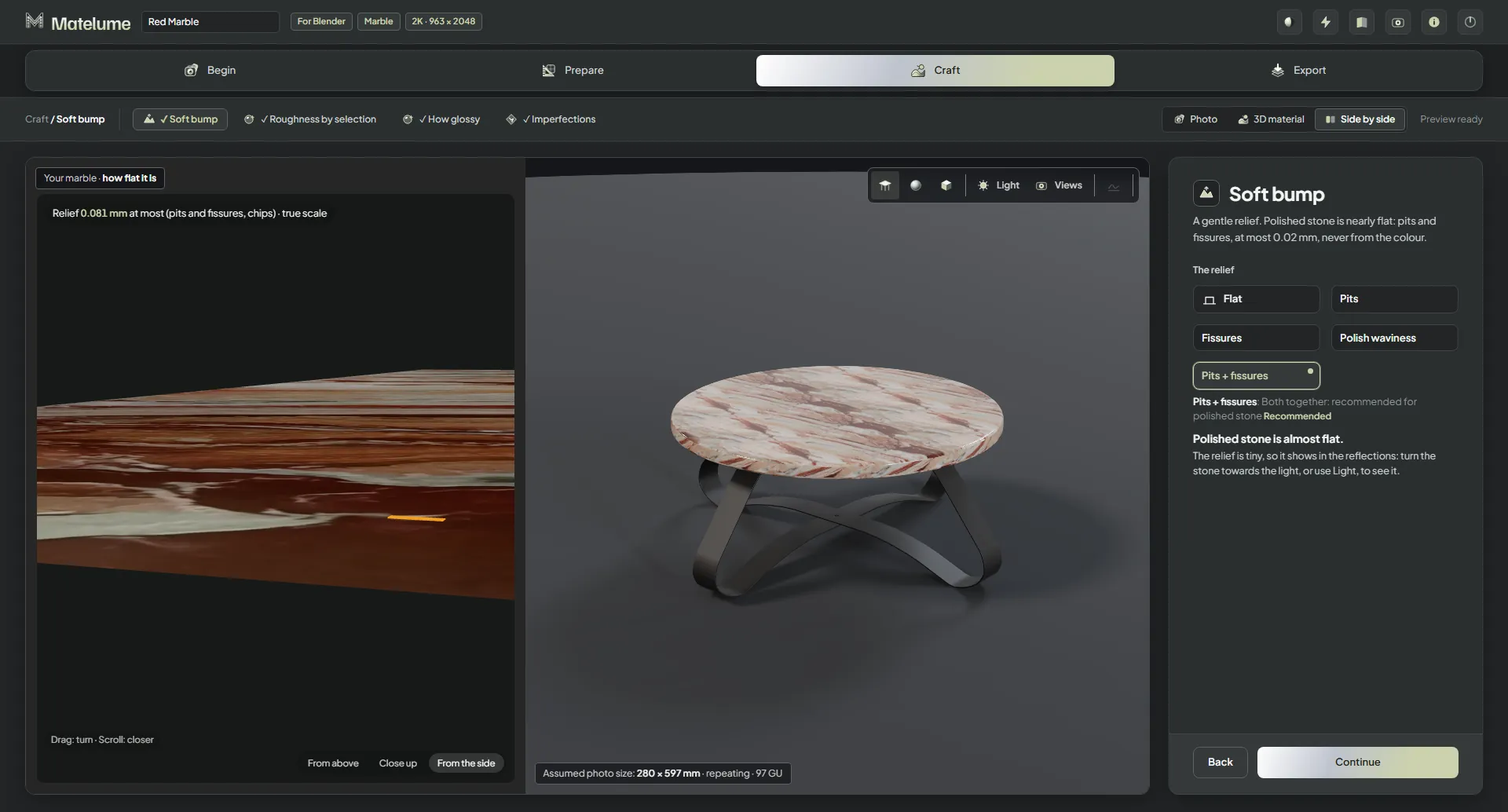
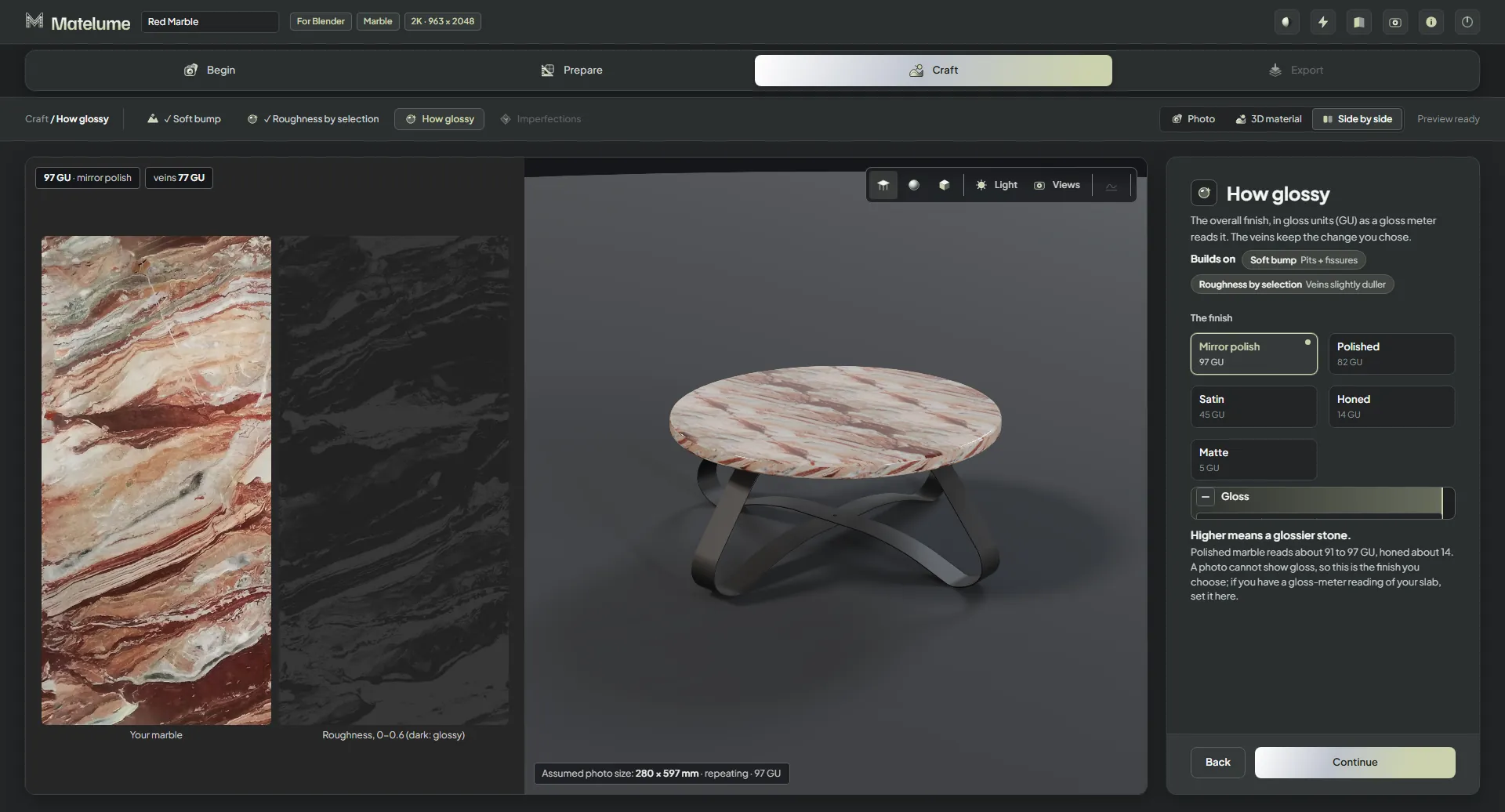
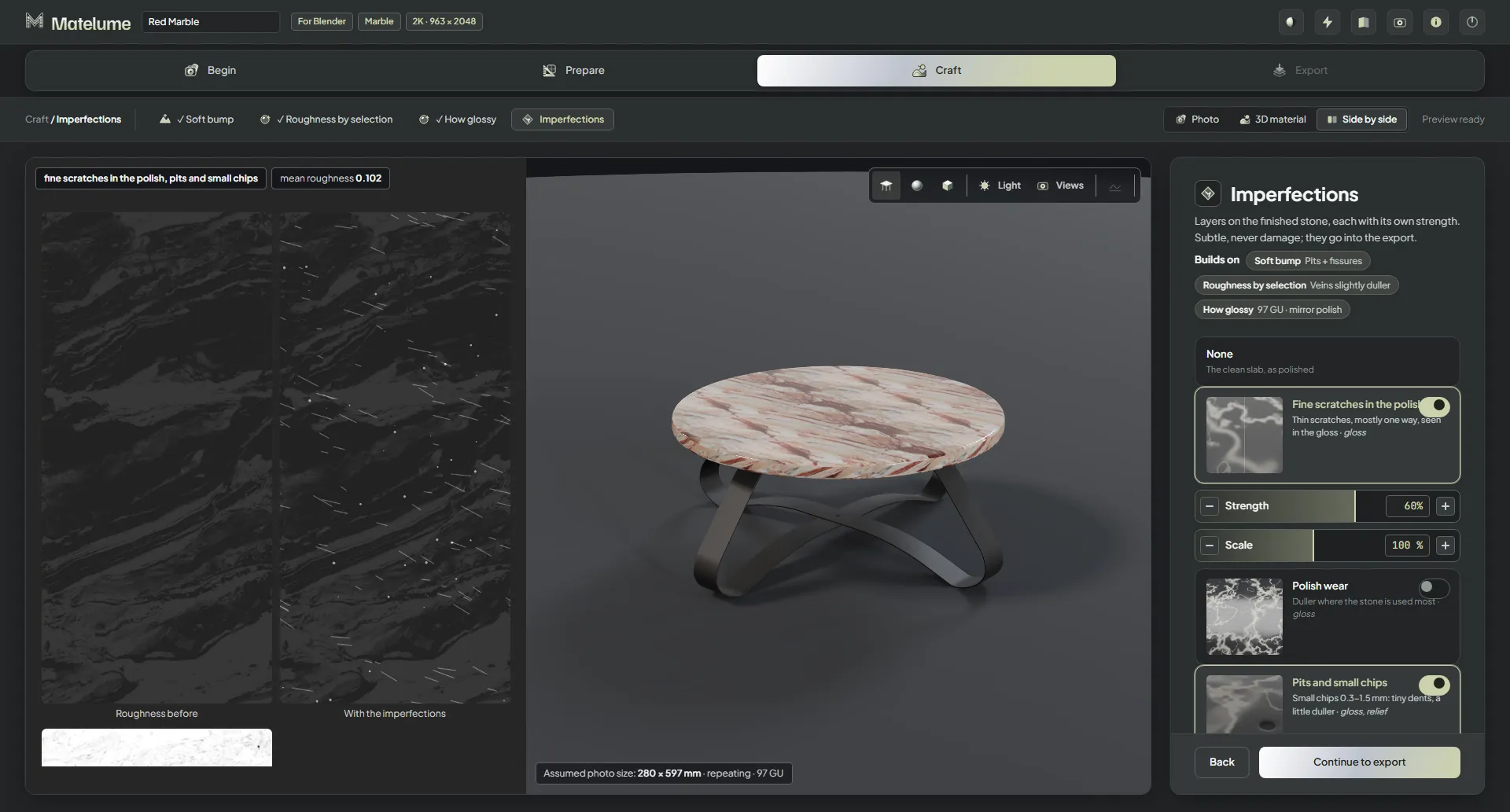
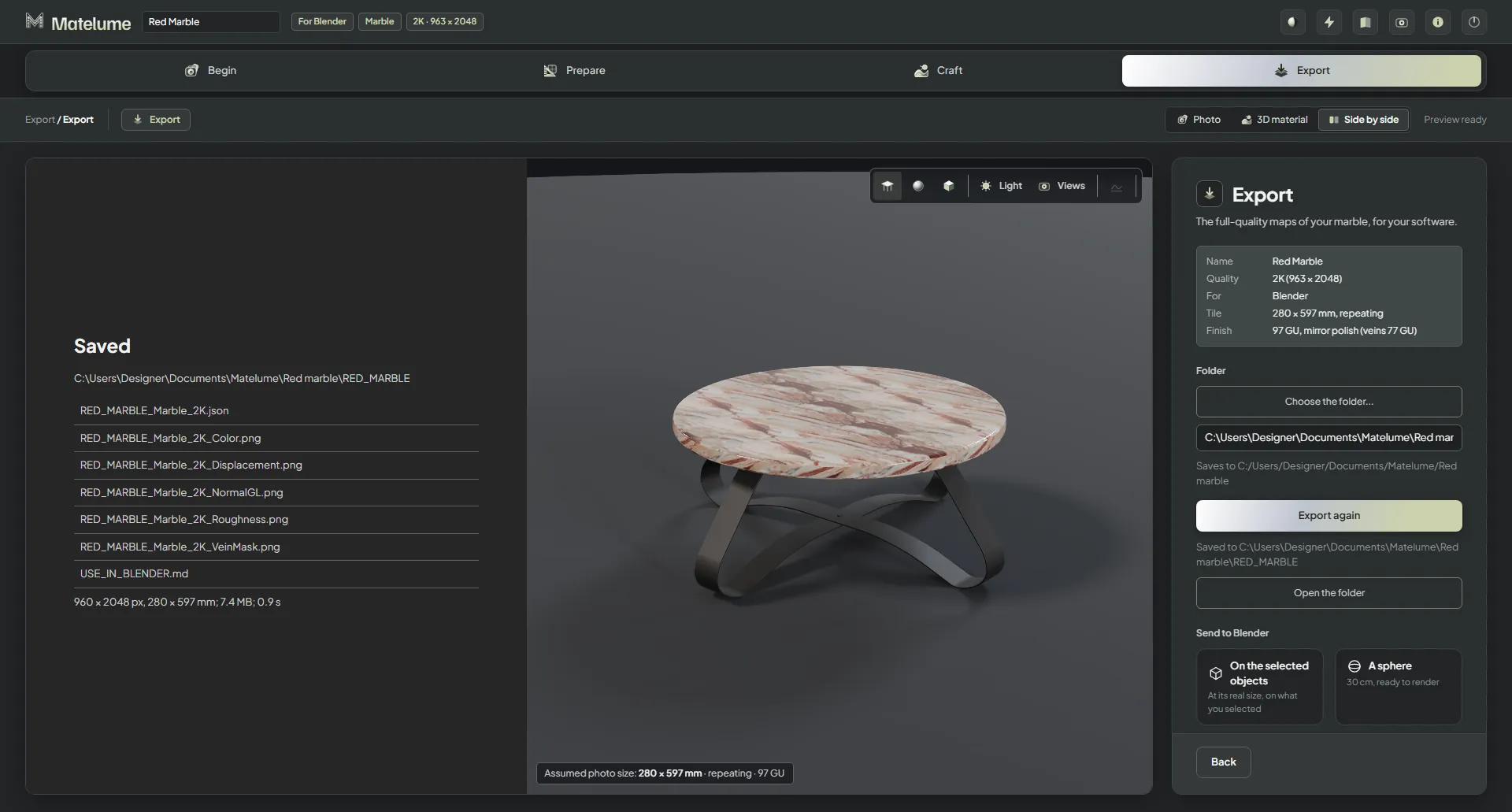
The Material type step with Marble chosen, the red marble table shown in the 3D view.The Scale step: the real width of the marble photo is set and the table follows.The Seamless step: best join of the slab, shown repeated 2 x 2 beside the table.The Soft bump step: the relief options beside a side-on view of the slab.The Roughness by selection step: the veins found in the photo and the roughness map.The How glossy step: five finishes from mirror polish to matte, with the gloss slider.The Imperfections step: fine scratches and small chips switched on, with the roughness before and after.The Export step after saving: the folder and the list of saved map files.