

Metal
Effects
Give the metal a finish: brushed, hammered, bead-blasted or linen, at its real size.
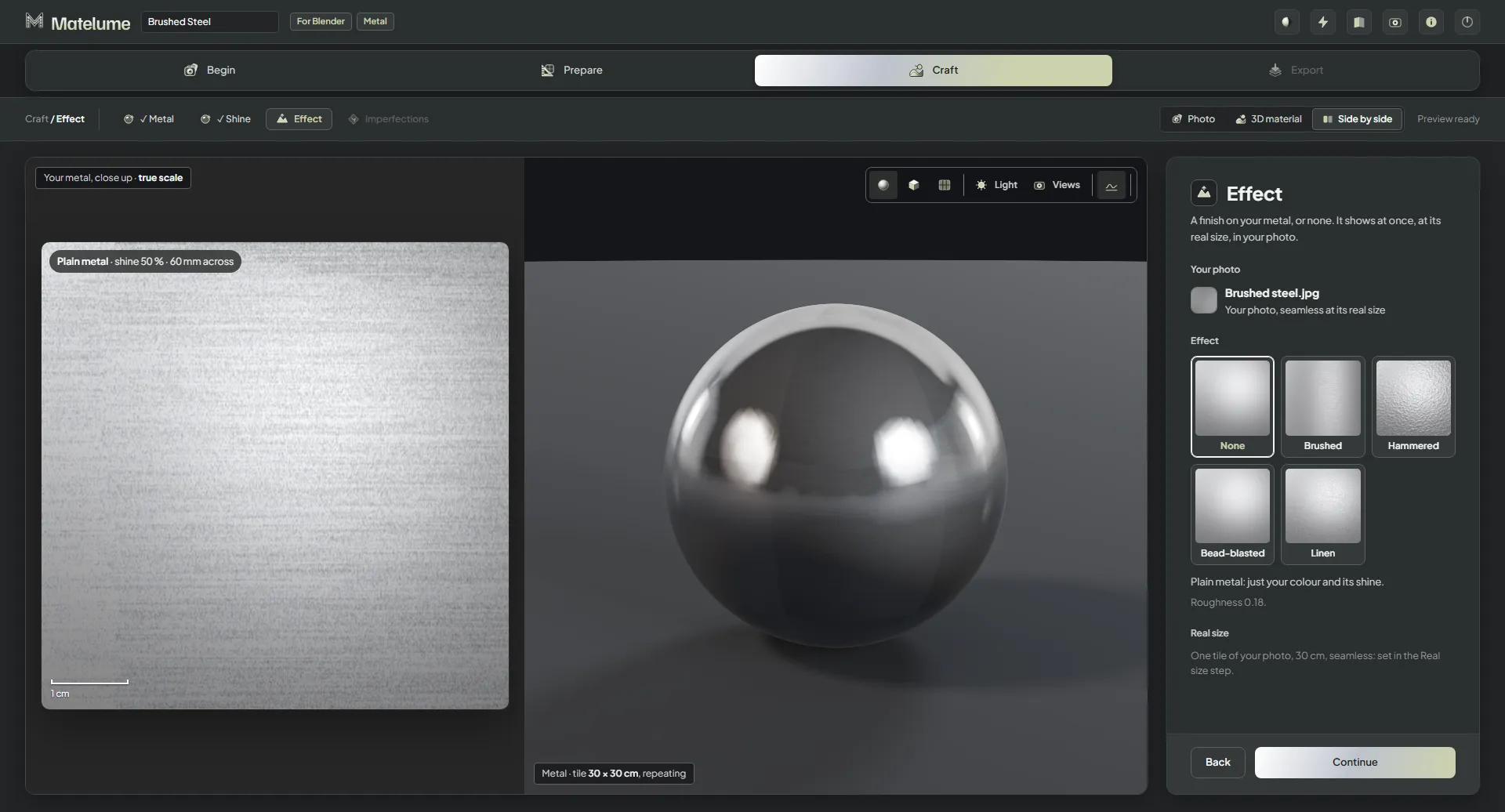
Pick an effect
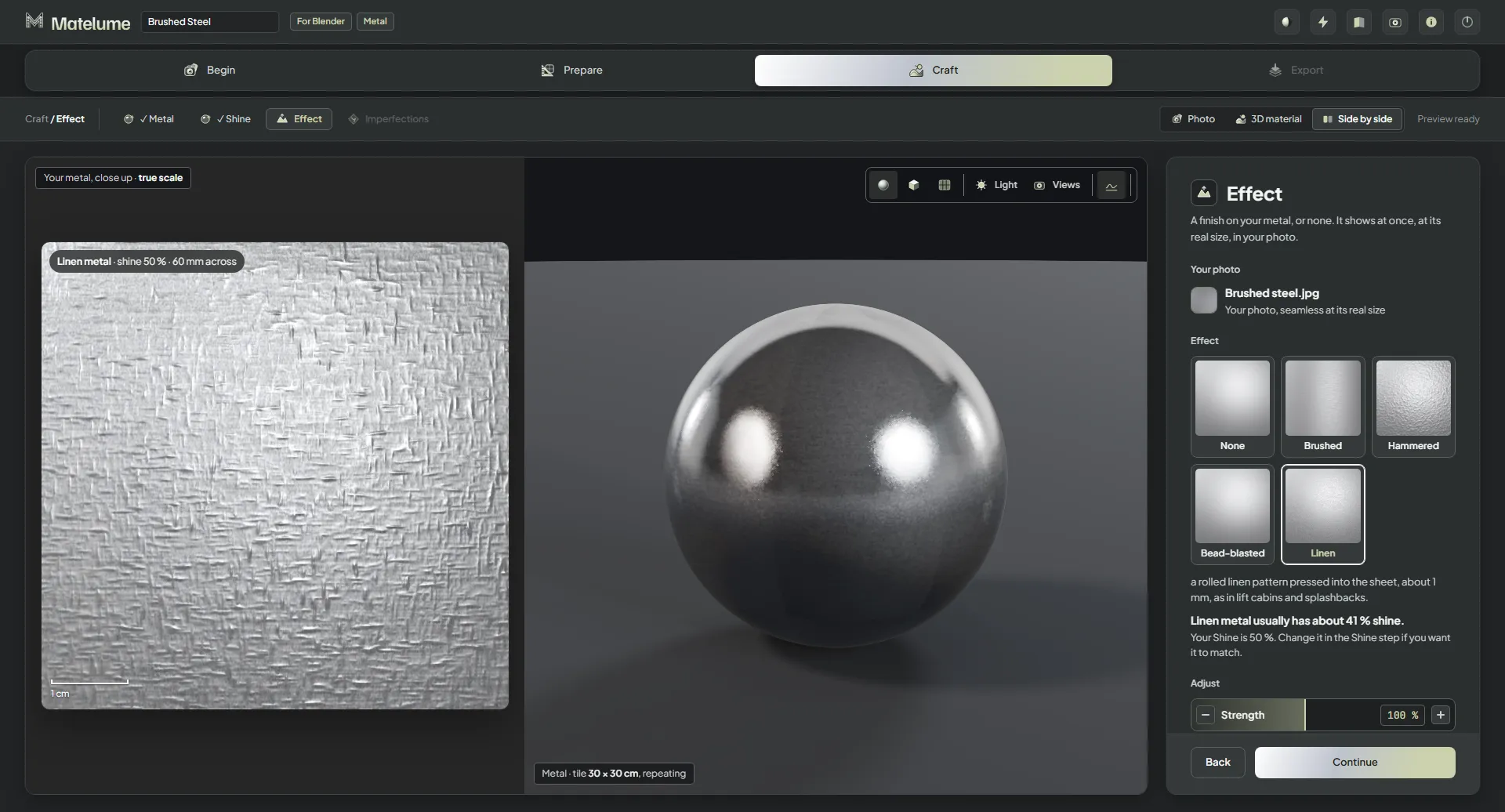
- On the Effect step, click a card: None, Brushed, Hammered, Bead-blasted or Linen. It shows at once, at its real size, in your colour.
- Read the lines under the cards. They describe the effect and the shine that metal usually has, for example “Hammered metal usually has about 54 % shine”. To match it, change Shine on the Shine step.
- Under Adjust, set Strength and Scale.
- Click Continue.
The four effects
- Brushed: fine satin brushing, dense short lines with an even sheen across them, like kitchen and appliance steel.
- Hammered: overlapping hand-hammer blows 1–1.5 cm across, polished after: the hand-made look.
- Bead-blasted: a fine, even matt grain.
- Linen: a pressed, fabric-like pattern in the metal.
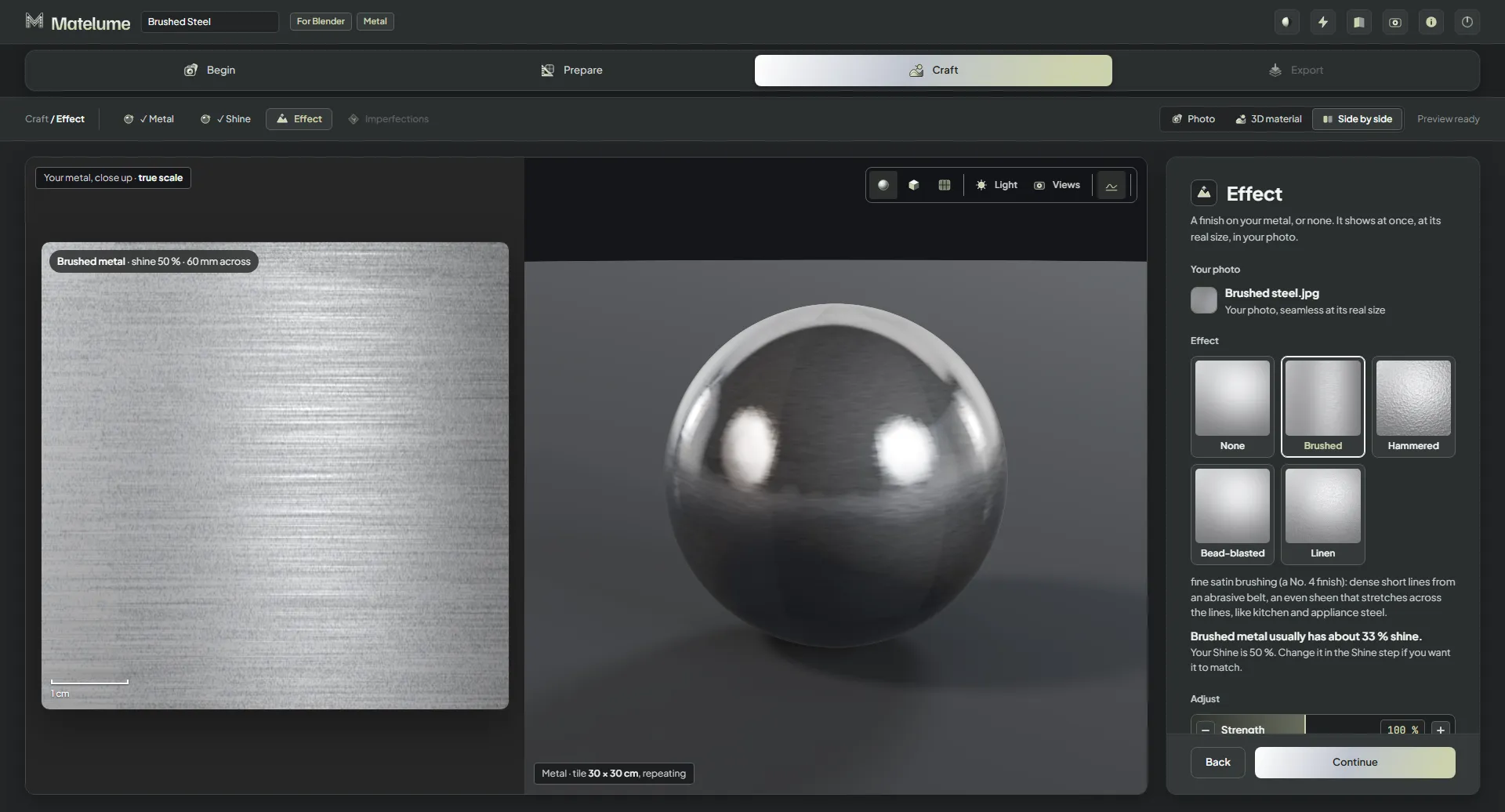
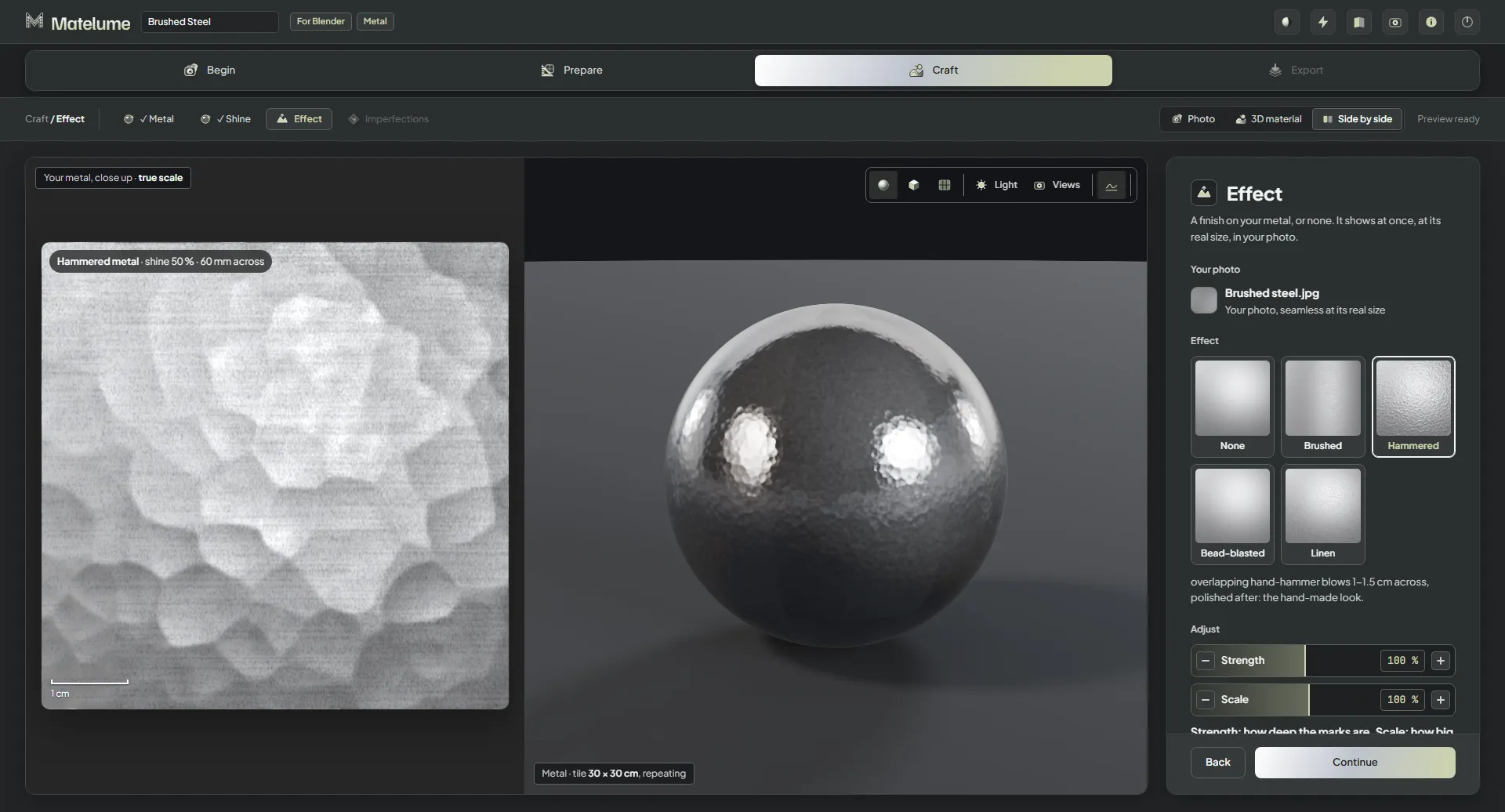
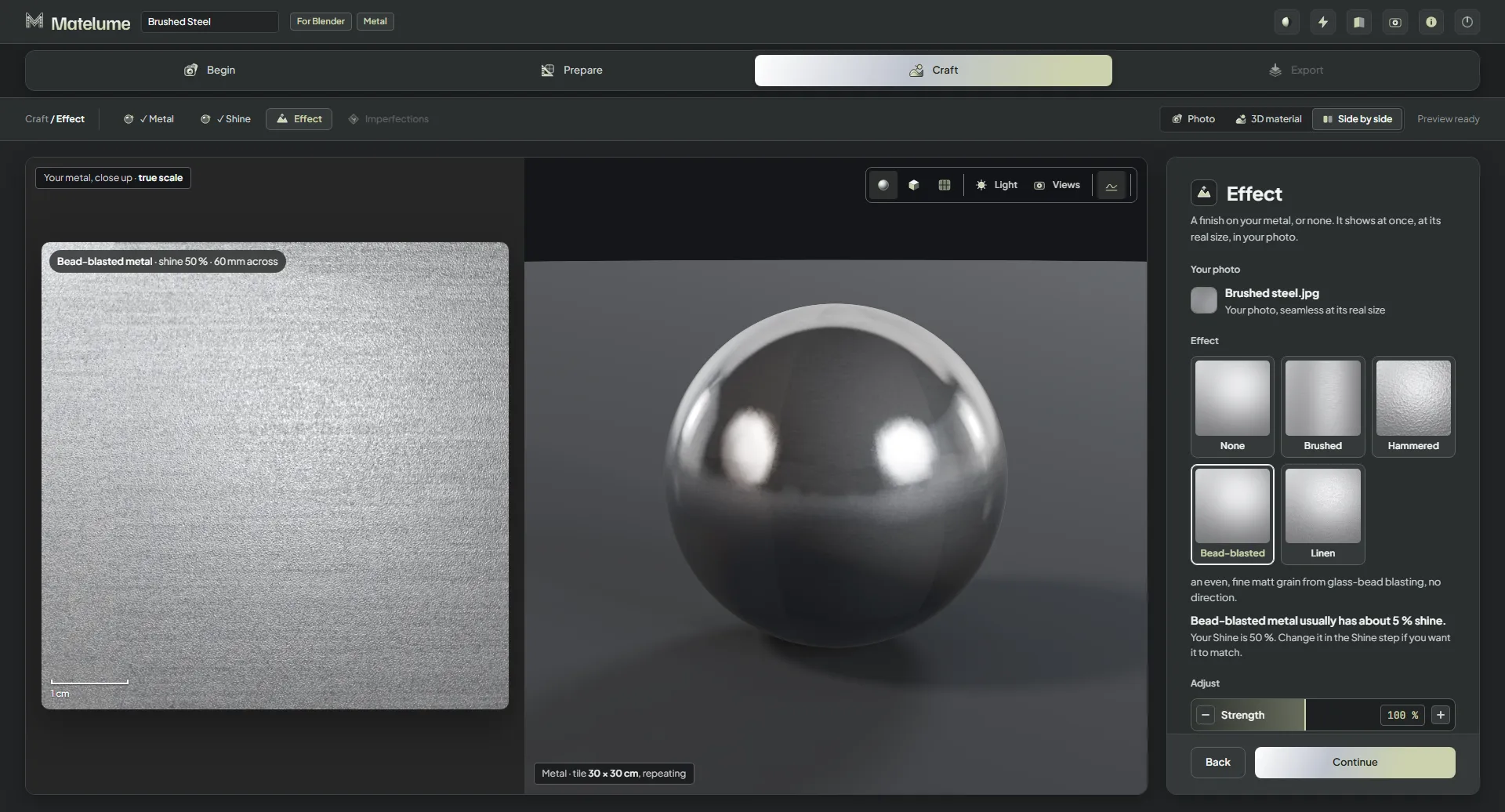
Strength and Scale
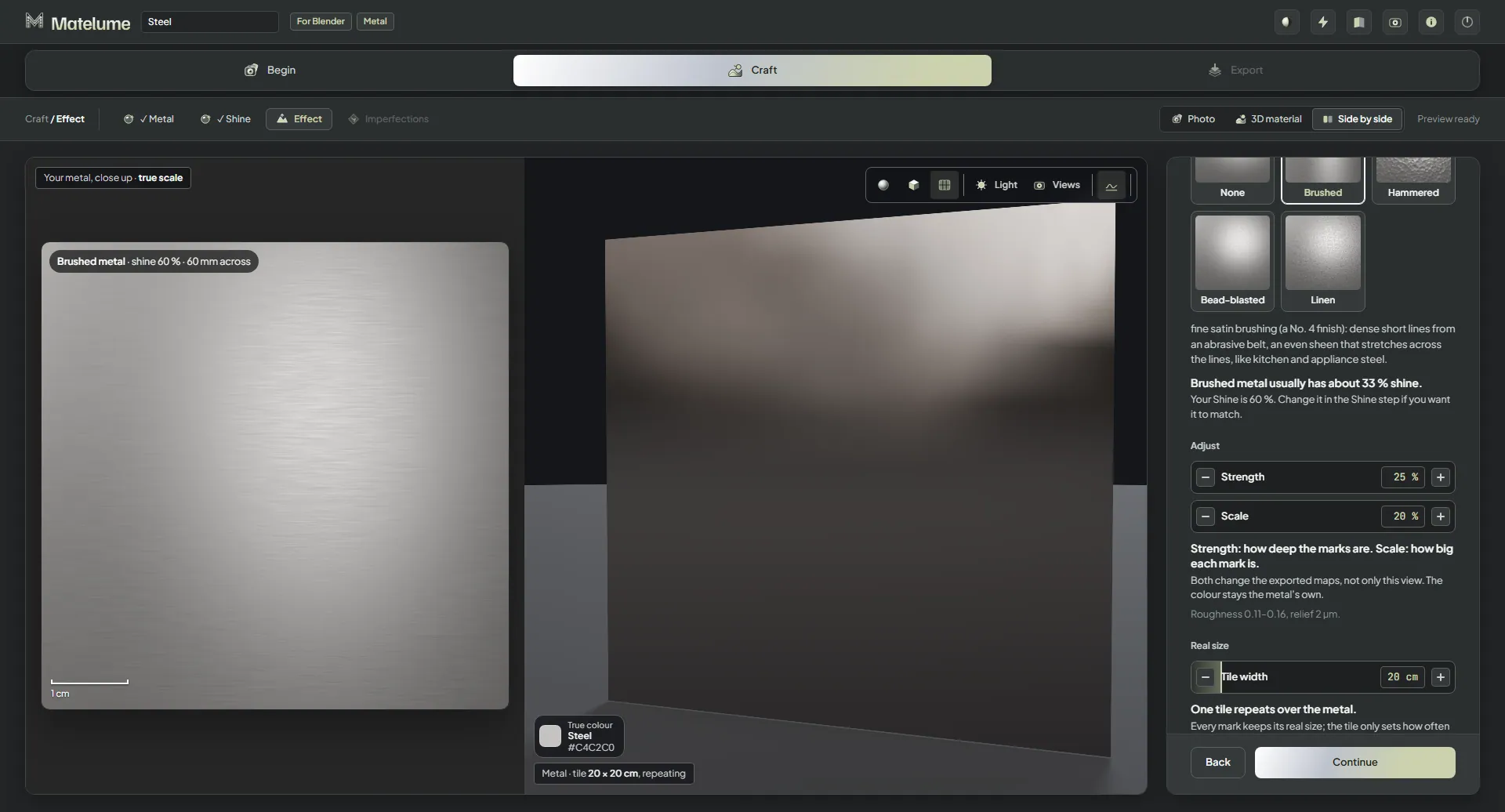
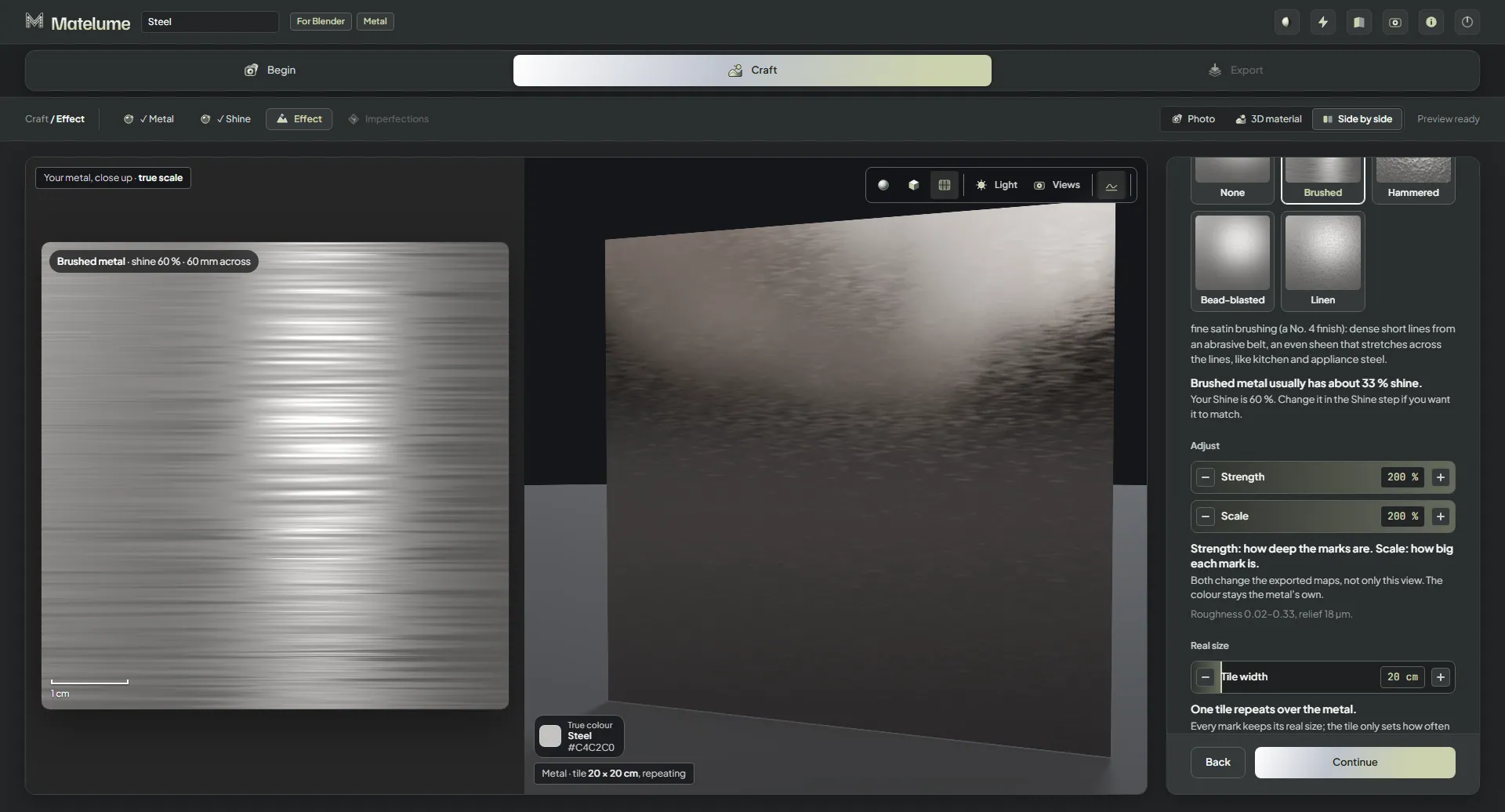
- Strength: how deep the marks are, from 25 to 200 %.
- Scale: how big each mark is, from 20 to 200 %.
Both change the exported maps, not only the view. The colour stays the metal's own.
Tile width
Under Real size, Tile width sets how wide one tile is. One tile repeats over the metal, and every mark keeps its real size.
Brushed metal
A brushed metal's export adds two small Brushing direction maps, for the programs that stretch the highlight along the brushing. See Exporting metal.