

Wall paint
Looks and finish
Add a decorative paint, such as Limewash or Micro-cement, and set how much it shines.
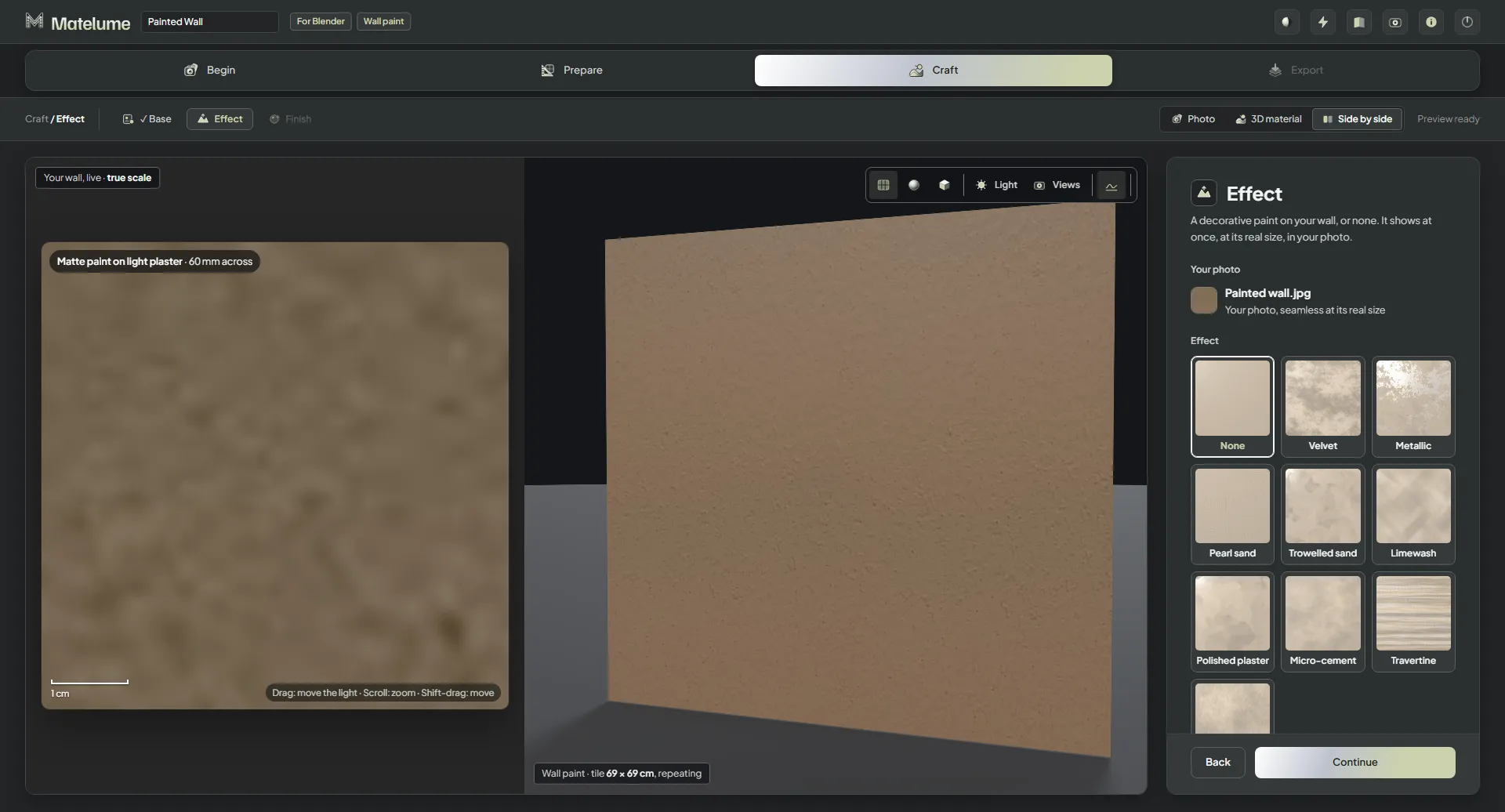
Pick a look
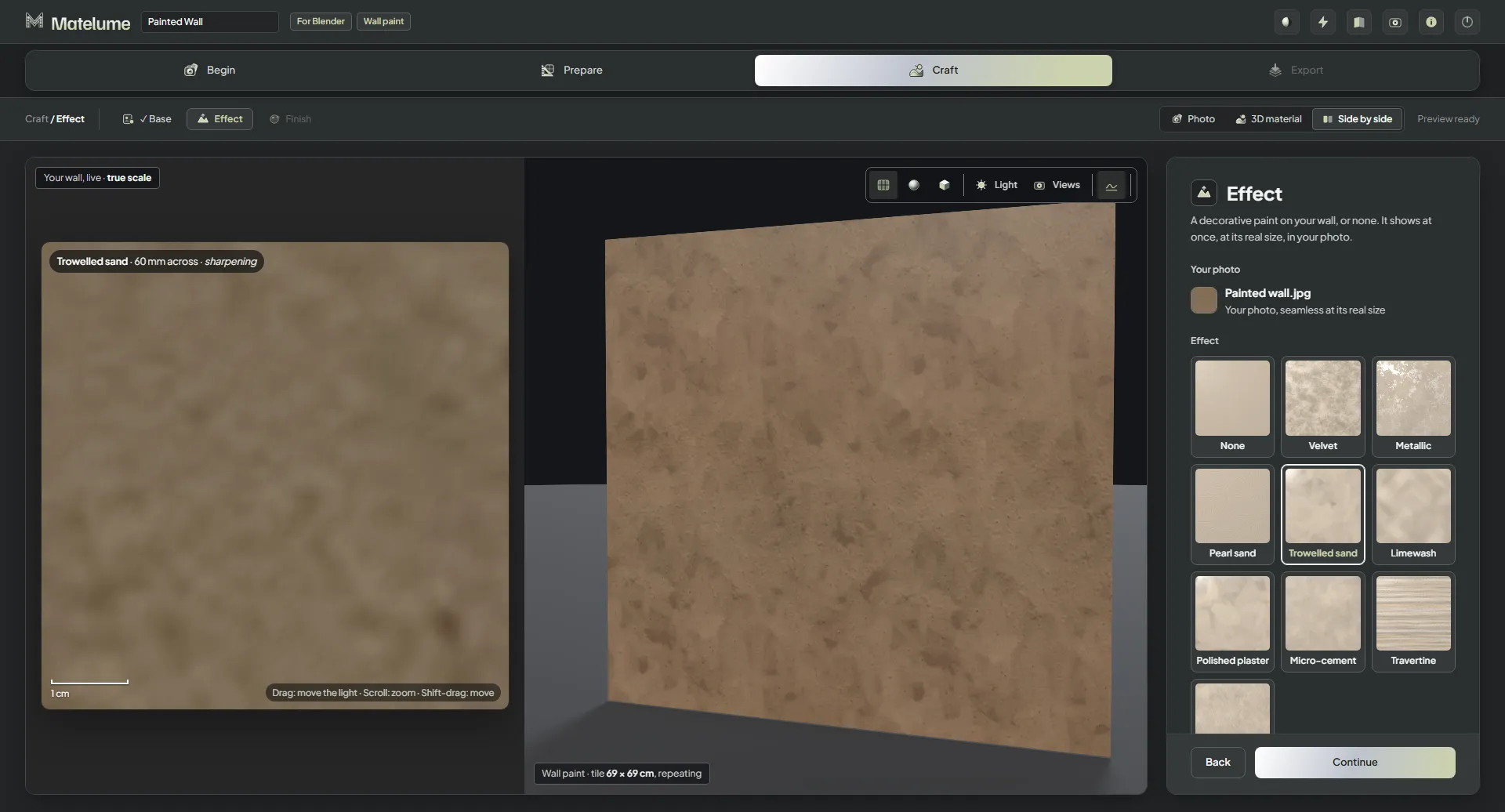
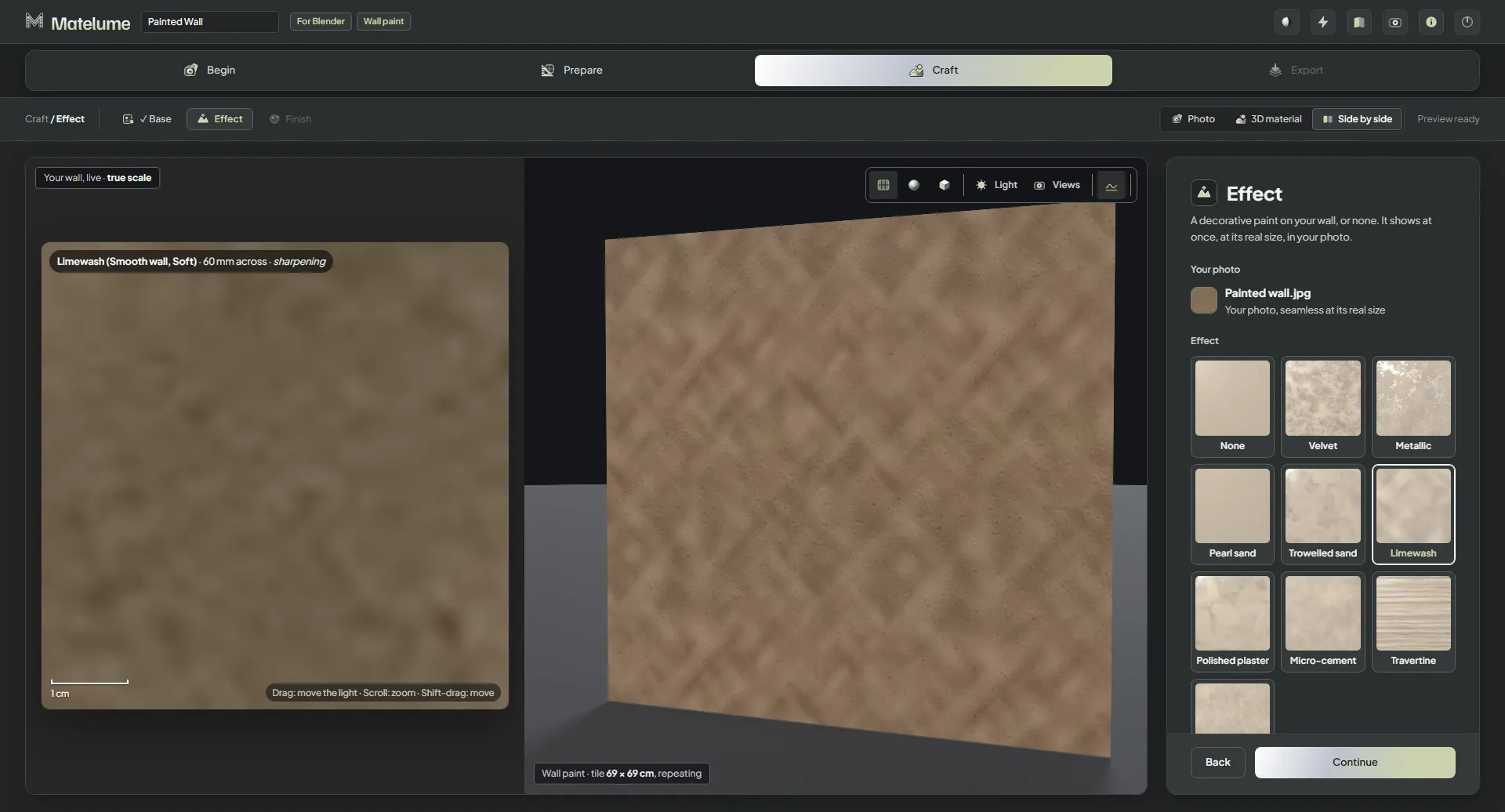
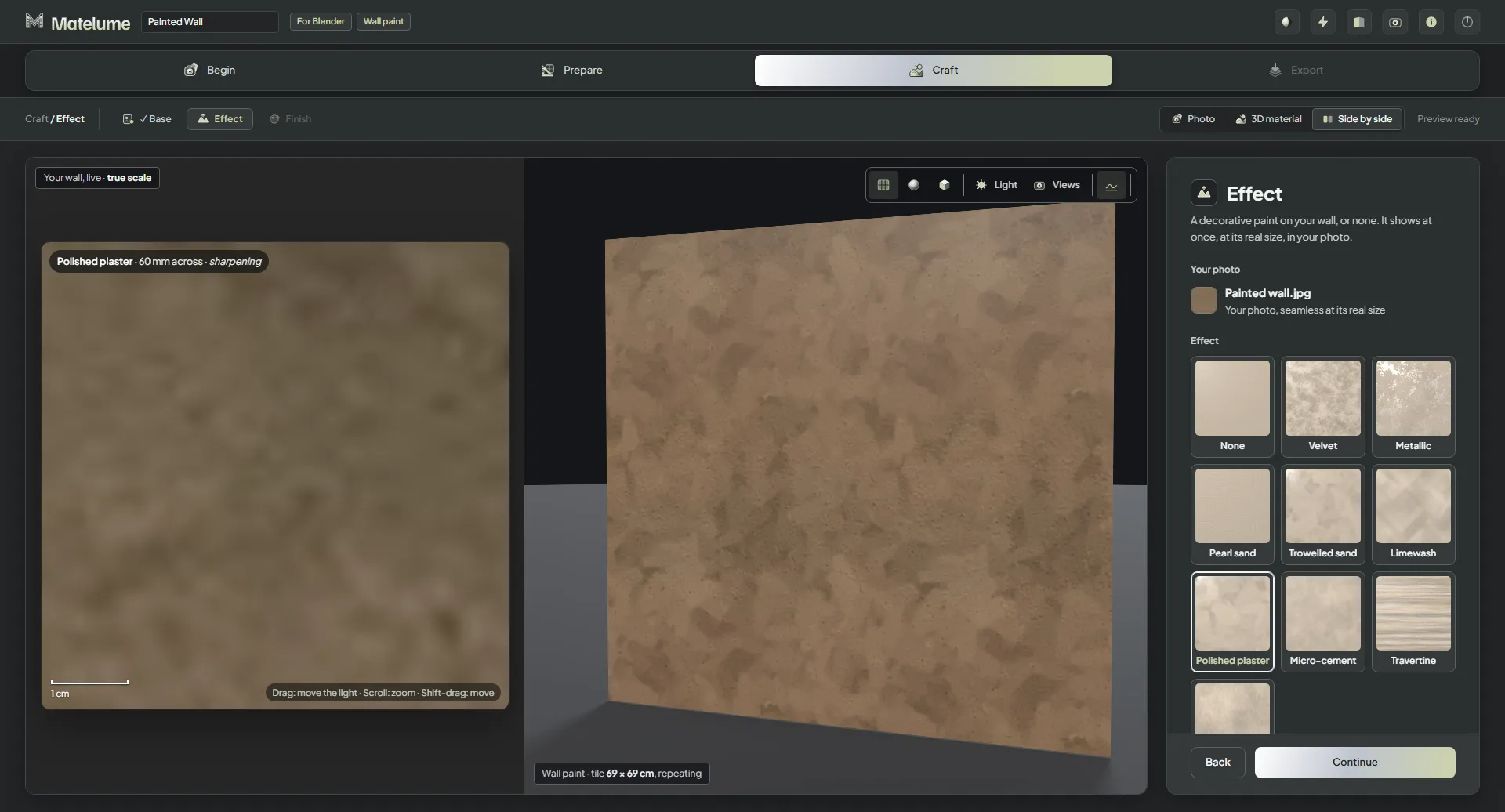
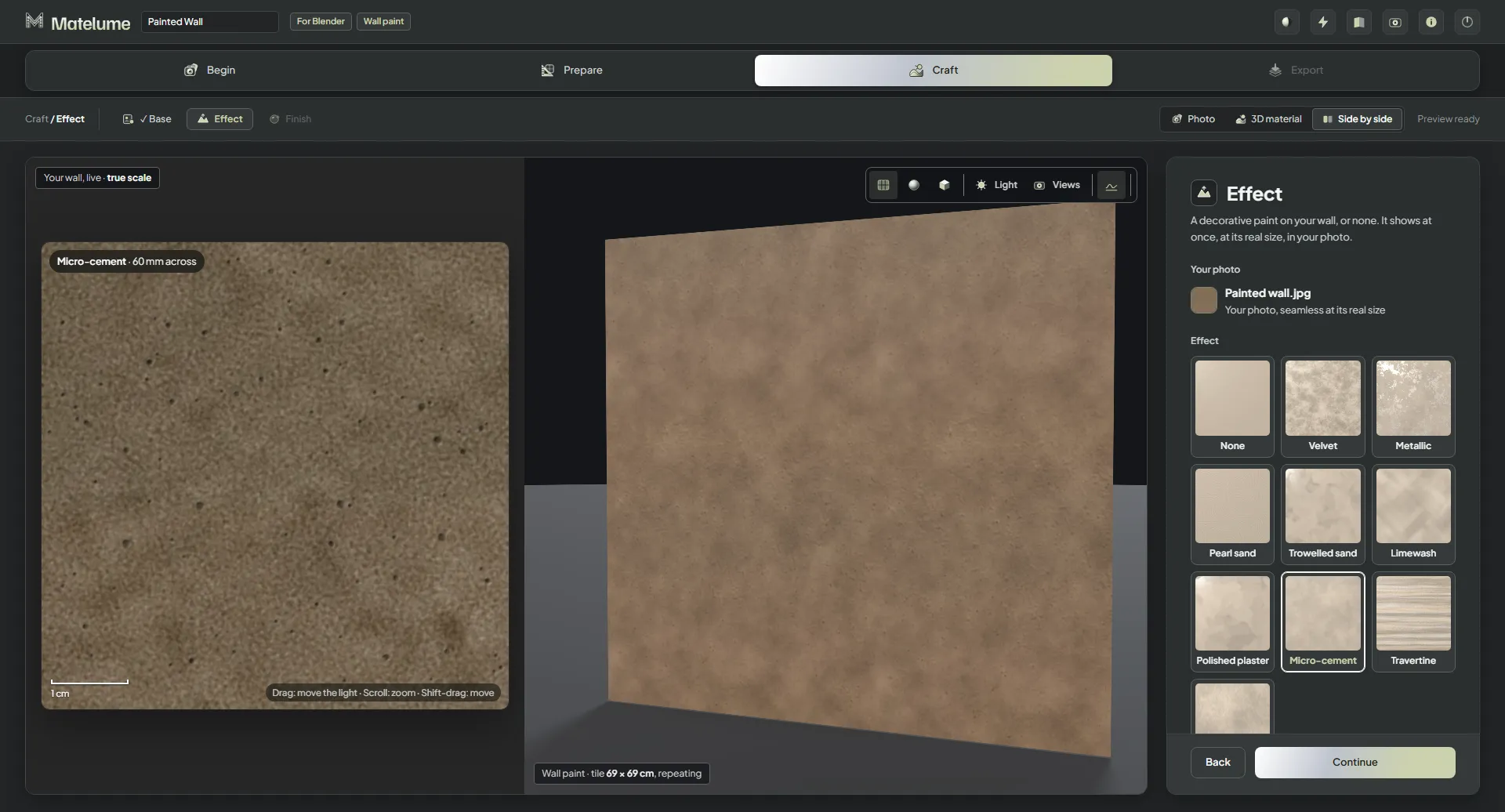
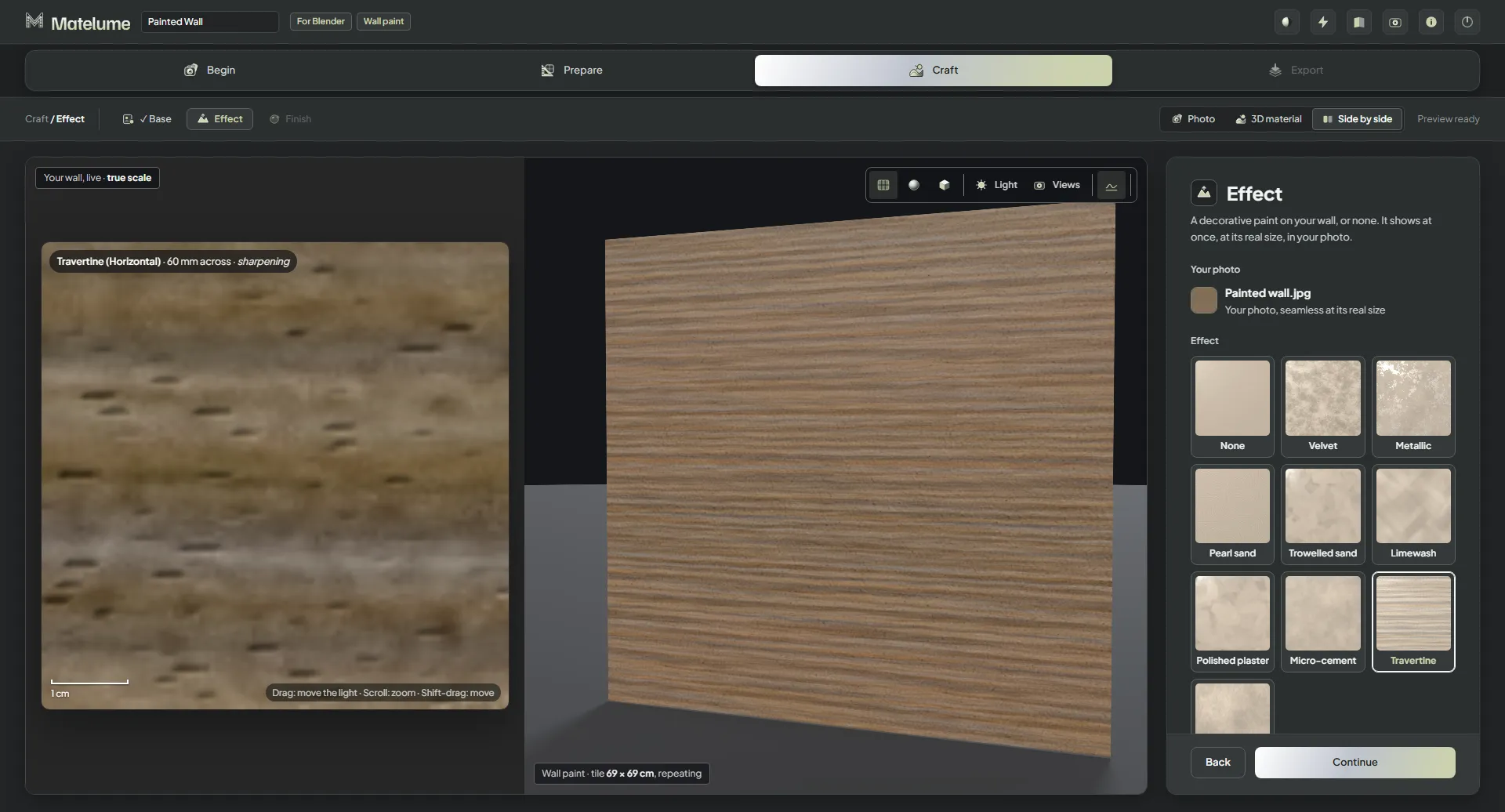
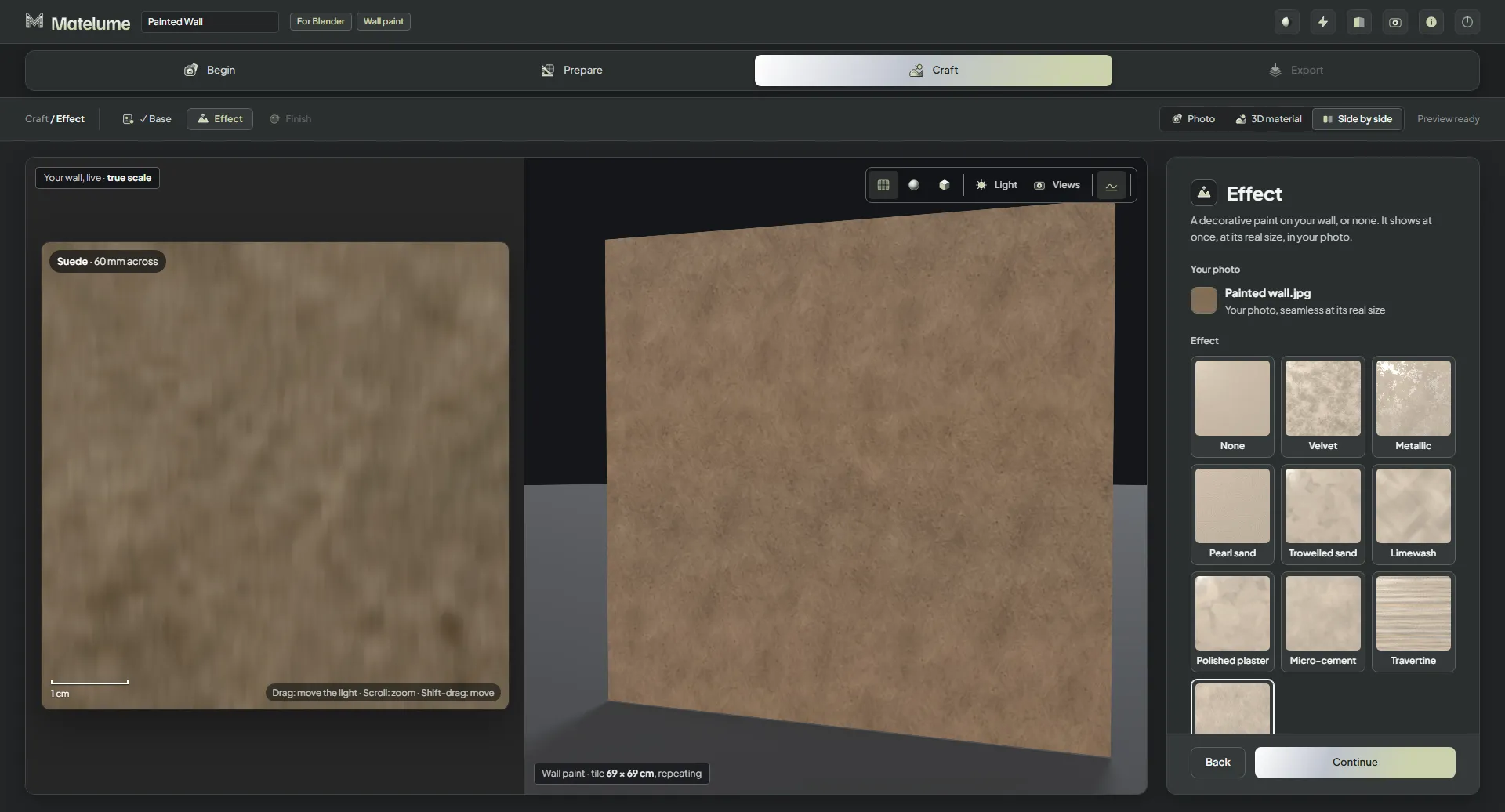
- On the Effect step, click a card. It shows at once, at its real size, in your colour.
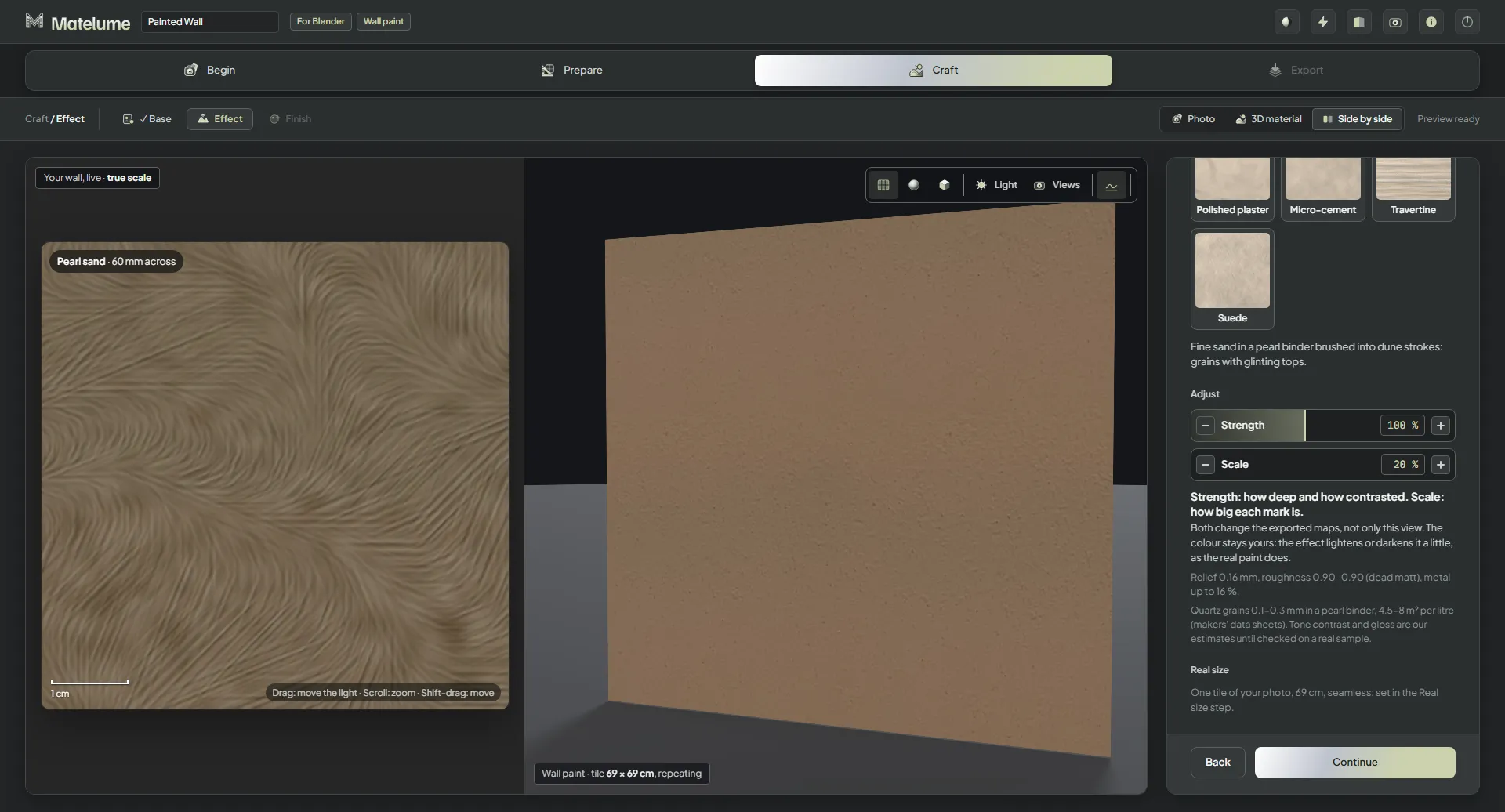
- Under Adjust, set Strength and Scale.
- Click Continue.
None is plain paint: just your colour and its finish, with the wall texture as it is.
The looks
- Velvet: a soft, cloudy matt surface.
- Metallic: flecks of metallic paint on the wall.
- Pearl sand: a fine sandy paint with a soft sparkle.
- Trowelled sand, new in 2.0: sandy plaster with trowel sweeps.
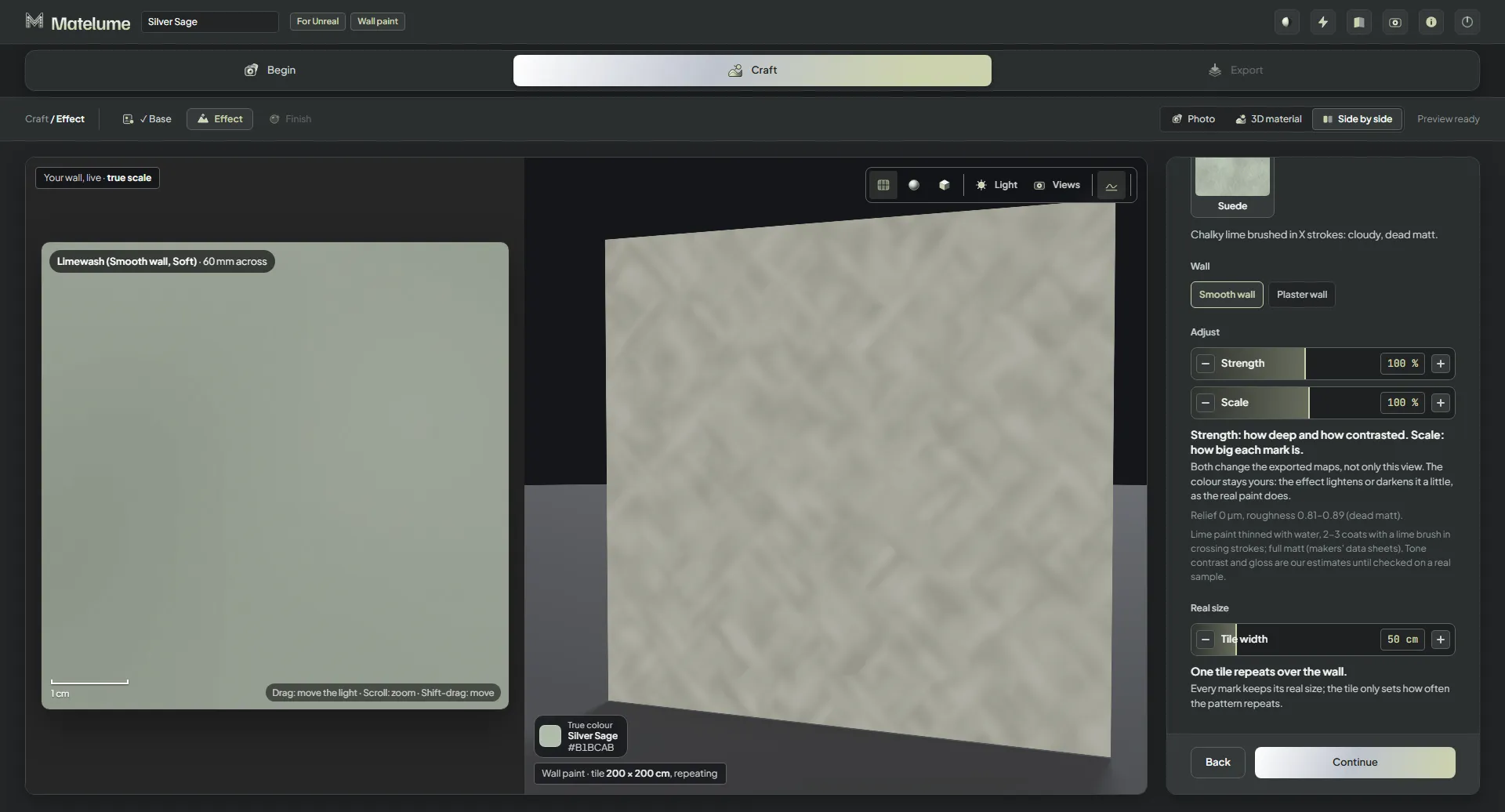
- Limewash: chalky lime brushed in crossing strokes.
- Polished plaster: a smooth, burnished plaster with soft tone changes.
- Micro-cement: a thin cement skim with cloudy pores.
- Travertine: a banded, stone-like surface with open pores.
- Suede: a soft brushed texture with cross strokes.
Velvet, Metallic, Pearl sand, Micro-cement, Polished plaster, Travertine and Suede were reworked for 2.0.
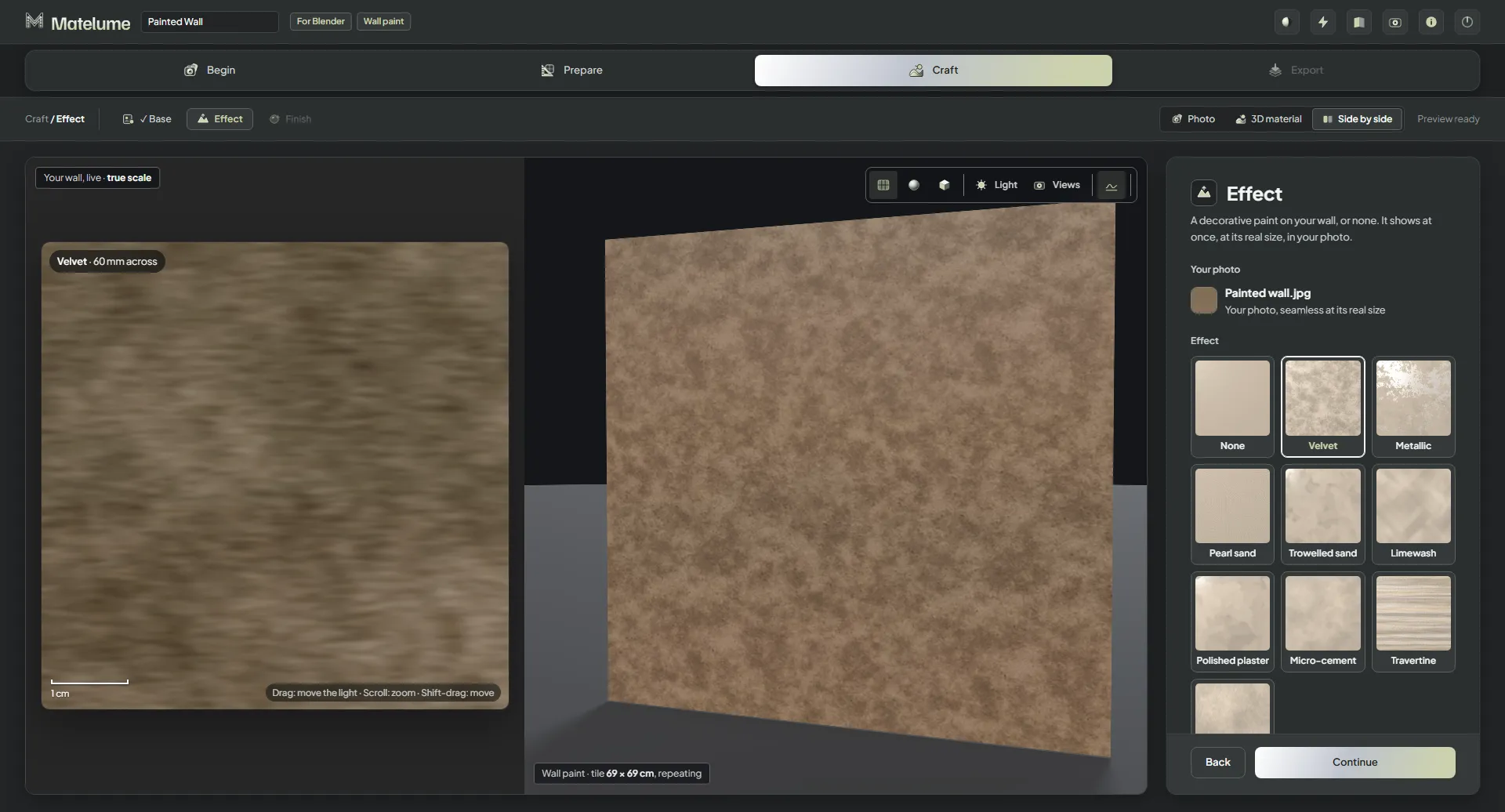
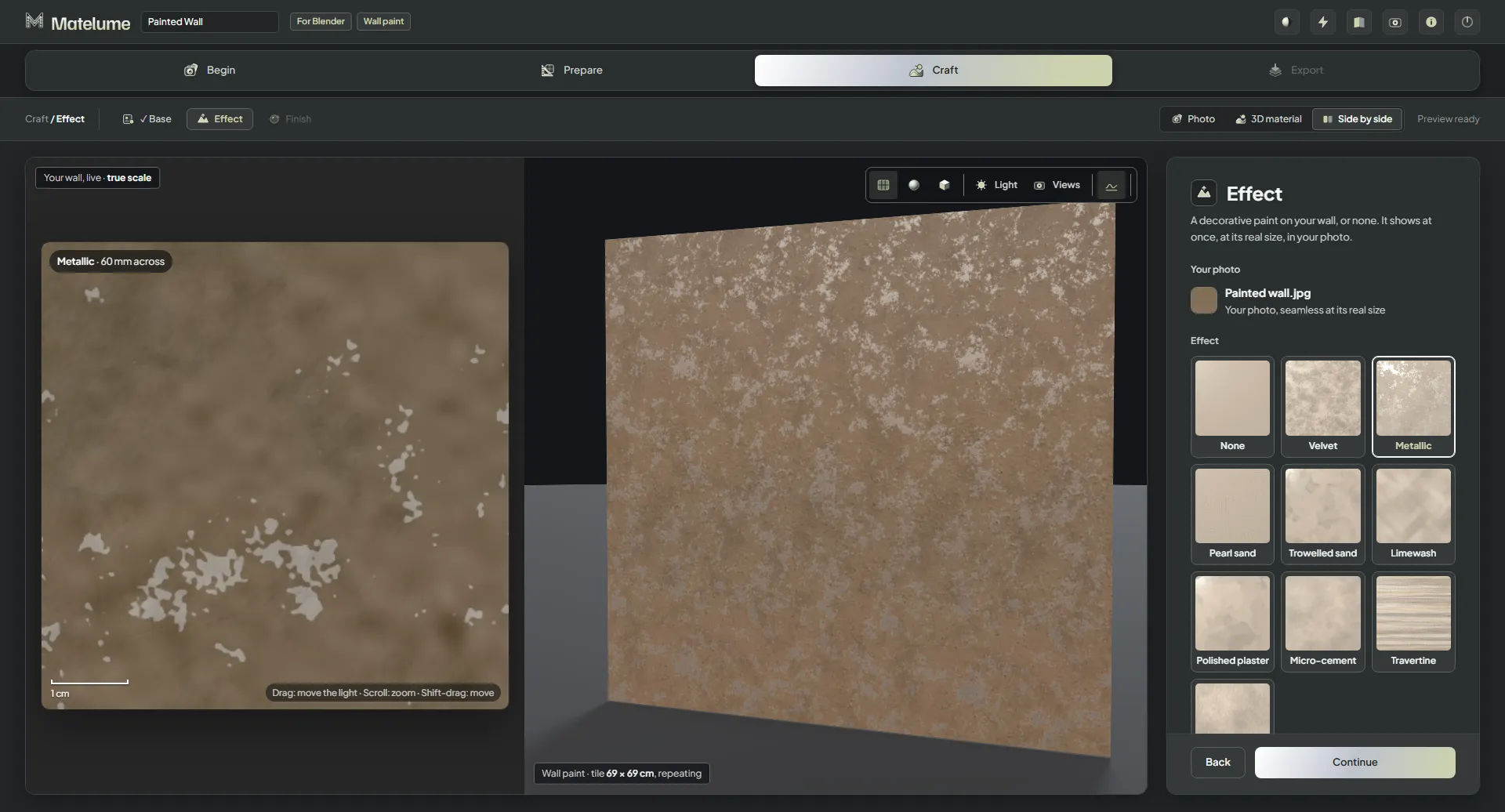
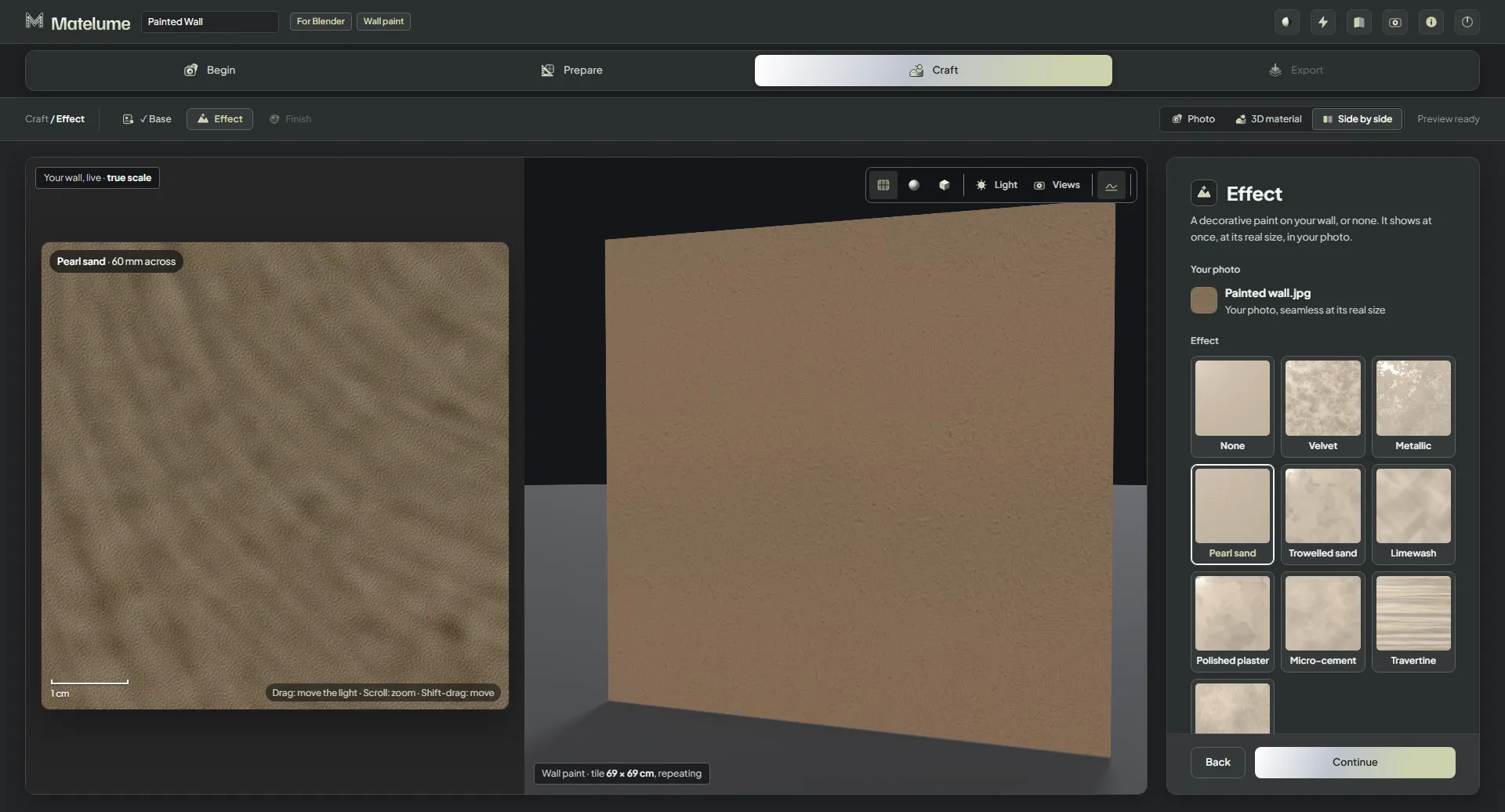
Strength and Scale
- Strength: how deep and how contrasted.
- Scale: how big each mark is. It goes down to 20 % (25 % for Polished plaster).
Both change the exported maps, not only the view. The colour stays yours: the effect lightens or darkens it a little, as the real paint does.
Wall and tile width
Some looks have their own options: Limewash, for example, goes on a Smooth wall or a Plaster wall. Under Real size, Tile width sets how wide one tile is. One tile repeats over the wall: every mark keeps its real size, and the tile only sets how often the pattern repeats.
Finish
The Finish step sets how much the paint shines, from matte to gloss. The close-up and the 3D view change at once.
Some looks bring their own finish: with Limewash you choose Soft or Bold clouds, and Polished plaster has its own sheen.
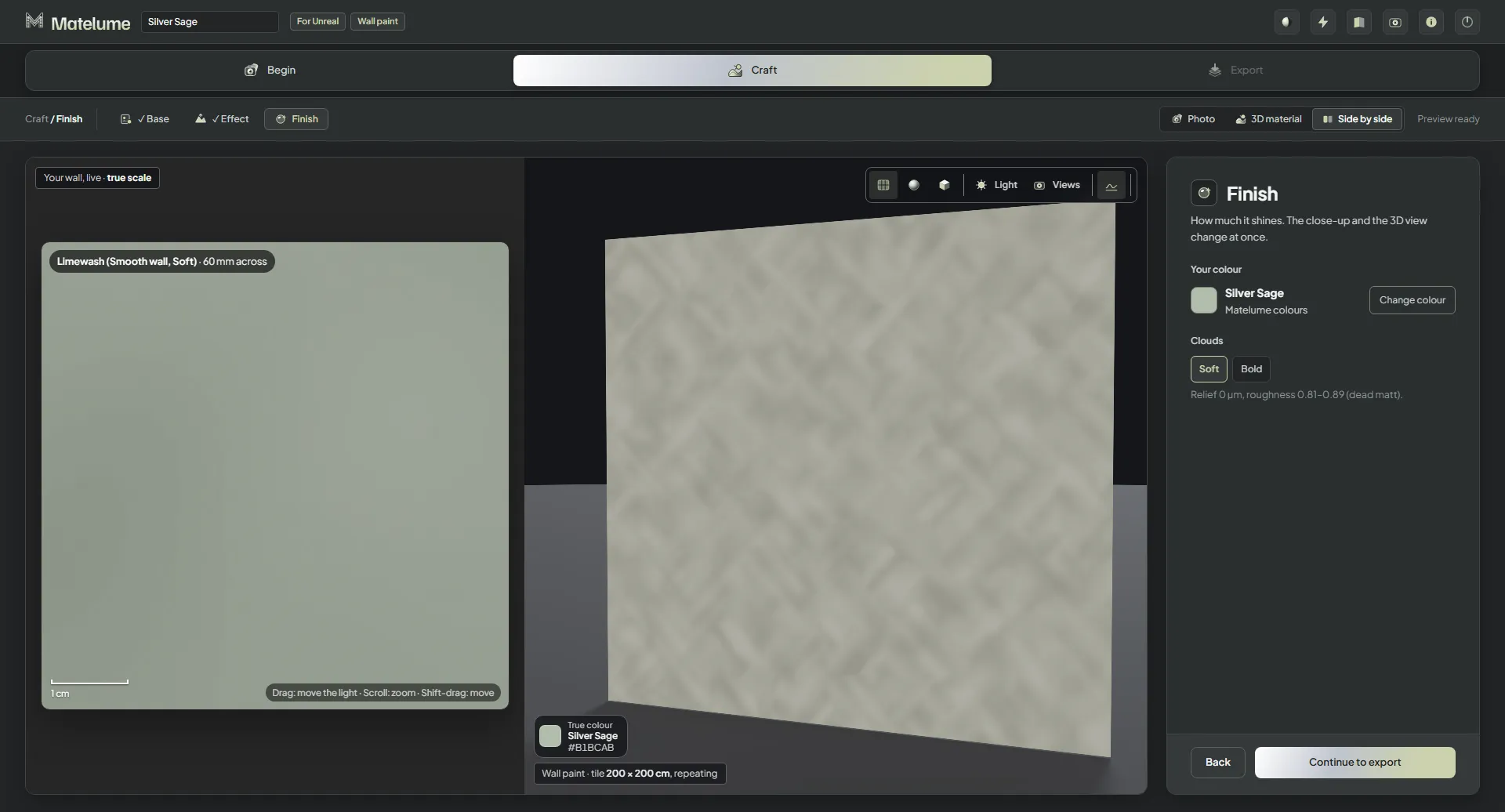
Click Continue to export when you are done.