Metal
Imperfections
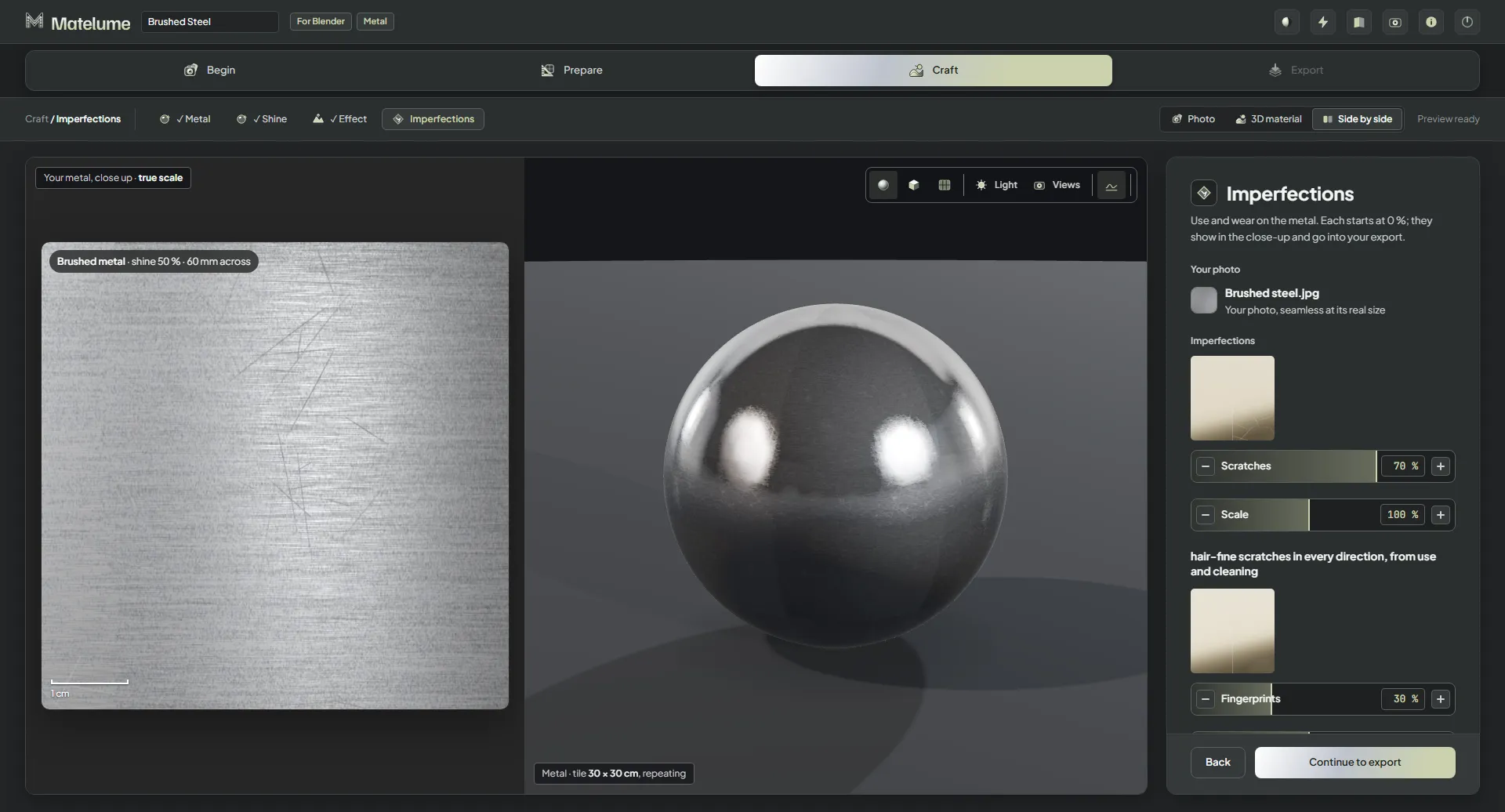
Add the wear of use: scratches, fingerprints and small dents.
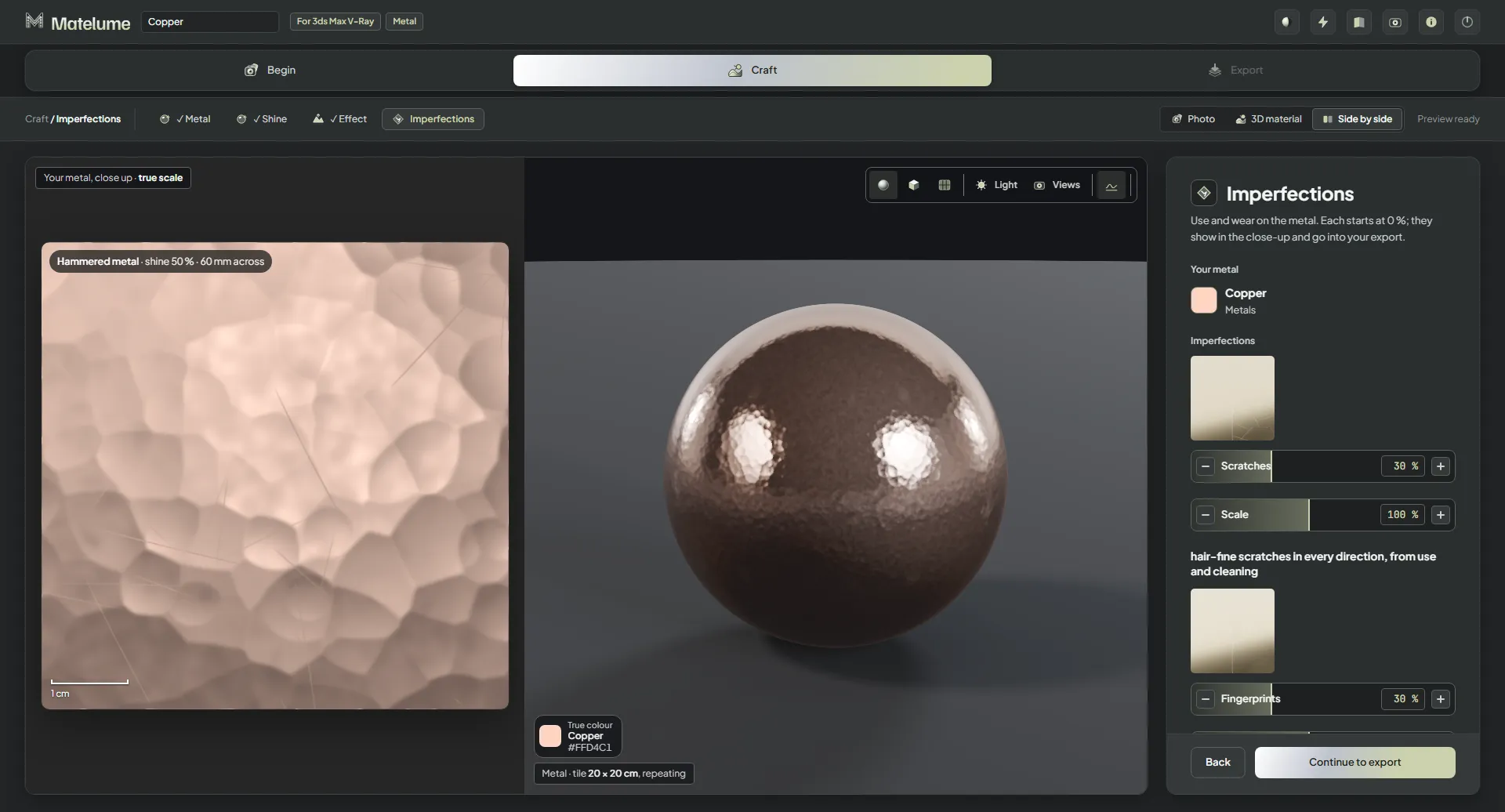
Add wear
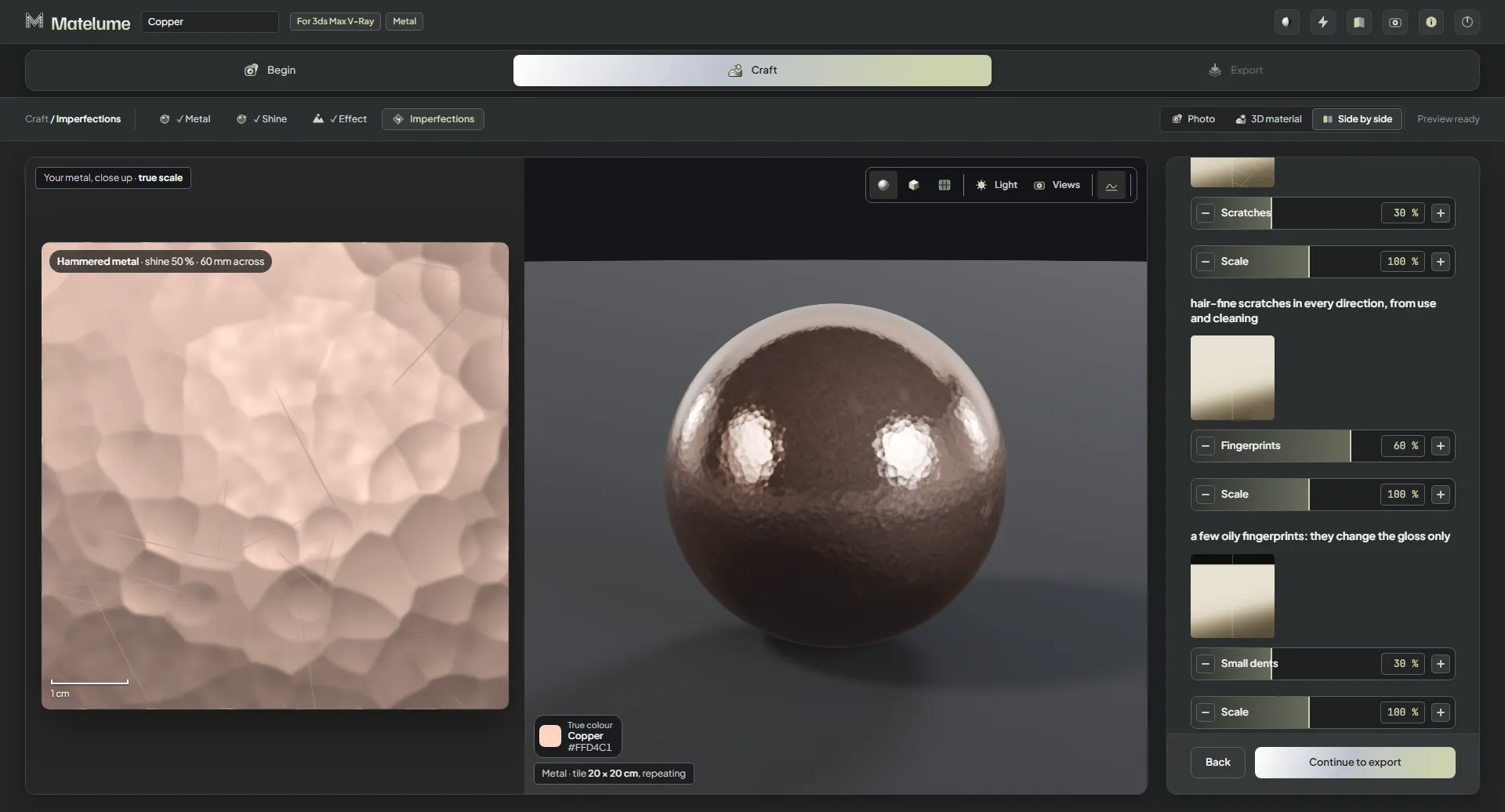
- On the Imperfections step, drag Scratches, Fingerprints or Small dents up from 0 %.
- Set each one's Scale.
- Check the close-up: the marks show there and go into your export.
- Click Continue to export.
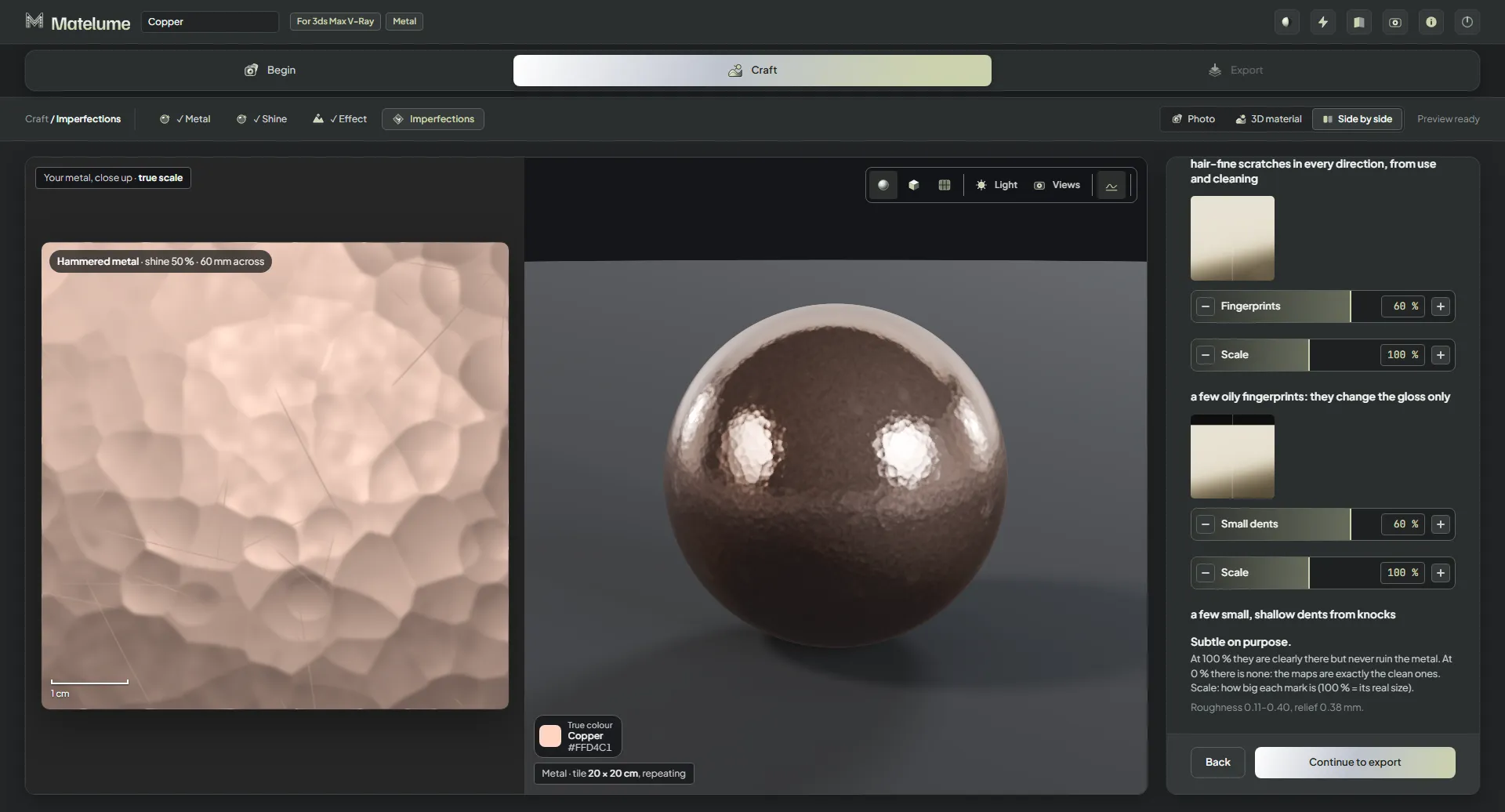
Each imperfection starts at 0 %. At 0 % there is none, and the maps are exactly the clean ones.
What each one does
- Scratches: hair-fine scratches in every direction, from use and cleaning.
- Fingerprints: a few oily fingerprints. They change the gloss only.
- Small dents: a few small, shallow dents from knocks.
They are subtle on purpose: at 100 % they are clearly there, but they never ruin the metal.