

Wall paint
Base
Pick the wall under your paint, then set how big, how dense and how high its texture is.
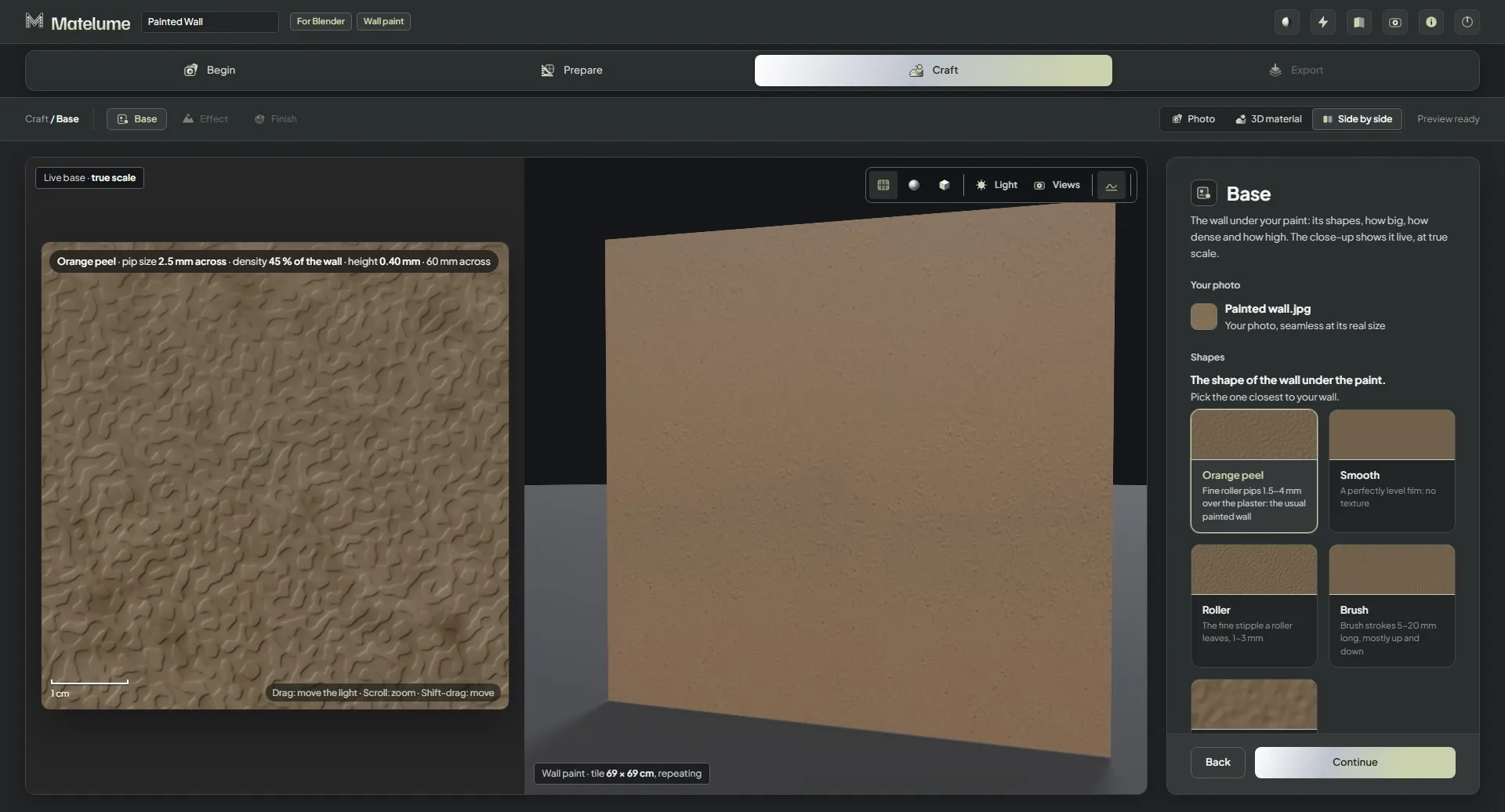
Pick the shape
- On the Base step, under Shapes, pick the one closest to your wall.
- Set that shape's sliders, such as Pip size, Density and Height for Orange peel. The close-up updates while you drag.
- Click Continue.
- Orange peel, the default: fine roller pips 1.5–4 mm over the plaster, the usual painted wall.
- Smooth: a perfectly level film, with no texture.
- Roller: the fine stipple a roller leaves, 1–3 mm.
- Brush: brush strokes 5–20 mm long, mostly up and down.
- Light plaster: gentle waves 2–10 cm under the paint, with a fine sandy feel.
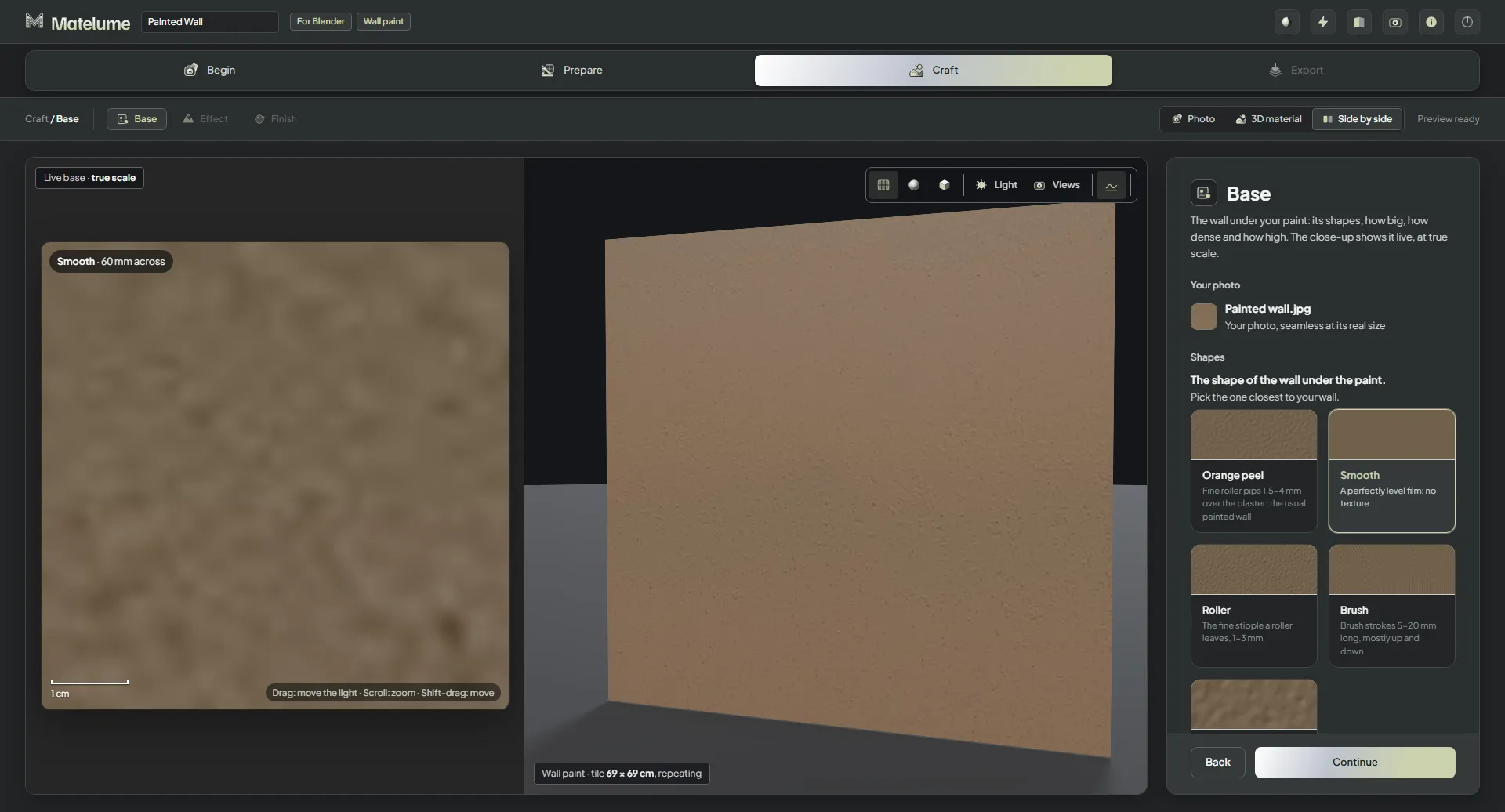
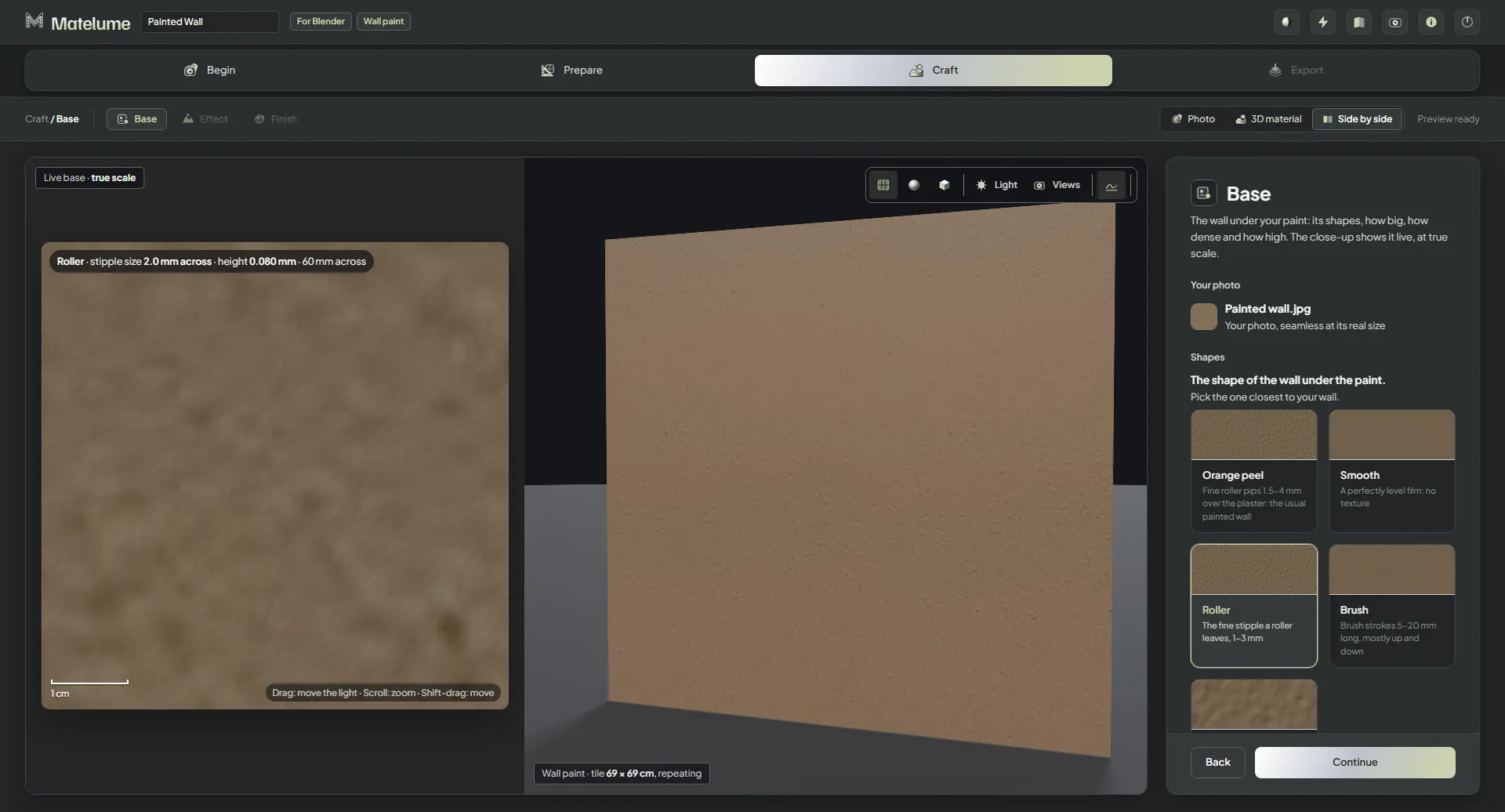
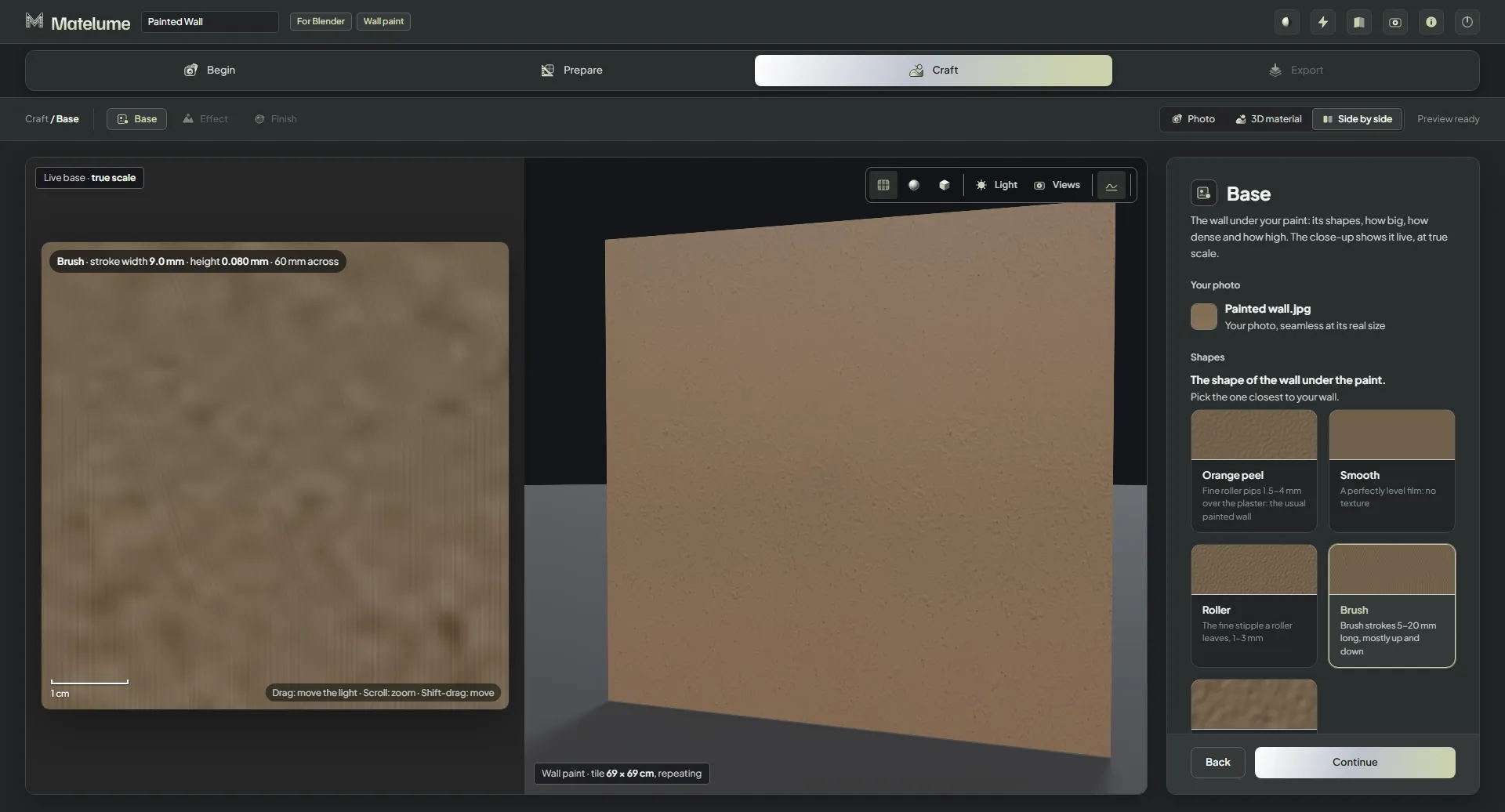
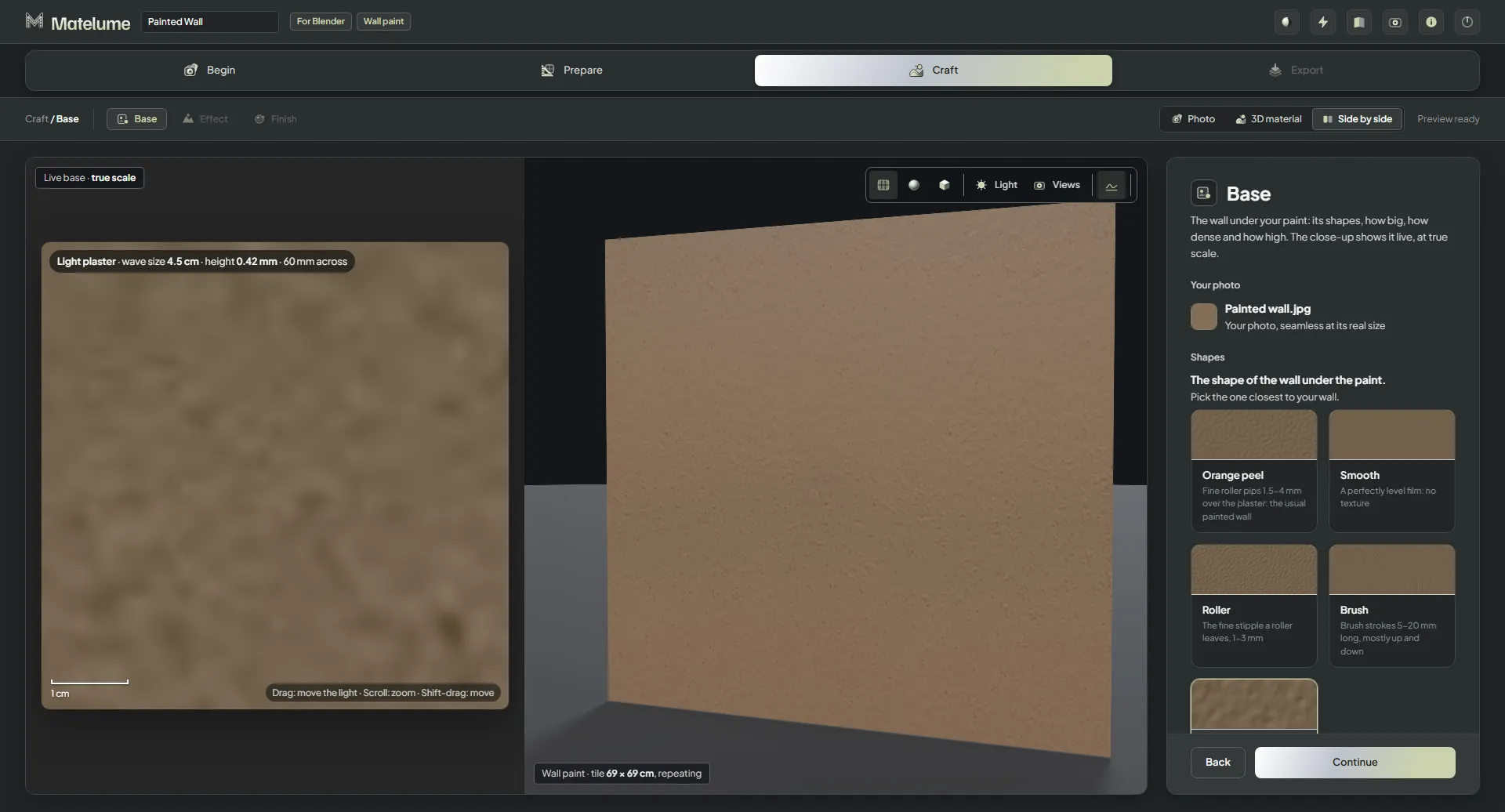
Size, density and height
- Size: how big the texture is. For Orange peel it is the Pip size, like a roller's nap: a short nap leaves small pips (about 1.5 mm), a long nap big ones (4 mm and more). For Light plaster it is the Wave size.
- Density: more pips cover more of the wall. A light roll leaves pips here and there; a heavy one covers nearly all of it.
- Height: how high the texture stands, in mm.
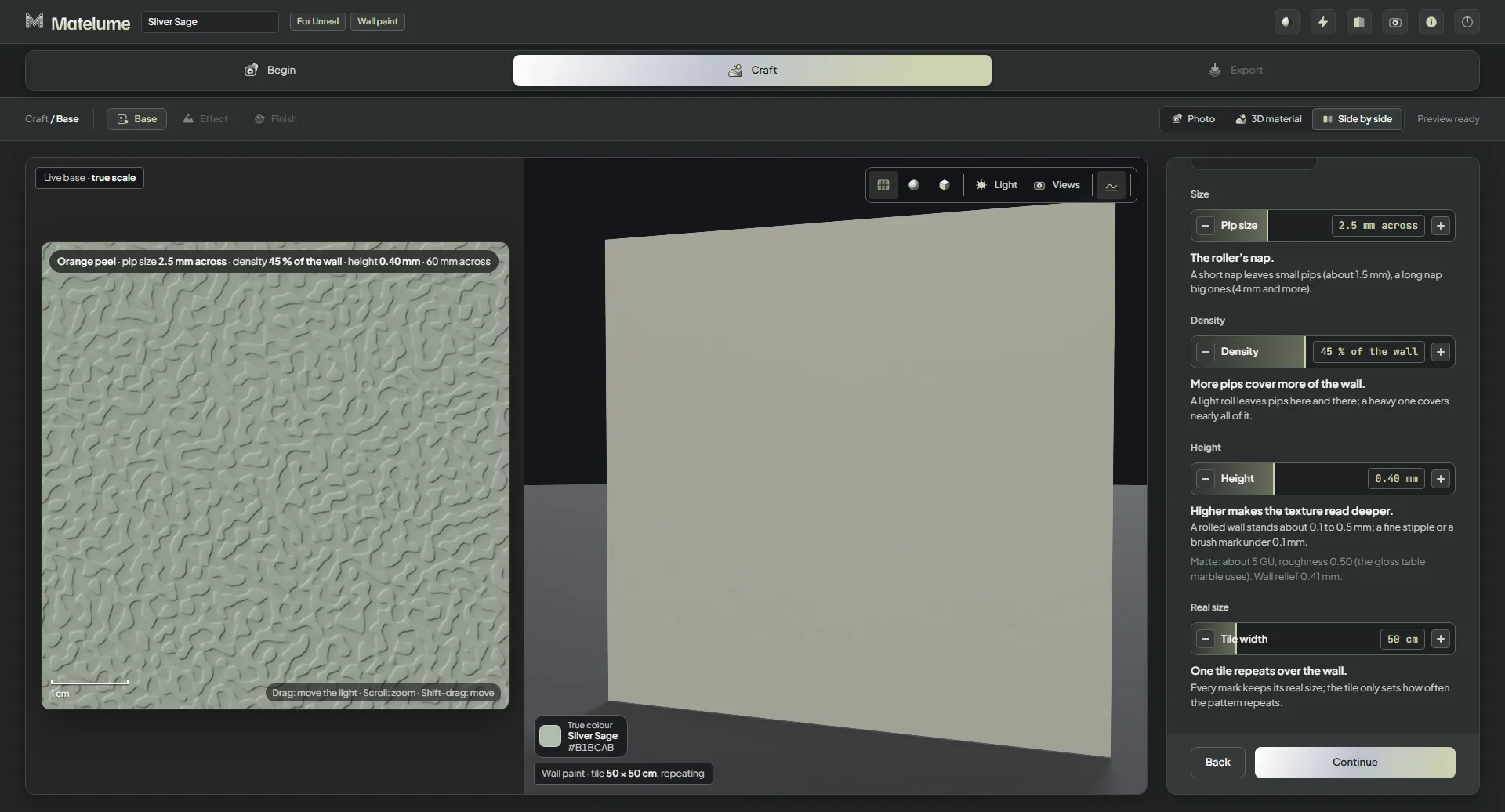
The close-up shows the base live, at true scale. Drag on it to move the light, scroll to zoom and Shift-drag to move.
Started from a colour? To try another one, click Change colour.